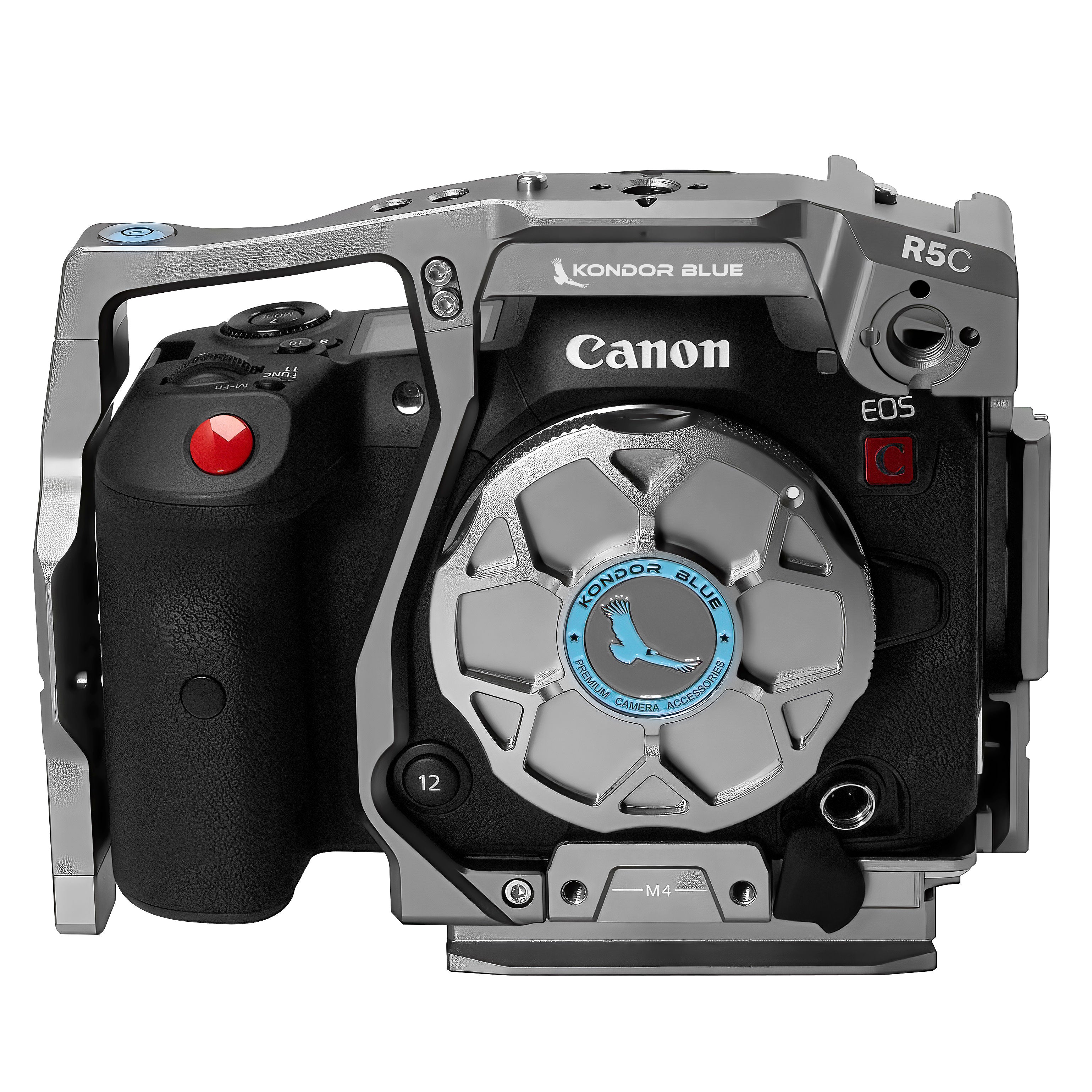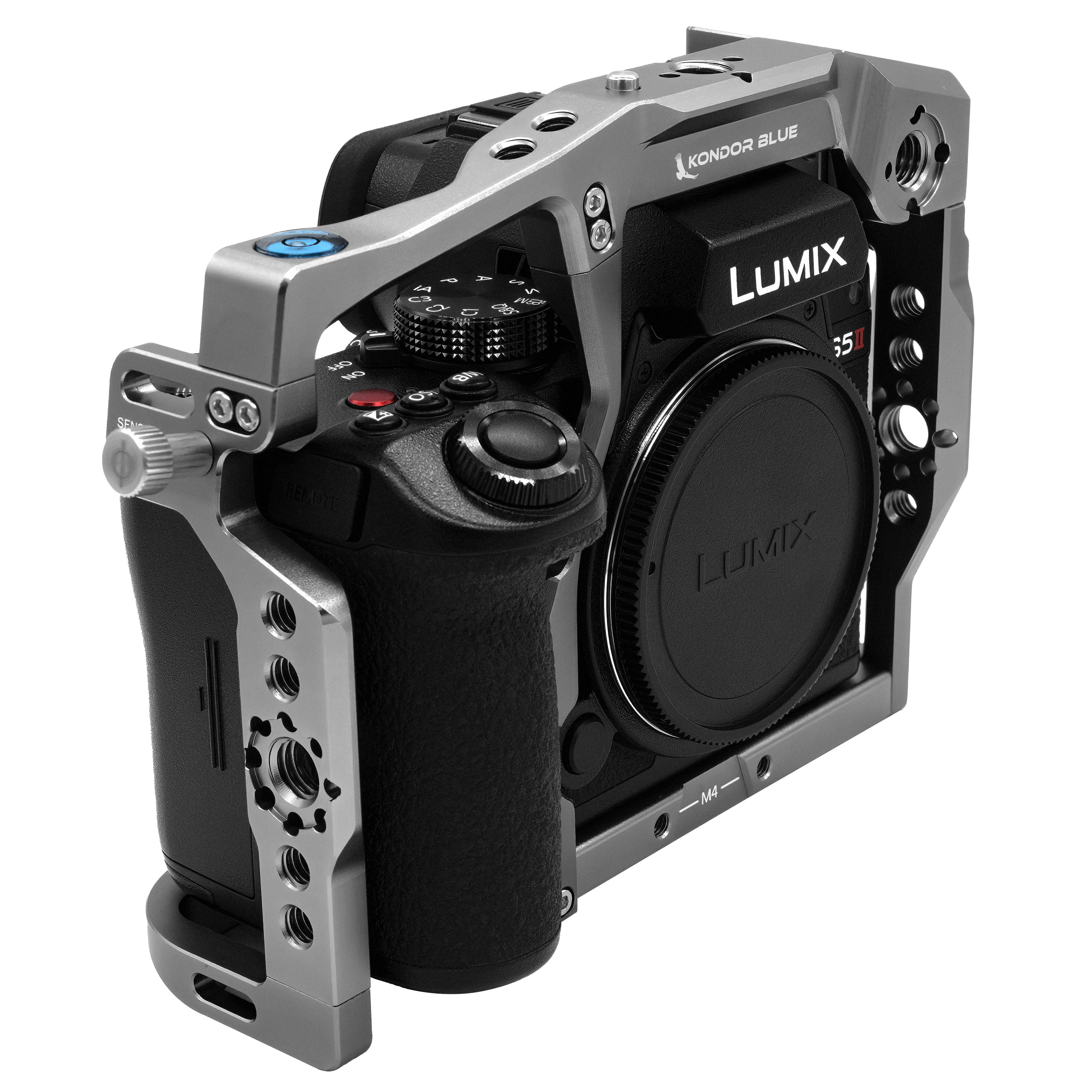


Modern cameras are smaller, lighter, and more powerful than ever — but once you start adding monitors, handles, power, audio, cables, and mounting accessories, the body alone usually is not enough.
That is where a camera cage becomes the foundation of the rig.
Looking for your specific camera body? Explore Kondor Blue camera cages by camera model, including Sony, Canon, Blackmagic, Nikon, Panasonic, RED, and more.
A well-built cage gives your camera more mounting points, better protection, cleaner cable management, and a more stable platform for production accessories. Whether you are building out a compact Sony FX3 setup, a Canon C50 production rig, a box-style Blackmagic PYXIS system, or a Nikon ZR handheld build, the right cage helps your camera work the way you need it to on set.
Why a Camera Cage Matters
A camera cage is not just about protection. It is about making your camera easier to rig, faster to adjust, and safer to use with production accessories.
Most camera bodies only have a few native mounting points. Once you add a top handle, monitor, microphone, wireless video system, battery plate, or follow focus, those limited mounting points can become a problem. A cage spreads those accessories across a stronger frame instead of putting all the stress on the camera body.
A good cage setup helps you:
- Add handles, monitors, and accessories without crowding the camera body
- Protect ports with cable clamps and cleaner cable routing
- Keep your rig balanced for handheld, tripod, or gimbal work
- Use NATO rails, ARRI-style mounts, and 1/4”-20 points for faster setup changes
- Maintain access to important controls, ports, screens, and battery doors
For filmmakers, content creators, and production crews, a cage turns a camera body into a more complete working system.
How to Choose the Right Camera Cage Setup
The best cage depends on how you use your camera. A handheld documentary build has different needs than a studio interview setup, a gimbal rig, or a full cinema configuration.
Before choosing a cage, think through four things:
1. Mounting Points
Look for a cage with multiple 1/4”-20, 3/8”-16, ARRI-style anti-twist, cold shoe, and NATO mounting options. These give you flexibility for monitors, handles, microphones, wireless systems, and other accessories.
2. Anti-Twist Stability
Anti-twist mounts help keep accessories locked in place. This matters most for top handles, monitor mounts, side handles, and anything that takes repeated pressure during handheld operation.
3. Port and Screen Access
A cage should add mounting options without blocking the camera’s most important features. Make sure the cage keeps your media, battery, ports, screen, and controls accessible.
4. Workflow Flexibility
The best setups let you move quickly between handheld, tripod, and gimbal work. Features like NATO rails, Arca-style plates, and modular side plates can help reduce rebuild time between setups.
Best Camera Cage Setups by Camera Body
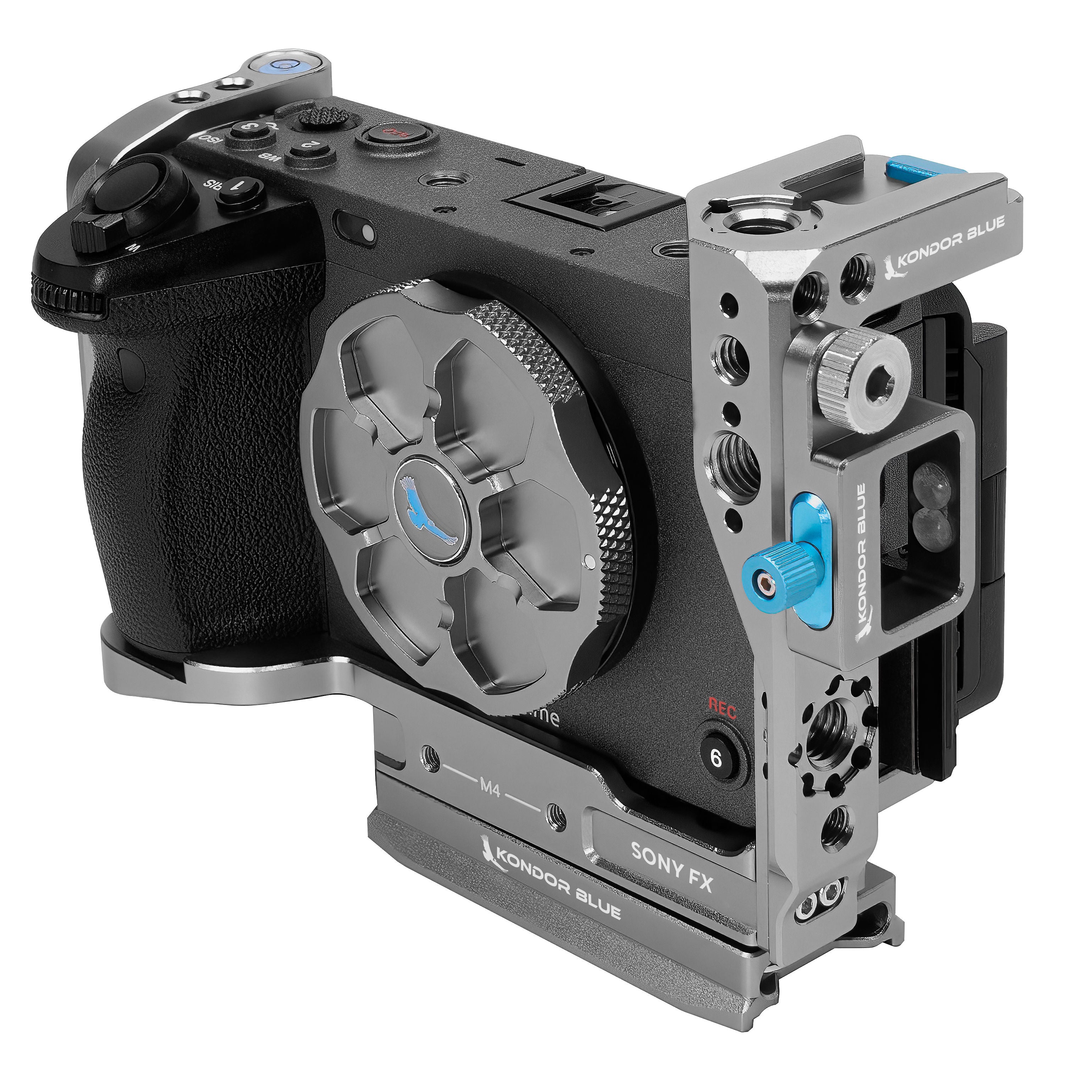
Sony FX3 / FX30 Cage Setup
The Sony FX3 and FX30 are popular because they are compact, capable, and easy to move between handheld, gimbal, and lightweight production builds. The challenge is giving the camera enough mounting options without making the rig bulky.
The Sony FX3/FX30 Hybrid Camera Cage is designed for that type of hybrid workflow. It gives the camera a more production-ready frame while keeping the setup compact enough for creators who need to move quickly.
This cage setup is ideal for:
- Handheld shooting
- Gimbal builds
- Run-and-gun production
- Monitor and microphone mounting
- Compact commercial or creator rigs
Pair it with a top handle, monitor mount, cable clamp, and lightweight baseplate to build a rig that stays flexible without overcomplicating the camera.
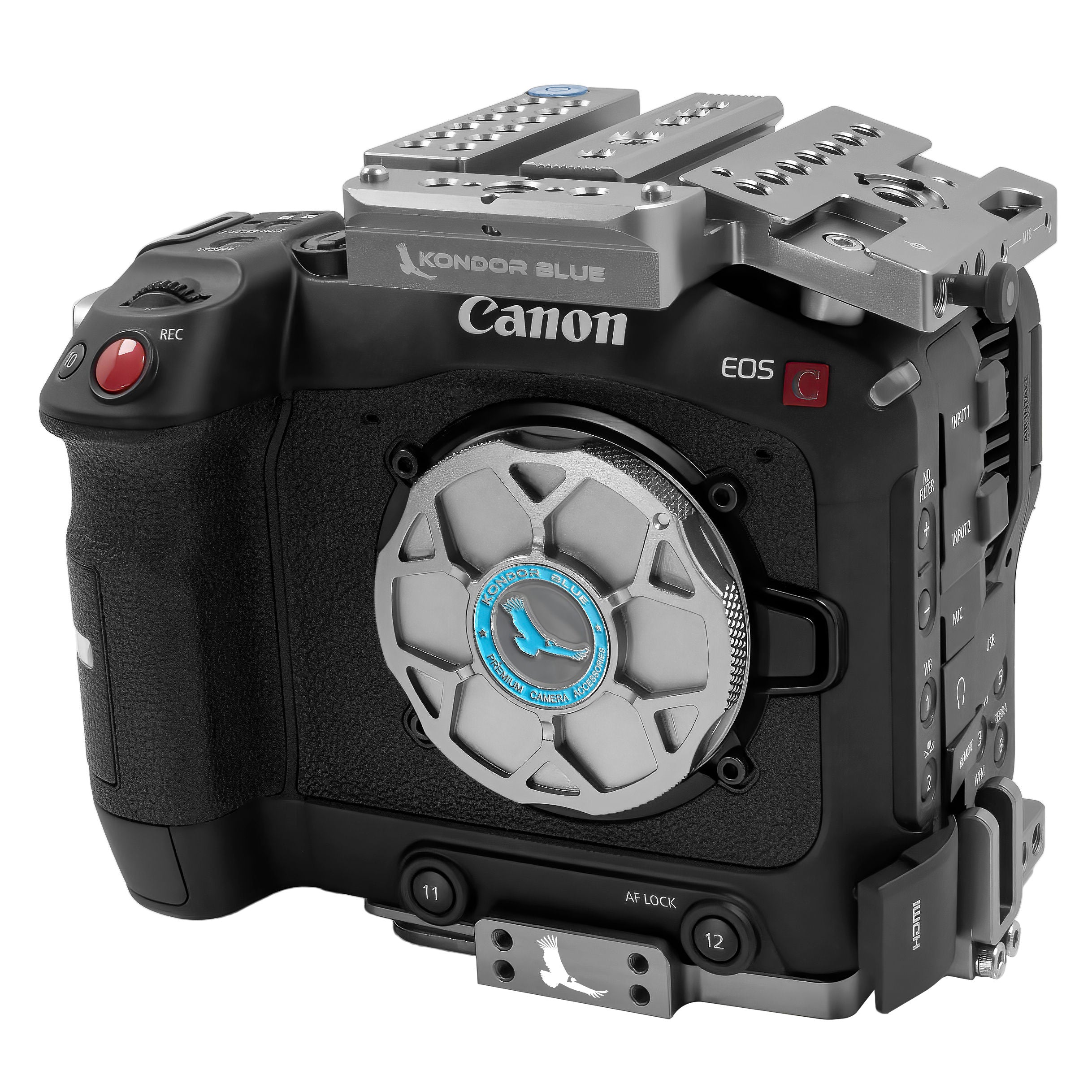
Canon C50 Cage Setup
The Canon C50 is built for compact cinema work, which makes a modular cage especially useful. The goal is to keep the camera streamlined while adding enough mounting points for a professional setup.
The Canon C50 Modular Camera Cage gives the C50 a stronger rigging foundation for accessories like monitors, handles, microphones, wireless systems, and power solutions.
This cage setup is ideal for:
- Compact cinema builds
- Interview setups
- Commercial production
- Handheld work
- Lightweight rigging setups
For most C50 users, the ideal build starts with the cage, then adds a top handle, side handle, monitor mount, and cable management. This keeps the camera clean while making it easier to work with on set.
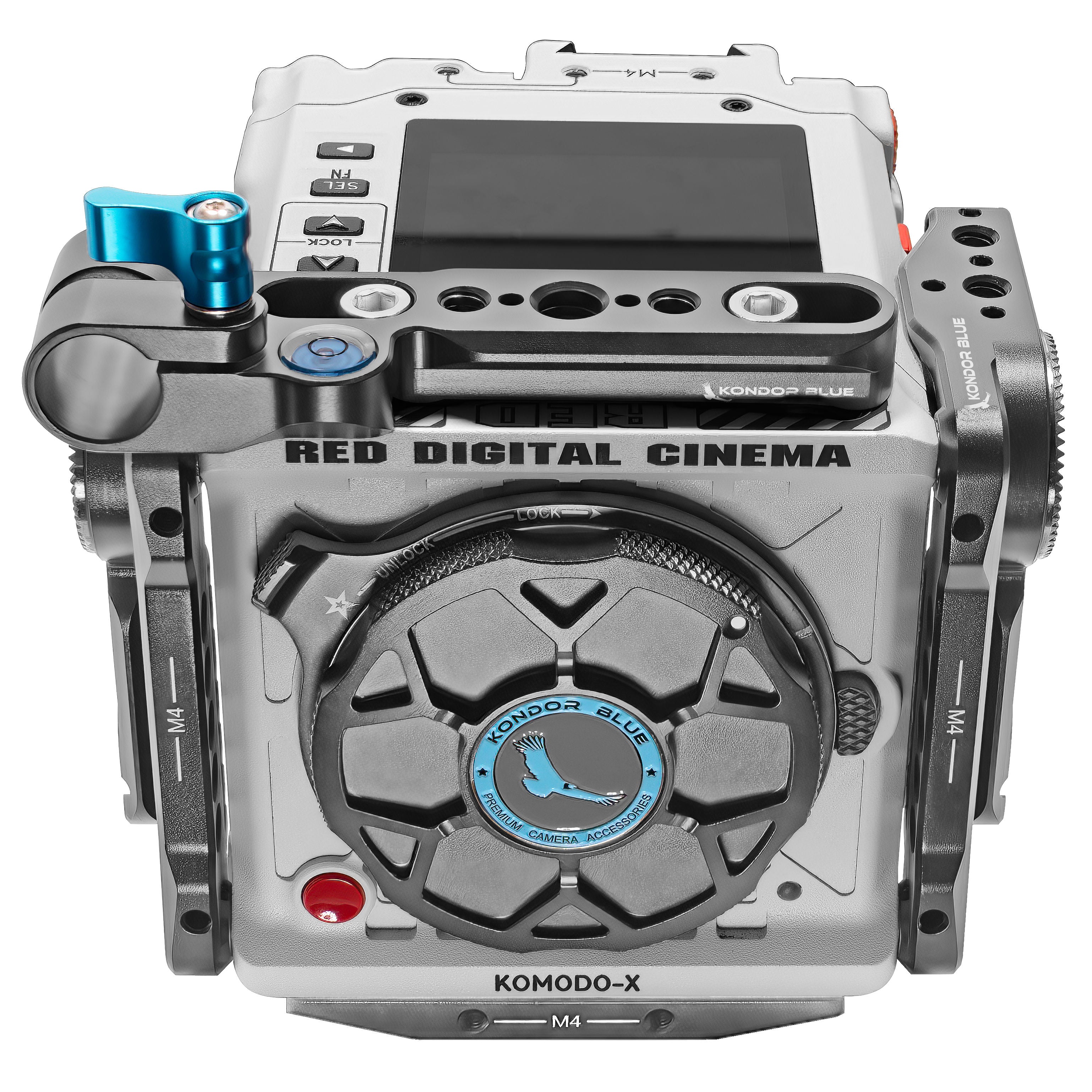
Blackmagic PYXIS Cage Setup
The Blackmagic PYXIS has a box-style design, which makes it highly modular but also dependent on the right rigging system. Because the camera body is built around flat surfaces, a cage system helps turn it into a more complete cinema platform.
The PYXIS 6K and 12K Cage System adds the structure needed to mount accessories across the top, sides, and base of the camera. This is especially useful for building out a larger production rig with monitoring, power, audio, and support accessories.
This cage setup is ideal for:
- Full cinema builds
- Studio and commercial production
- Shoulder rig configurations
- Monitor and wireless video setups
- Power-heavy camera builds
A strong PYXIS setup usually includes a top plate, baseplate, side mounting options, monitor mount, cable management, and a power solution. The cage gives you the flexibility to build the camera up or strip it down depending on the shoot.
Nikon ZR Cage Setup
The Nikon ZR is a compact camera with serious video potential, but its smaller body benefits from added ergonomics and mounting support. A cage helps create a more confident handheld setup while giving you the accessory points needed for production work.
The Nikon ZR Cage is especially useful because it improves the camera’s handling while adding mounting options for monitors, handles, cables, and accessories.
This cage setup is ideal for:
- Handheld shooting
- Creator rigs
- Lightweight production builds
- Compact documentary setups
- Monitor and handle setups
For the Nikon ZR, the cage is not just about adding accessories. It also helps improve the physical feel of the camera, making it easier to hold, rig, and operate during longer shoots.
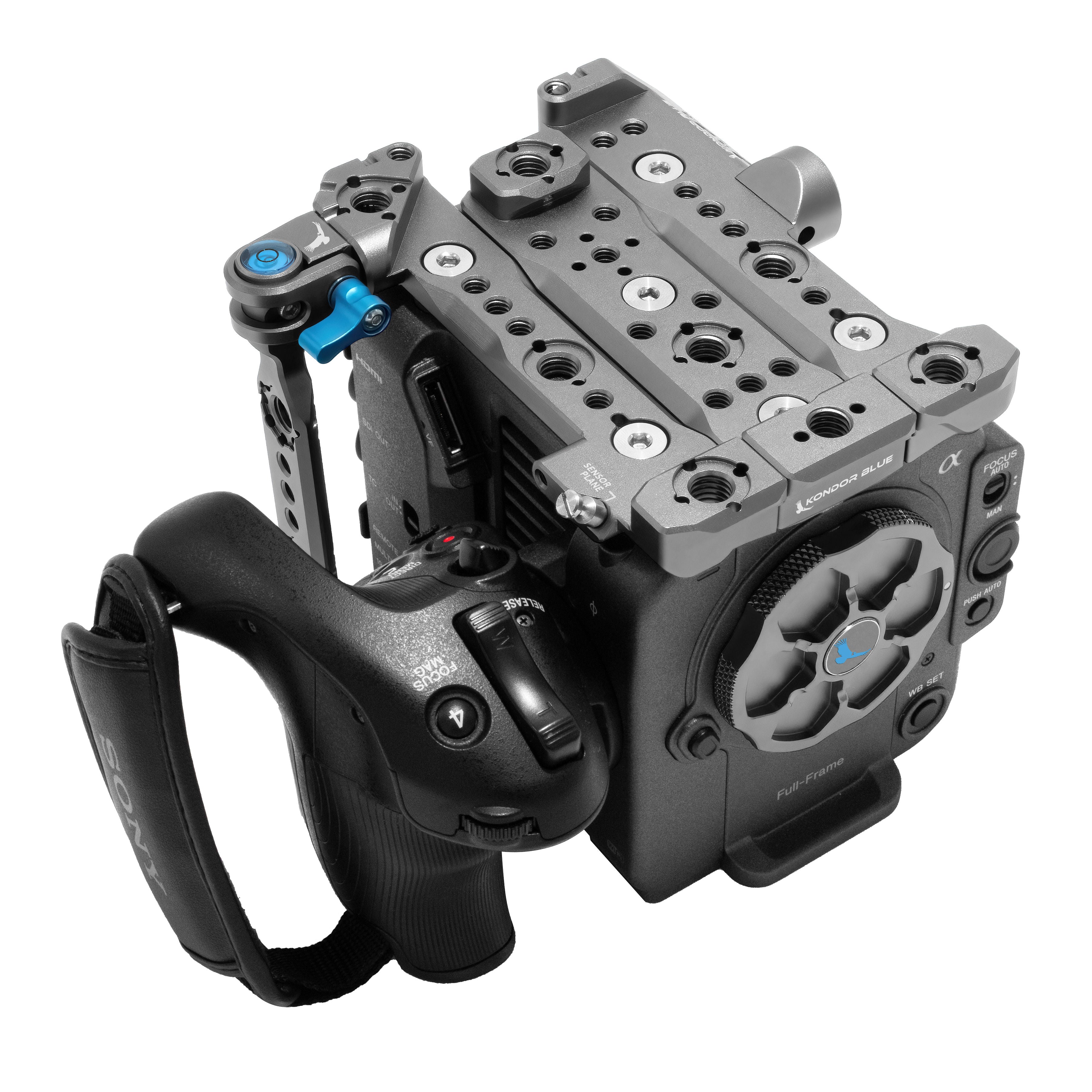
Sony FX2 Cage Setup
The Sony FX2 is another camera that benefits from a compact but expandable cage setup. For hybrid shooters, the goal is usually to keep the rig lightweight while still making room for a monitor, microphone, handle, and cable protection.
The Sony FX2 Hybrid Camera Cage gives the camera a stronger foundation for production accessories while maintaining a compact footprint.
This cage setup is ideal for:
- Hybrid photo/video creators
- Lightweight handheld rigs
- Gimbal-friendly setups
- Travel production
- Compact commercial shoots
A strong FX2 setup should focus on keeping the camera fast and flexible. Start with the cage, then add only the accessories you need for the shoot: a top handle, side grip, monitor mount, or cable clamp.
Essential Camera Cage Accessories
Once you have the right cage, the next step is building the rig around your workflow.
Top Handle
A top handle makes low-angle shooting, carrying, and repositioning easier. For handheld video work, it is one of the most useful cage accessories.
Side Handle
A side handle adds more stability and comfort, especially for handheld setups. It can also help balance the rig when using heavier lenses or accessories.
Monitor Mount
An external monitor gives you a better view for framing, focus, and exposure. Mounting it to the cage keeps it secure and positioned where you need it.
Cable Clamp
Cable clamps help protect HDMI, USB-C, and other ports from accidental pulls. This is especially important when using external monitors, recorders, or power accessories.
NATO Rail Accessories
NATO rails make it faster to add or remove handles, monitor mounts, and other accessories without rebuilding the entire rig.
Baseplate
A baseplate helps connect your camera to tripods, shoulder rigs, rails, or gimbals. Depending on your workflow, Arca-style or quick-release options can make setup changes much faster.
Camera Cage Setup Checklist
Before taking your rig on set, check the basics:
- Make sure the cage is fully secured to the camera body
- Confirm anti-twist pins are engaged where available
- Check that the battery door, ports, and screen still move freely
- Mount handles and monitors to the cage, not directly to weak camera points
- Secure HDMI, USB-C, SDI, or power cables with clamps when possible
- Balance the rig before handheld or gimbal use
- Remove unnecessary accessories if you need a lighter setup
A good cage setup should make your camera easier to work with, not harder.
Frequently Asked Questions
Do I really need a camera cage?
If you are only shooting casually with the camera body and a lens, maybe not. But if you are adding a monitor, handle, microphone, battery plate, wireless system, or cable accessories, a cage quickly becomes one of the most useful upgrades you can make.
Does a camera cage protect the camera?
Yes, but protection is only part of the benefit. A cage also gives you more secure mounting points, better accessory placement, and a stronger frame for production use.
Will a cage make my setup too heavy?
A cage does add some weight, but it can also make the camera easier to hold and balance. The key is choosing a cage setup that matches your workflow instead of adding every accessory at once.
What accessories should I add first?
For most camera cage setups, start with a top handle, monitor mount, and cable clamp. From there, add a side handle, baseplate, power solution, or rails depending on how you shoot.
What is the difference between a full cage and a modular cage?
A full cage gives you maximum mounting options and protection. A modular cage lets you add or remove parts depending on the shoot, which is useful when switching between handheld, tripod, gimbal, and travel setups.
Build the Right Camera Cage Setup for Your Workflow
The best camera cage is the one that makes your camera easier to use on set. Whether you are building a Sony FX3 handheld rig, a Canon C50 production setup, a Blackmagic PYXIS cinema build, a Nikon ZR creator rig, or a Sony FX2 hybrid setup, the right cage gives you a stronger foundation for the way you actually shoot.
Explore Kondor Blue camera cages by camera body to build a cleaner, stronger, and more flexible rig for your next production.