

The Canon C50 is built to stay compact, but most filmmakers will still need a few key accessories to make it easier to shoot with in real production environments. A good Canon C50 rig should improve handling, protect important connection points, support audio and monitoring, and give you enough mounting options without turning the camera into an oversized build.
This guide breaks down what to add first, what each accessory solves, and how to build a Canon C50 setup for handheld, documentary, commercial, and run-and-gun work.
Quick answer: the essential Canon C50 accessories
A practical Canon C50 rig usually starts with:
| Accessory | Why it matters |
|---|---|
| Camera cage | Adds mounting points and protects the camera body |
| Top handle / rail | Improves handheld control and accessory mounting |
| XLR bracket | Supports cleaner audio module mounting |
| Side handle | Adds stability for handheld shooting |
| Baseplate | Helps balance the camera on tripods, shoulder rigs, or larger builds |
| Monitor mount | Adds a better viewing position for framing and focus |
| RF body cap | Protects the camera mount when no lens is attached |
| Production cables | Helps connect monitors, power, or accessories cleanly |
If you are building from scratch, start with the cage, then add handling, monitoring, audio support, and power/cable accessories based on how you shoot.
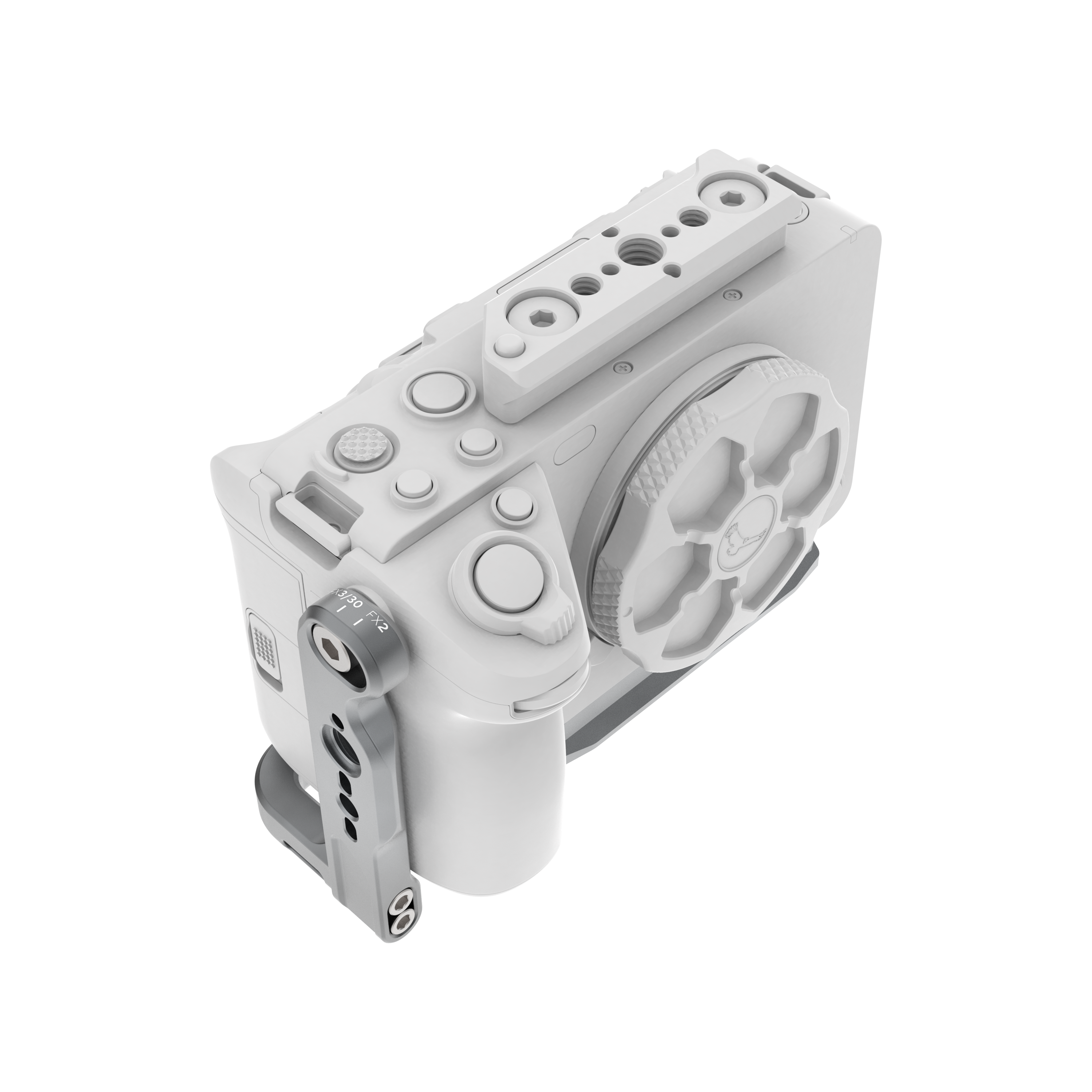
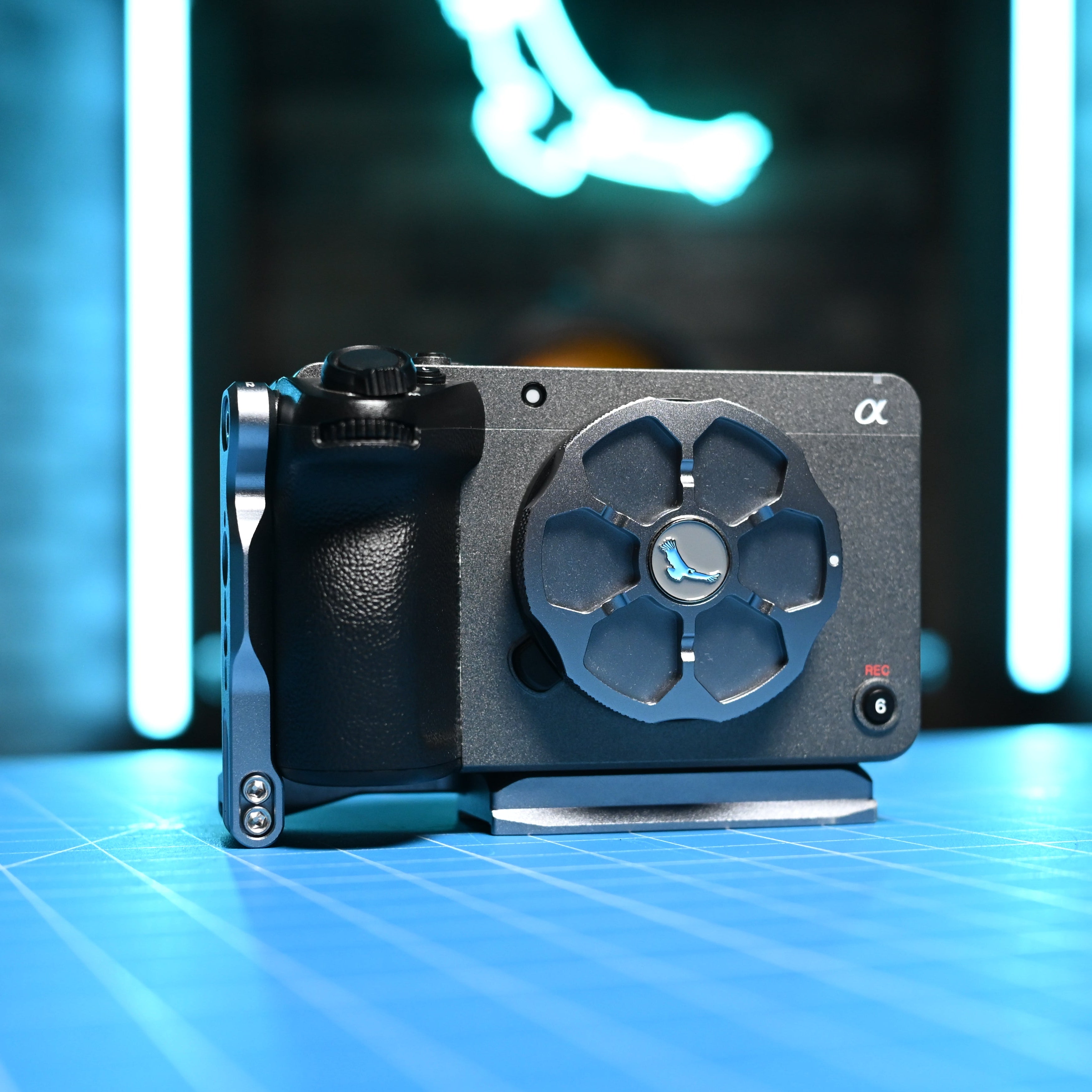
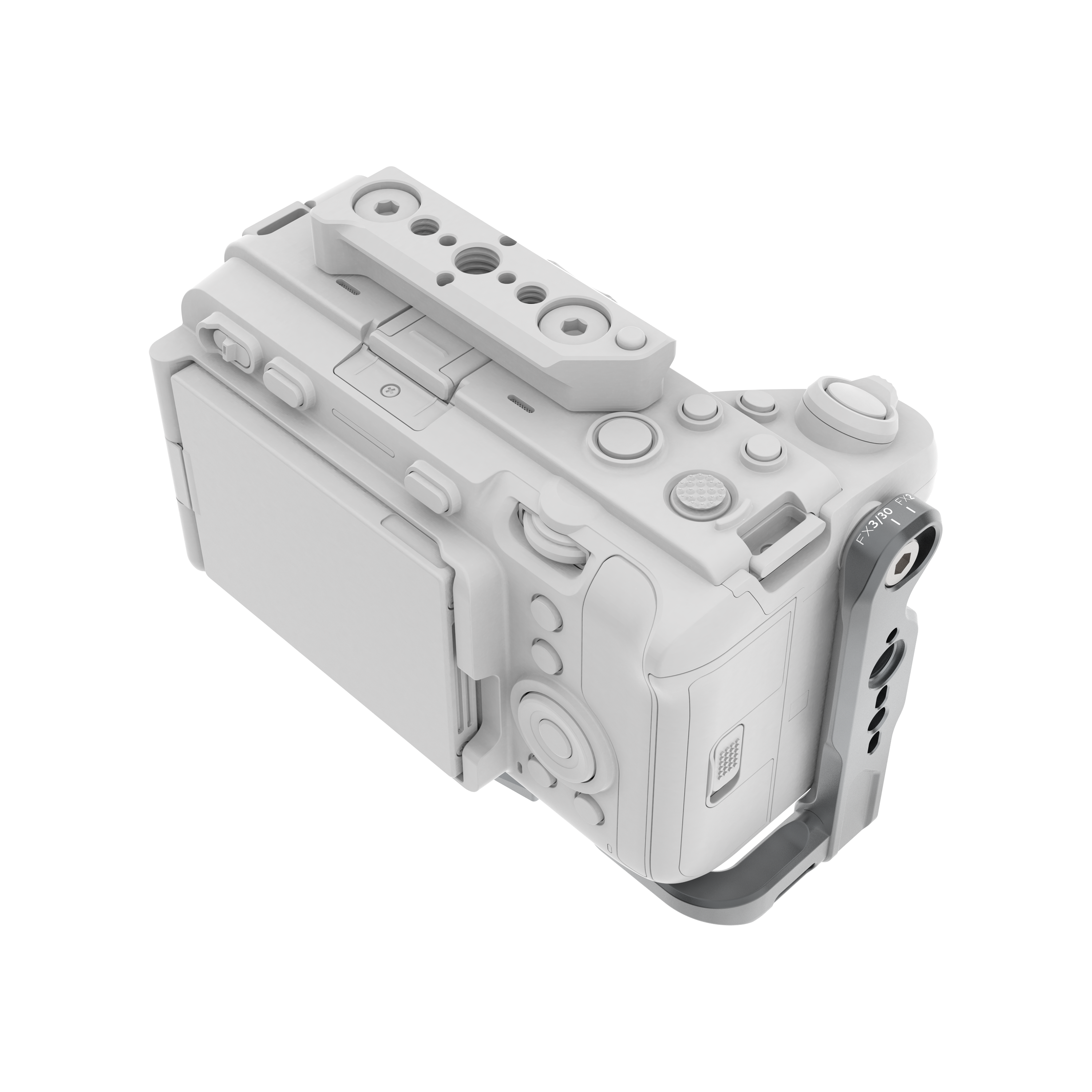
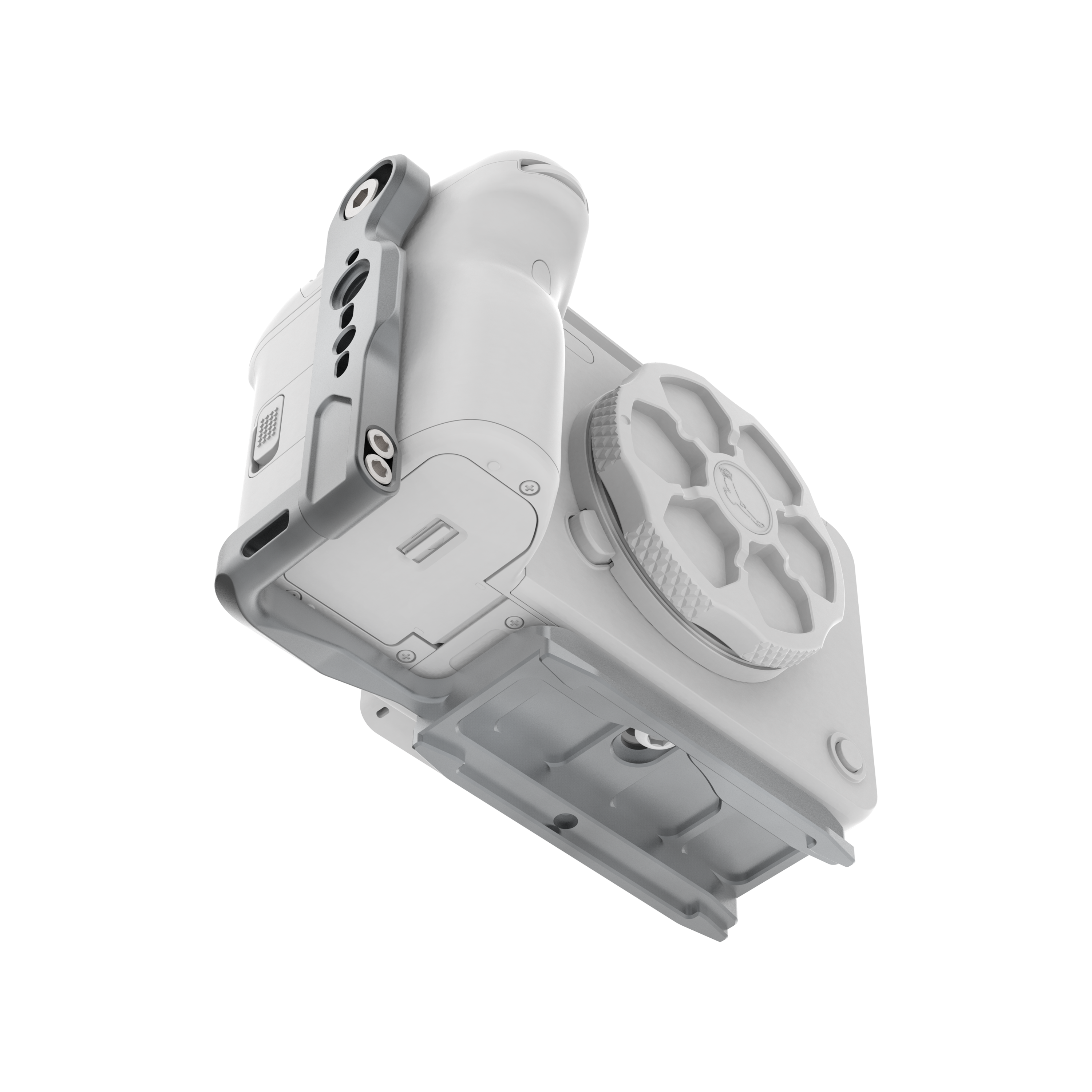
Start with the Canon C50 cage
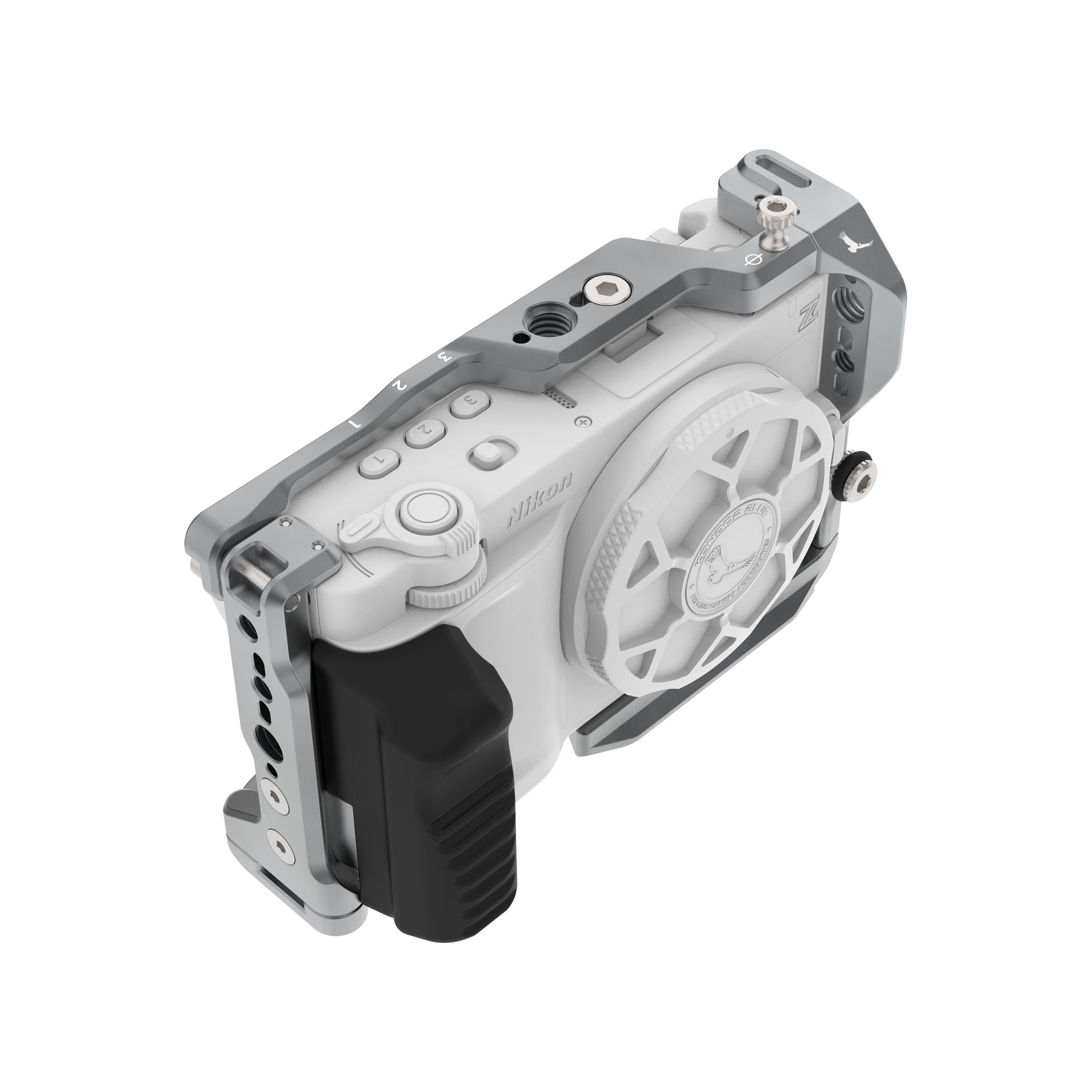
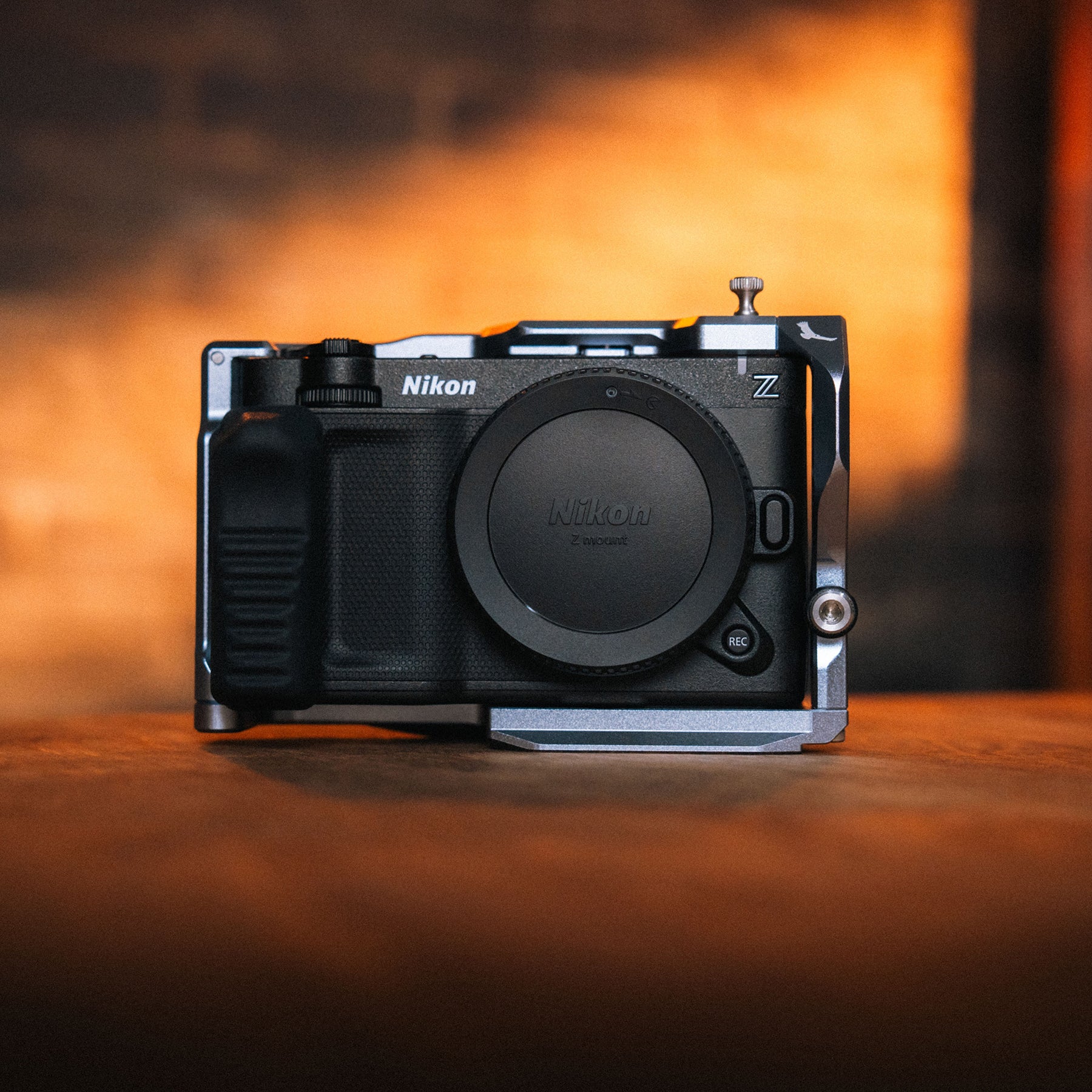
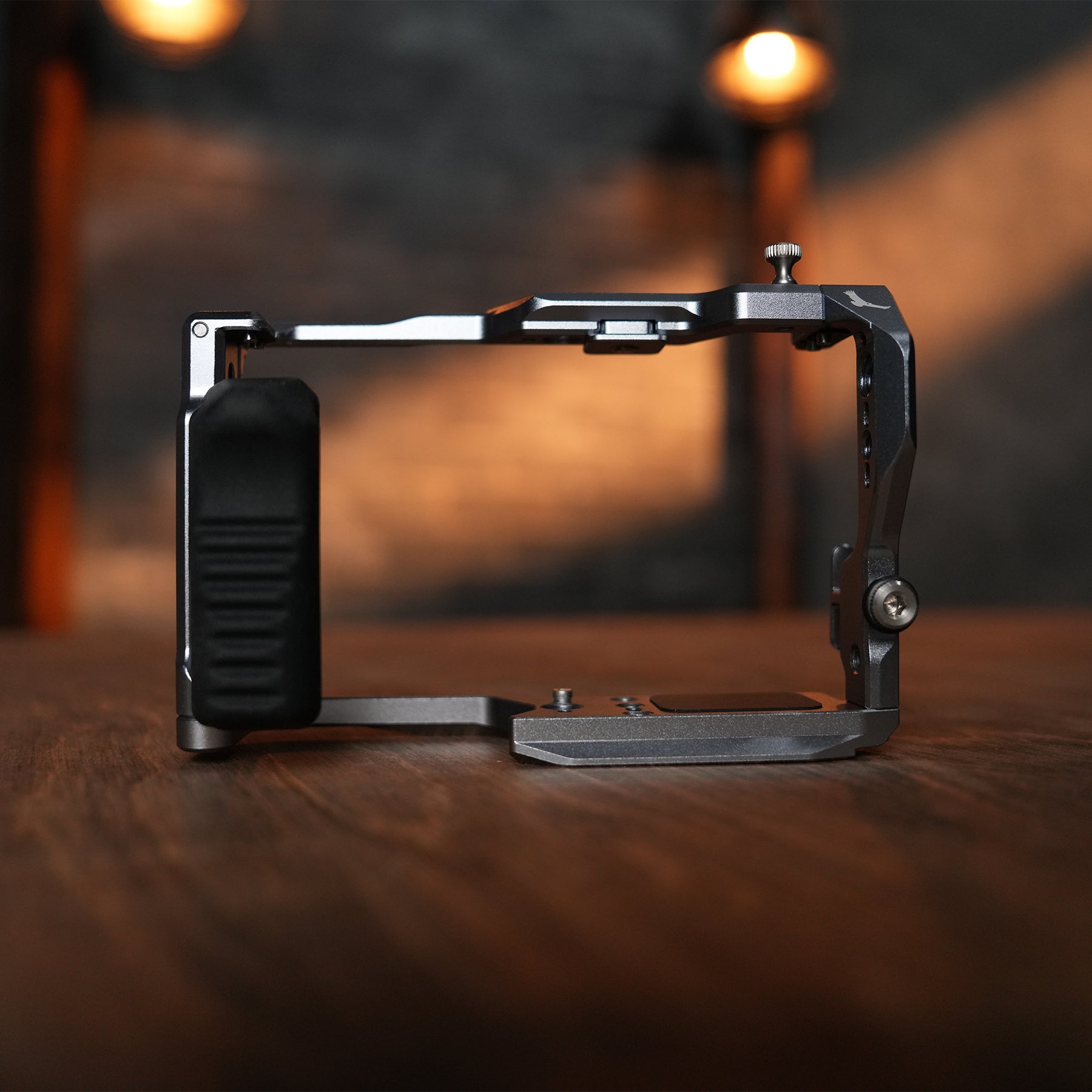
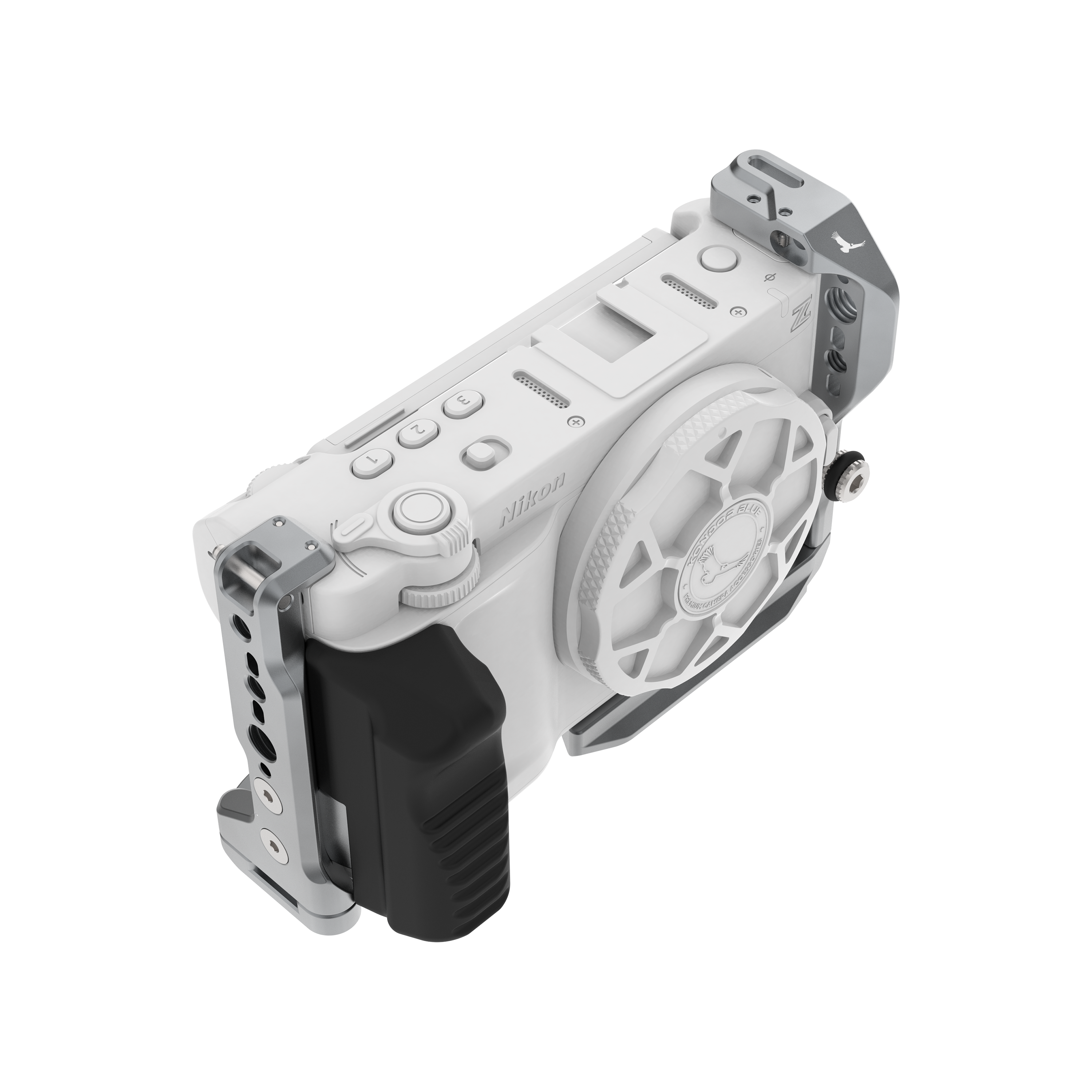
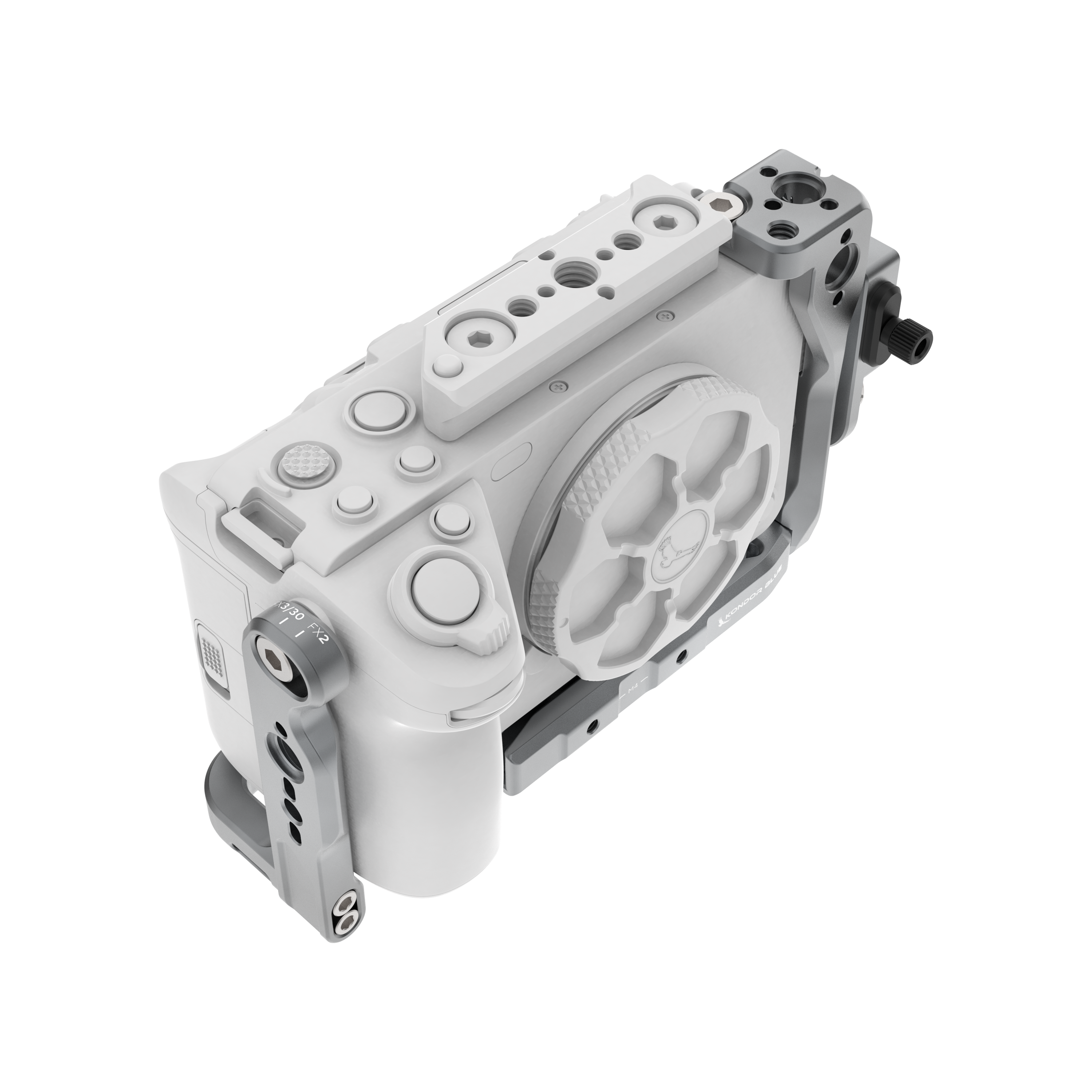
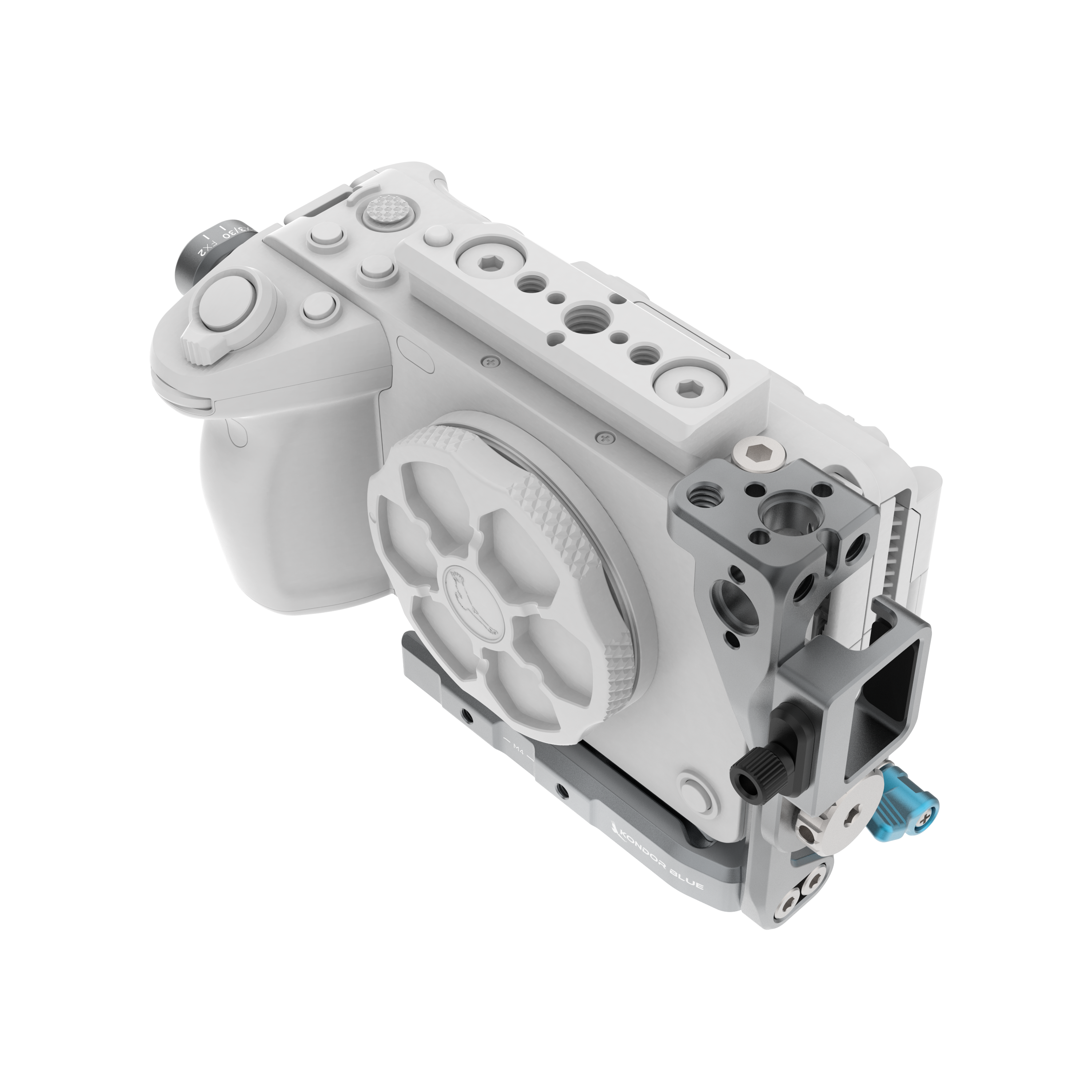
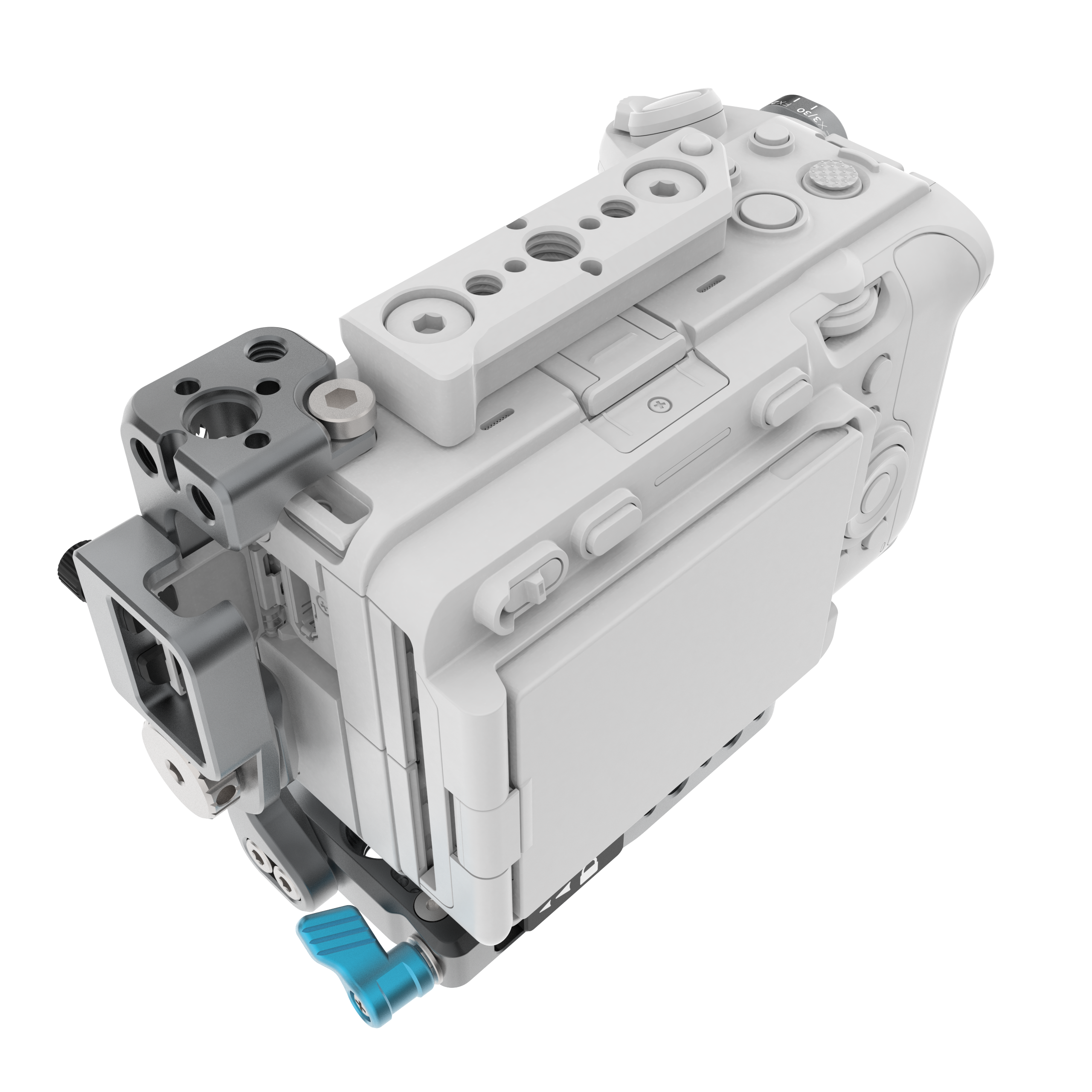
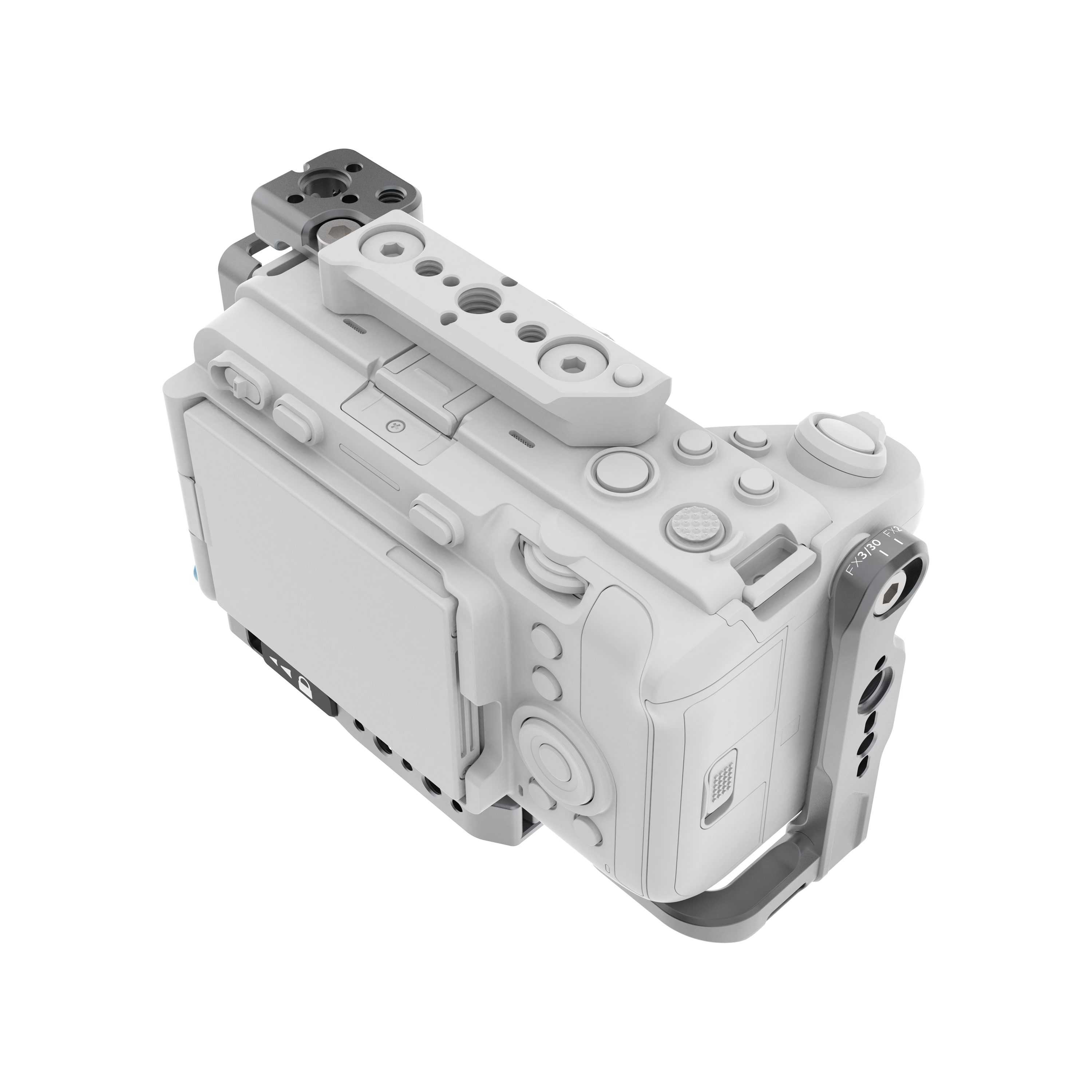
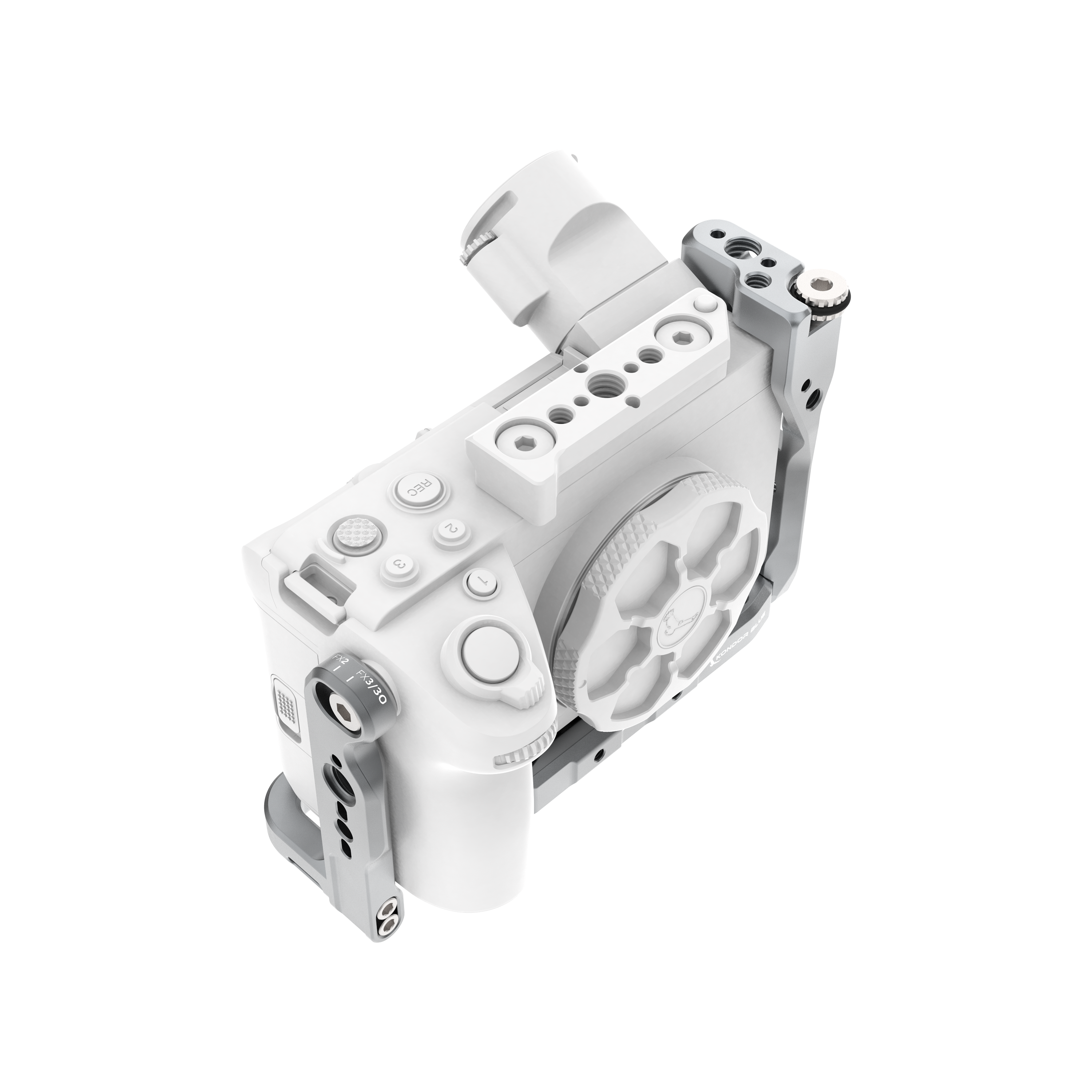
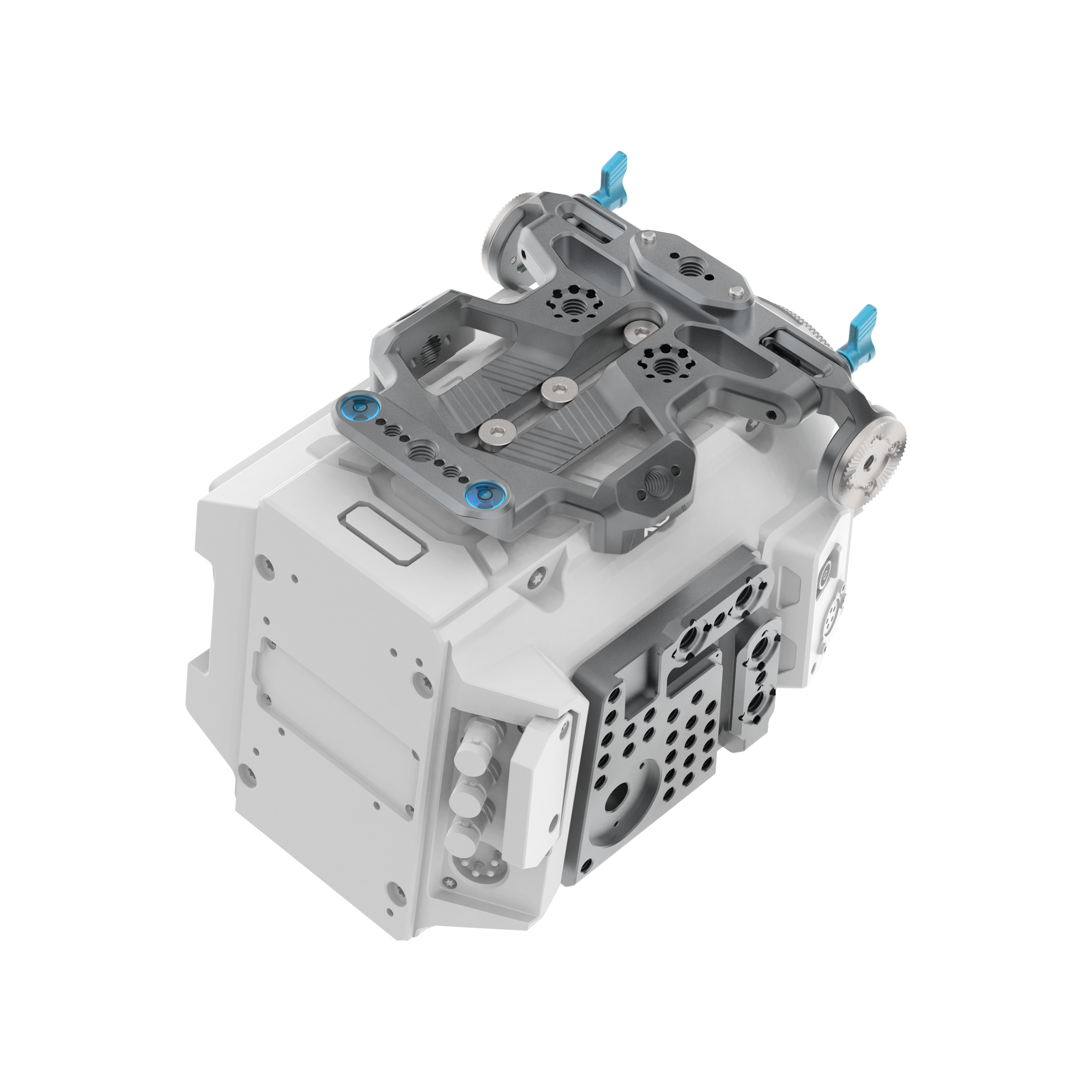
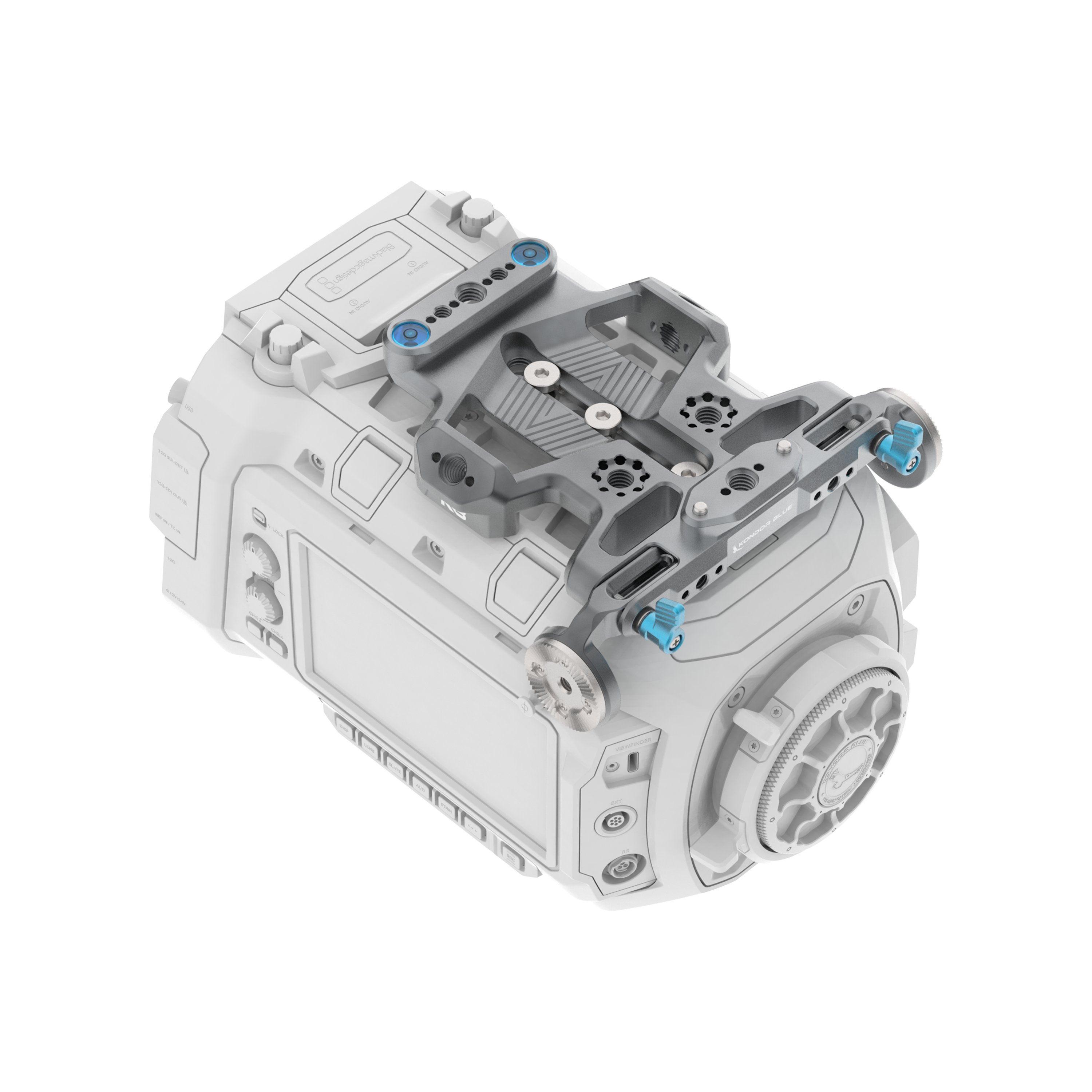
The first accessory most C50 shooters should consider is a camera cage. The C50’s compact body is a strength, but once you start adding a monitor, microphone, wireless transmitter, top handle, or power cable, you need more secure mounting points than the bare camera body provides.
The KONDOR BLUE Canon C50 Cage gives the camera a modular foundation for building a more complete video rig. It is the piece that lets the rest of the setup make sense.
Why add a cage to the Canon C50?
| Cage benefit | Why it helps on set |
|---|---|
| More mounting points | Add handles, monitor mounts, mics, wireless video, and accessories |
| Anti-twist mounts | Helps prevent accessories from rotating loose |
| Better handheld setup | Gives the camera more structure for rigging |
| Modular build options | Keep it minimal or build it out for larger shoots |
| Accessory ecosystem | Makes it easier to pair the C50 with handles, rails, baseplates, and mounts |
For most users, the cage is not about making the camera bigger. It is about making the C50 easier to configure for the way you actually shoot.
Add a top handle for handheld control
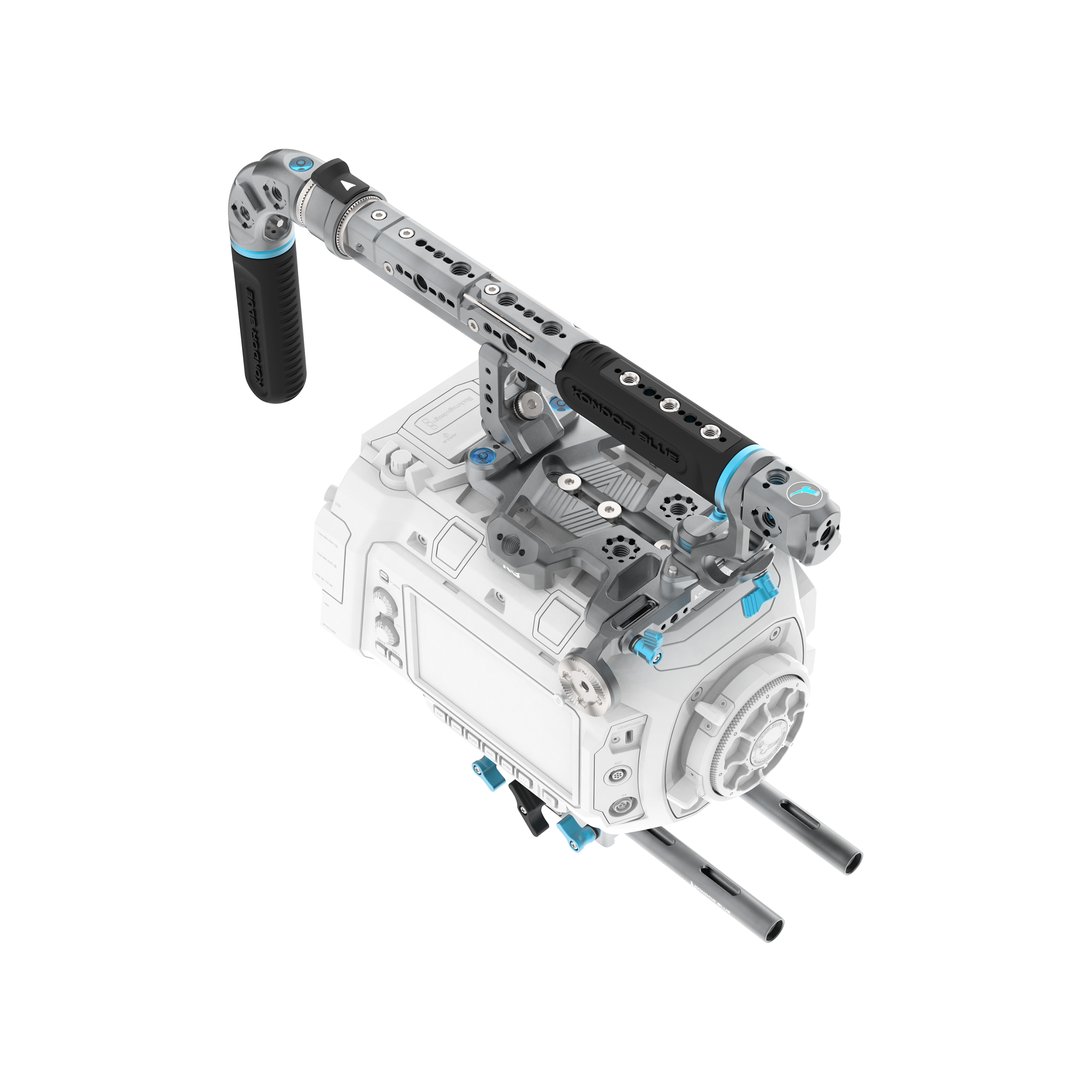
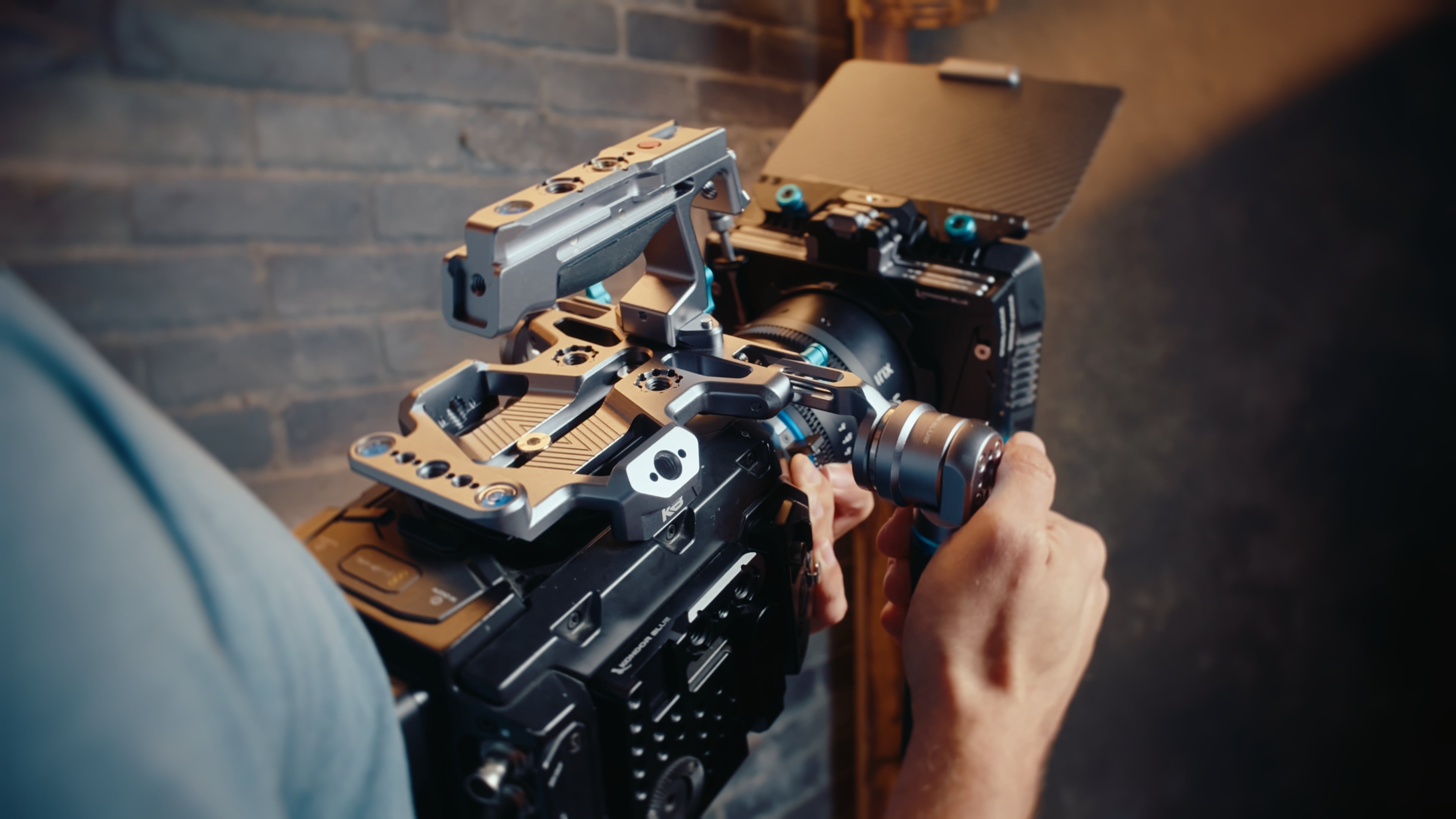
A top handle is one of the most useful additions to a Canon C50 rig. It gives you a better grip for low-angle shots, easier movement between setups, and a higher mounting point for monitors, microphones, or wireless accessories.
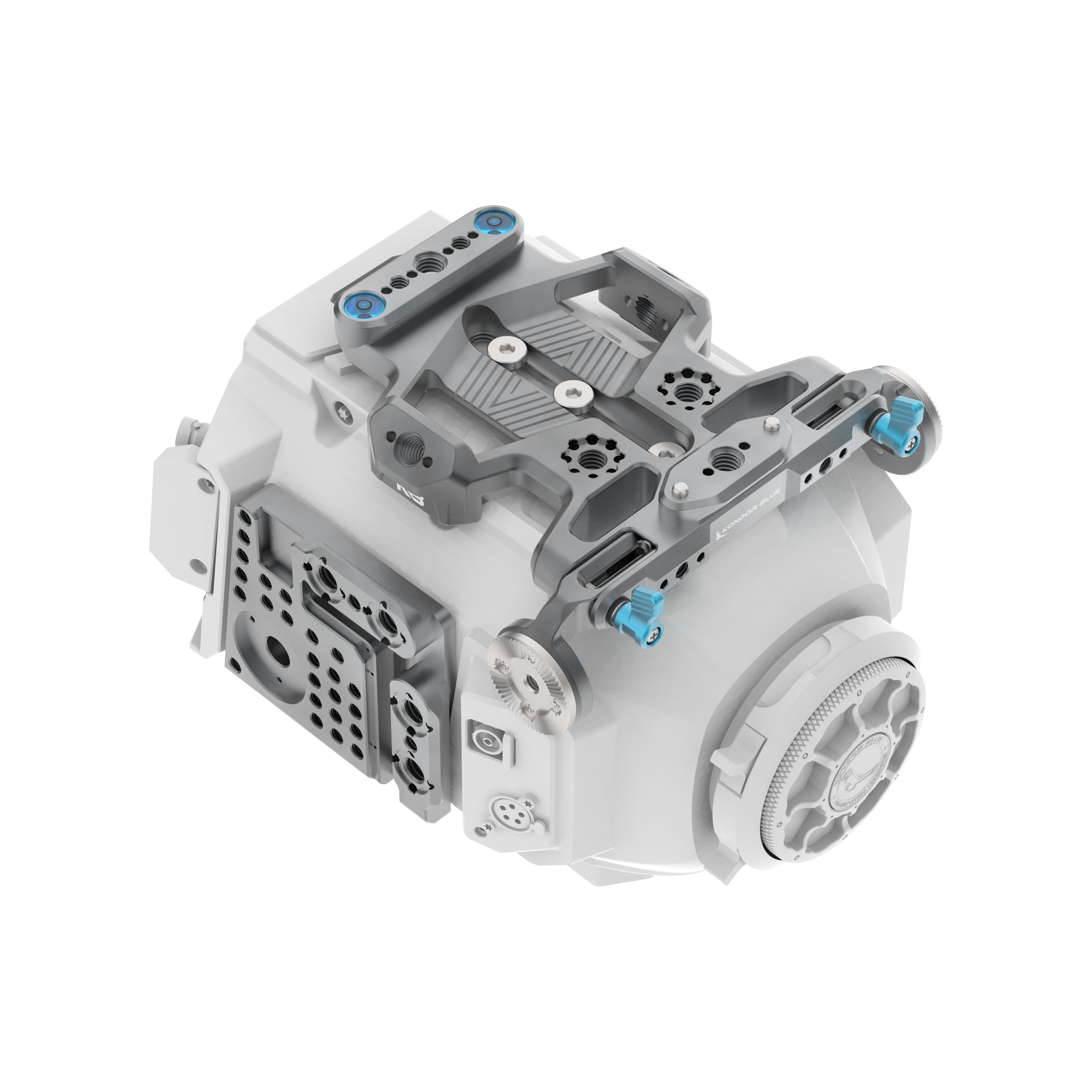
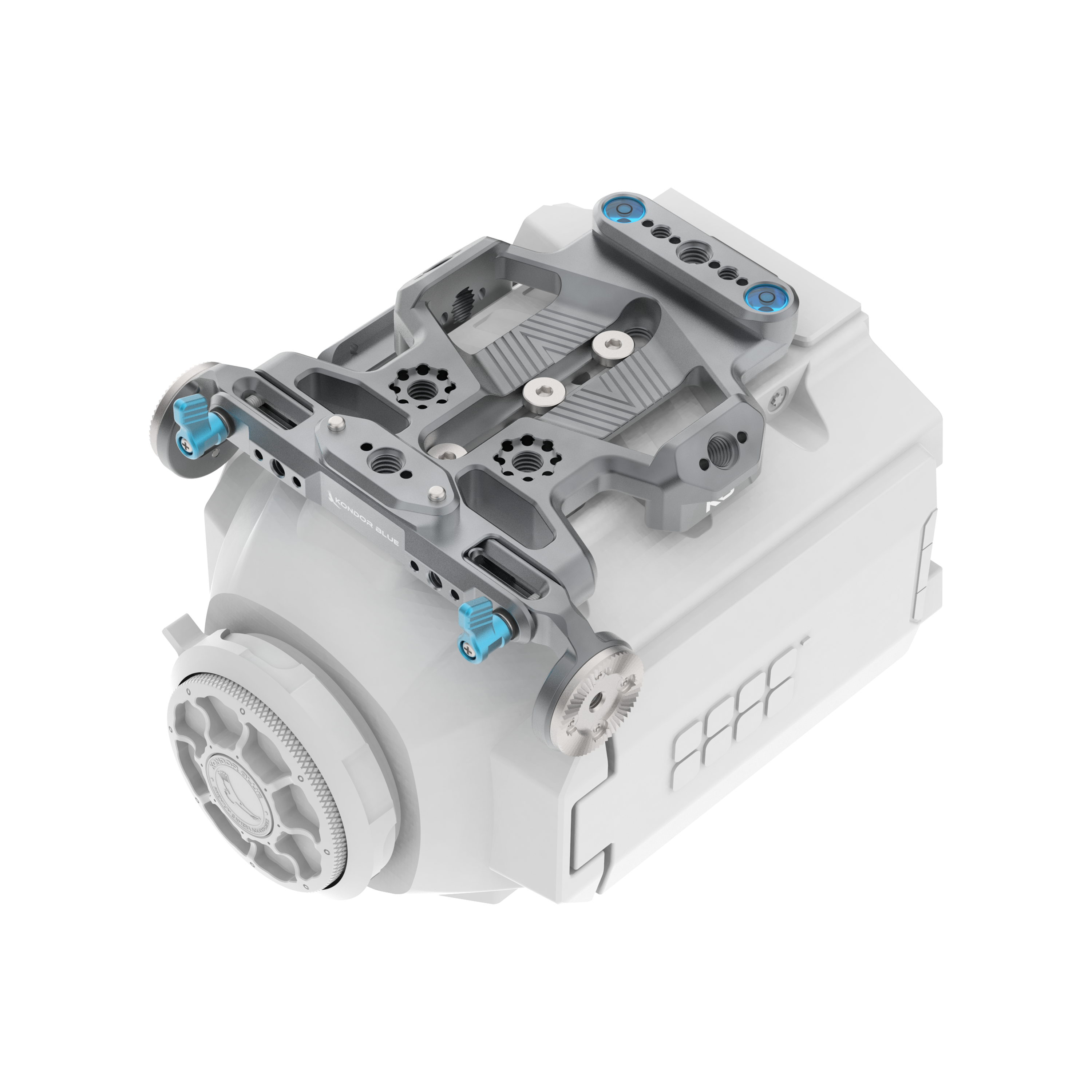
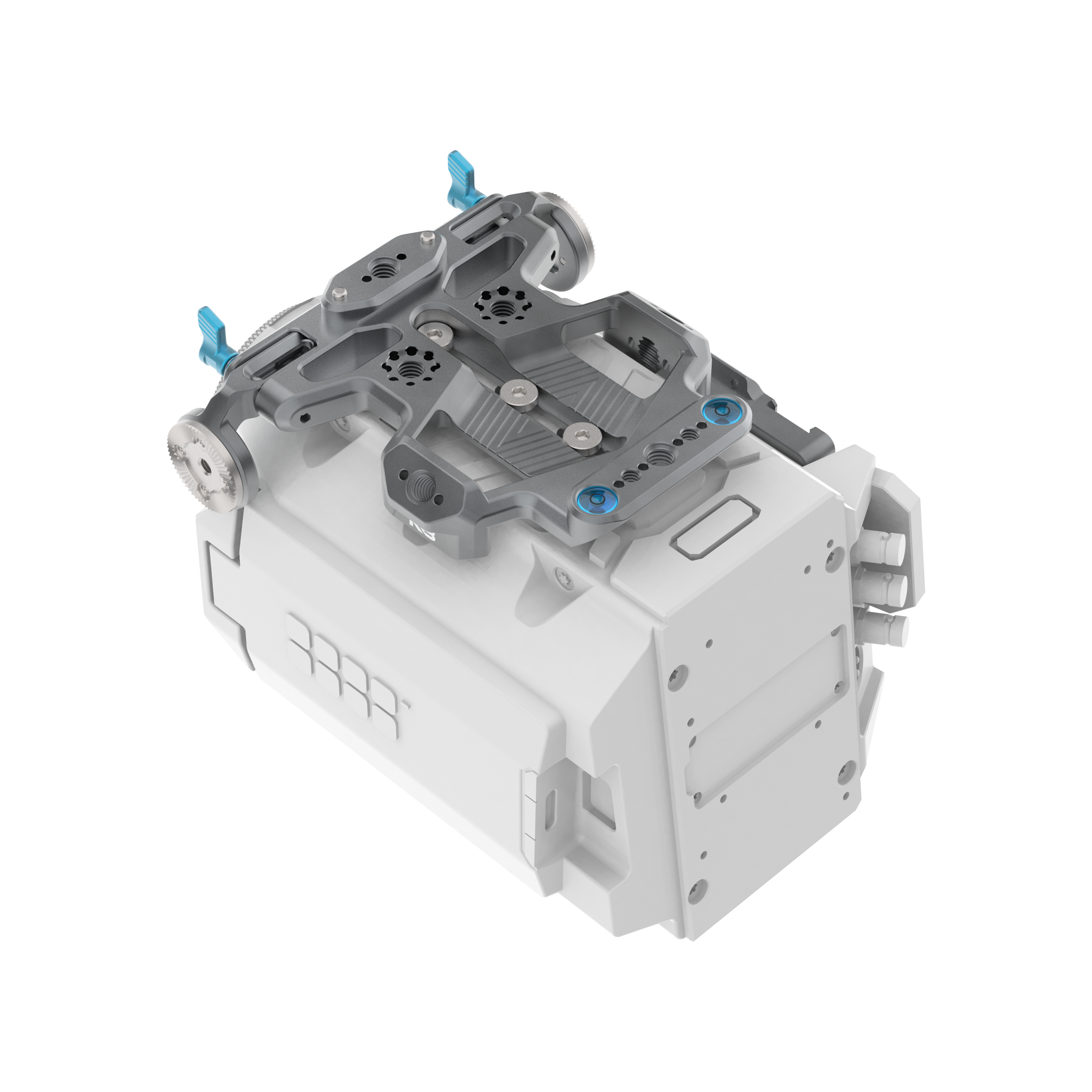
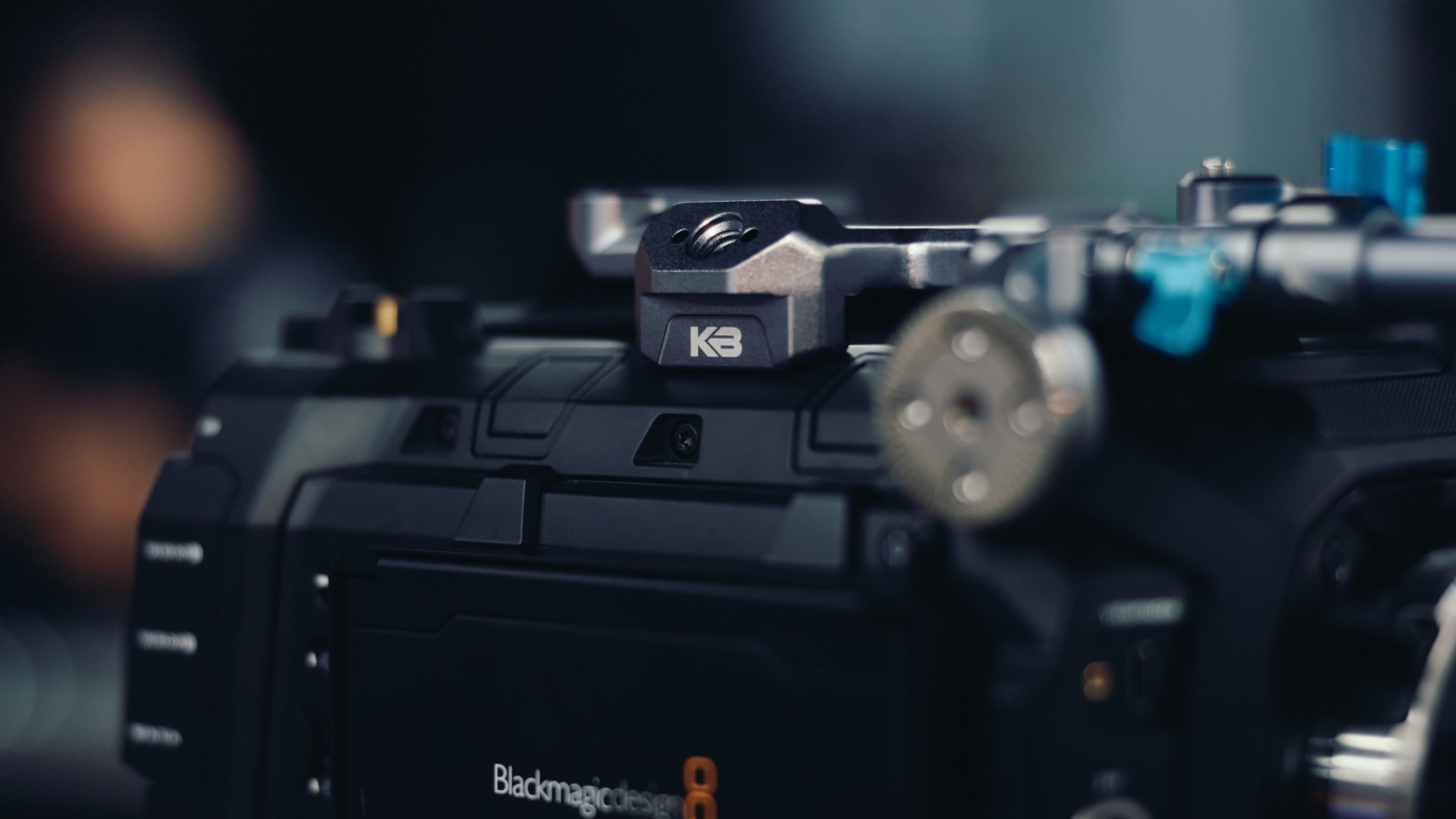
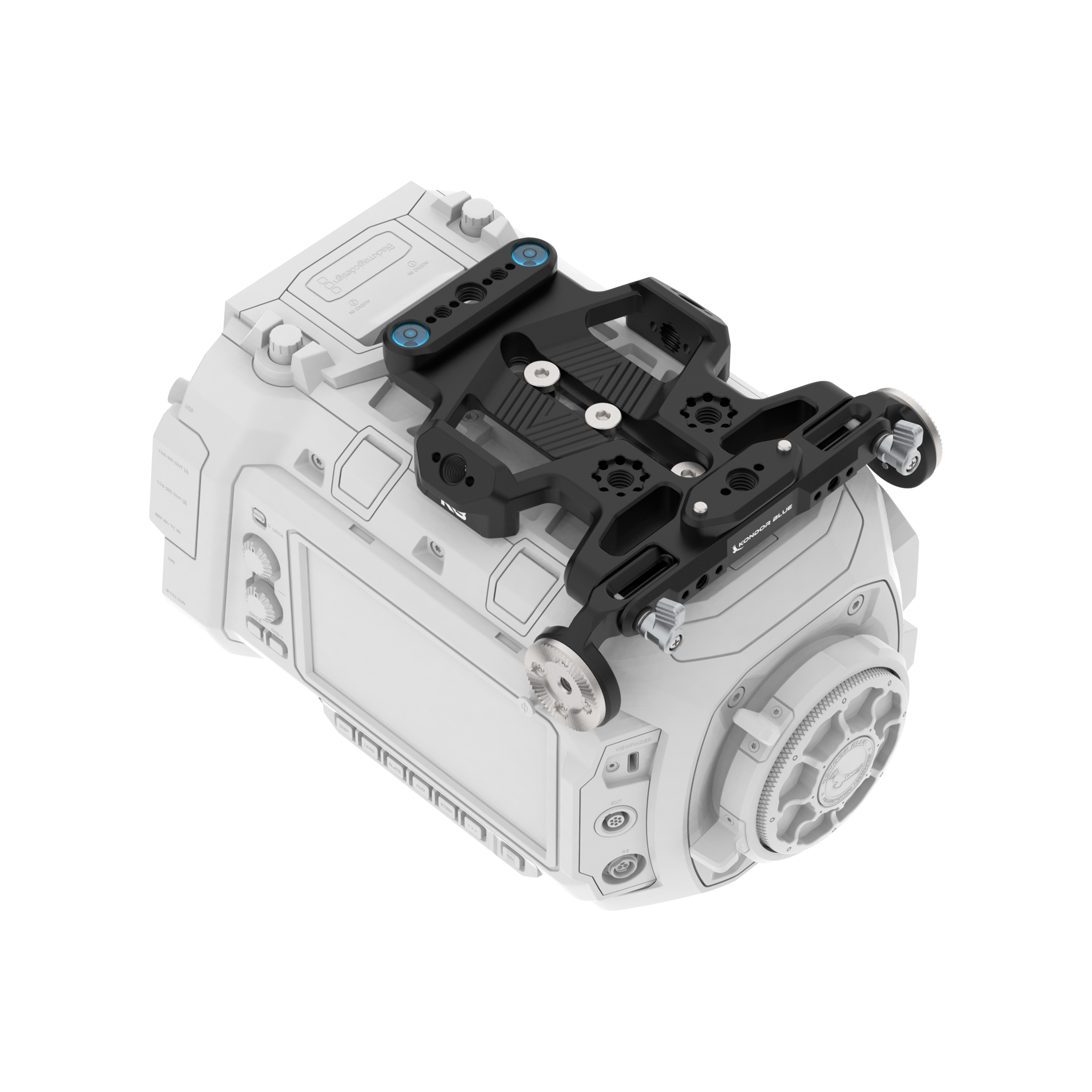
For the C50 specifically, the Canon C50 Top Handle Rosette Rail helps create a more secure top-handle setup while keeping the build purpose-built for the camera.
If you want a more universal handle option, the Talon Top Handle adds multiple mounting options for cameras, cages, and monitors. For users who want start/stop control from the handle, the Talon XL Trigger REC Top Handle is the more advanced setup.
Best for
- handheld shooting
- low-angle shots
- moving quickly between setups
- mounting monitors or wireless accessories
- building a more controlled run-and-gun rig
Support the C50’s audio workflow
If you are using the C50 in documentary, interview, commercial, or run-and-gun environments, audio support matters. A clean audio setup is not just about the microphone — it is also about where the audio hardware sits and how stable the setup feels while you are operating.
The Canon C50 Front Handle XLR Bracket is designed to support a cleaner C50 audio-handle workflow. It helps the XLR setup feel like part of the rig instead of an awkward add-on.
When this matters most
| Shooting style | Why audio support matters |
|---|---|
| Documentary | Fast subject changes and unpredictable environments |
| Interviews | Cleaner mic routing and less setup friction |
| Commercial video | More controlled rig layout |
| Event coverage | Less time spent adjusting loose accessories |
Improve handheld stability with a side handle
A side handle gives the C50 a more stable handheld feel, especially for longer takes or solo operation. It gives your support hand a natural contact point and can make the camera feel more balanced once a cage, lens, monitor, or top handle is added.
The Trigger Wing Side Handle is a strong option if you want better handheld control plus trigger REC functionality on compatible setups. For builds that do not need trigger control, a standard side handle can still make the rig more comfortable and stable.
Top handle vs side handle
| Accessory | Best for |
|---|---|
| Top handle | Carrying, low-angle shooting, accessory mounting |
| Side handle | Handheld stability and operator comfort |
| Both | More complete handheld production builds |
For a compact C50 setup, a cage plus one handle may be enough. For a more production-ready handheld rig, use both.
Add a baseplate when the rig gets bigger
A baseplate becomes more important when you start adding heavier lenses, rods, matte boxes, follow focus systems, or tripod/shoulder support.
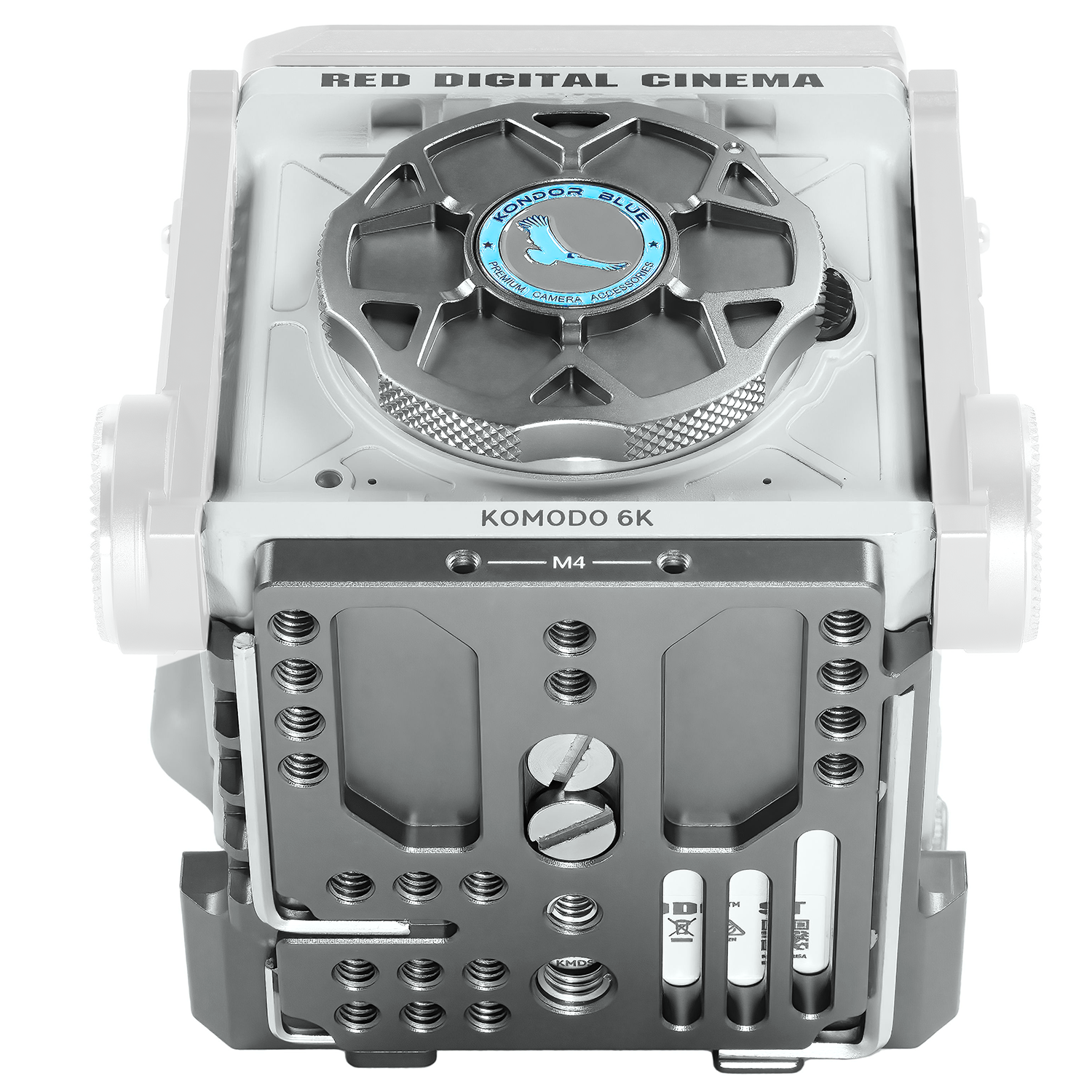
The 501 Adjustable Baseplate can help create a more adaptable camera support setup, especially if you need to move between handheld, tripod, and larger production configurations.
Baseplates are not always the first accessory to buy, but they become valuable once the C50 rig moves beyond a simple cage-and-handle setup.
Protect the RF mount when no lens is attached
Small accessory, real benefit. If the camera is traveling, sitting on a prep table, or being packed without a lens attached, a body cap helps protect the camera mount and sensor area from dust and debris.
The Canon RF Cine Cap is a simple add-on for keeping the C50’s RF mount covered when the camera is not built out with glass.
This is not the hero product in a C50 rig, but it is the kind of accessory that belongs in the kit.
Canon C50 rig examples
Minimal handheld C50 rig
Best for solo creators, travel, and lightweight video work.
| Add this | Why |
|---|---|
| Canon C50 Cage | Adds mounting points |
| Top Handle Rosette Rail | Improves handling |
| Talon Top Handle | Adds grip and accessory mounting |
| RF Cine Cap | Protects the mount during transport |
Run-and-gun C50 rig
Best for documentary, interviews, and fast commercial shoots.
| Add this | Why |
|---|---|
| Canon C50 Cage | Rig foundation |
| Top Handle / Talon XL | Better handheld control |
| Trigger Wing Side Handle | Added stability and REC control |
| Front Handle XLR Bracket | Cleaner audio setup |
| Monitor mount + cable | Easier framing and focus |
Fully built production C50 rig
Best for commercial work, larger lenses, tripod use, and more controlled setups.
| Add this | Why |
|---|---|
| Canon C50 Cage | Modular chassis |
| Top Handle Rosette Rail | Top-handle interface |
| Side Handle | Handheld support |
| 501 Adjustable Baseplate | Better support and balance |
| Monitor mount | External monitoring |
| Production cables | Cleaner signal routing |
| RF Cine Cap | Mount protection when stripped down |
What should you buy first?
If you are building a Canon C50 rig in stages, this is the cleanest order:
-
Canon C50 Cage
Start with the foundation. -
Top Handle / Top Handle Rosette Rail
Improve handheld control and top-side mounting. -
Monitor mount and production cable
Add a more usable viewing setup. -
Front Handle XLR Bracket
Improve the audio-handle workflow. -
Side Handle
Add stability for handheld work. -
Baseplate
Add support when the build gets larger. -
RF Cine Cap
Keep the mount protected when the camera is broken down.
FAQ
What are the best accessories for the Canon C50?
The most useful Canon C50 accessories are a camera cage, top handle, monitor mount, side handle, XLR bracket, baseplate, production cables, and RF body cap. Start with the cage, then add accessories based on your shooting style.
Does the Canon C50 need a cage?
Not for every setup, but a cage is useful if you plan to mount a monitor, handle, microphone, wireless transmitter, cable clamp, baseplate, or other production accessories. It turns the C50 into a more modular video rig.
What is the best Canon C50 rig for handheld shooting?
A strong handheld C50 rig starts with the Canon C50 Cage, a top handle, and a side handle. Add a monitor mount and XLR bracket if you need better framing and cleaner audio support.
What should I buy first for a Canon C50 setup?
Buy the camera cage first. It gives you the foundation for handles, monitor mounts, audio accessories, cables, baseplates, and other rigging tools.
How do I make the Canon C50 more production-ready?
Add a cage for mounting, a top handle for control, a side handle for stability, an XLR bracket for audio support, and a monitor mount for better viewing. From there, add power, cables, and baseplate support depending on the shoot.
Can I build a lightweight Canon C50 rig?
Yes. A lightweight C50 rig can be as simple as the Canon C50 Cage, Top Handle Rosette Rail, and Talon Top Handle. Add a monitor, side handle, or baseplate only when the shoot requires it.
Build the C50 around your workflow
The best Canon C50 rig is not the biggest one. It is the setup that makes the camera easier to shoot with for the work you do most.
For solo creators, keep it light. For documentary work, prioritize handling, audio, and cable security. For commercial production, build around repeatability, monitoring, mounting, and support.
Start with the Canon C50 collection, then build the rig in stages around the accessories that solve real production problems first.