




KB-PROVMP-BK
V-Mount Pro Battery Plate with Swiveling Rod Block
Full Description & Tech Specs
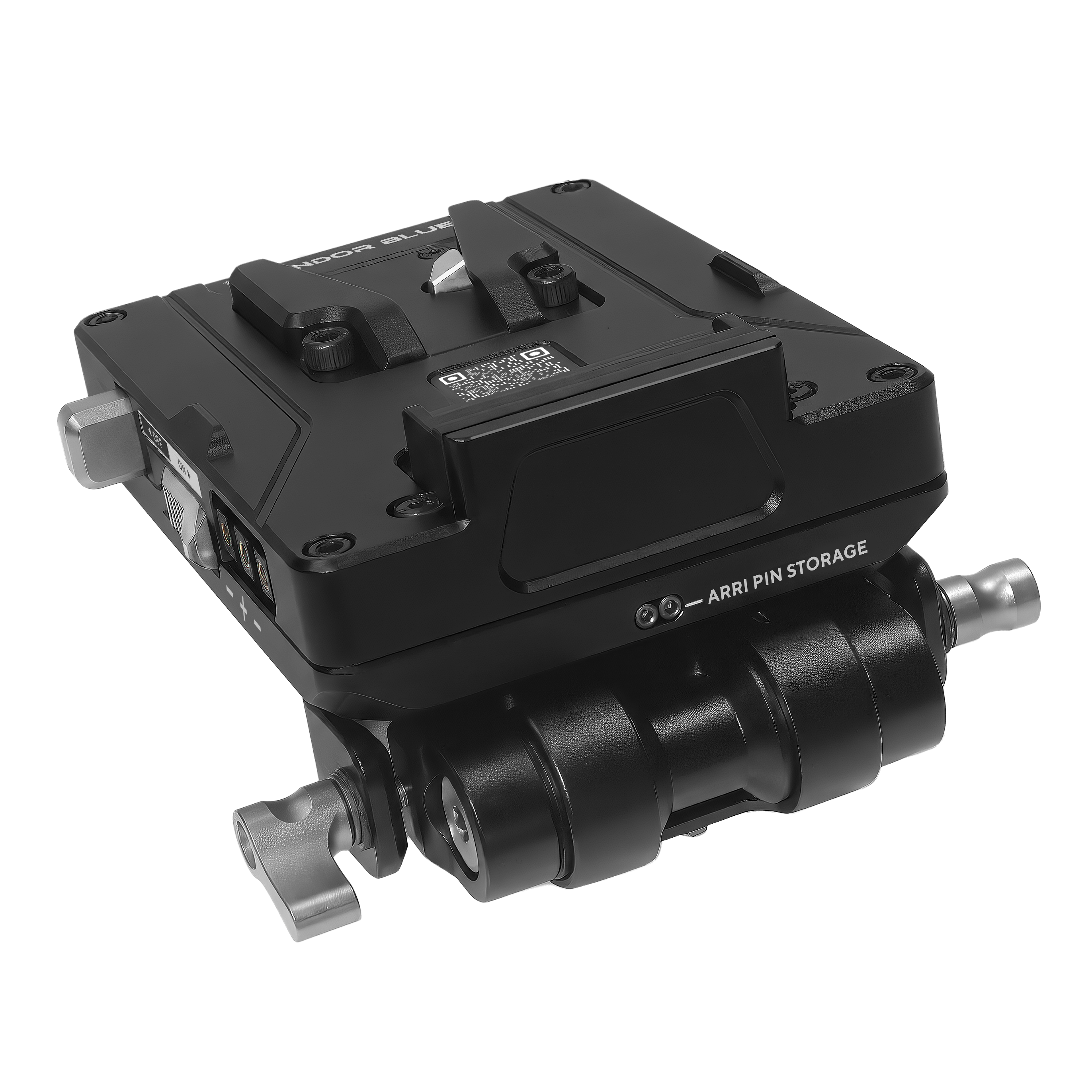
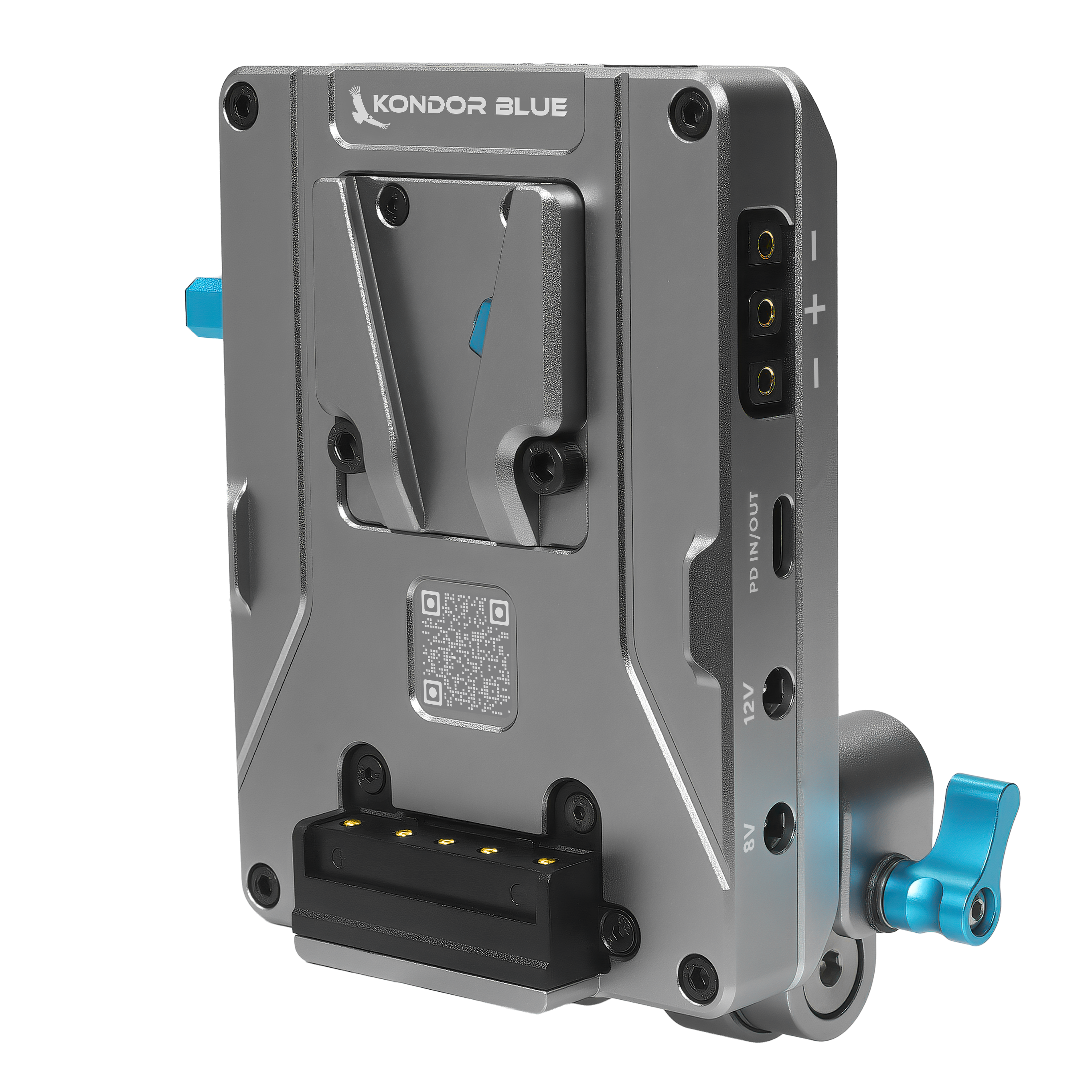
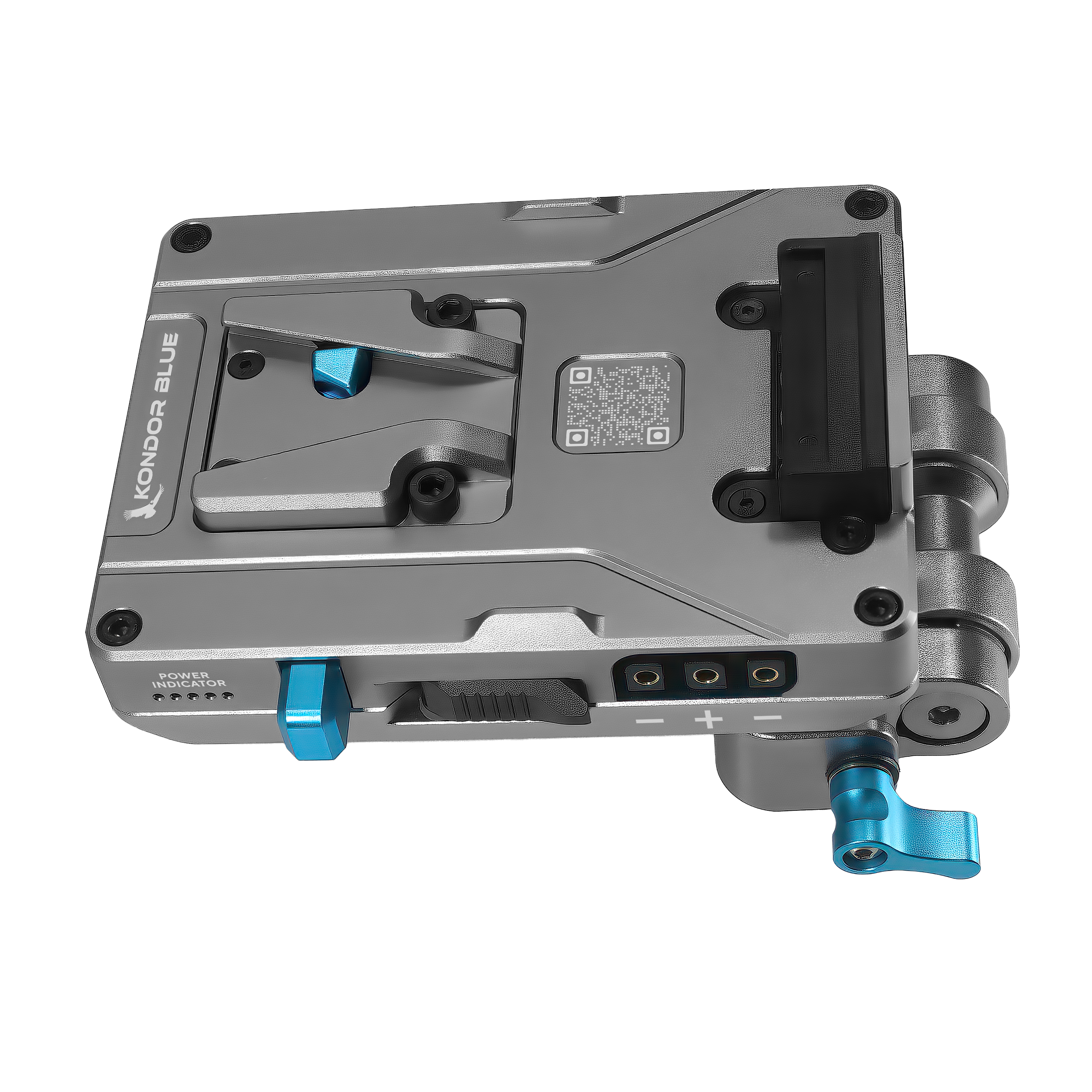
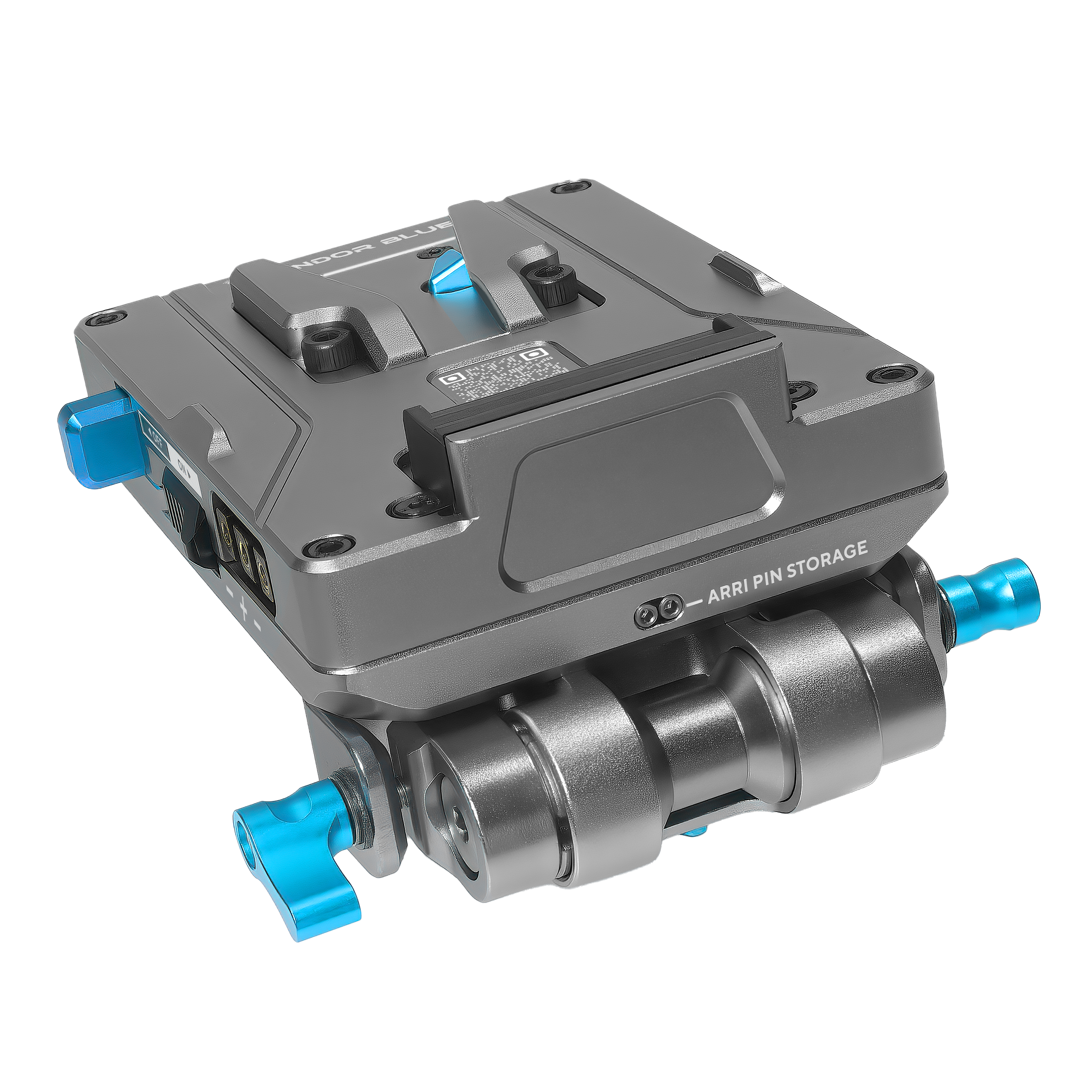
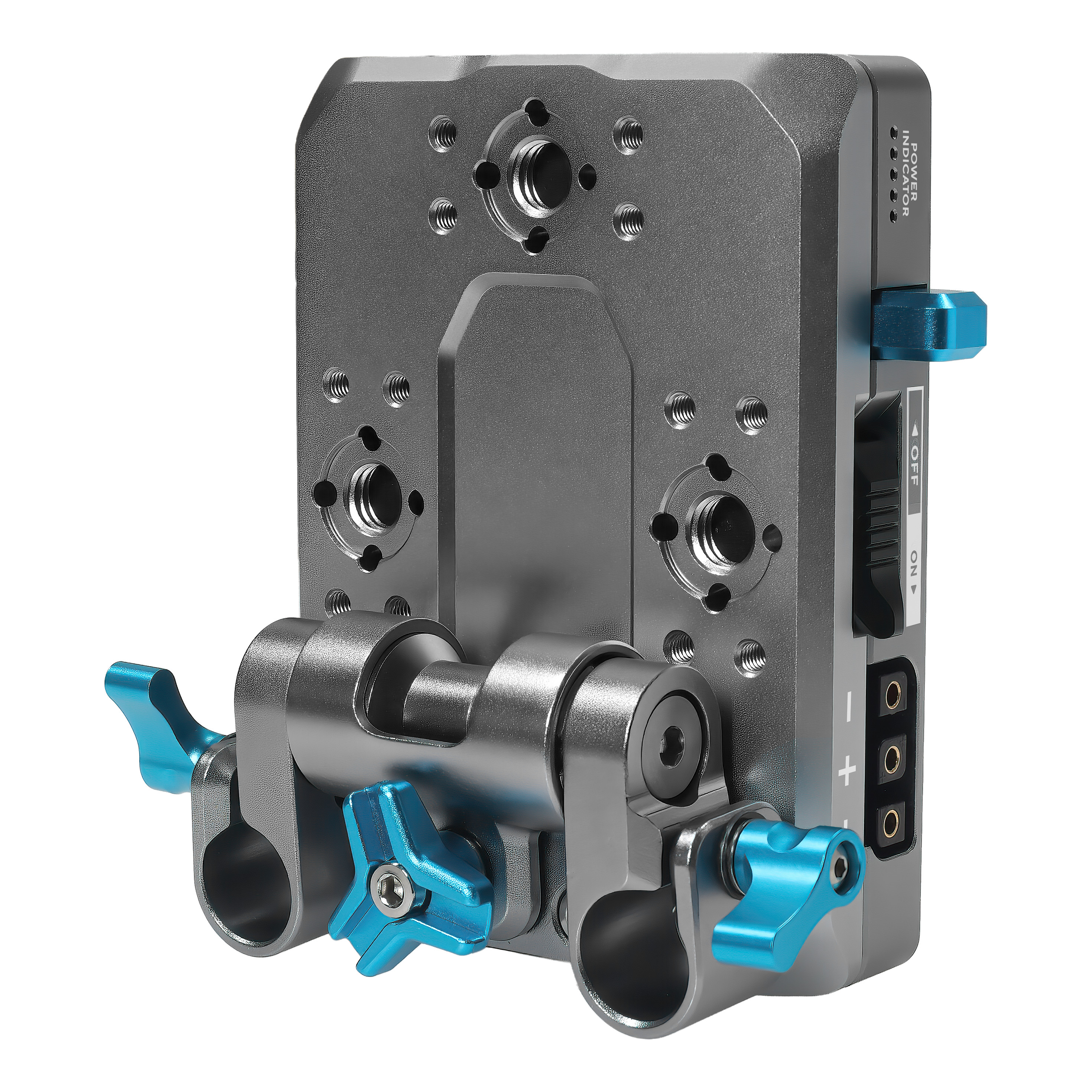
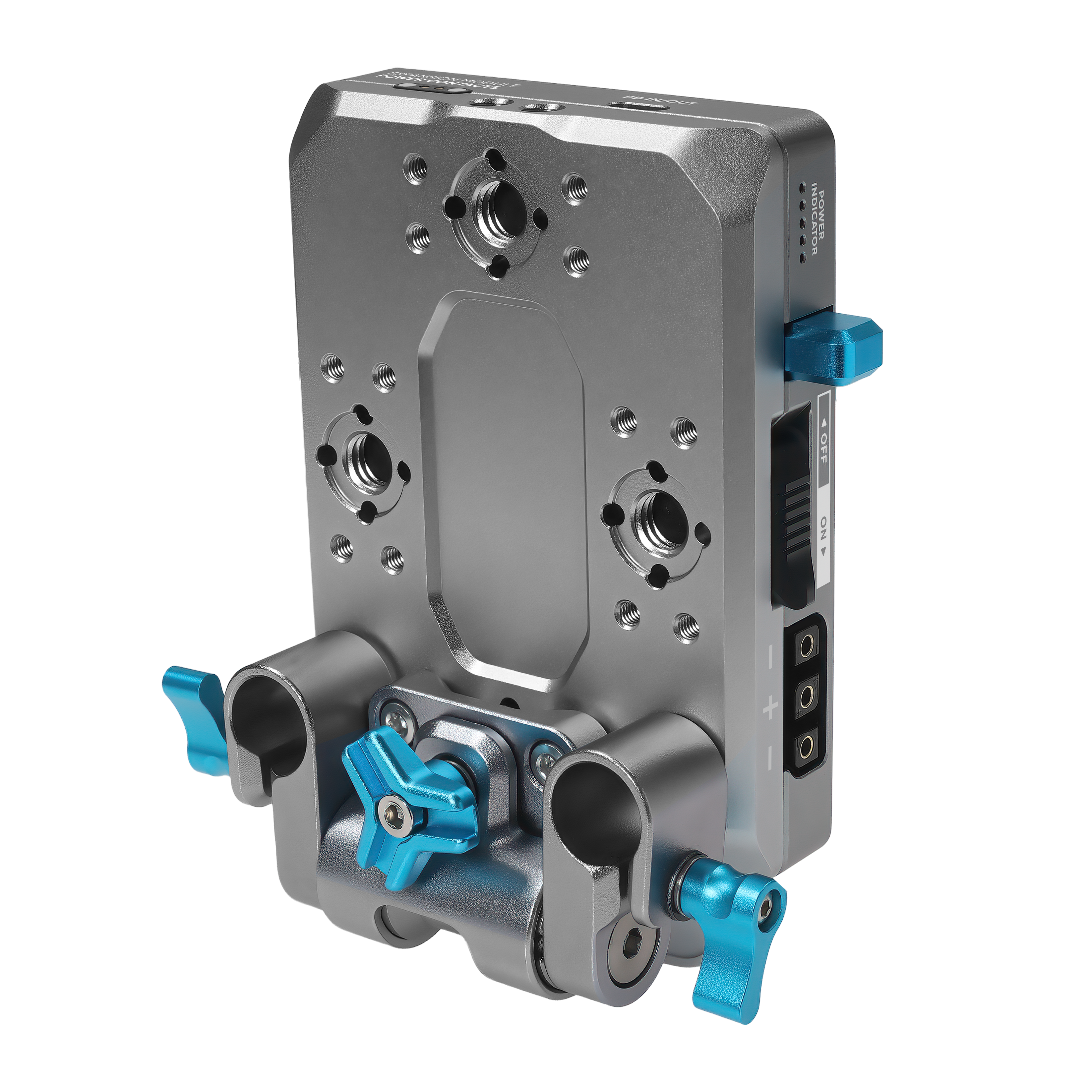
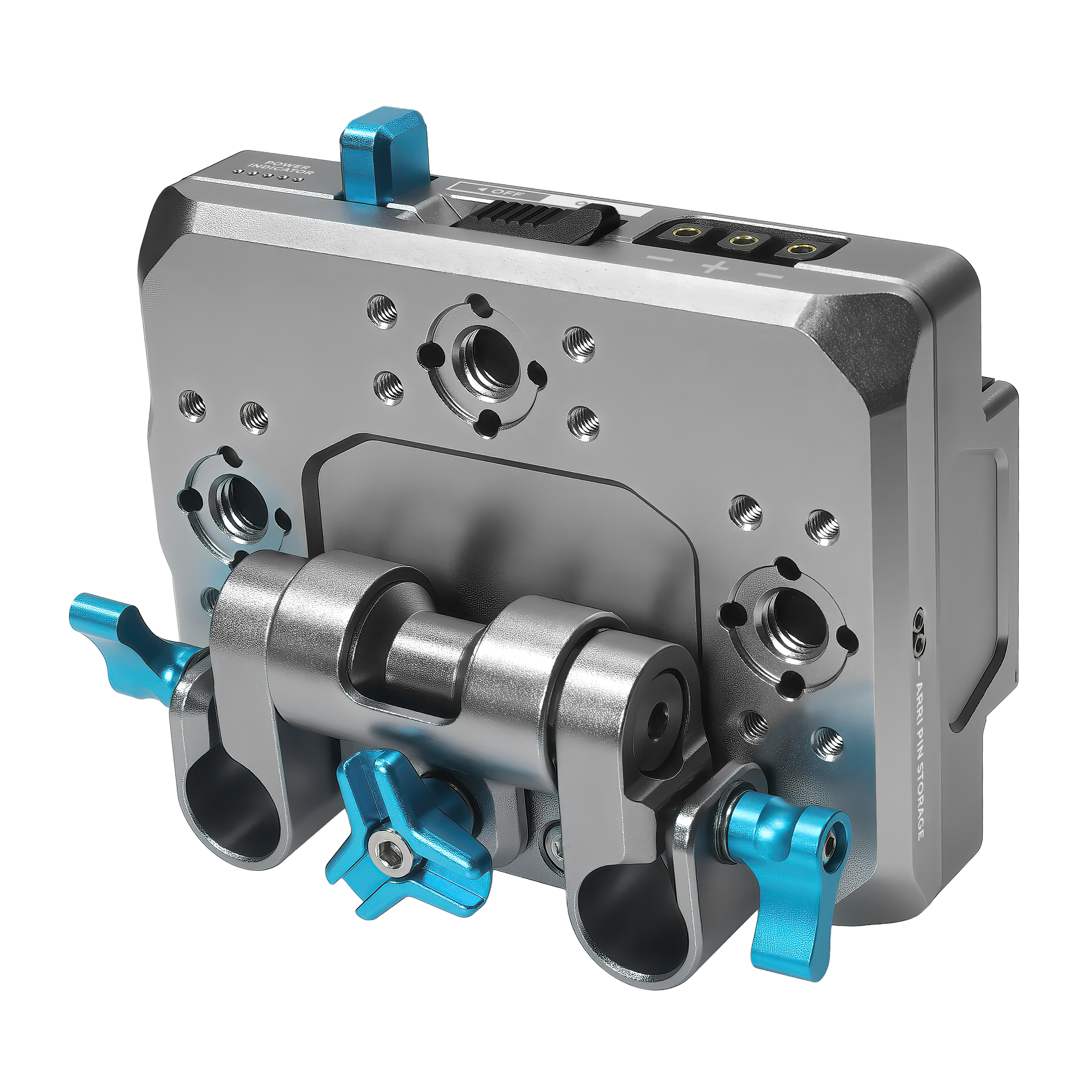
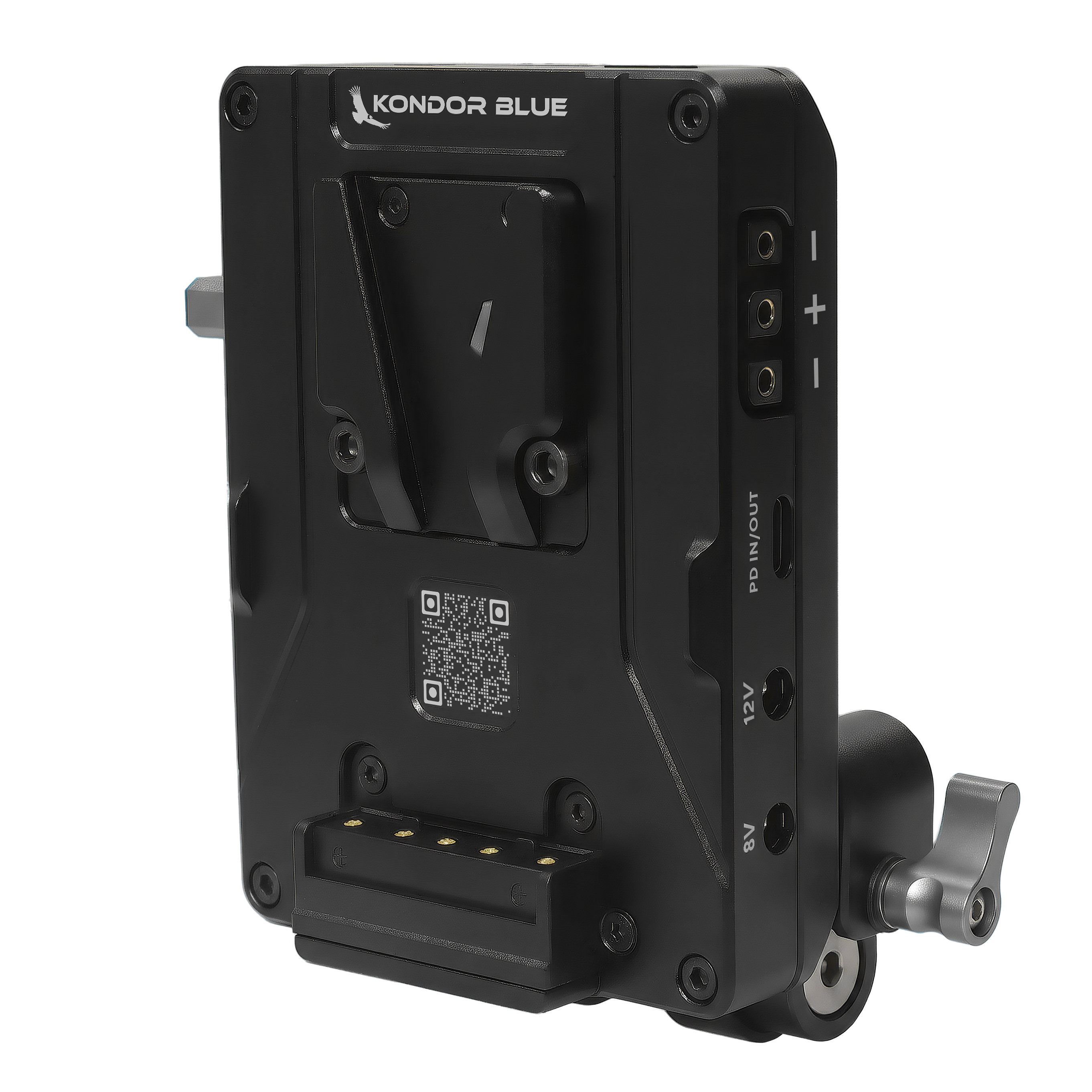
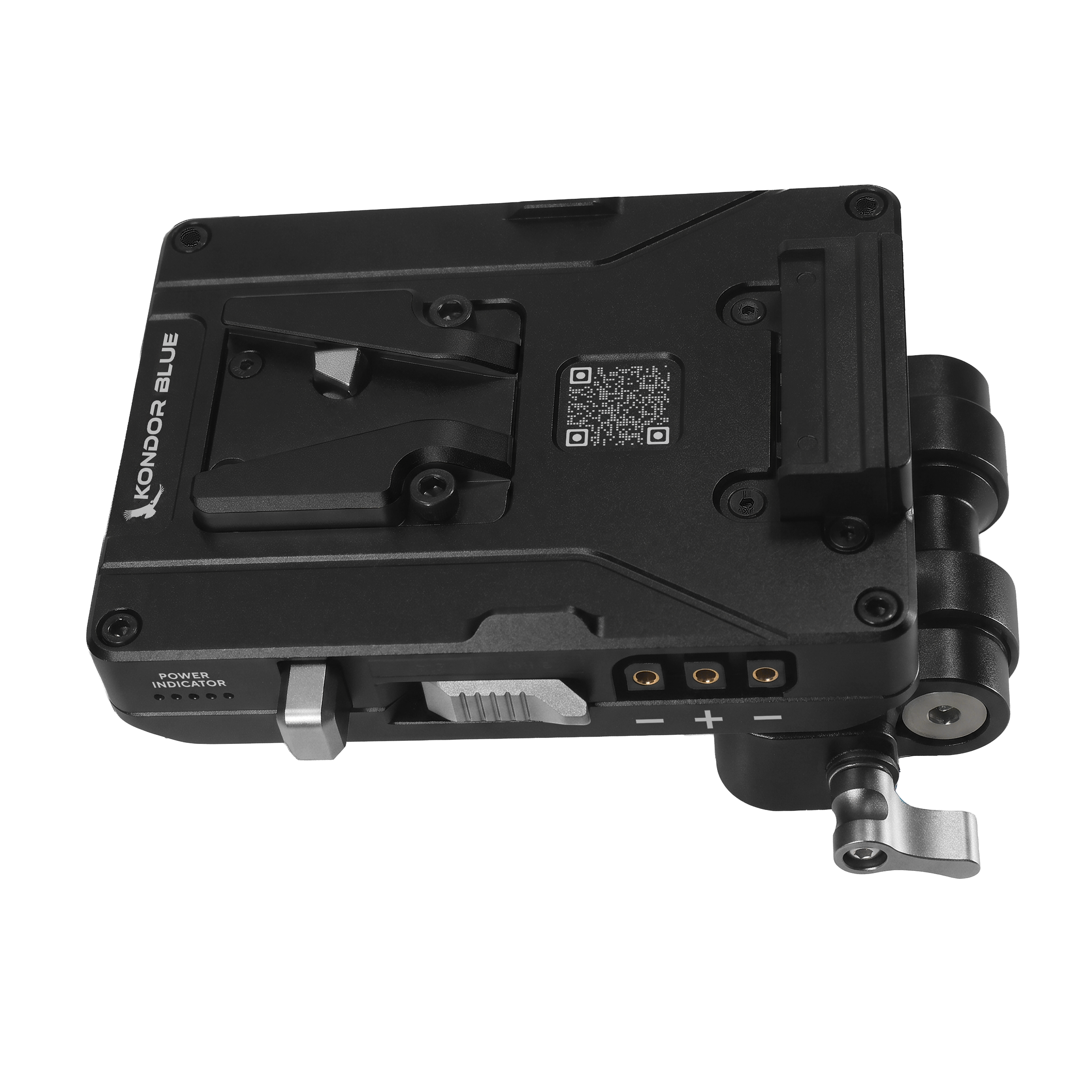
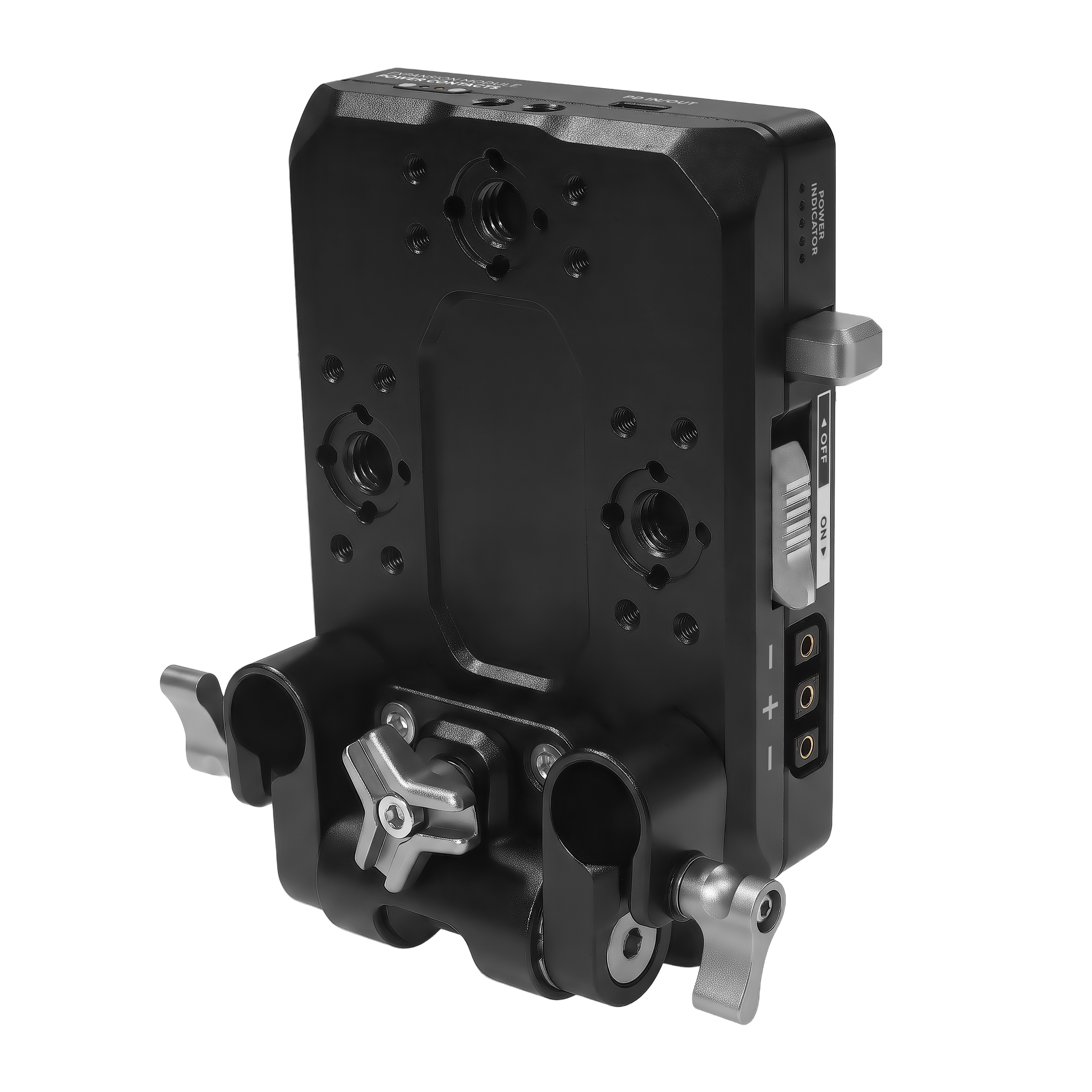
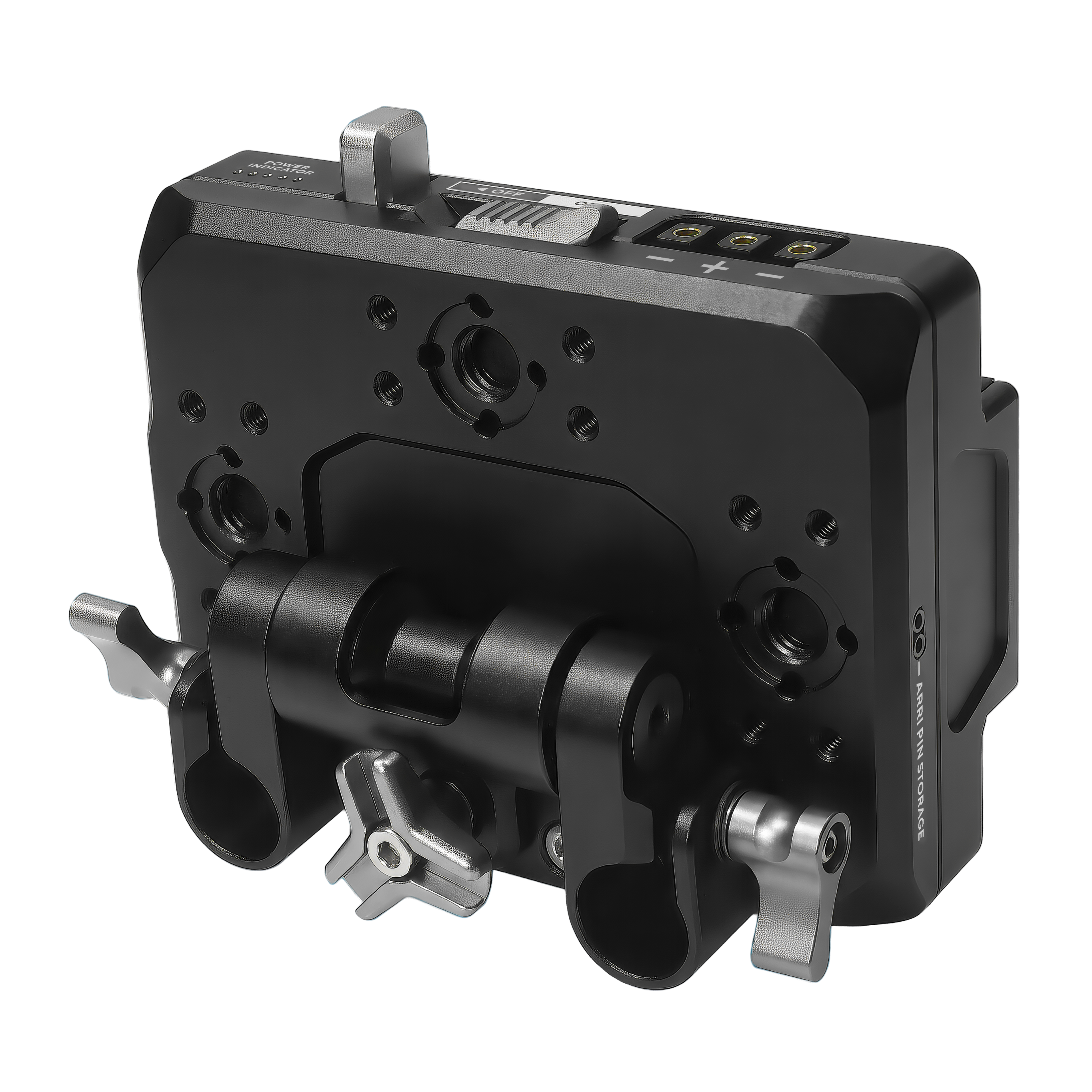
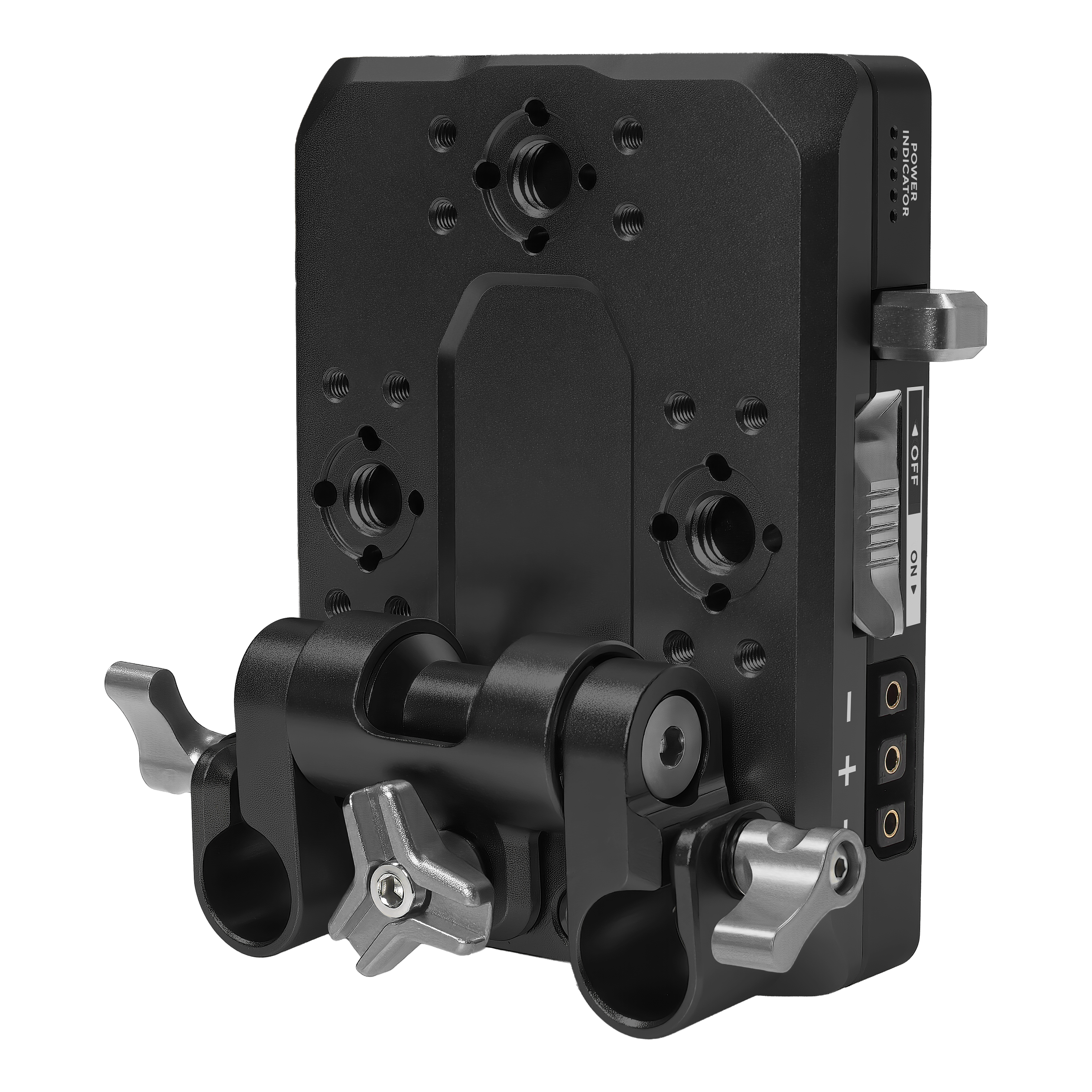
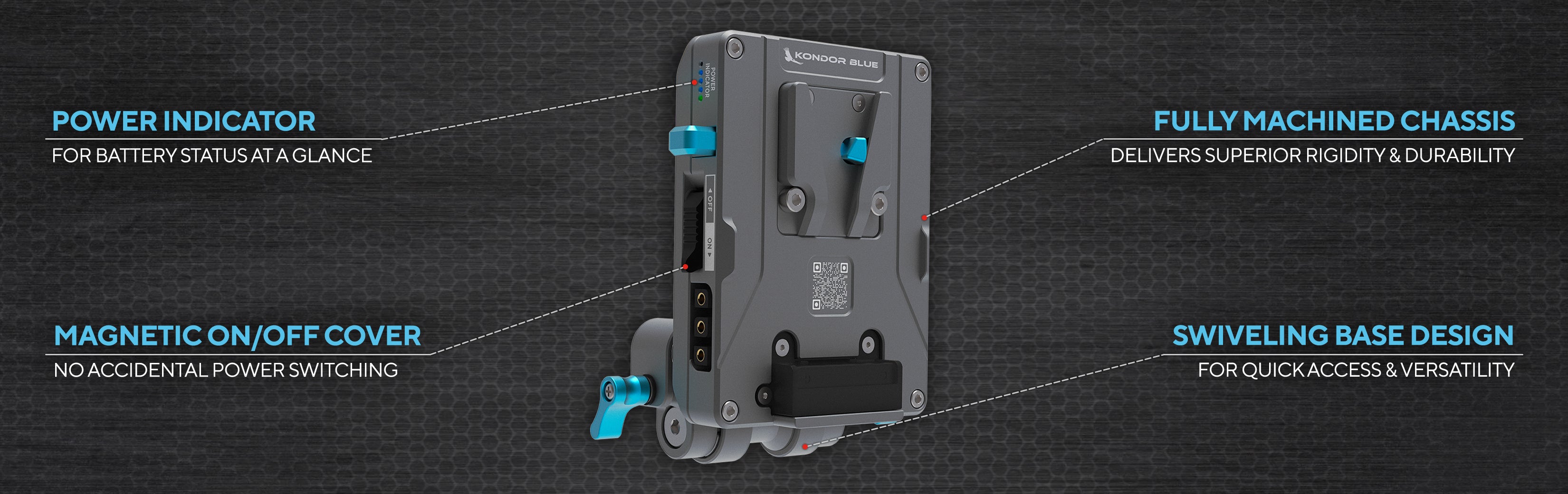
The Kondor Blue V-Mount Pro Battery Plate with Swiveling Rod Block delivers flexible, multi-port power distribution for camera rigs. Featuring dual USB-C PD ports with input/output, D-Tap, and magnetic contacts for expansion, it supports powering cameras and accessories from a single V-mount battery. The fully machined aluminum plate integrates an 8-position, ARRI-style anti-twist mount and adjustable rod block compatible with 15mm LWS systems for maximum rigging versatility.
Key Features
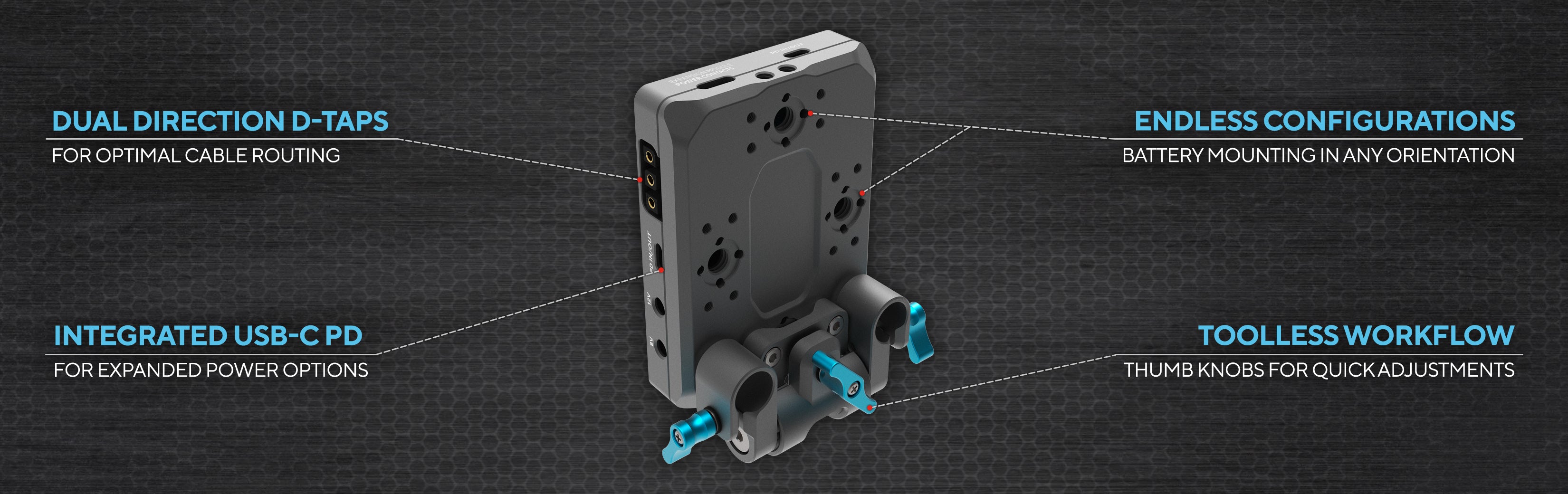
- Dual USB-C Power Delivery (PD) ports (input/output, 60W max each)
- 4x ARRI-standard anti-twist mounts for secure installation
- Magnetic power contacts support Kondor Blue expansion modules
- 8-position swiveling rod block mounts to 15mm LWS systems
- Fully machined aluminum body, lightweight and durable
- Optimized for micro-sized V-mount batteries
Compatibility
- Works with popular camera systems: Sony, Canon, Blackmagic, Panasonic, Fuji, RED
- Fits 15mm LWS rods for standard rig setups
- Supports expanded functionality with Kondor Blue modules
Use Case & Performance
- Ideal for filmmakers, videographers, and photographers seeking consolidated, reliable rig power
- Enables simultaneous charging and output to multiple devices
- Swiveling mounting block provides customizable plate placement on complex rigs
- While expansion modules increase versatility, using all outputs at maximum load may require monitoring thermal performance
Comparison Table
| Feature | Kondor Blue V-Mount Pro | Standard V-Mount Plate |
|---|---|---|
| USB-C PD Ports | 2 (Input/Output, 60W each) | Typically none or 1 (lower wattage) |
| Swiveling Rod Block | 8 positions, 15mm LWS compatible | Usually fixed or limited adjustability |
| Expansion Options | Magnetic contacts for modules | No expansion contacts |
| Mounting | ARRI-style anti-twist, M4 | Standard bolts |
| Material | Machined aluminum | Aluminum or mixed metals |
Frequently Asked Questions
What cameras are compatible with this V-mount plate?
The V-Mount Pro Battery Plate supports any camera and accessory powered by a standard V-mount battery, and is widely compatible with rigs from Sony, Canon, Nikon, Panasonic, Blackmagic Design, RED, and other brands using 15mm LWS rod systems.
How can I power multiple accessories with one battery plate?
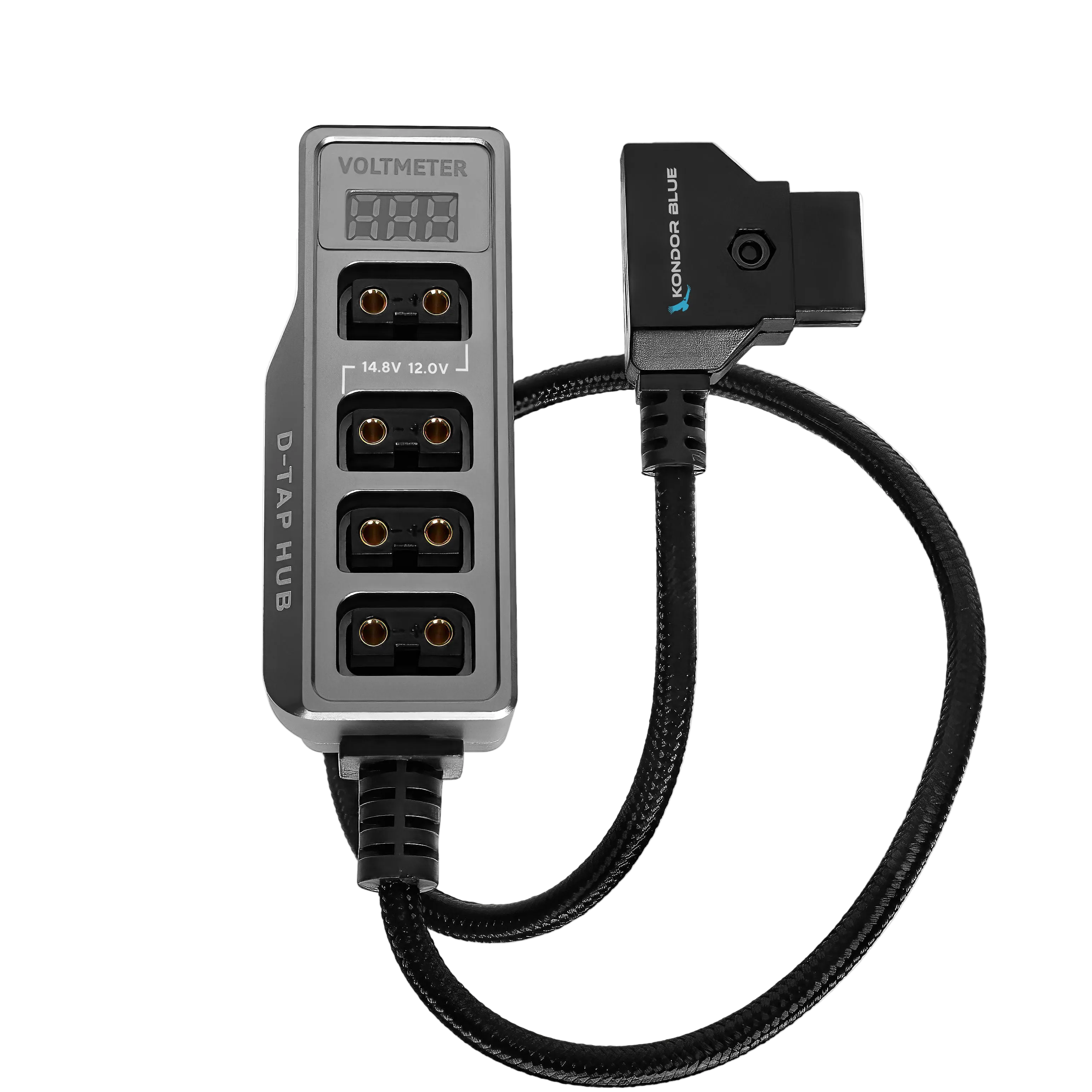
The Kondor Blue plate offers dual USB-C PD ports, a D-Tap output, and expansion contacts, allowing you to power cameras, monitors, transmitters, and more from a single V-mount battery with safe, distributed delivery.
What is the benefit of the swiveling rod block?
The 8-position swiveling rod block enables rapid plate repositioning to optimize balance, access ports, and clear other rig components, essential for complex camera setups and fast on-set adjustments.
Does the plate support hot-swapping and simultaneous charge/output?
Both USB-C PD ports support INPUT and OUTPUT, allowing simultaneous device charging and accessory powering, but users should monitor combined load to avoid overruns.
Is the product covered by a warranty?
All Kondor Blue Pro Battery Plates are backed by a lifetime warranty and Los Angeles-based customer support.
Complete the Kit
V-Mount Pro Battery Plate with Swiveling Rod Block
If you have any questions, you are always welcome to contact us. We'll get back to you as soon as possible, within 24 hours on weekdays.
-
Shipping Information
Use this text to answer questions in as much detail as possible for your customers.
-
Customer Support
Use this text to answer questions in as much detail as possible for your customers.
-
FAQ’s
Use this text to answer questions in as much detail as possible for your customers.
-
Contact Us
Use this text to answer questions in as much detail as possible for your customers.
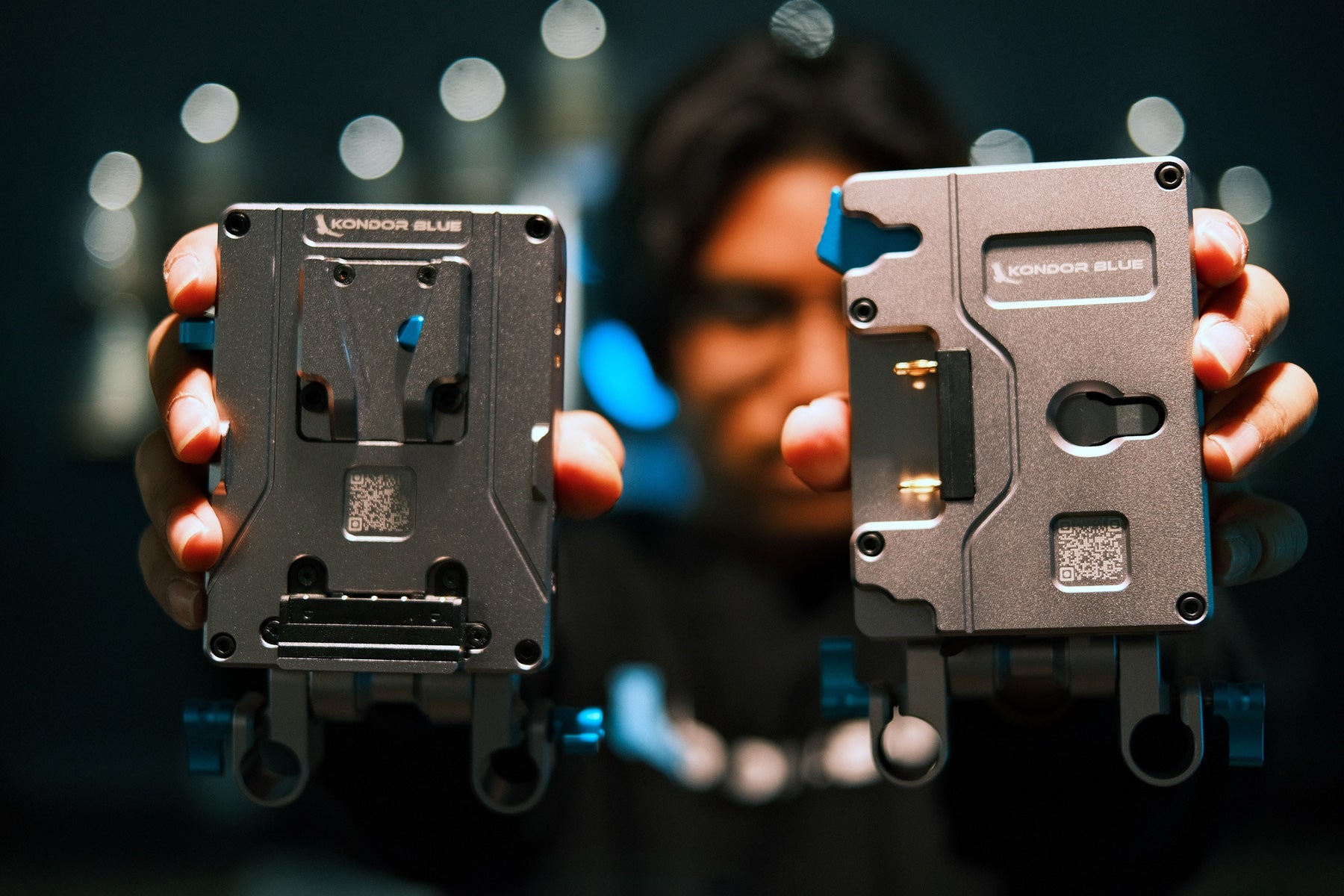
The Ultimate Pro Battery Plate
The Kondor Blueprints
Power Your Full Camera Rig!
FAQs
Reset procedure
2. Unplug everything connected to the battery plate.
3. Remove the V-Mount battery.
4. With the battery plate completely empty, turn the power switch to ON for 20 seconds, then turn it back OFF.
5. Reinstall the V-Mount battery while the switch is still OFF.
6. Once the battery is mounted, turn the switch ON to power the plate, then turn it OFF again with the battery still attached.
7. Finally, turn the switch back ON and reconnect everything to see if the system has reset and is now working properly.
HOT SWAP MODE (Battery Swap Without Interrupting Power)
Before You Begin
- Install a V-Mount battery on the plate.
- Connect all devices you wish to power.
- Connect a compatible USB-C PD charger to the USB-C PD Input port.
Activating Hot Swap Mode
2. Connect your camera and accessories to the D-Tap and/or DC outputs.
3. Plug a USB-C PD power source into the designated USB-C PD Input.
4. Once everything is powered and operating normally, remove the V-Mount battery.
5. The external USB-C PD source will temporarily maintain power to the connected D-Tap and DC outputs while you replace the battery.
6. Install the new battery before disconnecting the USB-C PD source.
Important Notes
- A V-Mount battery must be installed first to initialize the power management system.
- Hot Swap Mode is not activated by USB-C power alone.
- Hot Swap maintains power to the D-Tap and DC outputs only.
- Always connect your devices before removing the battery.
- Use a high-quality USB-C PD power source capable of supplying sufficient wattage for your connected equipment.