




KB-HDMIY
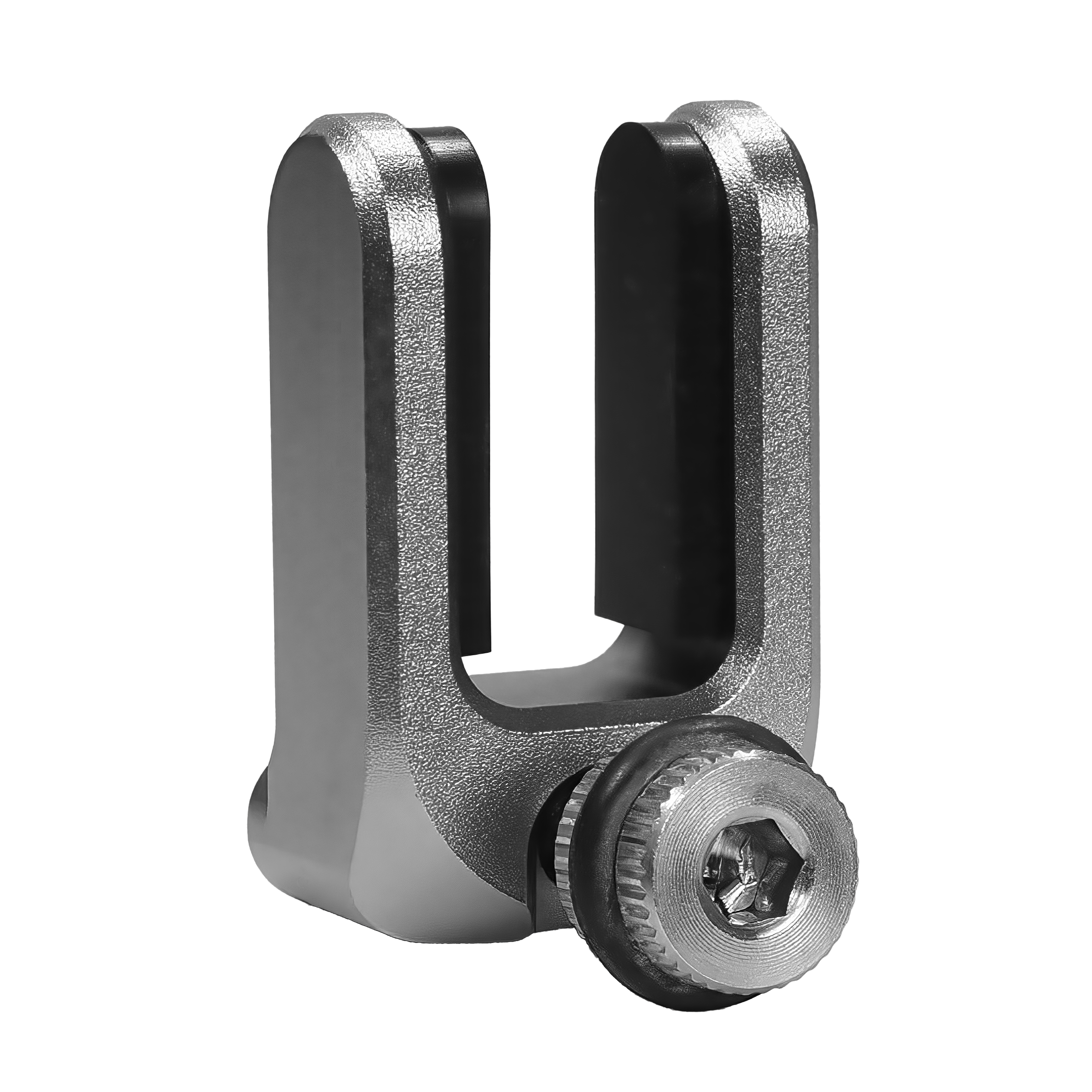
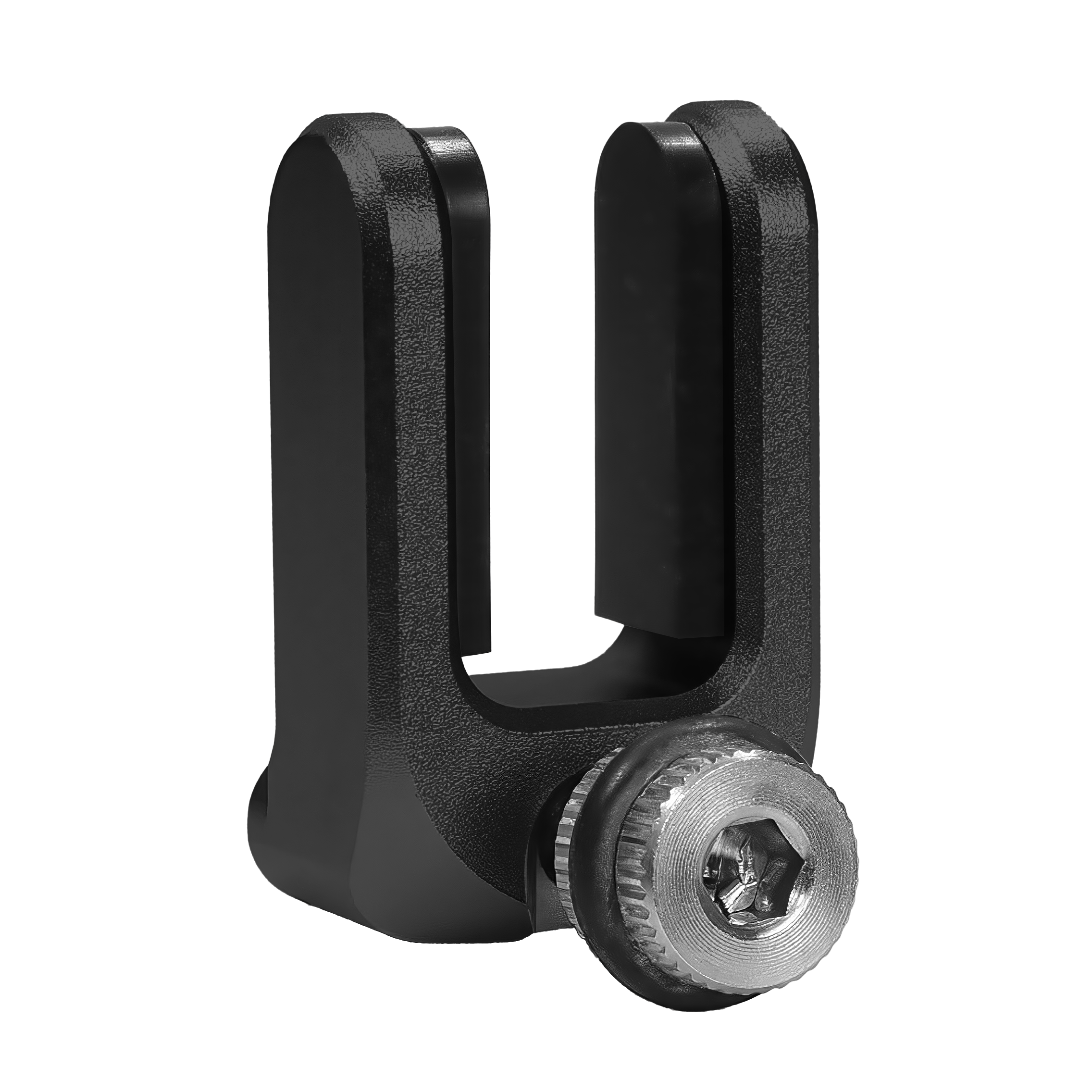
HDMI Cable Guard
Full Description & Features
Fast, tool-free HDMI cable protection
No traditional cable clamp to tighten or adjust
Fits HDMI cables from 9–13mm wide by removing the included pads
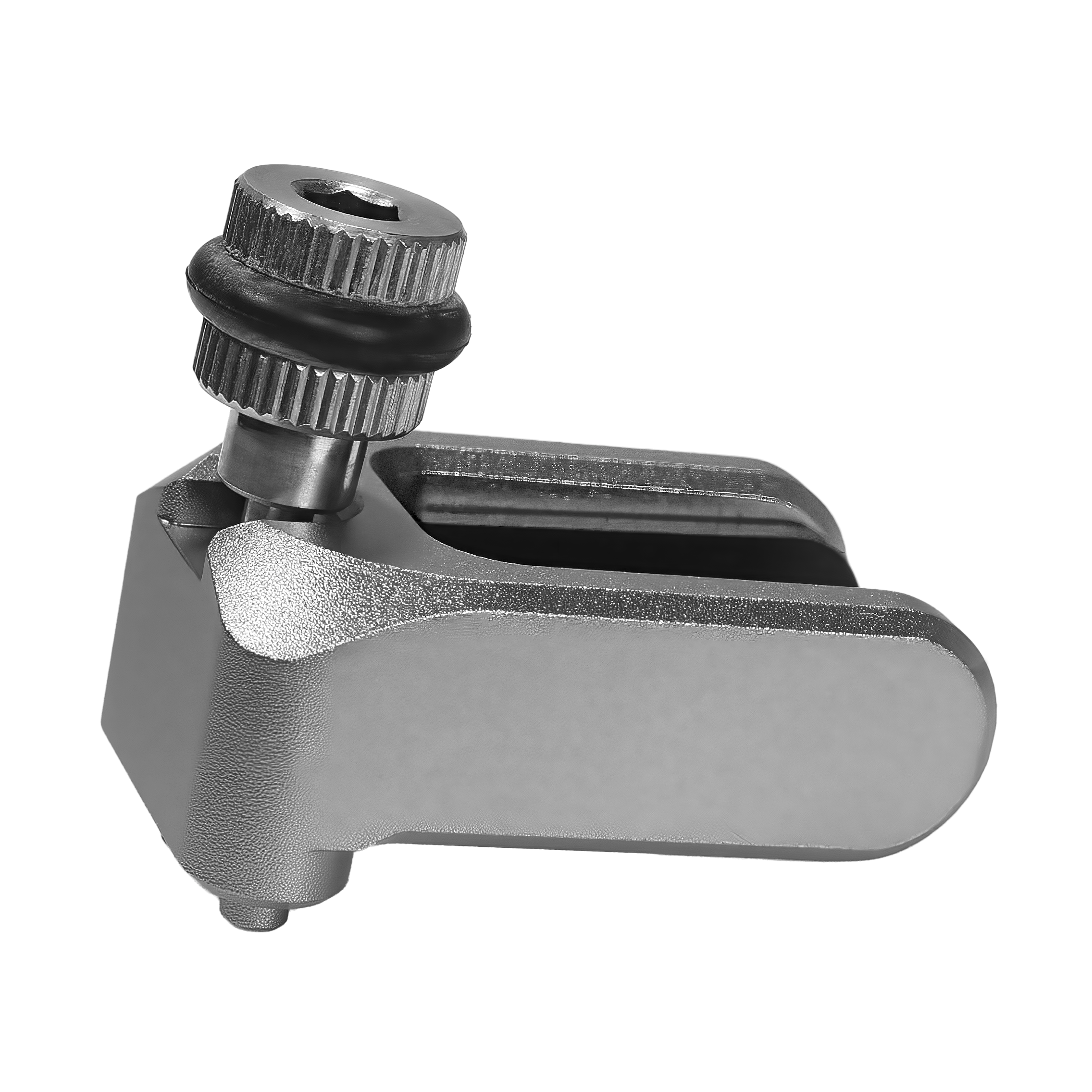
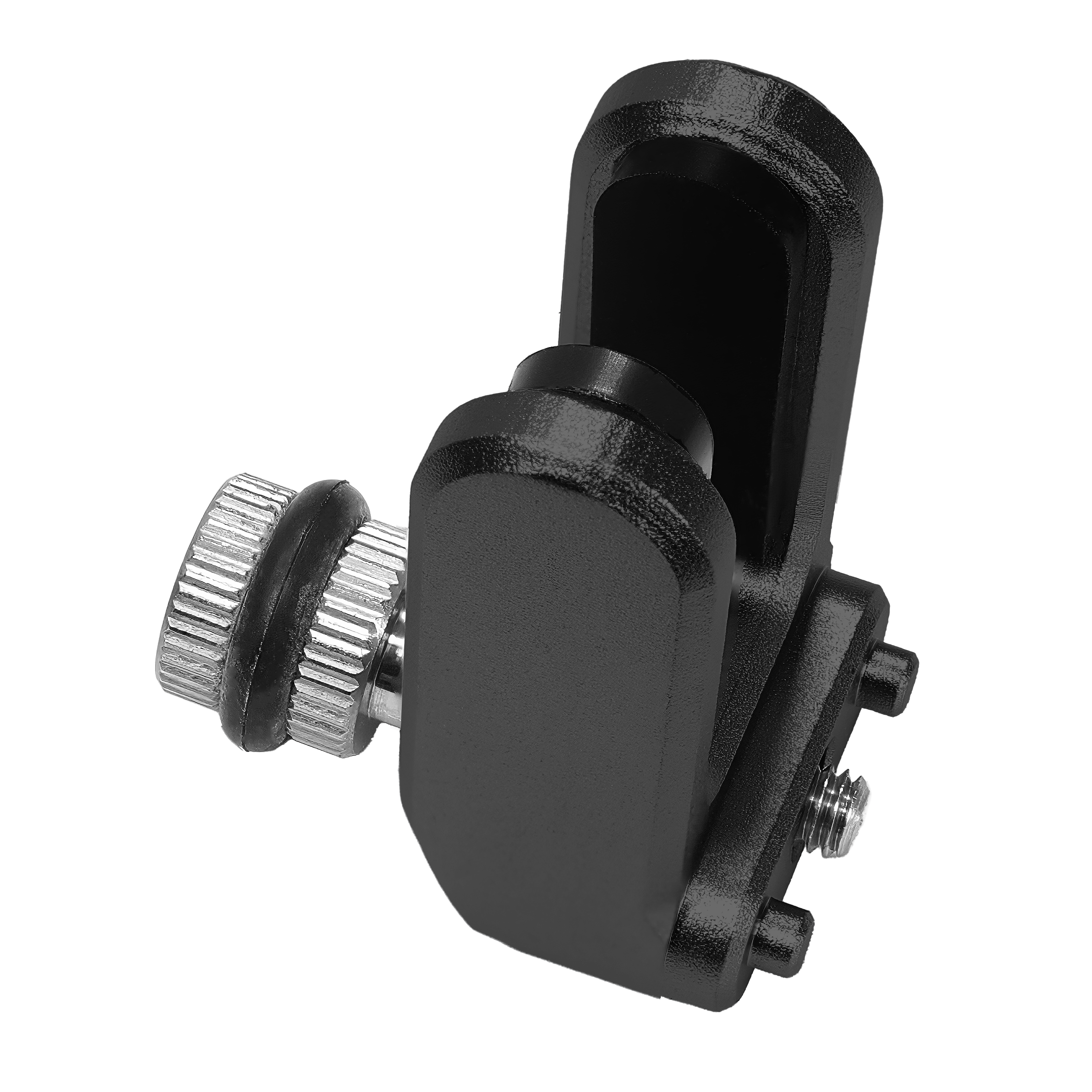
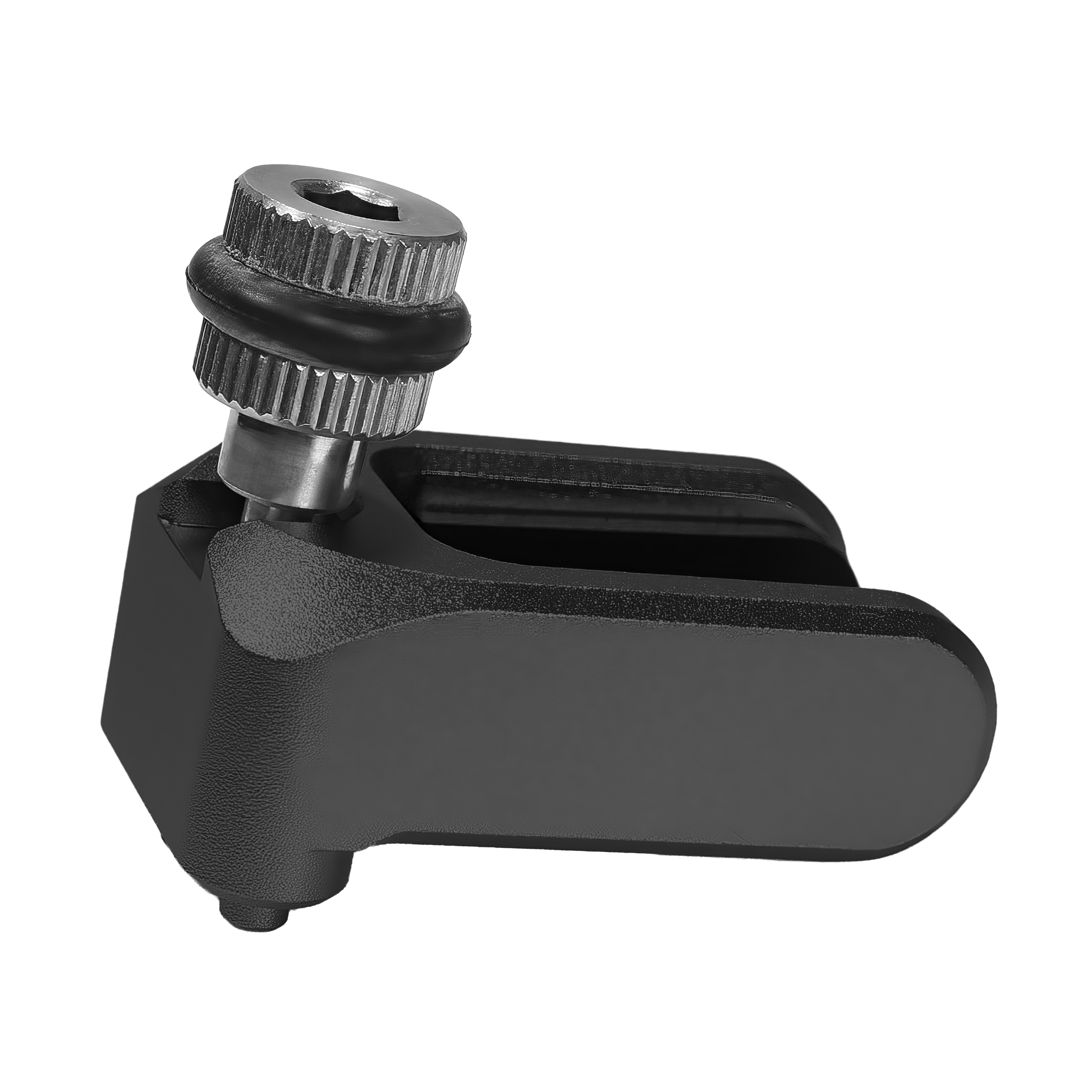
Captive stainless steel M4 tightening knob
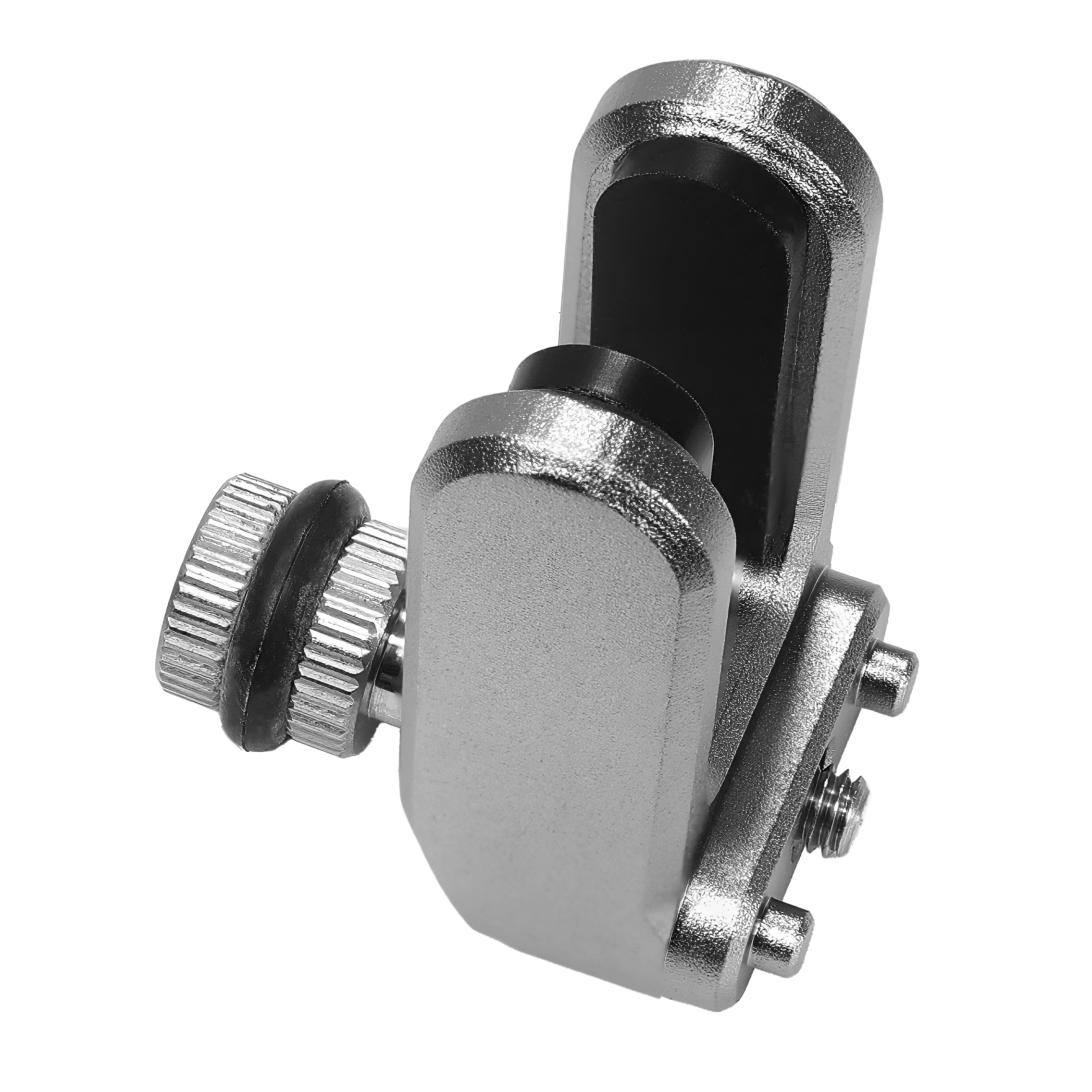
Anti-twist locating pins prevent rotation
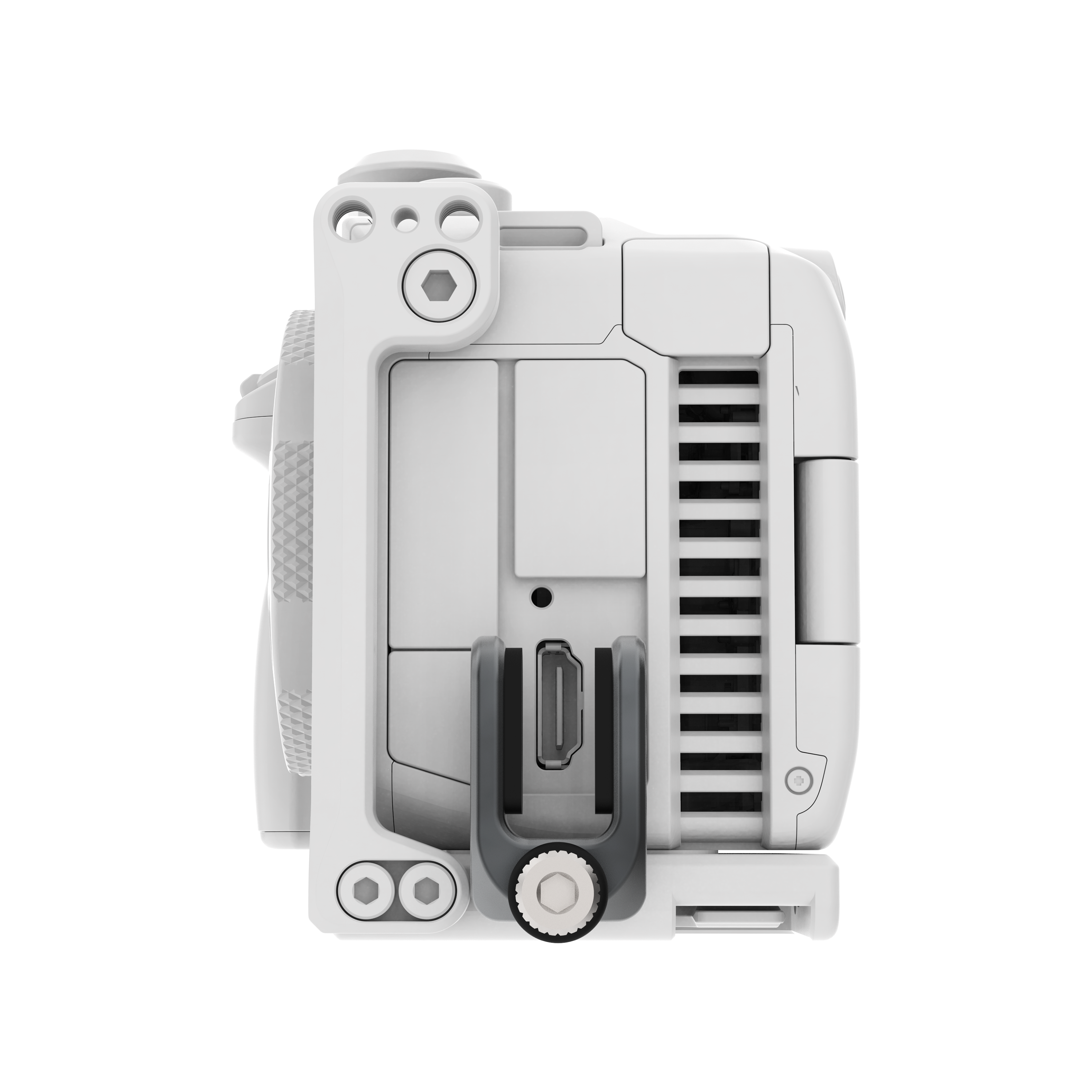
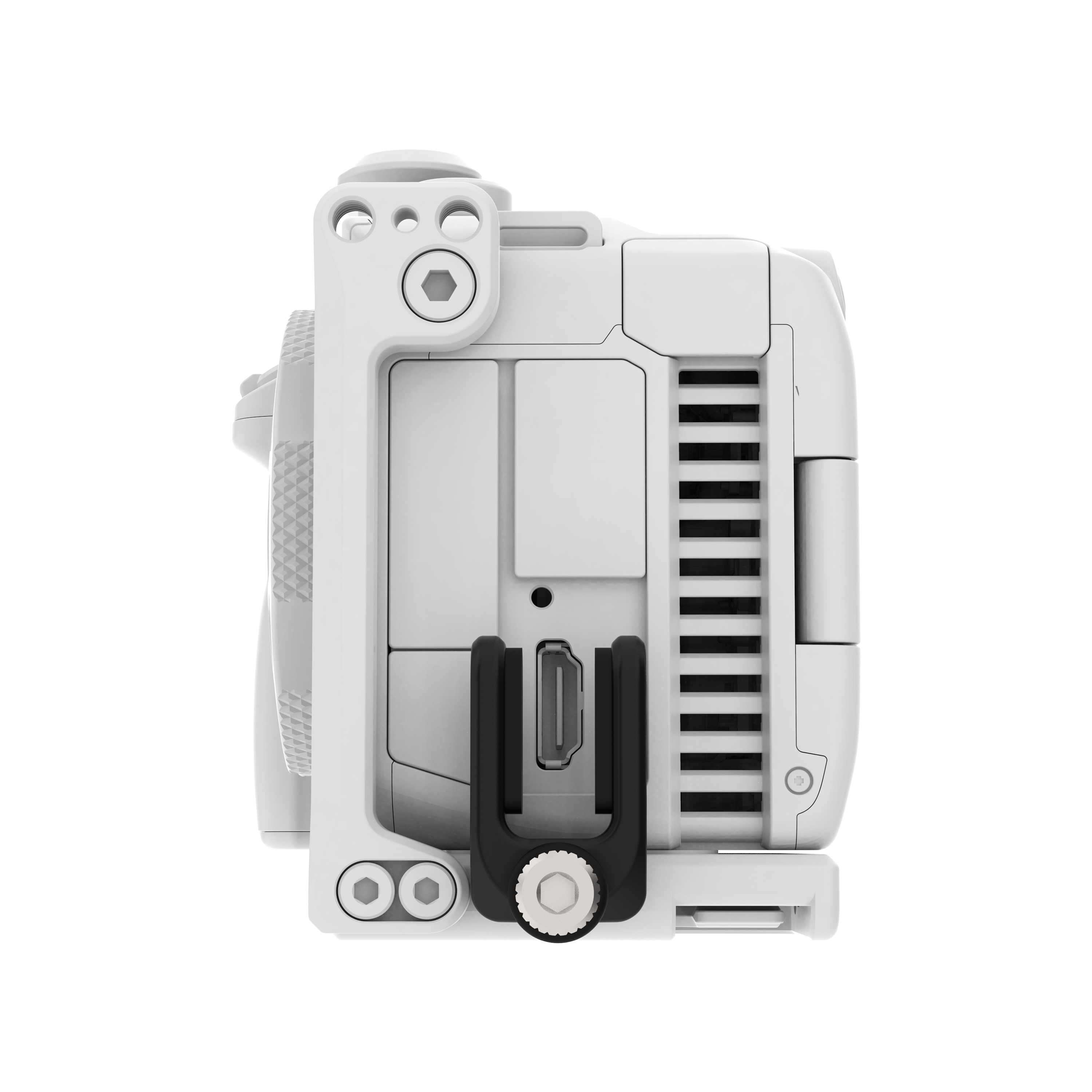
Compatible with KONDOR BLUE Canon C50, C70, and C80, cages
Built from precision-machined aluminum with KONDOR BLUE’s signature build quality
PRODUCT DESCRIPTION
Protect your HDMI connection without the hassle of a traditional cable clamp. The KONDOR BLUE HDMI Cable Guard keeps your cable secure while allowing for quick installation and removal—no tedious clamp adjustments required.
An adjustable design fits a wide range of HDMI cables. Use the included pads for standard cables, or remove them to accommodate larger HDMI cables measuring 9–13mm wide.
The guard mounts securely using a captive stainless steel M4 tightening knob, while integrated anti-twist pins lock it in place to prevent rotation during use.
TECH SPECS
20g/0.7 oz
21.5mm W x 35mm T x 15mm D
-
Cable opening:
With Pads: 9mm
Pads removed: 13mm
How it Compares
Feature |
This Product |
Why It Matters |
|---|---|---|
Tool-Free HDMI Cable Protection |
Quick installation and removal without traditional clamps |
Saves setup time and reduces on-set workflow interruptions |
Size Compatibility |
Fits HDMI cables from 9–13mm wide by removing included pads |
Supports a range of cable sizes for flexible rig configurations |
Mounting Mechanism |
Captive stainless steel M4 tightening knob with anti-twist pins |
Ensures secure attachment and prevents accidental rotation during use |
Recommended Use Cases
Secure an HDMI cable on a Canon C50, C70, or C80 camera rig using a compatible KONDOR BLUE cage.
Help reduce movement at the camera HDMI connection when operating a handheld, tripod-mounted, or production rig.
Accommodate a standard HDMI cable with the pads installed, then remove the pads when using a cable measuring 9 to 13 mm wide.
Set up or remove HDMI cable retention quickly when a traditional clamp adjustment is undesirable.
Keep a camera-to-monitor or camera-to-recorder HDMI connection supported during filming.
Frequently Asked Questions
How do I keep my HDMI cable from coming loose while filming?
The KONDOR BLUE HDMI Cable Guard secures the HDMI cable at compatible Canon C50, C70, and C80 cages without a traditional clamp to adjust. Its captive stainless steel M4 tightening knob and anti-twist locating pins help keep the guard in position during use.
What HDMI cable protector works with camera cages?
The KONDOR BLUE HDMI Cable Guard is compatible with KONDOR BLUE Canon C50, C70, and C80 cages. It mounts to these cages with anti-twist locating pins and a captive M4 tightening knob.
How do I prevent strain or damage to a camera HDMI port?
A camera cage-mounted cable guard helps hold the HDMI cable at the rig so movement is managed away from the camera connection. The KONDOR BLUE HDMI Cable Guard provides this cable protection with a tool-free design for quick installation and removal.
What HDMI cable guard fits different cable sizes without a traditional clamp?
The KONDOR BLUE HDMI Cable Guard fits standard HDMI cables with its included pads and accommodates cables from 9 mm to 13 mm wide when the pads are removed. It does not require tightening or adjusting a traditional cable clamp.
Is the KONDOR BLUE HDMI Cable Guard practical for a compact camera rig?
The KONDOR BLUE HDMI Cable Guard weighs 20 g, or 0.7 oz, and measures 21.5 mm wide by 35 mm tall by 15 mm deep. Its tool-free cable installation and removal support quick cable changes on compatible camera cages.
Pairs well with
HDMI Cable Guard
If you have any questions, you are always welcome to contact us. We'll get back to you as soon as possible, within 24 hours on weekdays.
-
Shipping Information
Use this text to answer questions in as much detail as possible for your customers.
-
Customer Support
Use this text to answer questions in as much detail as possible for your customers.
-
FAQ’s
Use this text to answer questions in as much detail as possible for your customers.
-
Contact Us
Use this text to answer questions in as much detail as possible for your customers.