
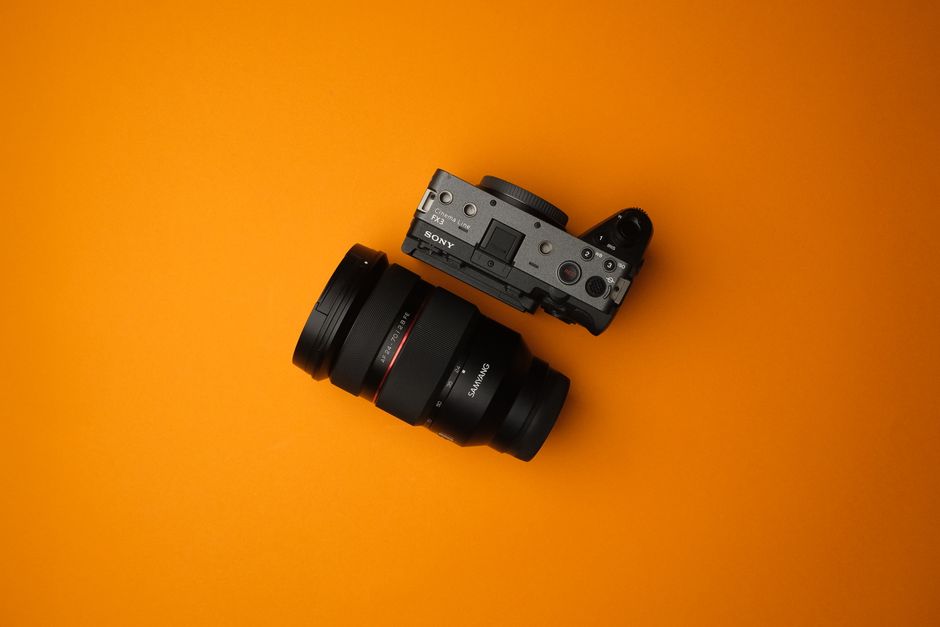
Looking to get the most out of your Sony FX3? The right accessories can transform this powerful camera into a true filmmaking workhorse. Whether you’re an indie creator or a seasoned pro, equipping your FX3 with high-quality gear—like the trusted options from Kondor Blue—makes all the difference in your workflow, image quality, and shooting experience.
What Makes the Sony FX3 a Filmmaker’s Favorite?
The Sony FX3 stands out for its compact size, full-frame sensor, and exceptional video capabilities, all in a body designed with filmmakers in mind. Its modular design means you can customize it extensively, adding the exact tools you need for any project.
Key features:
- Lightweight and compact yet powerful
- Full-frame sensor for cinematic visuals
- Advanced autofocus and internal stabilization
- Versatile mounting points for accessories
Why Do You Need Accessories for the FX3?
Out of the box, the Sony FX3 is impressive, but accessories unlock its full potential. Here’s why adding the right gear is essential:
- Rigging: Makes handheld shooting stable and comfortable.
- Power: Extends shooting time beyond internal batteries.
- Audio: Achieves professional sound quality.
- Monitoring: Provides better control over your image.
- Protection: Safeguards your investment during tough shoots.
Step-by-Step: Building the Ultimate Sony FX3 Rig
Ready to rig up your FX3 for pro-level filmmaking? Follow these steps to build a reliable and versatile setup:
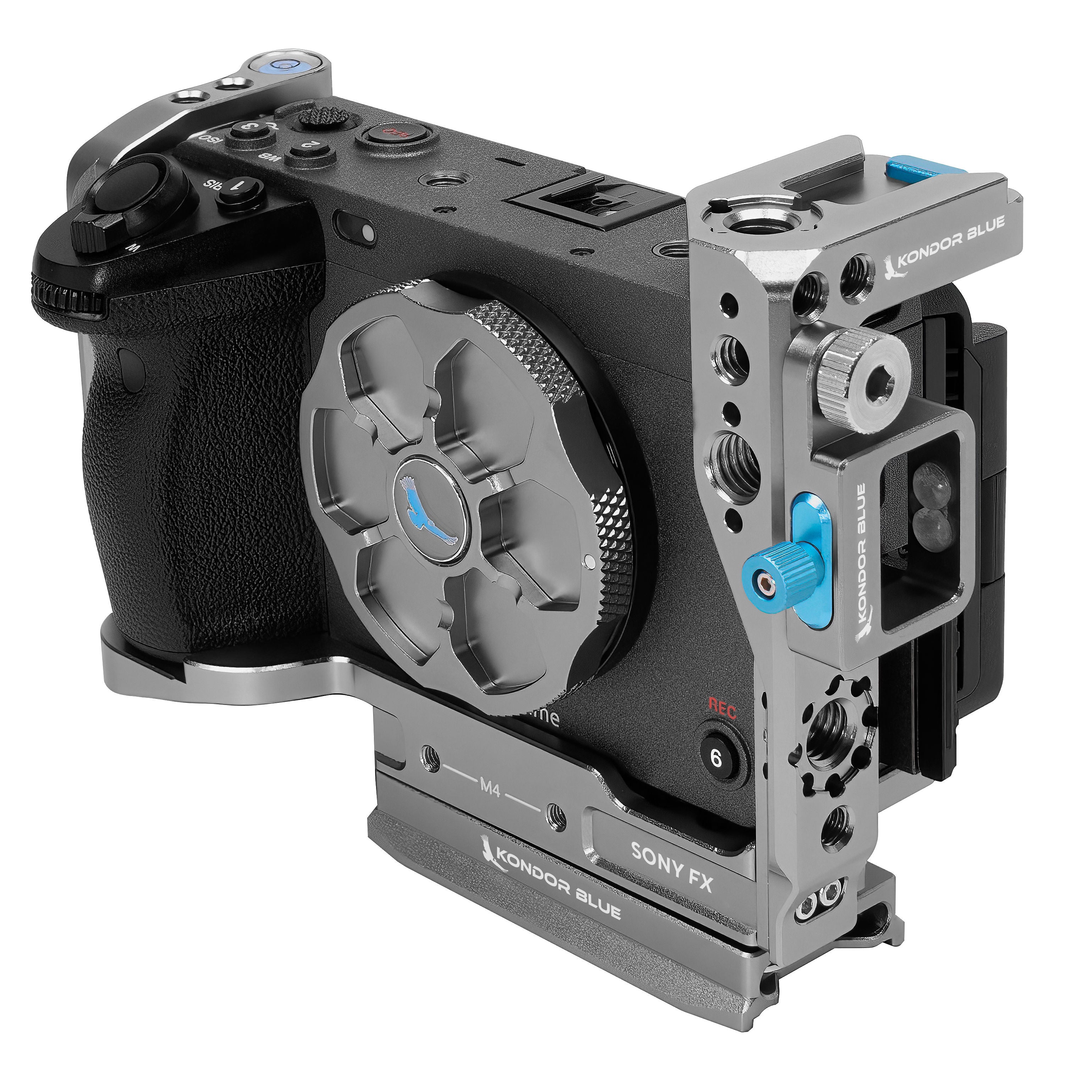
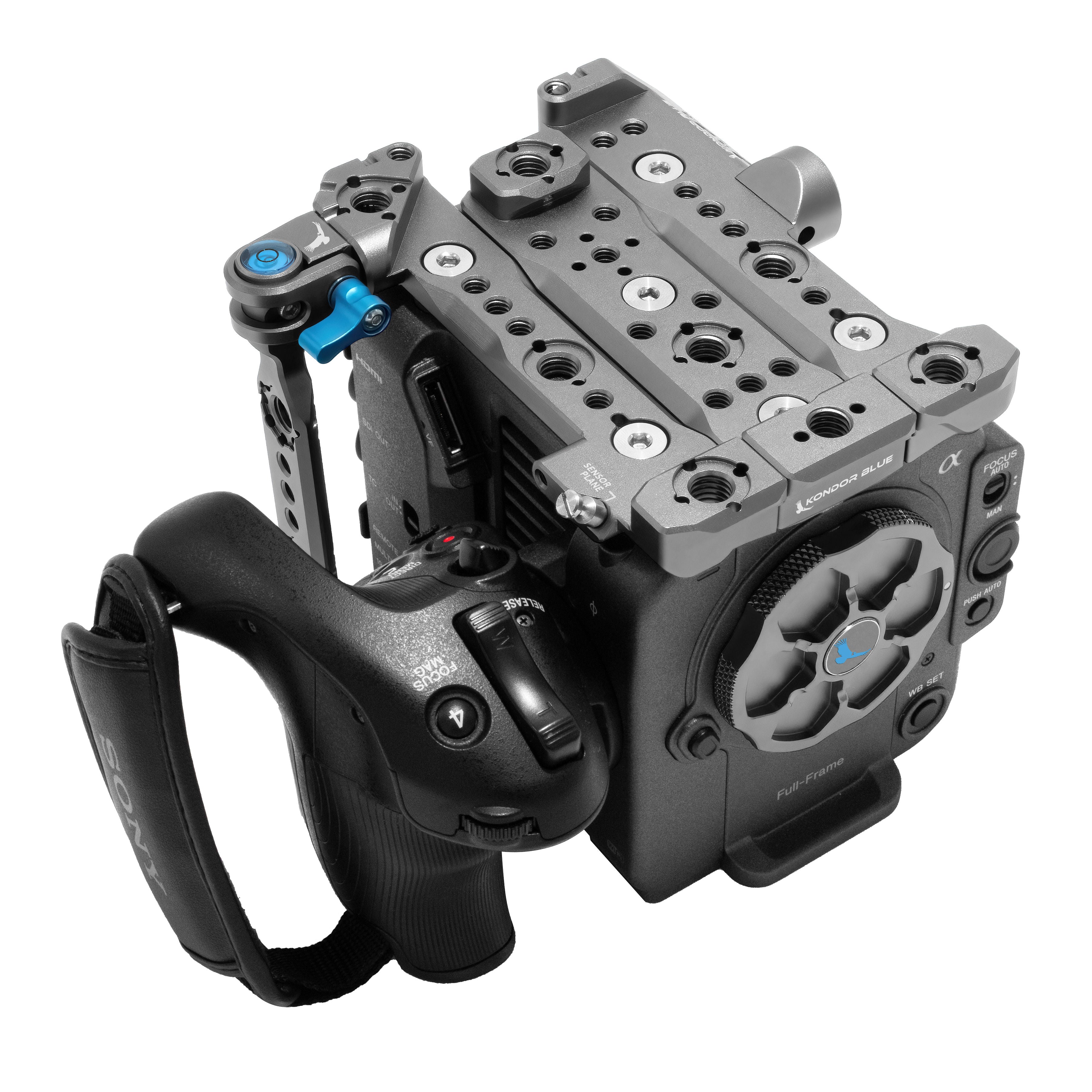
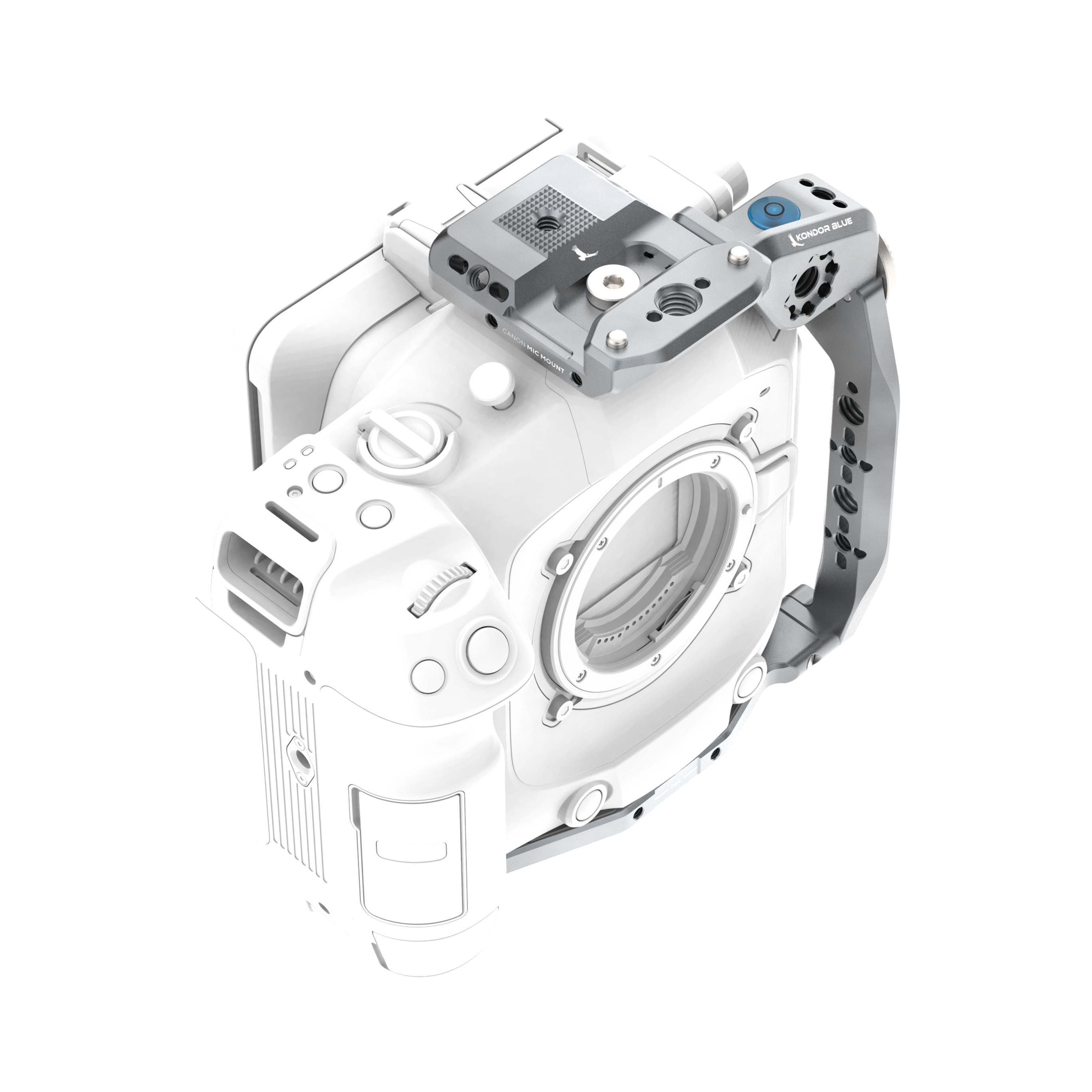
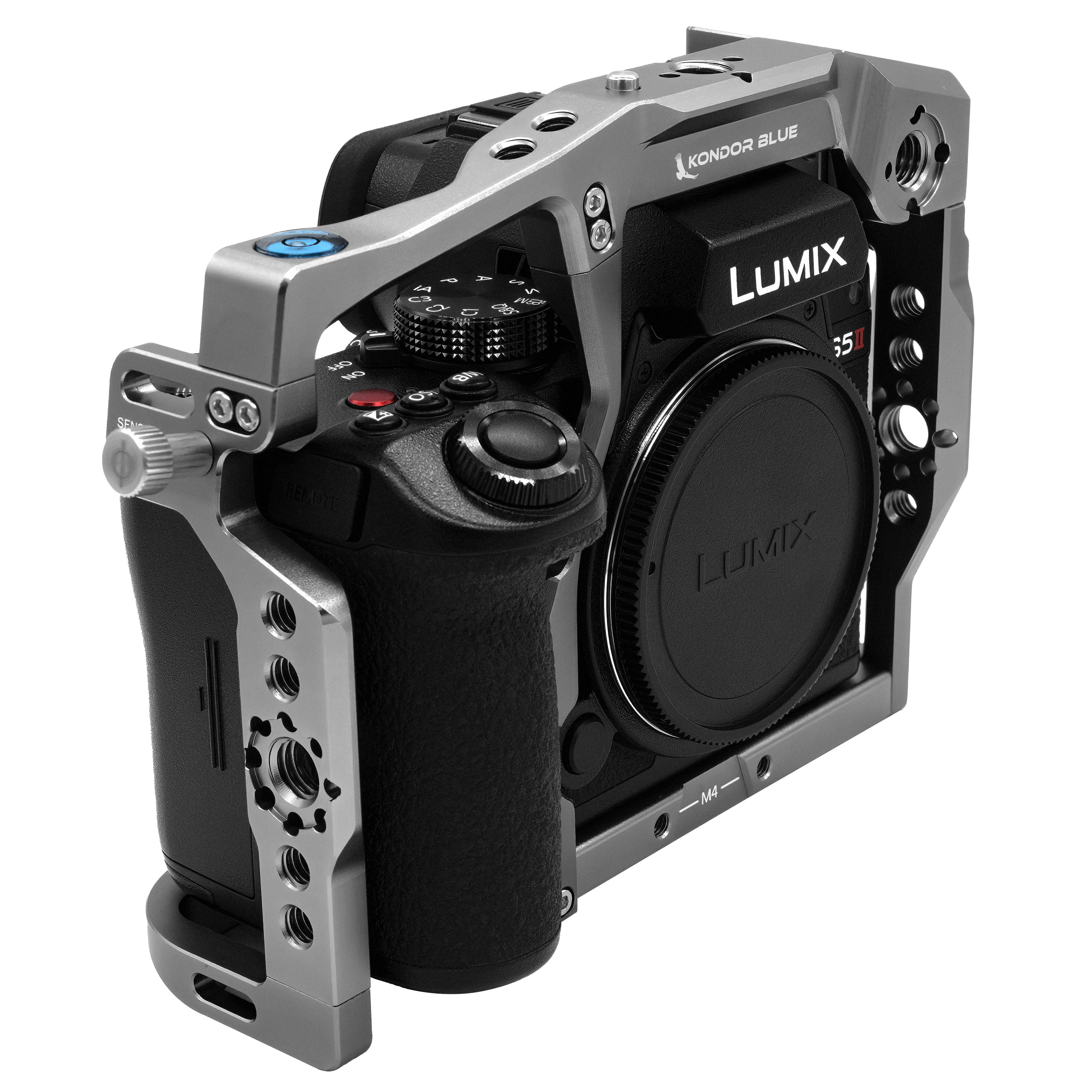
- Start with a Cage: Add a camera cage for mounting flexibility and protection. Look for options with NATO rails and multiple 1/4”-20 and 3/8”-16 threads.
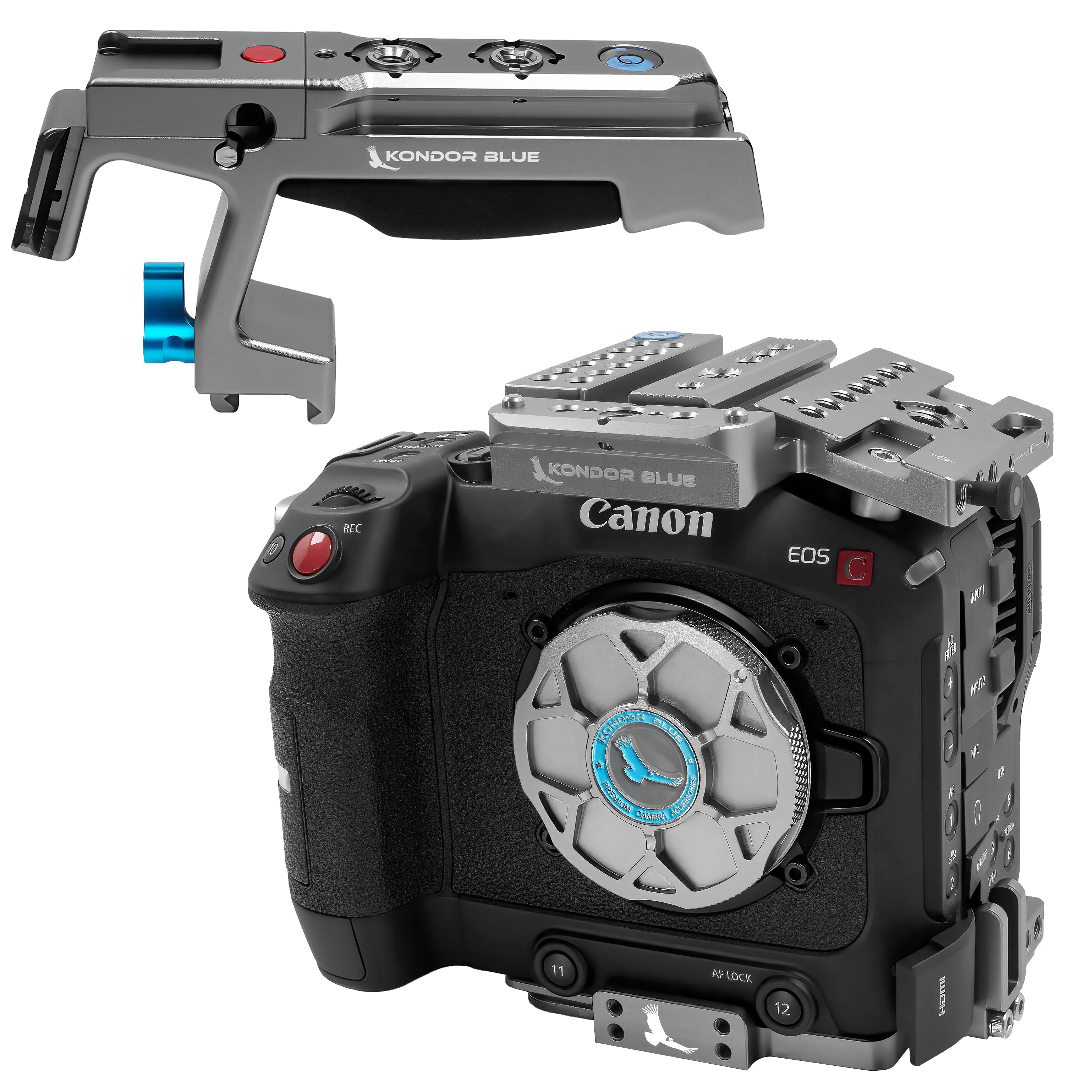
- Add a Top Handle: Attach a top handle for easy low-angle shots and safer carrying.
- Mount an External Monitor: Use a monitor mount to attach a field monitor, making critical focus and exposure checks easier.
- Set Up Power Solutions: Integrate a V-mount battery plate or D-Tap adapter for longer run times.
- Attach a Matte Box: Reduce lens flares and control light with a lightweight matte box.
- Install a Follow Focus: For precise manual focus pulls, add a follow focus system.
- Add Audio Gear: Mount a shotgun microphone or XLR audio module for high-quality sound.
- Organize with Cable Management: Use cable clamps and ties to keep your rig neat and reliable.
- Finish with Rods and Accessories: 15mm rods let you add lens supports, wireless transmitters, or other gear as needed.
Which Accessories Are Must-Haves for Every FX3 Owner?
With so many options, it’s easy to get overwhelmed. Prioritize these essentials for a well-rounded rig:
- Camera Cage: Foundation for safely mounting all other gear.
- Top Handle: Enhances mobility and shot variety.
- External Monitor: Larger, brighter screen for critical viewing.
- Power Solutions: V-Mount battery plates or dummy batteries for all-day shooting.
- Audio Accessories: On-camera microphones or dedicated audio modules.
- Lens Mount Adapters: Use a wider range of lenses for creative flexibility.
- Matte Box and Filters: Control light and improve image quality.
Pro tip: Brands like Kondor Blue are known for reliable, filmmaker-friendly accessories that integrate seamlessly with the FX3.
How Do These Accessories Improve Your Workflow?
Not sure if upgrading your rig is worth it? Here’s how these tools make a difference:
- Better Handling: Cages and handles make the FX3 easier to maneuver, especially during long shoots.
- Superior Audio: Dedicated microphones and XLR adapters boost sound capture quality.
- Extended Shooting: External power solutions mean fewer battery swaps and more time filming.
- Enhanced Monitoring: External monitors help nail focus and exposure, even in bright sunlight.
- Greater Versatility: Modular accessories adapt your rig for gimbals, tripods, handheld, or shoulder mount setups.
FAQ: Sony FX3 Accessories
What is a camera cage, and why do I need one for the FX3?
A camera cage is a protective frame that surrounds your camera, adding mounting points for accessories like handles, monitors, and microphones. It also protects your camera from bumps and drops.
Which power solution is best for long shoots with the FX3?
For extended sessions, a V-mount battery plate or a D-Tap adapter lets you use high-capacity batteries that last much longer than the standard FX3 battery.
Do I need an external monitor if the FX3 has a screen?
While the FX3’s built-in screen is useful, a dedicated field monitor offers a larger, brighter display with advanced focus and exposure tools, making it invaluable for critical shooting.
Are these accessories hard to install?
Most camera accessories for the FX3 use standardized mounts and are designed for tool-free installation, making setup quick and easy.
Conclusion: Gear Up and Create Without Limits
The Sony FX3 is a stellar camera, but the right accessories can elevate it to a new level of professional performance. Investing in a quality rig—starting with essentials like a cage, handle, monitor, and power solution—means smoother shoots and better results. Explore the complete range of filmmaker gear and rigging solutions by visiting Kondor Blue at https://kondorblue.com and outfit your FX3 for any creative challenge.