
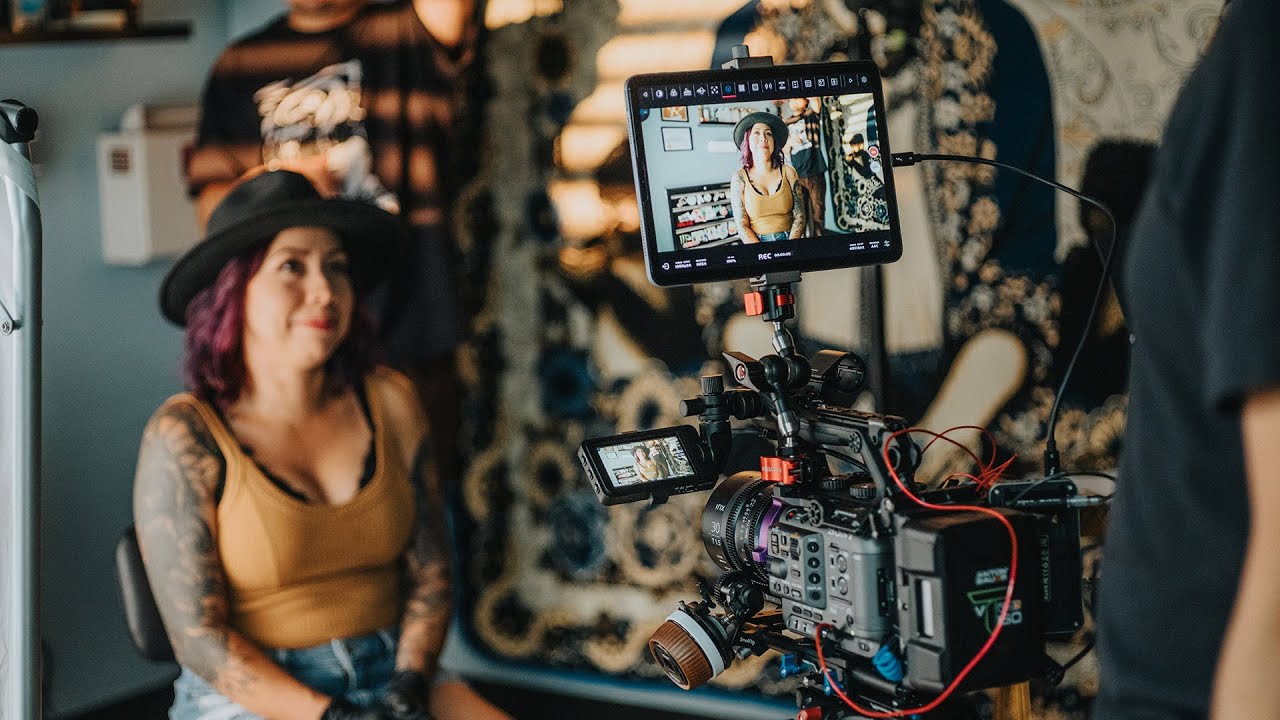
How to Use Your iPhone 15 as a Professional Camera Monitor
In 2026, the iPhone 15 continues to impress creators with its advanced camera features and connectivity. In this guide, inspired by Armando Ferreira’s video, learn how to turn your iPhone 15 into a high-quality external monitor for your camera setup.
Why Use Your iPhone 15 as a Camera Monitor?
- High-Resolution Display: The iPhone 15 offers a bright, color-accurate OLED screen ideal for monitoring footage.
- Portability: Lightweight and easy to mount, the iPhone 15 is perfect for on-the-go filmmakers.
- Cost-Effective: Avoid purchasing expensive dedicated monitors by using a device you already own.
- Advanced Features: Leverage iOS apps for focus peaking, waveform, and LUT previews.
What You Need to Get Started
- iPhone 15: Any iPhone 15 model (including Pro and Pro Max) with iOS 17 or later.
- Camera with HDMI Output: Most mirrorless or cinema cameras released in 2026 support clean HDMI out.
- HDMI Capture Device: A compatible HDMI-to-Lightning or HDMI-to-USB-C adapter (depending on your iPhone model).
- Camera Monitoring App: Popular options include Monitor+ for iOS and similar apps.
- Mounting Solution: Use a phone clamp or cold shoe mount to attach the iPhone to your camera rig.
Step-by-Step Setup Guide
- Connect the HDMI cable from your camera to the HDMI capture device.
- Plug the capture device into your iPhone 15 (via Lightning or USB-C).
- Open your preferred camera monitoring app on the iPhone.
- Secure the iPhone to your camera rig using a mount.
- Adjust app settings for focus peaking, exposure, and LUTs as needed.
Expert Tips from Armando Ferreira
- Use a high-quality HDMI capture adapter to minimize latency.
- Optimize your iPhone’s brightness and color settings for accurate monitoring.
- Explore app features like false color, zebras, and frame guides for professional results.
- Keep your iPhone charged with a portable battery pack during long shoots.
Comparing iPhone 15 to Traditional Camera Monitors
- Display Quality: The iPhone 15’s OLED display rivals many professional monitors in sharpness and color accuracy.
- Convenience: iPhones are more compact and easier to set up than most field monitors.
- App Ecosystem: iOS offers a wider range of monitoring and video assist apps compared to proprietary monitor firmware.
Trending in 2026: Mobile Devices as Filmmaking Tools
With the rise of mobile-first content creation, filmmakers in 2026 are increasingly using smartphones like the iPhone 15 as versatile tools for both shooting and monitoring. This trend is supported by industry experts and creators like Armando Ferreira, who showcase innovative workflows on platforms such as YouTube.
Frequently Asked Questions
Can I use any iPhone model as a camera monitor?
While older iPhones can be used, the iPhone 15 (and newer) offers the best display quality, connectivity, and app compatibility for professional monitoring in 2026.
What apps are recommended for monitoring camera footage on iPhone?
Popular apps include Monitor+, Camo Studio, and FiLMiC Pro. These provide advanced features like focus peaking, waveform, and LUT preview.
Is there any noticeable lag when using iPhone 15 as a monitor?
With a high-quality HDMI capture device, latency is minimal—typically under 100ms—making it suitable for most video production needs.
Do I need a special adapter for the iPhone 15?
The iPhone 15 uses USB-C, so ensure your HDMI capture device is compatible with USB-C connections for seamless integration.
Is this setup suitable for live streaming?
Yes, many creators use their iPhone 15 as a live monitor for streaming setups, especially when paired with compatible apps and capture devices.