
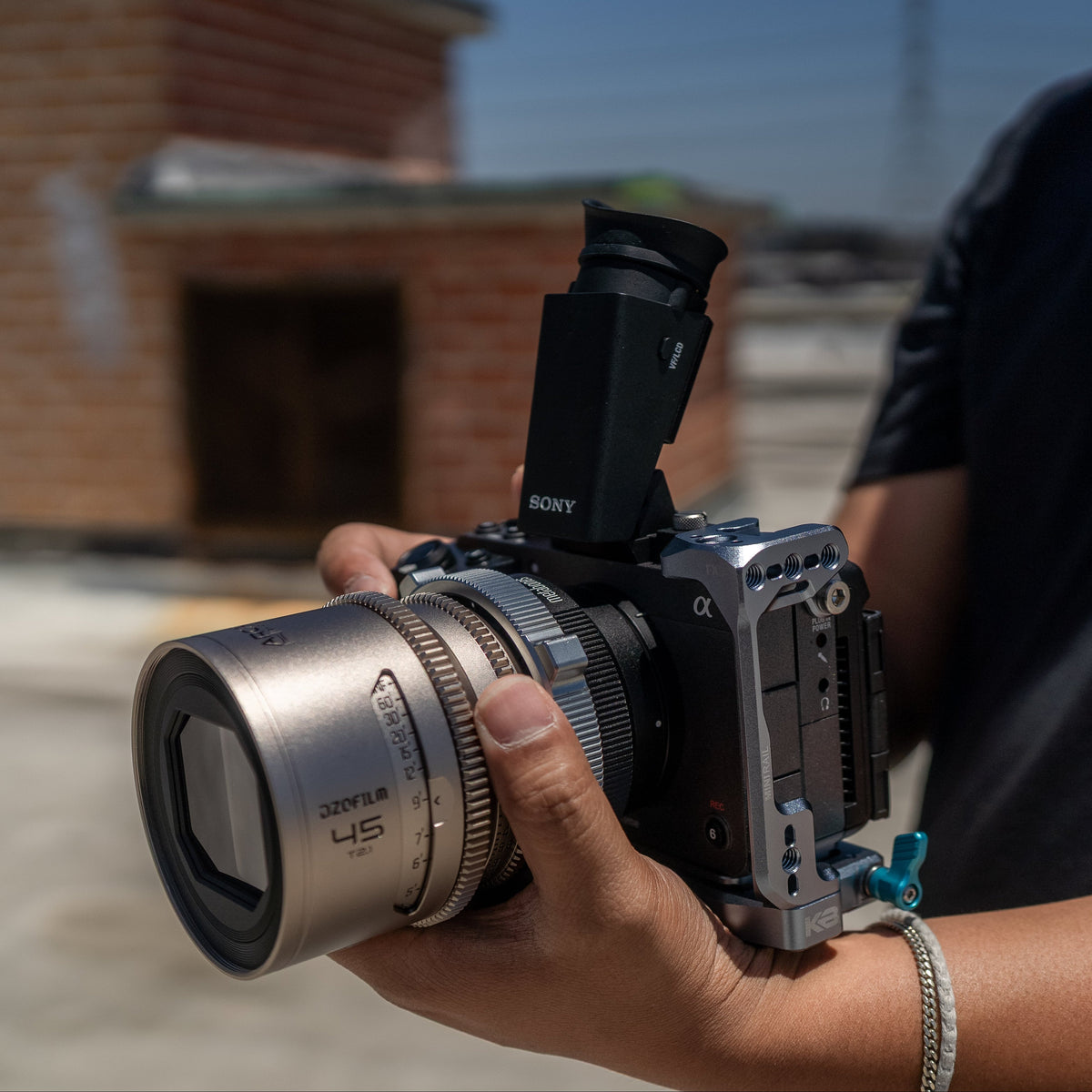
How to Build a Sony FX5 Rig: Cage, Power, Handles and Cable Management
The Sony FX5 delivers cinema-camera performance in a compact, lightweight body. That smaller design makes it easier to move between handheld, tripod and gimbal setups, but it also leaves limited space for mounting monitors, power systems, wireless video and other production accessories.
A well-designed Sony FX5 rig should add the mounting points and control you need without turning the camera into an unnecessarily large build. The goal is not to attach every accessory possible. It is to create a setup that can adapt quickly while keeping the camera protected, balanced and easy to operate.
Start With a Modular Sony FX5 Cage
A camera cage creates the foundation for the rest of the rig. It protects the camera body while adding secure mounting points for monitors, handles, transmitters, cable clamps and other accessories.
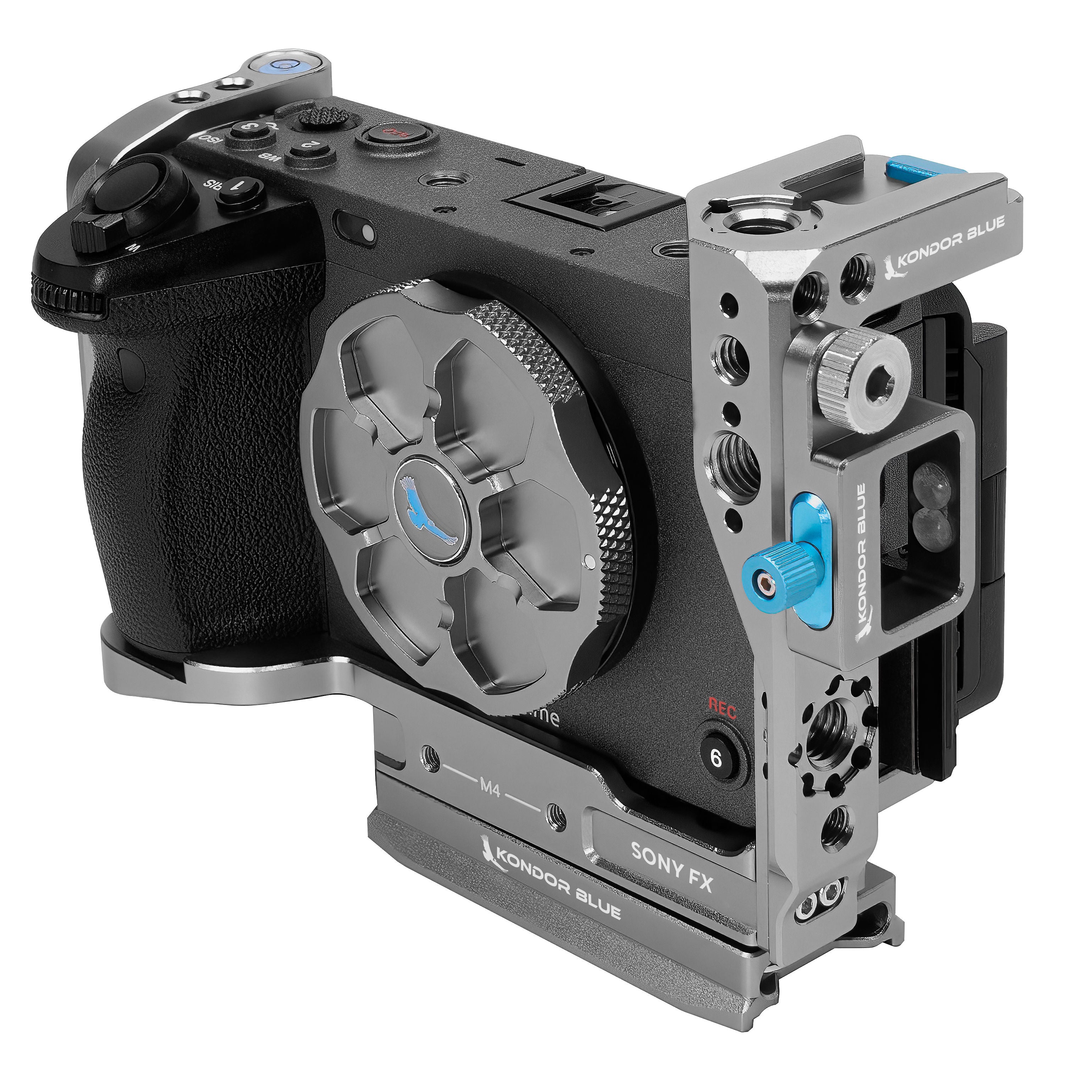
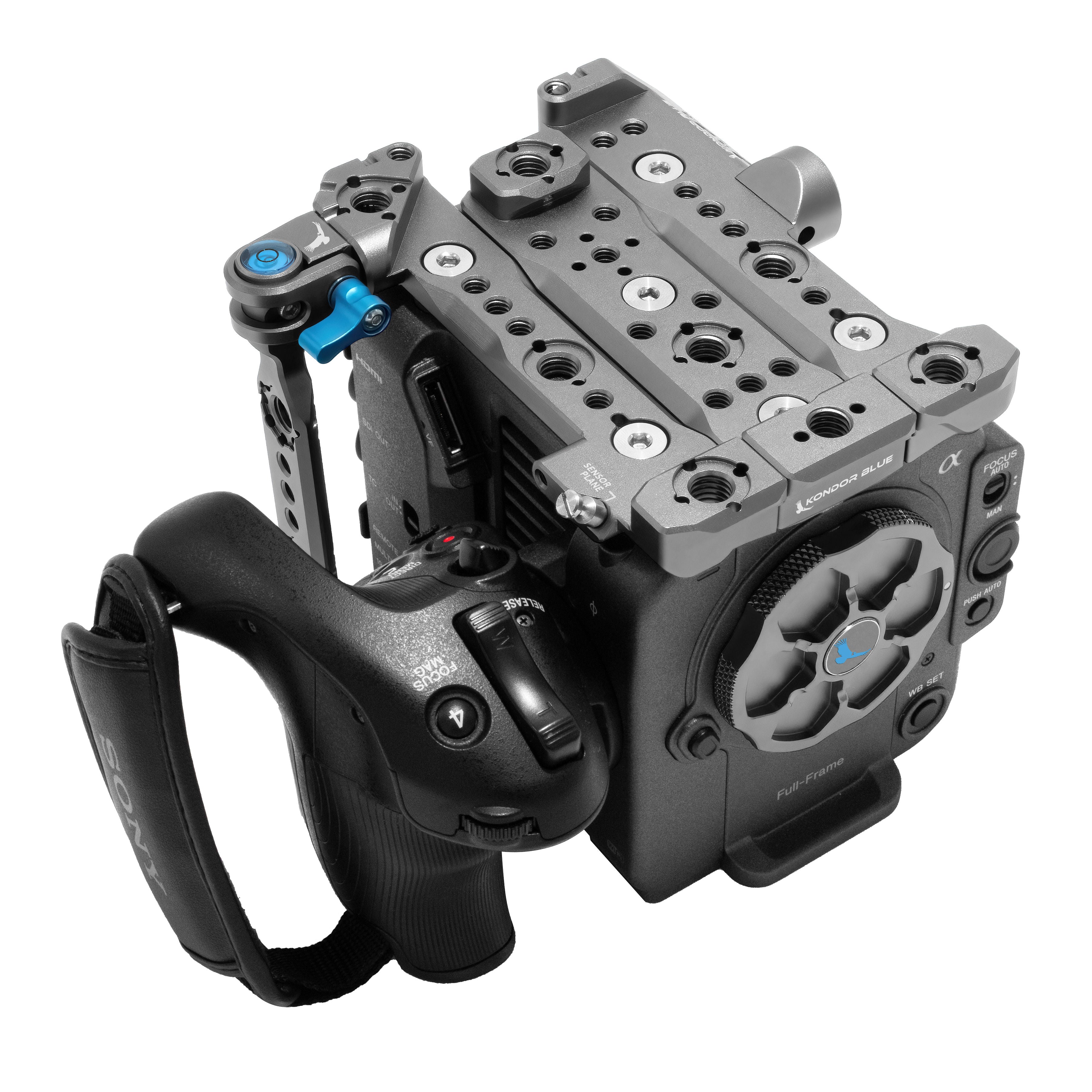
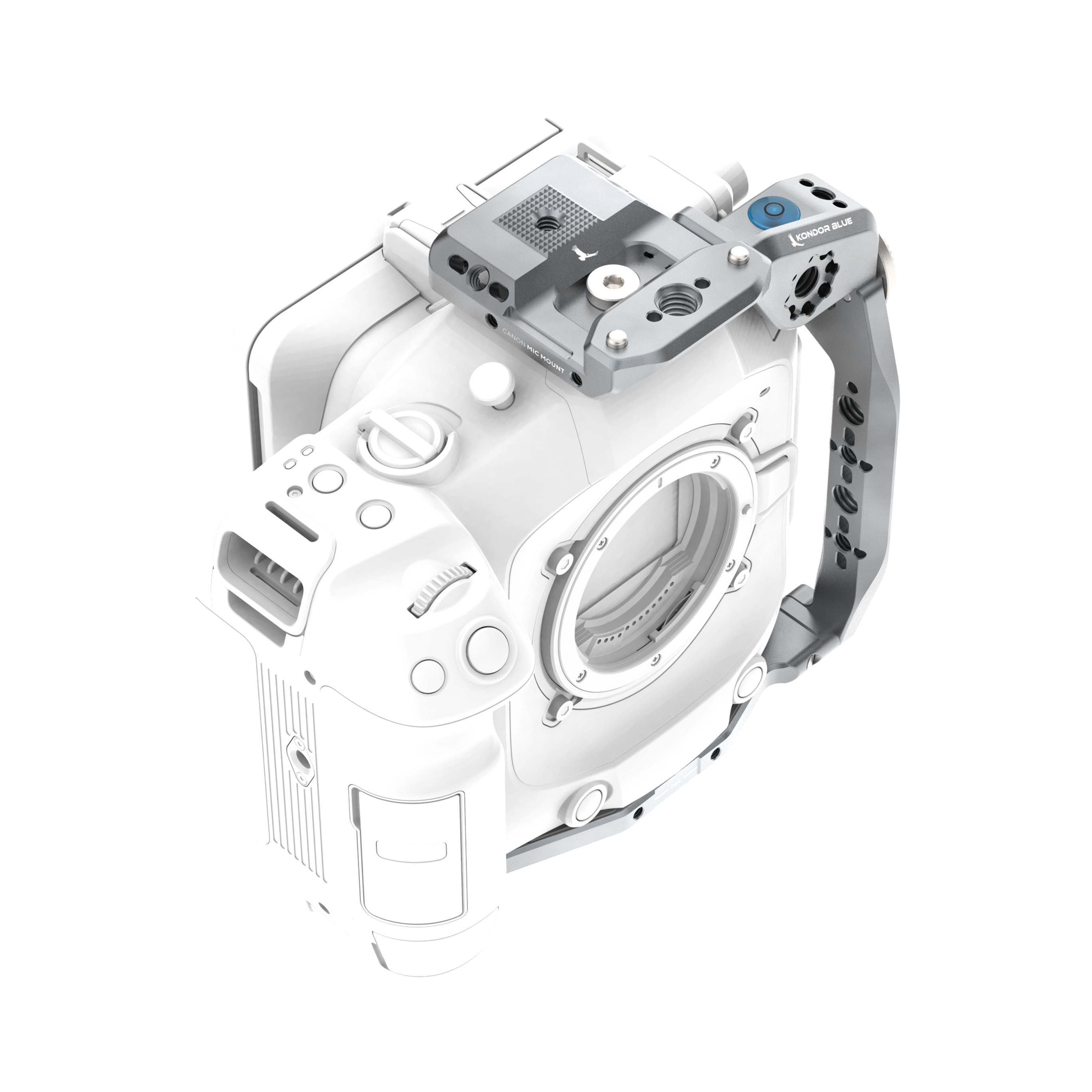
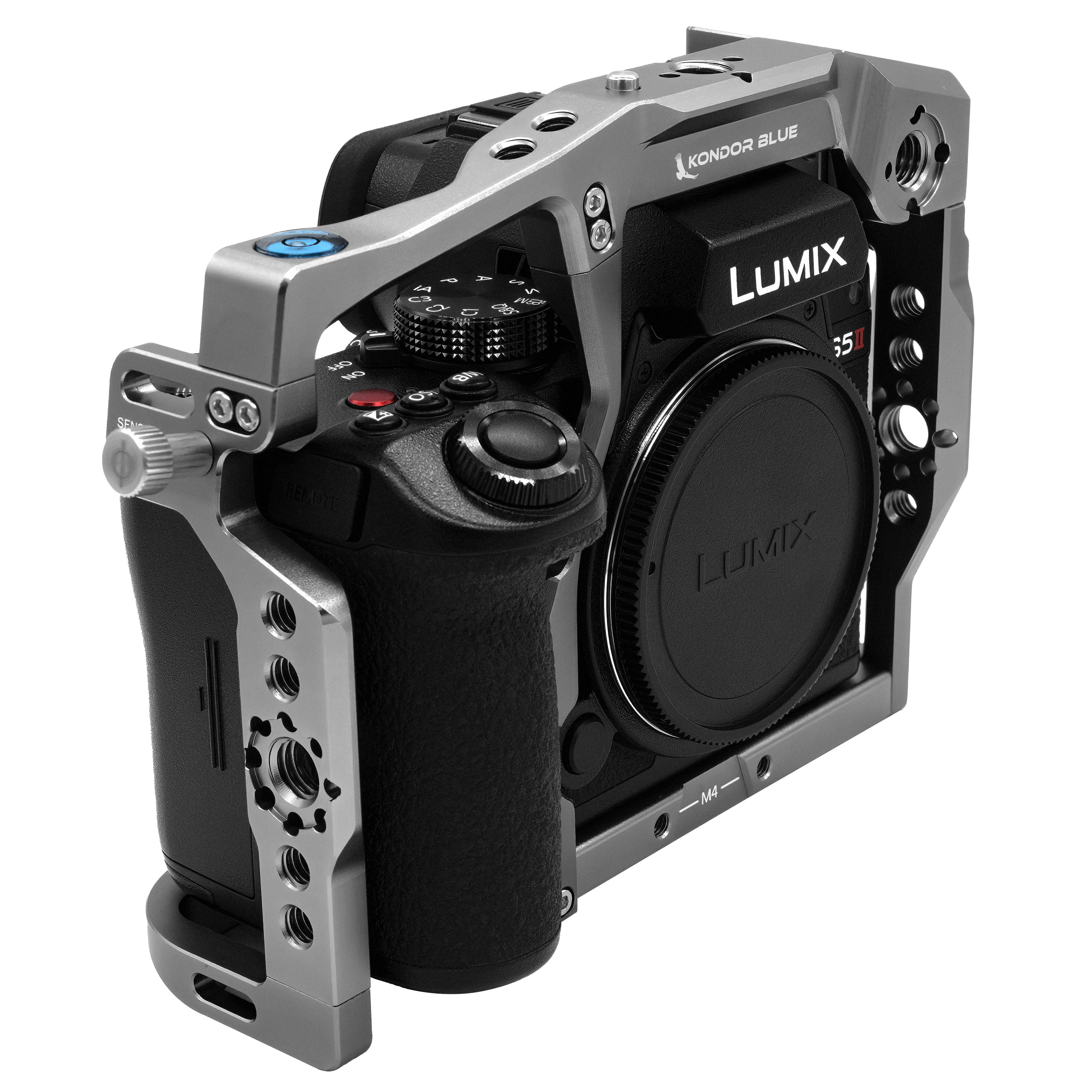
The KONDOR BLUE Sony FX5 Hybrid Camera Cage is designed for productions that regularly move between different shooting configurations. Its patented Hybrid System converts from a full cage to a half cage without tools, allowing operators to reduce the size of the rig without rebuilding it from the ground up.
An integrated DJI-ready ARCA plate also makes it faster to move the FX5 between compatible handheld, tripod and gimbal setups. NATO rails on three sides and the signature KONDOR BLUE MiniRail™ provide flexible mounting options for handles, monitors, audio gear and other production accessories.
The removable top NATO rail helps preserve compatibility with Sony’s EVF and XLR top handle, while support for drop-in filter adapters keeps more advanced lens and filtration workflows available.
For most FX5 builds, the cage should accomplish three things:
Protect the camera without blocking buttons, media or ports.
Provide secure mounting points that prevent accessories from twisting.
Make it easier to transition between different production setups.
Operators can also explore the full collection of camera cages for other supported camera systems.
Add a Top Handle for Better Control
A top handle gives the operator greater control during low-angle shots, handheld movement and transitions between setups. It can also create a central mounting area for a monitor, microphone, timecode box or wireless receiver.
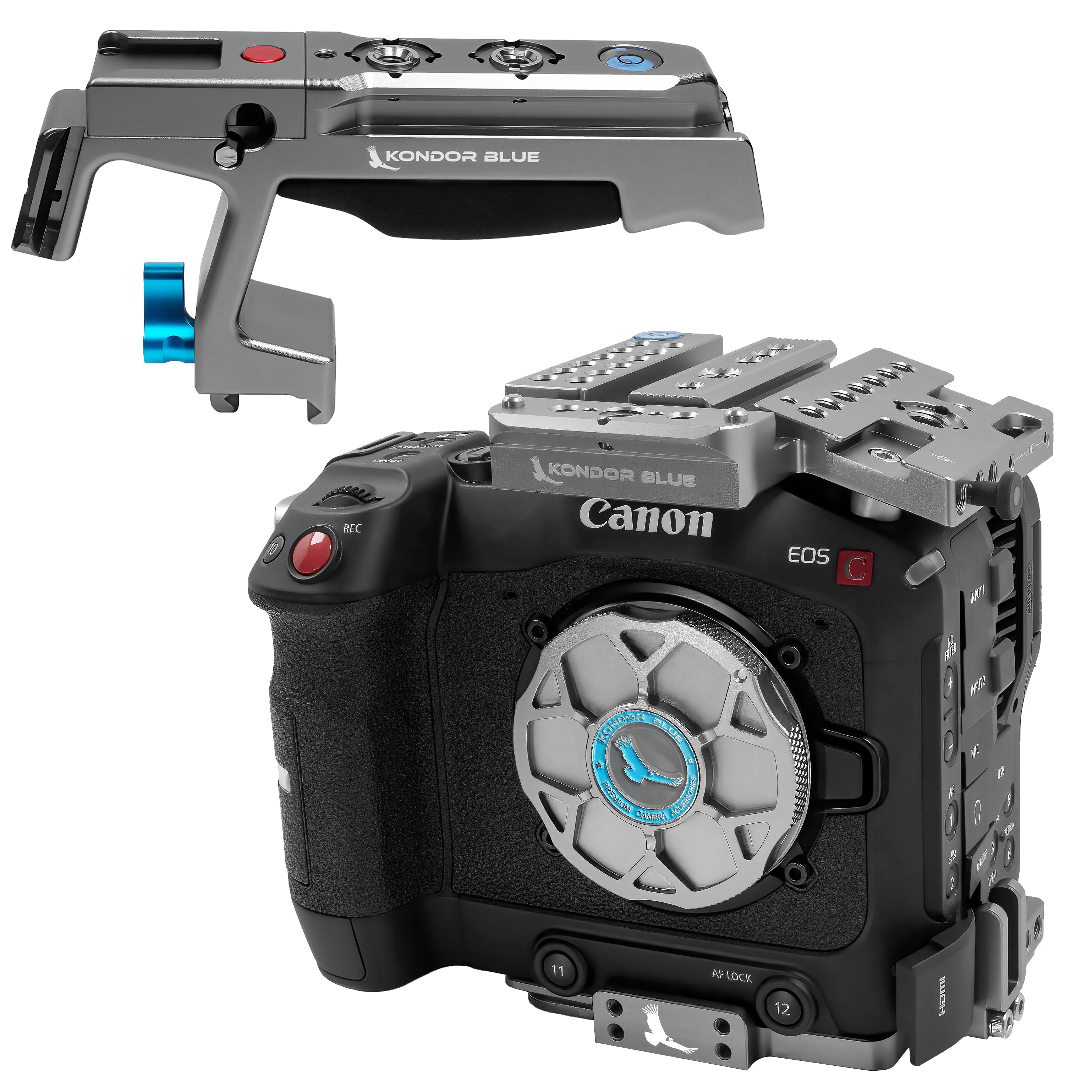
The KONDOR BLUE Talon Top Handle for Cameras, Monitors and Cages provides an ergonomic grip along with NATO, cold-shoe and anti-twist mounting points. Rather than spreading accessories across the camera body, the handle helps keep commonly used tools accessible and positioned closer to the center of the rig.
When choosing an FX5 top handle, consider more than the grip itself. Look at how the handle attaches, whether it can be removed quickly and whether its mounting points match the accessories you actually use.
FX5 operators using Sony’s factory XLR handle should also confirm that the cage and surrounding components preserve access to the handle and its audio controls.
Choose a Power Setup That Matches the Production
The FX5 can remain compact when powered by its internal battery, but productions using monitors, wireless transmitters, follow-focus motors or other accessories may benefit from a larger external power source.
A V-Mount or Gold Mount battery system can power several components from one centralized battery. This reduces the number of individual batteries that need to be monitored and swapped throughout the day.
The KONDOR BLUE ARC Battery Plate System was designed around smaller modern camera rigs. Its ARCA-based mounting system allows the battery plate to attach or detach quickly, while the tool-free pivot lets the battery move between operating and folded positions.
That articulation can help operators:
Preserve access to the FX5’s rear controls and display
Rebalance the camera for handheld or tripod use
Fold the battery closer to the rig for transport
Adjust the setup without reaching for tools
Select power cables based on the required voltage and connector for each device. A battery plate provides the mounting and distribution platform, but every camera and accessory should still receive the correct regulated power.
Protect the FX5’s Cables and Ports
Cable management is one of the least noticeable parts of a rig until something goes wrong.
HDMI, USB-C and power cables that hang freely can catch on clothing, support equipment or nearby objects. A sudden pull can damage the cable or transfer force directly into the camera’s port.
Use appropriately sized SDI cables, HDMI cables and D-Tap power cables based on the camera and accessories in the build. Attach them to the cage with dedicated cable clamps whenever possible so movement is absorbed before reaching the camera connection.
A clean FX5 cable layout should also preserve access to:
Media-card doors
Battery compartments
Audio controls
Side buttons
Monitor articulation
Quick-release mechanisms
Avoid using significantly longer cables than the rig requires. Excess cable adds clutter and can make it harder to reconfigure the camera quickly.
What Accessories Does a Sony FX5 Rig Need?
The right build depends on how the camera will be used, but most FX5 rigs begin with a few core components:
A form-fitting Sony FX5 cage
A top or side handle
A monitor mount
Cable clamps
Appropriately sized HDMI, USB-C or power cables
An external battery system for accessory-heavy builds
A quick-release plate compatible with the operator’s tripod or gimbal
Start with the cage and mounting system, then add components based on the needs of the production. A documentary operator may prioritize a compact battery and top handle, while a studio build may require wireless video, follow focus, additional power distribution and larger monitors.
Frequently Asked Questions
Do I need a cage for the Sony FX5?
A cage is not required to operate the Sony FX5, but it becomes useful when mounting monitors, handles, cable clamps, wireless transmitters or external power systems. A form-fitting cage also helps protect the camera and its ports during production.
Can I use the Sony XLR handle with an FX5 cage?
Yes, provided the cage is designed to preserve the required mounting area and control access. The KONDOR BLUE FX5 Hybrid Cage includes a removable top NATO rail to maintain compatibility with Sony’s EVF and XLR top handle.
Should I use a full cage or half cage on the FX5?
A full cage provides more protection and mounting options. A half cage reduces weight and can be better suited to compact handheld or gimbal builds. A hybrid cage allows operators to move between both configurations without purchasing separate cages.
What should I buy first for my Sony FX5 rig?
Begin with a camera cage that fits the FX5 correctly and supports your preferred quick-release system. From there, add a handle, monitor mount, cable protection and power components based on your shooting workflow.
Can one battery power the FX5 and its accessories?
A compatible V-Mount or Gold Mount battery can power multiple devices through a battery plate and suitable power cables. Verify the voltage and power requirements of the FX5 and every connected accessory before building the power system.
Build the Rig Around the Shot
The best Sony FX5 setup is not necessarily the largest one. It is the setup that gives the operator the required control, power and mounting flexibility while remaining fast to use.
Start with a modular foundation, protect vulnerable cables and ports, and add only the accessories that help the production move more efficiently. Explore the Shop by Camera navigation to build a setup around your specific camera and workflow.