




KB-BMPCC-CLUT
BMPCC 4K & 6K Creative LUT
Full Description & Features
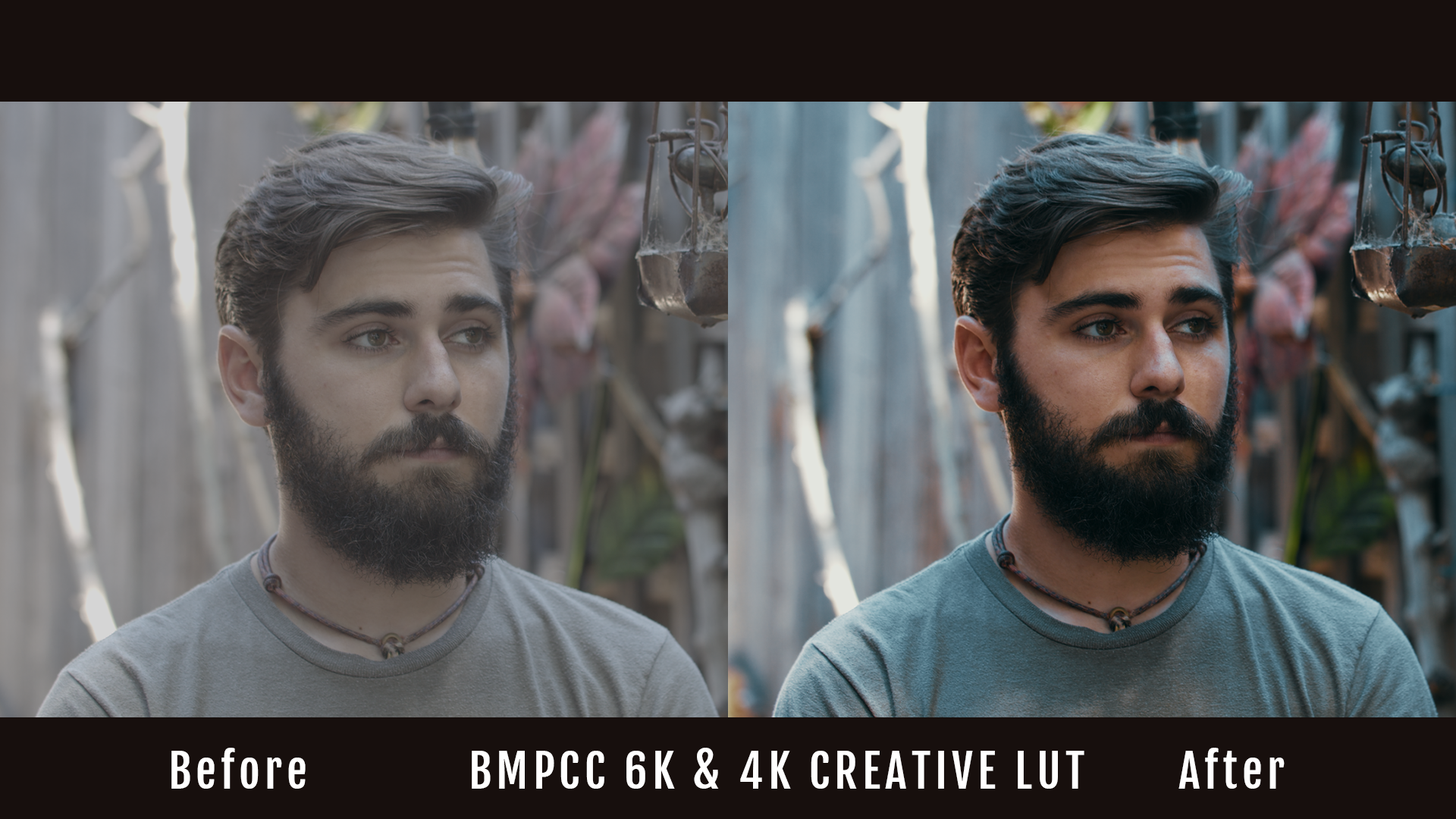
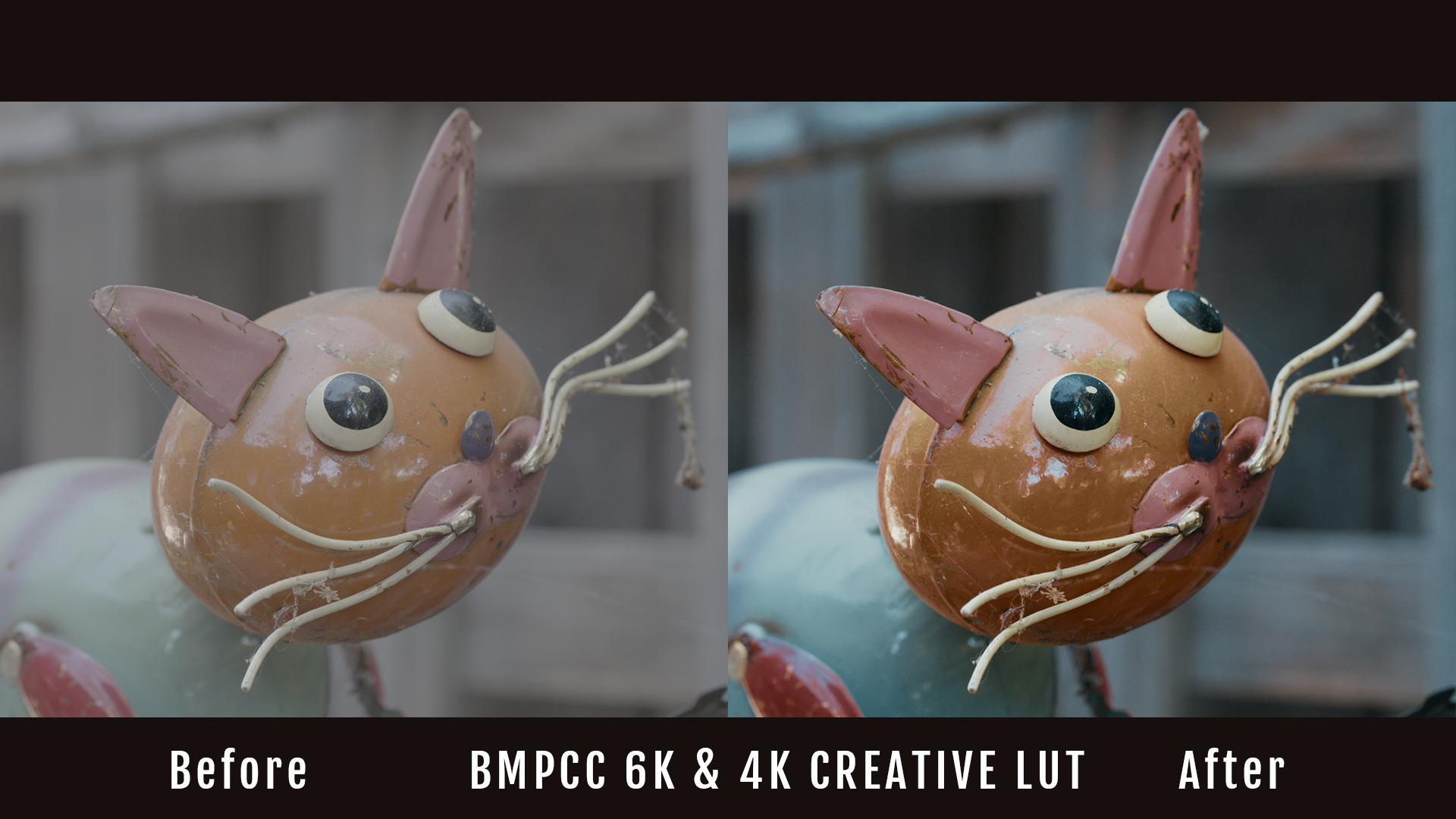
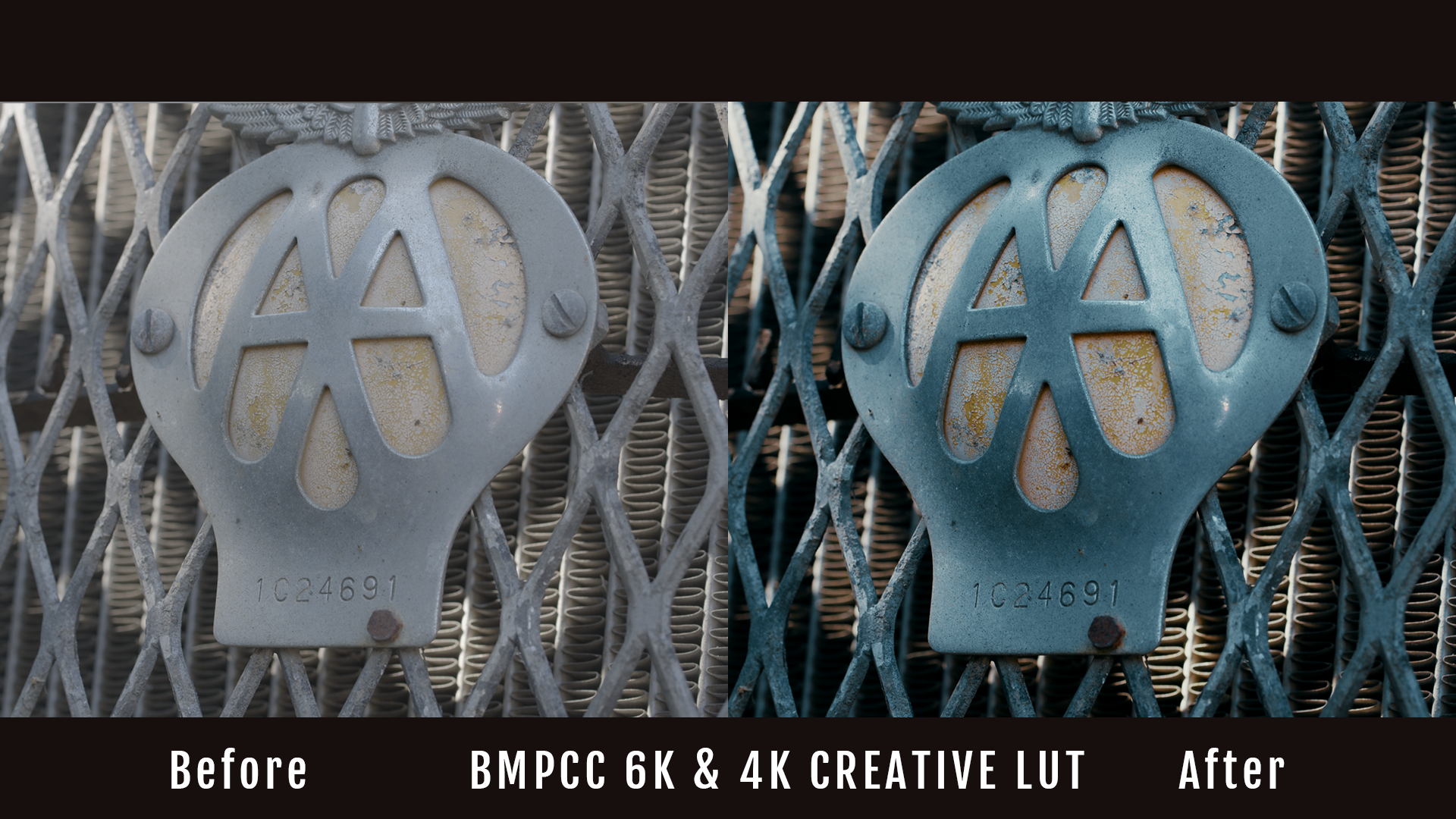
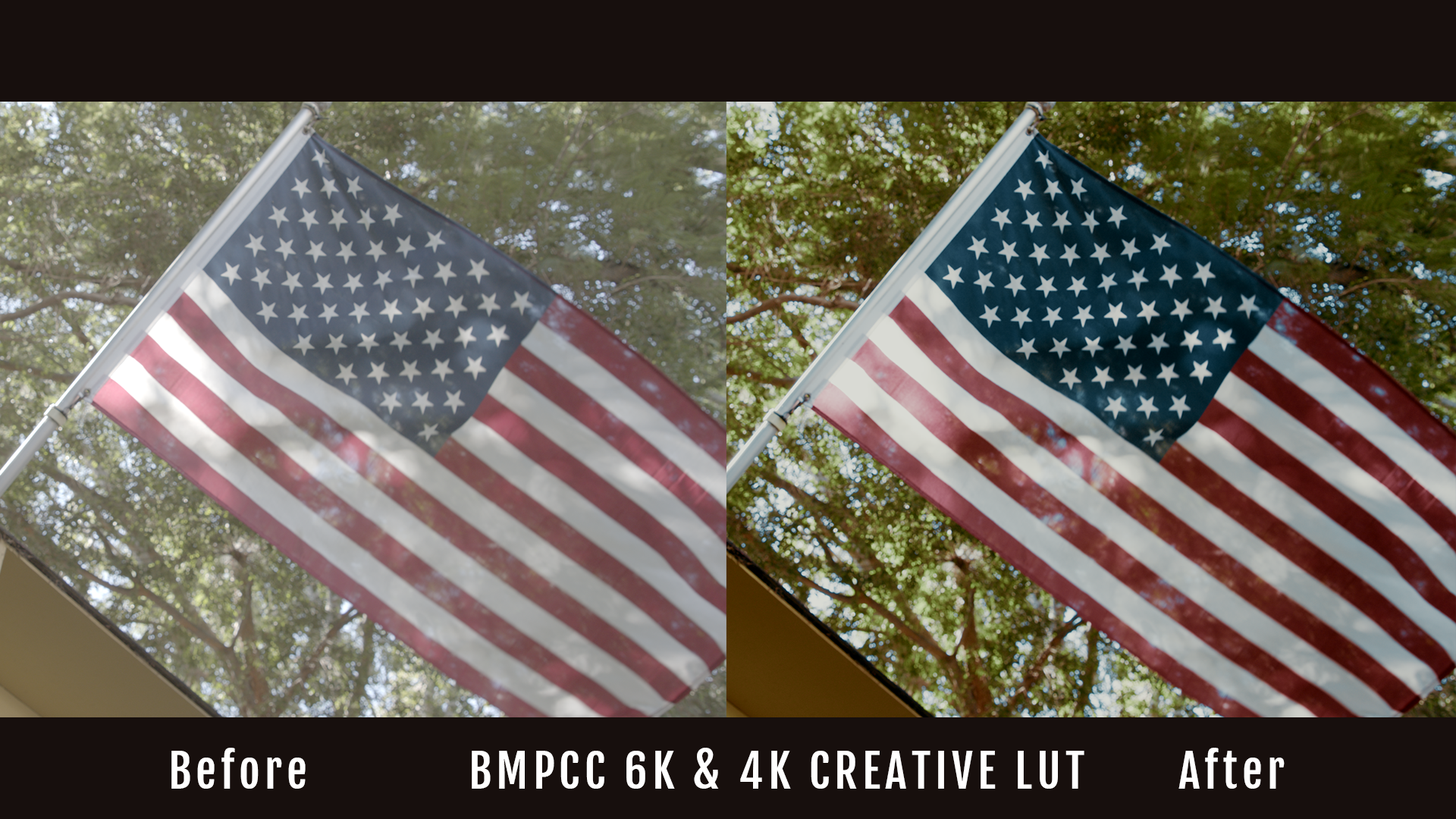
Unlock professional color grading for Blackmagic Pocket Cinema Camera 4K and 6K footage with Kondor Blue’s Creative LUT—engineered for filmmakers using Blackmagic RAW or Film Gen 5 profiles. This LUT delivers balanced contrast and vivid color while preserving natural skin tones, optimized for Rec.709 output and tested in DaVinci Resolve and Premiere Pro workflows.
Key Features
- Compatible with Blackmagic BMPCC 4K, BMPCC 6K, URSA Mini Pro, and Blackmagic RAW/Film Gen 5 footage
- Engineered for precise color management, with non-destructive highlight roll-off
- Tested in DaVinci Resolve 18, Adobe Premiere Pro, and Final Cut Pro X
- Digital download (cube files) — instant integration into post-production workflows
- Designed with input from on-set cinematographers
- Lifetime warranty and support by Kondor Blue
BMPCC LUT Comparison Table
| Feature | Kondor Blue Creative LUT | Generic LUT |
|---|---|---|
| BMPCC Native Support | ✓ (4K & 6K Gen 5) | ✗ (often generic, less accurate) |
| Skin Tone Accuracy | High | Varies |
| Tested with DaVinci Resolve | ✓ (Resolve 17/18) | Varies |
| Real-time Preview | ✓ | Varies |
| Filmmaker Input | ✓ | ✗ |
Situational Relevance
- For users seeking to match Rec.709 output for streaming, broadcast, and film festival delivery
- Ideal for high dynamic range Blackmagic sensors (HDR10 compliant workflows)
- Optimized for camera operators balancing speed and image reliability on set
Frequently Asked Questions
What Blackmagic cameras is this LUT compatible with?
This LUT is optimized for Blackmagic Pocket Cinema Camera 4K, 6K, 6K Pro, and URSA Mini Pro using Blackmagic RAW or Film Gen 5 profiles.
Can I use this LUT for both log and film color spaces?
Yes, it is tuned for Blackmagic log formats and Film Gen 5, converting them accurately to Rec.709 for grading consistency.
Is the LUT compatible with my editing software?
Compatible with major editing platforms including DaVinci Resolve, Adobe Premiere Pro, Final Cut Pro X, and Avid.
How do I install and apply the LUT?
LUT files (.cube) provided by digital download; installation requires placing files in your software’s LUTs folder per user manual.
Does Kondor Blue offer support or warranty for LUT purchase?
Yes, all LUTs are backed by Kondor Blue’s lifetime warranty and support for creators and production teams.
Pairs well with
BMPCC 4K & 6K Creative LUT
If you have any questions, you are always welcome to contact us. We'll get back to you as soon as possible, within 24 hours on weekdays.
-
Shipping Information
Use this text to answer questions in as much detail as possible for your customers.
-
Customer Support
Use this text to answer questions in as much detail as possible for your customers.
-
FAQ’s
Use this text to answer questions in as much detail as possible for your customers.
-
Contact Us
Use this text to answer questions in as much detail as possible for your customers.