




KB-ZCAM-ULUT
Z-Cam Utility LUT for Professional Color Grading | Kondor Blue
Full Description & Features
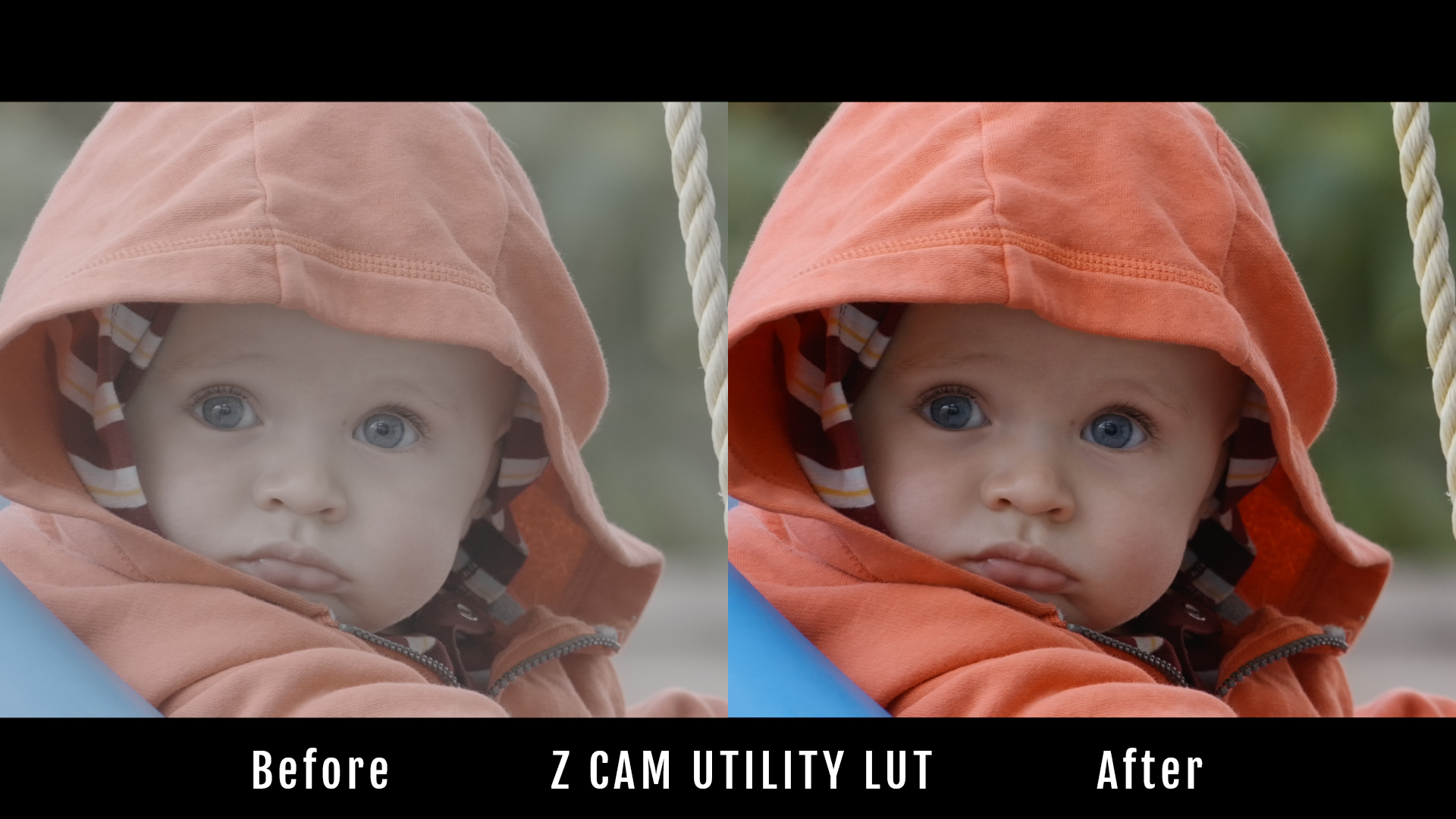
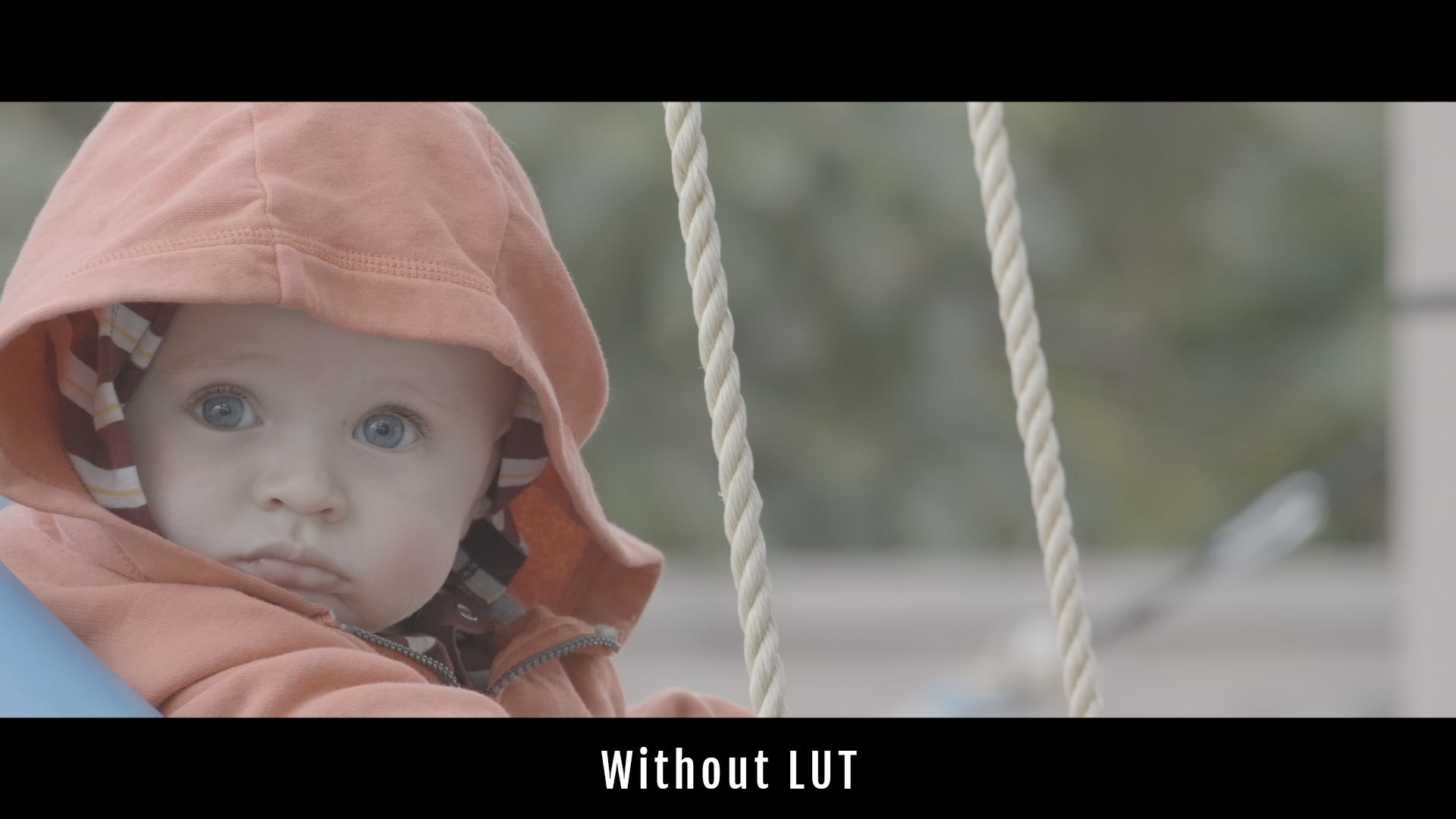
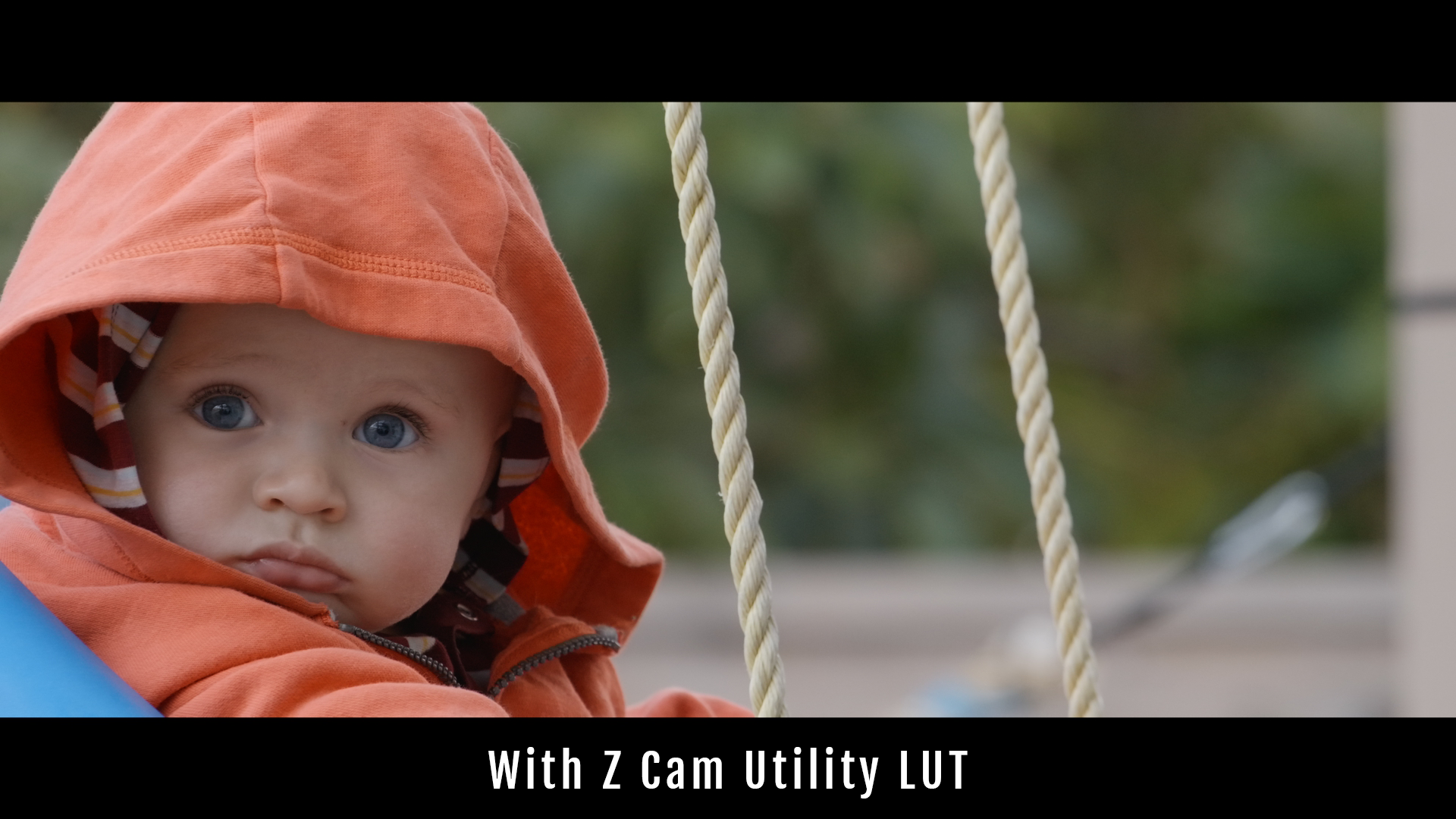
Enhance Z-Cam footage with the Z-Cam Utility LUT by Kondor Blue, developed for accurate color conversion and reliable monitoring. This free LUT delivers a streamlined log-to-Rec 709 transformation for Z-Cam cameras, enabling content creators and cinematographers to preview final cinematic color while shooting or editing.
Key Features
- Optimized for Z-Cam E2 series (tested on E2-F6, E2-M4)
- 1D Utility LUT—precise log to Rec.709 conversion for consistent color monitoring
- Compatible with DaVinci Resolve, Adobe Premiere Pro, Final Cut Pro, and most video software accepting .cube LUTs
- Free digital download—no email or sign-up required
- Ideal for on-set reference, dailies, or as a technical LUT in post workflows
When to Use
- Filmmakers seeking a reliable technical LUT with no creative look baked in
- Teams requiring consistent monitoring of Z-Cam LOG footage in Rec.709 format
- Anyone building cinematic workflows for multi-cam shoots or cross-platform teams
LUT Type Comparison
| Type | Purpose | Creative Influence |
|---|---|---|
| Utility LUT | Log-to-Rec.709, accurate on-set preview | None—purely technical |
| Creative LUT | Stylized color grading after conversion | High—applies filmic 'look' |
Frequently Asked Questions
What is the best free LUT for color grading Z-Cam footage?
The Z-Cam Utility LUT by Kondor Blue is designed as a free, technical LUT for precise log-to-Rec.709 conversion and consistent color monitoring on Z-Cam E2 series cameras.
How do I use a utility LUT with my Z-Cam to get a cinematic look?
Apply the Utility LUT for accurate color conversion as your first step. For a cinematic look, follow with creative LUTs in your editing software after the log-to-709 transform.
Are free Z-Cam LUTs good enough for professional video editing?
Yes, utility LUTs like this are widely used for professional workflows to ensure technically accurate monitoring. Creative grading can build on top for unique looks.
What's the difference between a utility LUT and creative LUT for Z-Cam?
Utility LUTs convert log to standard color space with no artistic influence; creative LUTs stylize footage after base conversion. Use utility for technical accuracy, then creative for unique looks.
Can I apply a Z-Cam LUT to footage shot with a different camera?
This LUT is precisely matched for Z-Cam log profiles. For other cameras, use camera-specific utility LUTs to ensure correct color mapping.
Pairs well with
Z-Cam Utility LUT for Professional Color Grading | Kondor Blue
If you have any questions, you are always welcome to contact us. We'll get back to you as soon as possible, within 24 hours on weekdays.
-
Shipping Information
Use this text to answer questions in as much detail as possible for your customers.
-
Customer Support
Use this text to answer questions in as much detail as possible for your customers.
-
FAQ’s
Use this text to answer questions in as much detail as possible for your customers.
-
Contact Us
Use this text to answer questions in as much detail as possible for your customers.