



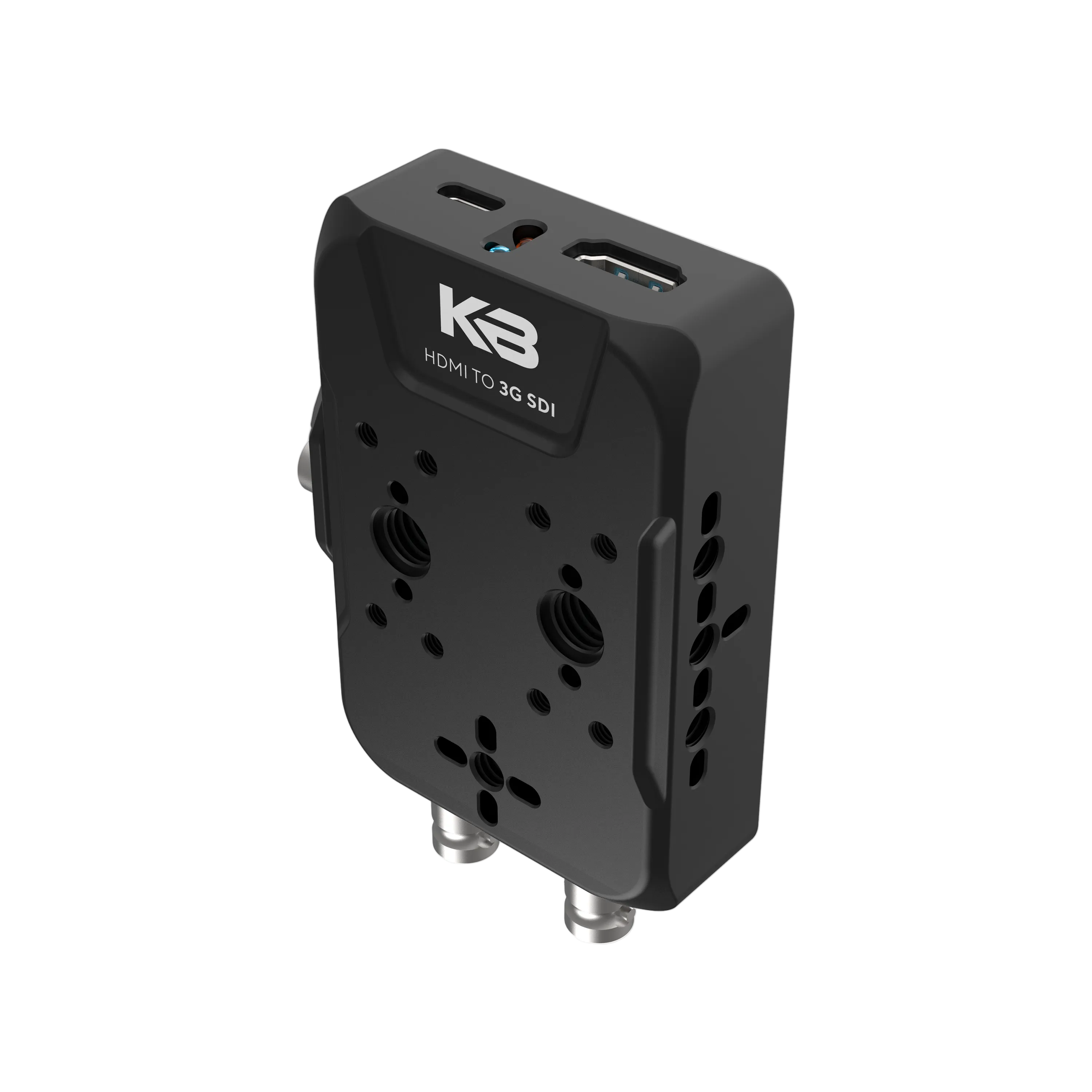

KB-HDMI-SDI
HDMI to SDI Converter
Estimated to ship: October 19, 2026
Full Description & Tech Specs
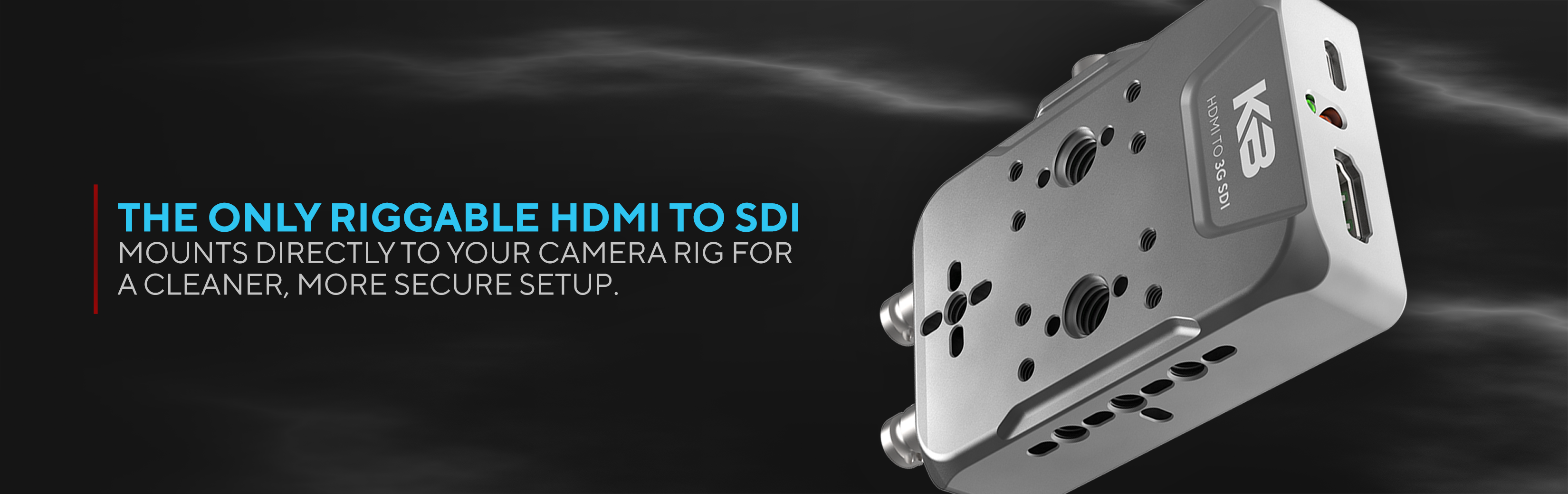
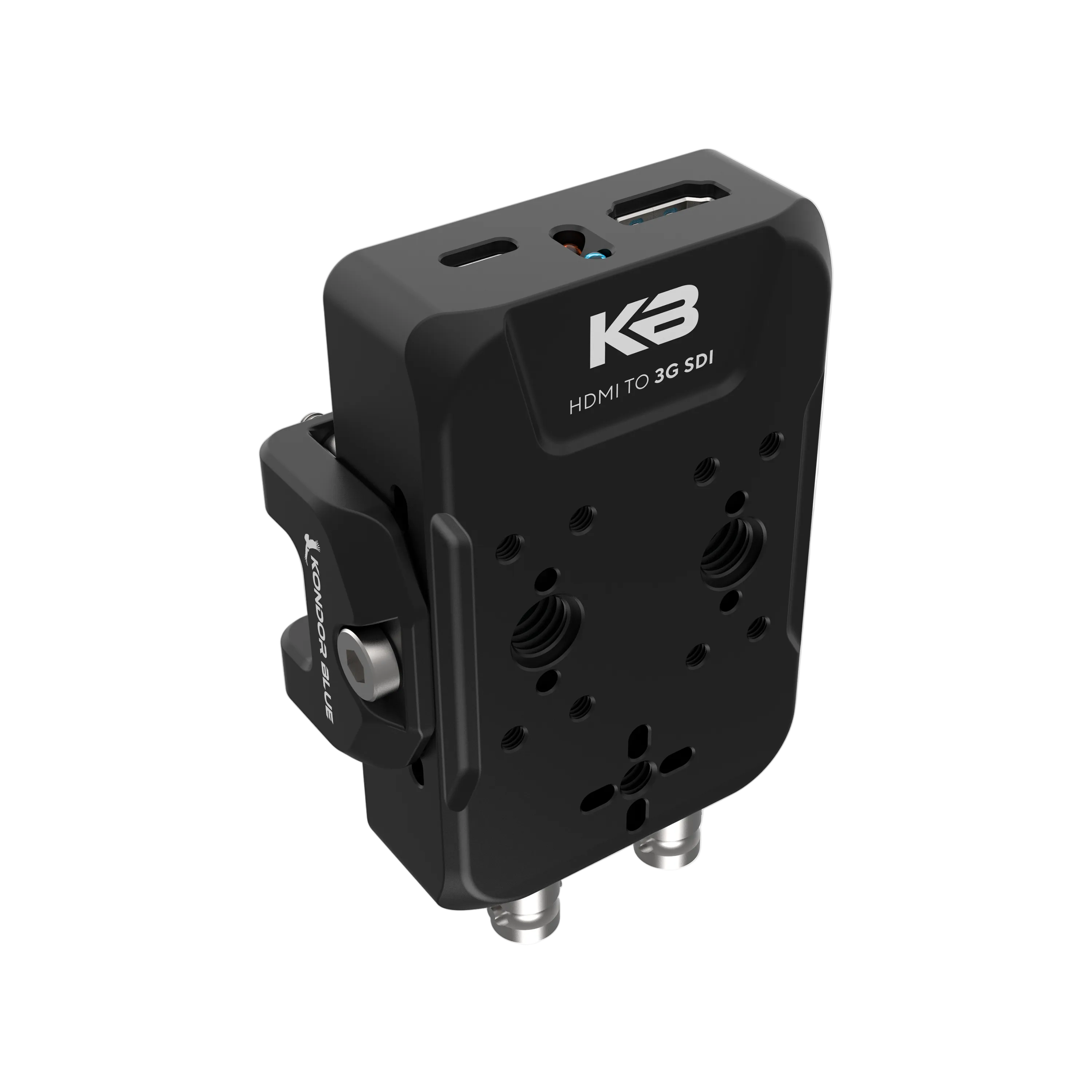
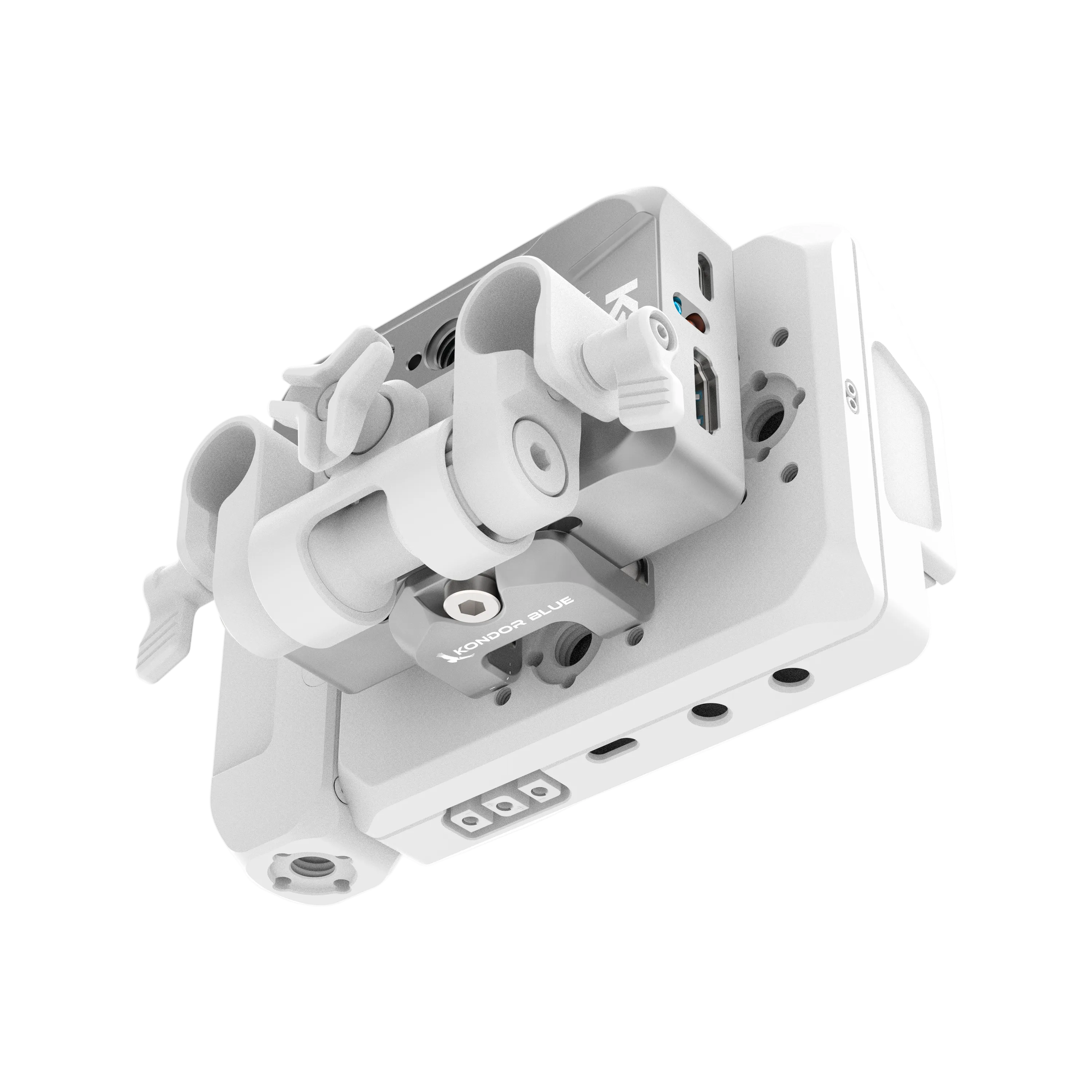
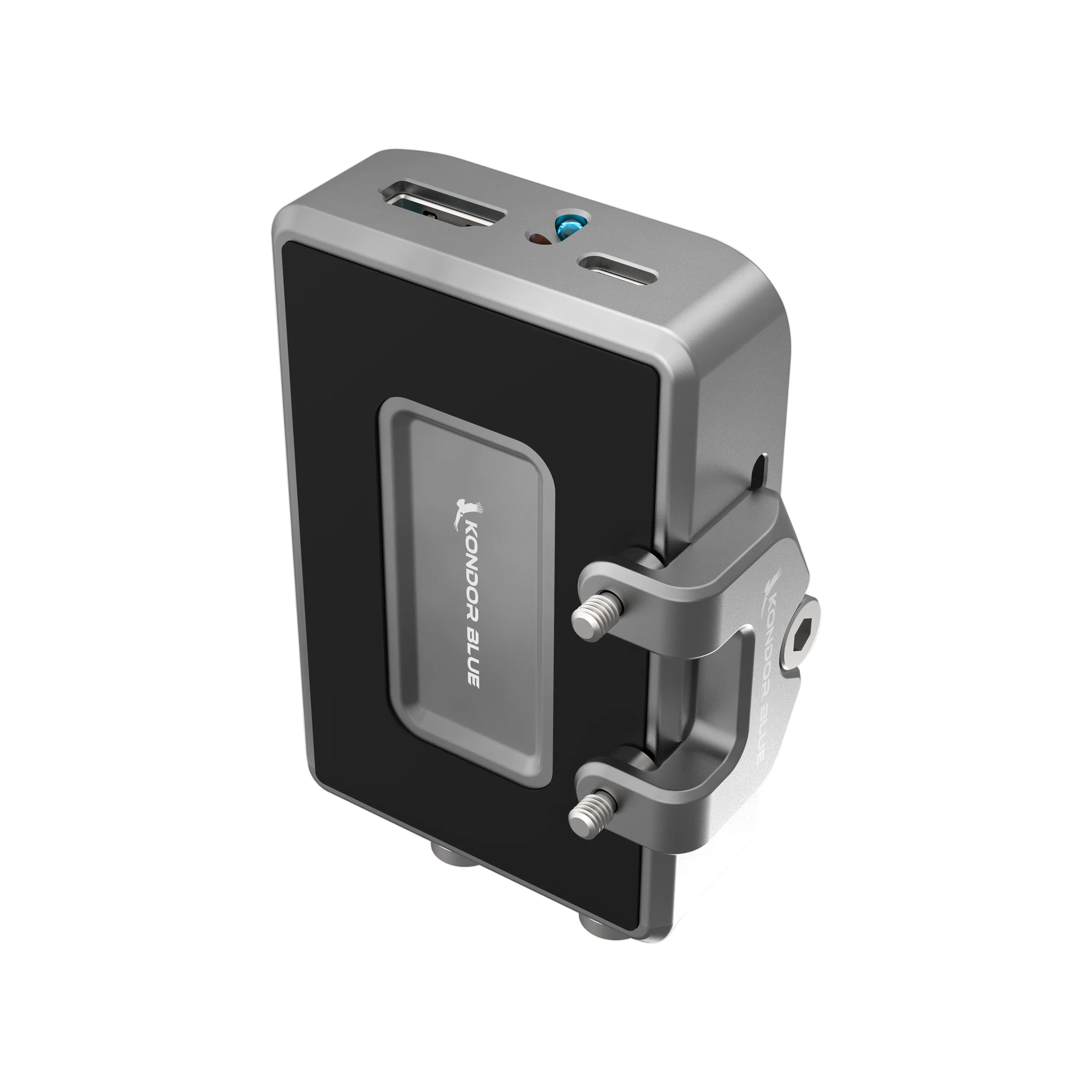
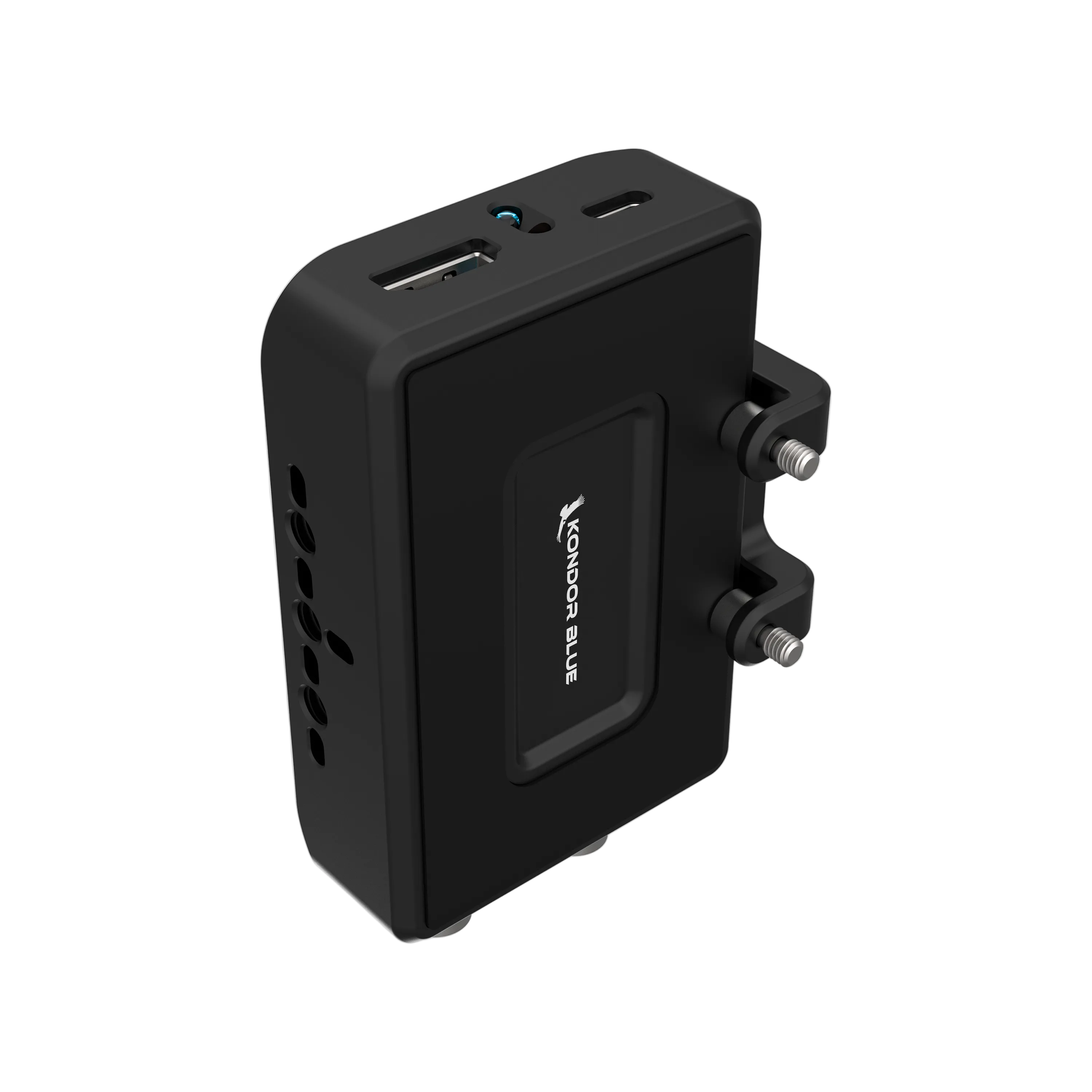
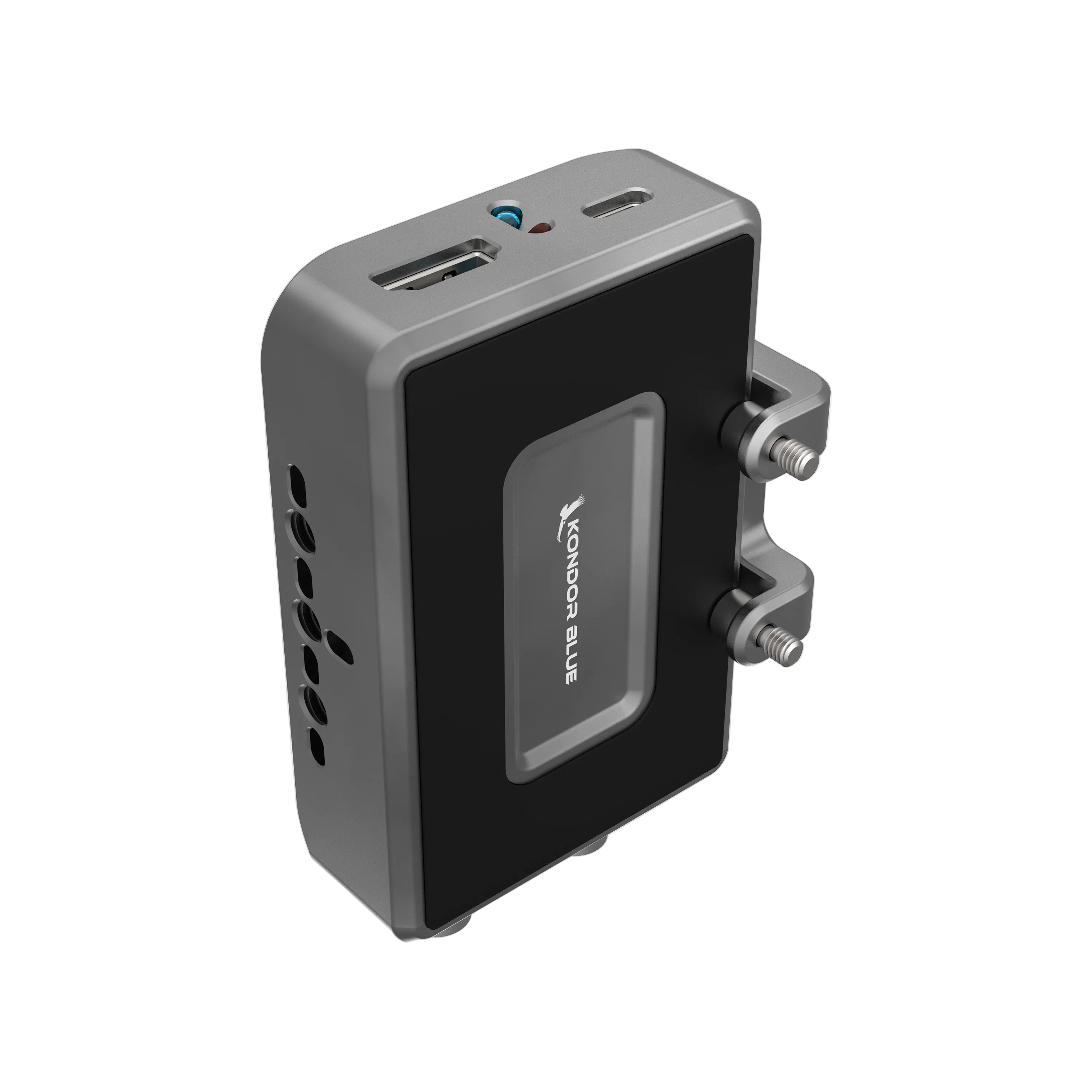
- The only riggable HDMI to SDI converter
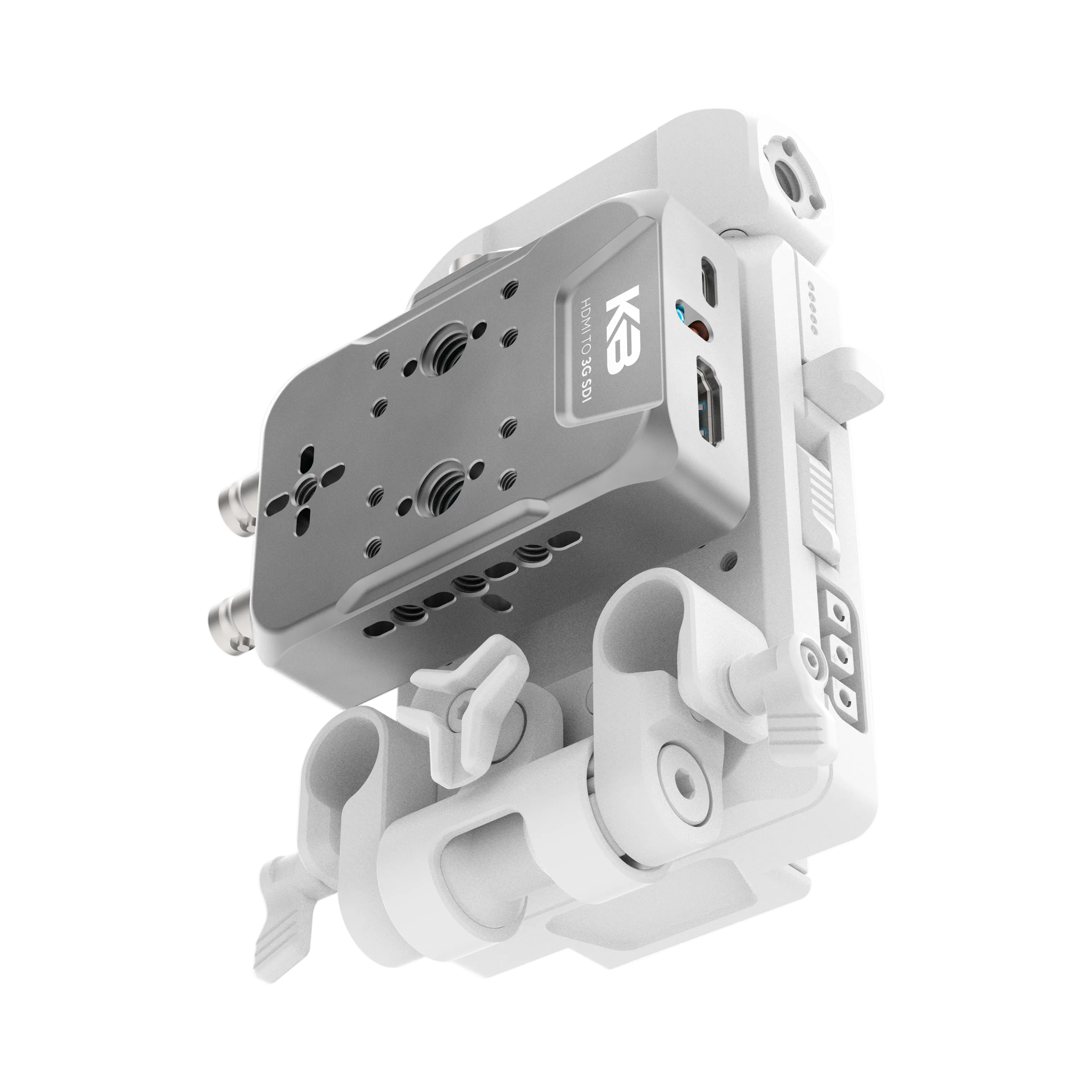
- Secure mounting options—no Velcro required
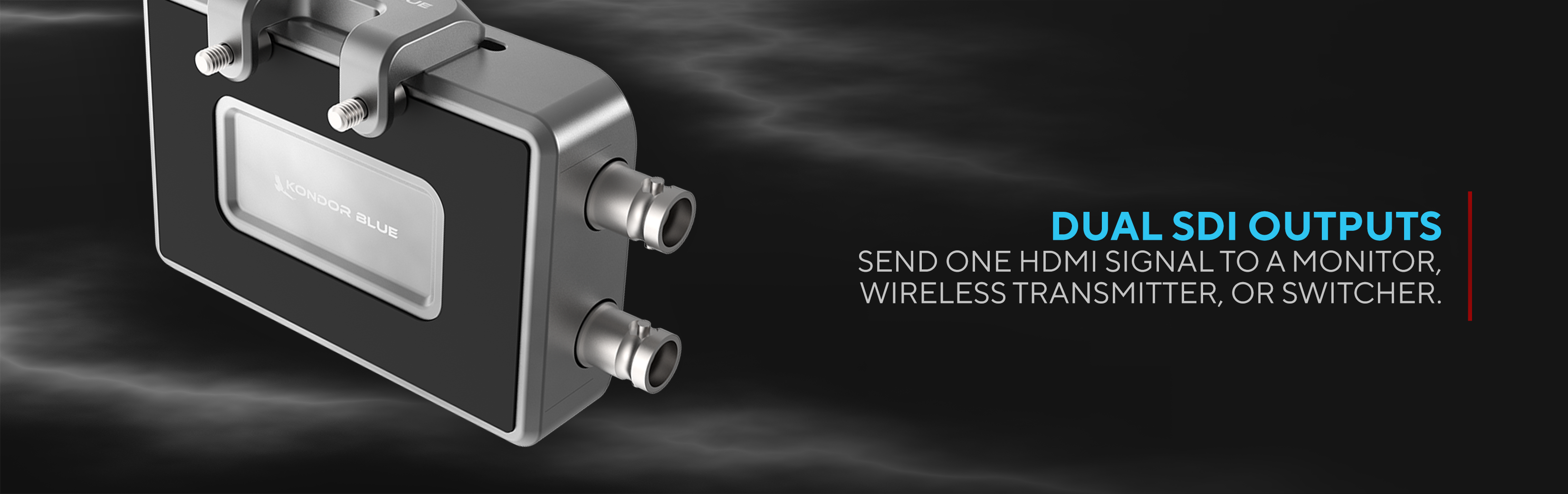
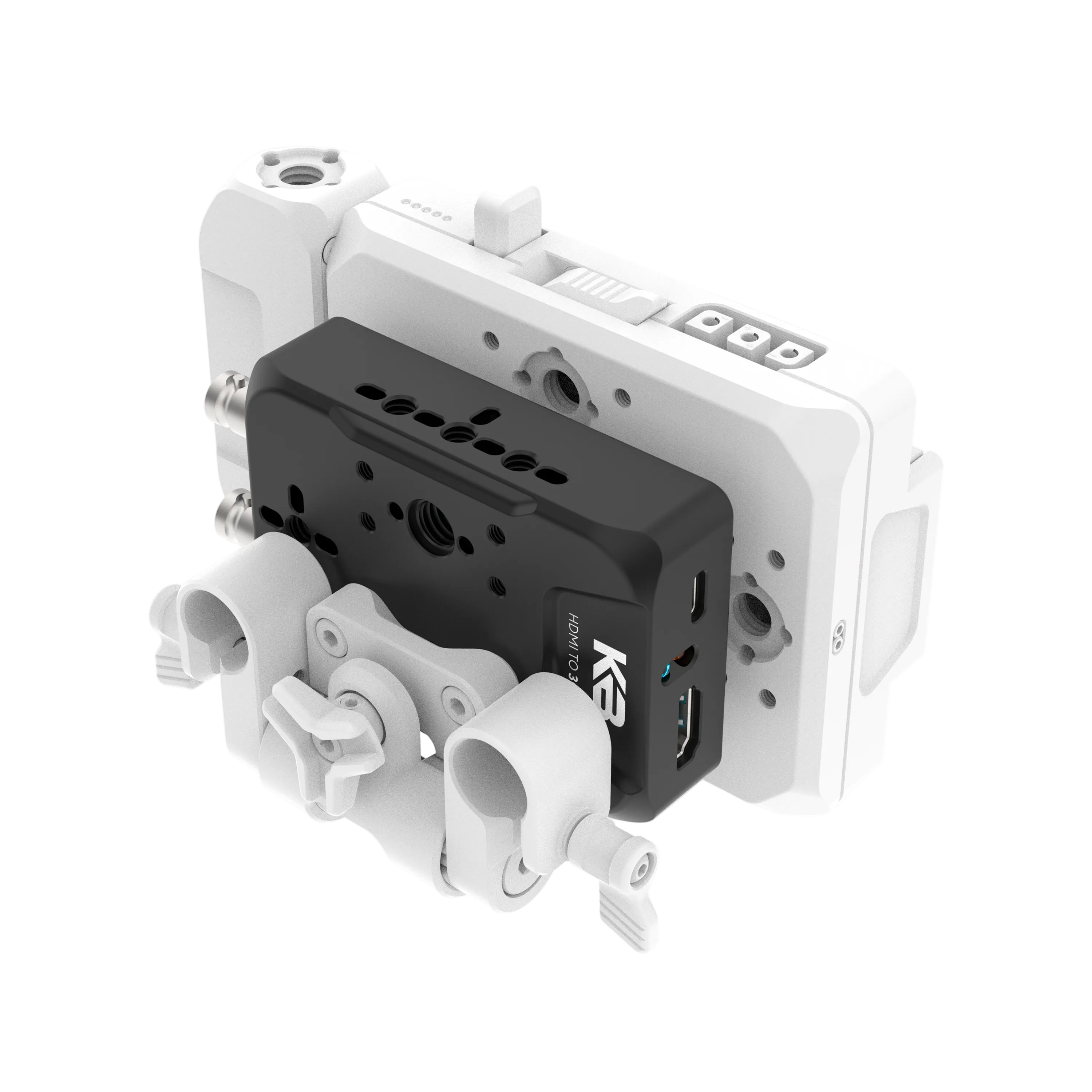
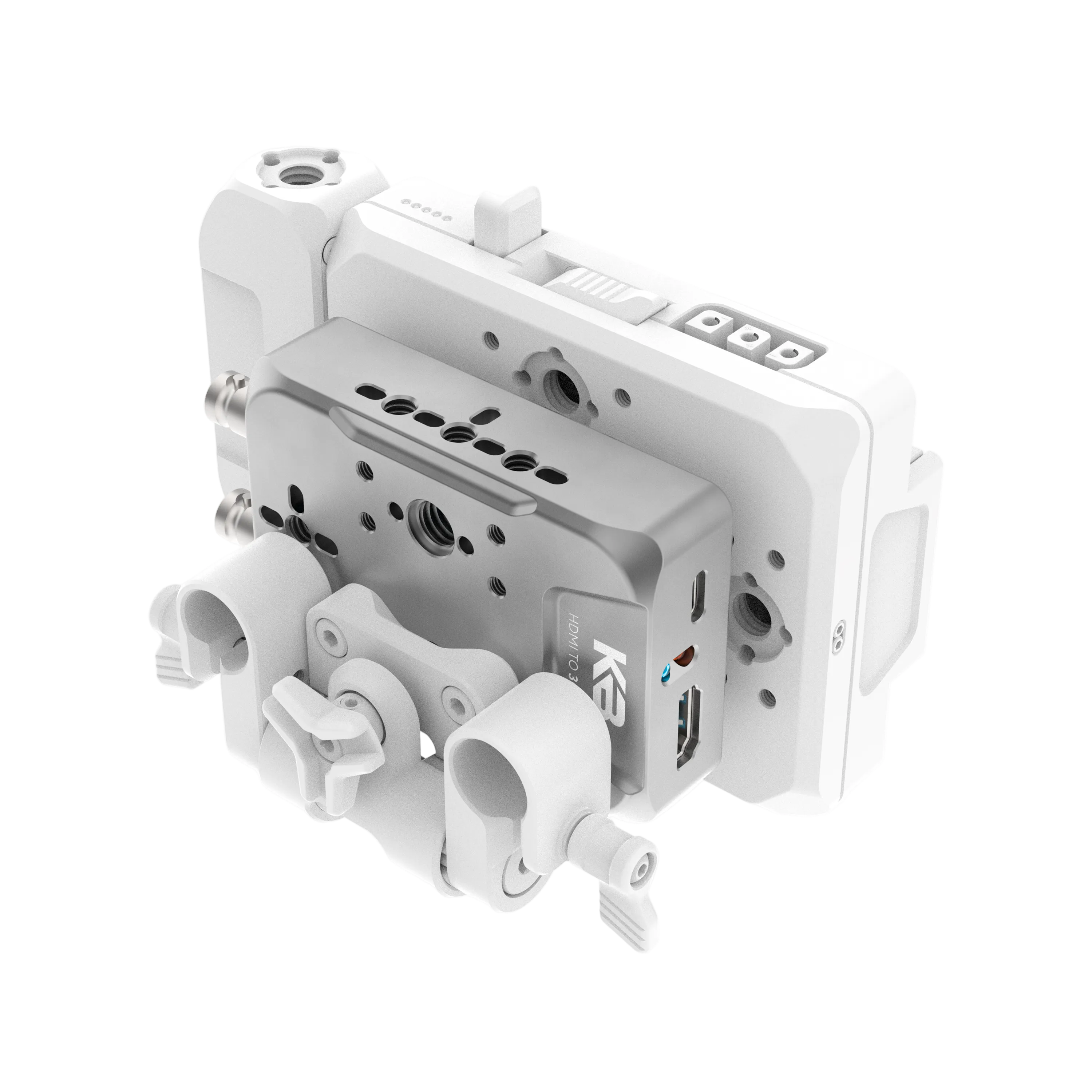
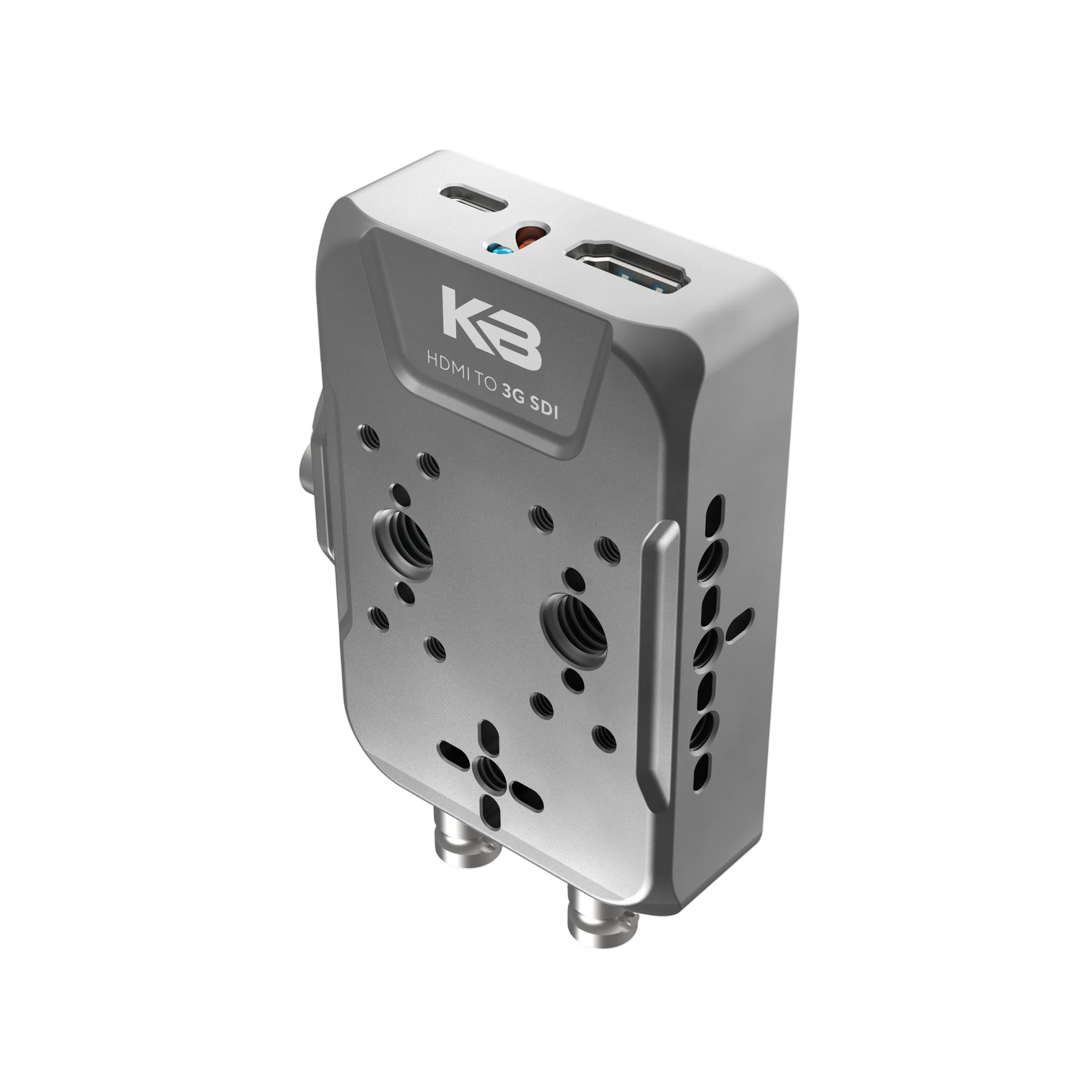
- HDMI input with dual 3G-SDI outputs
- Send video to both a monitor and wireless transmitter at the same time
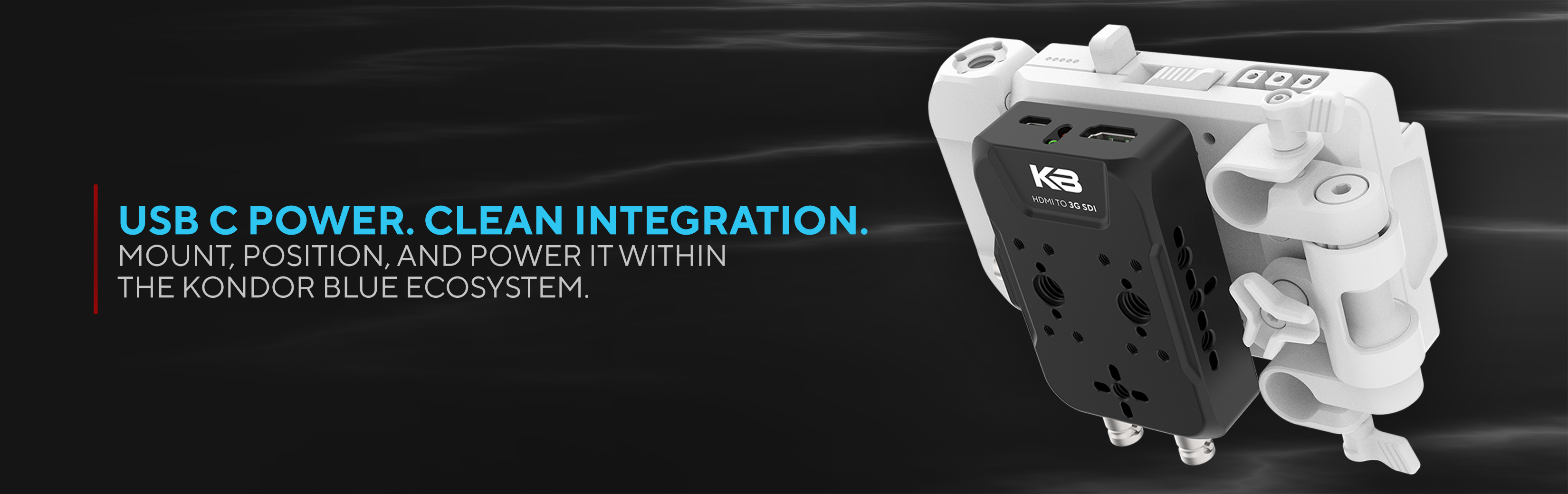
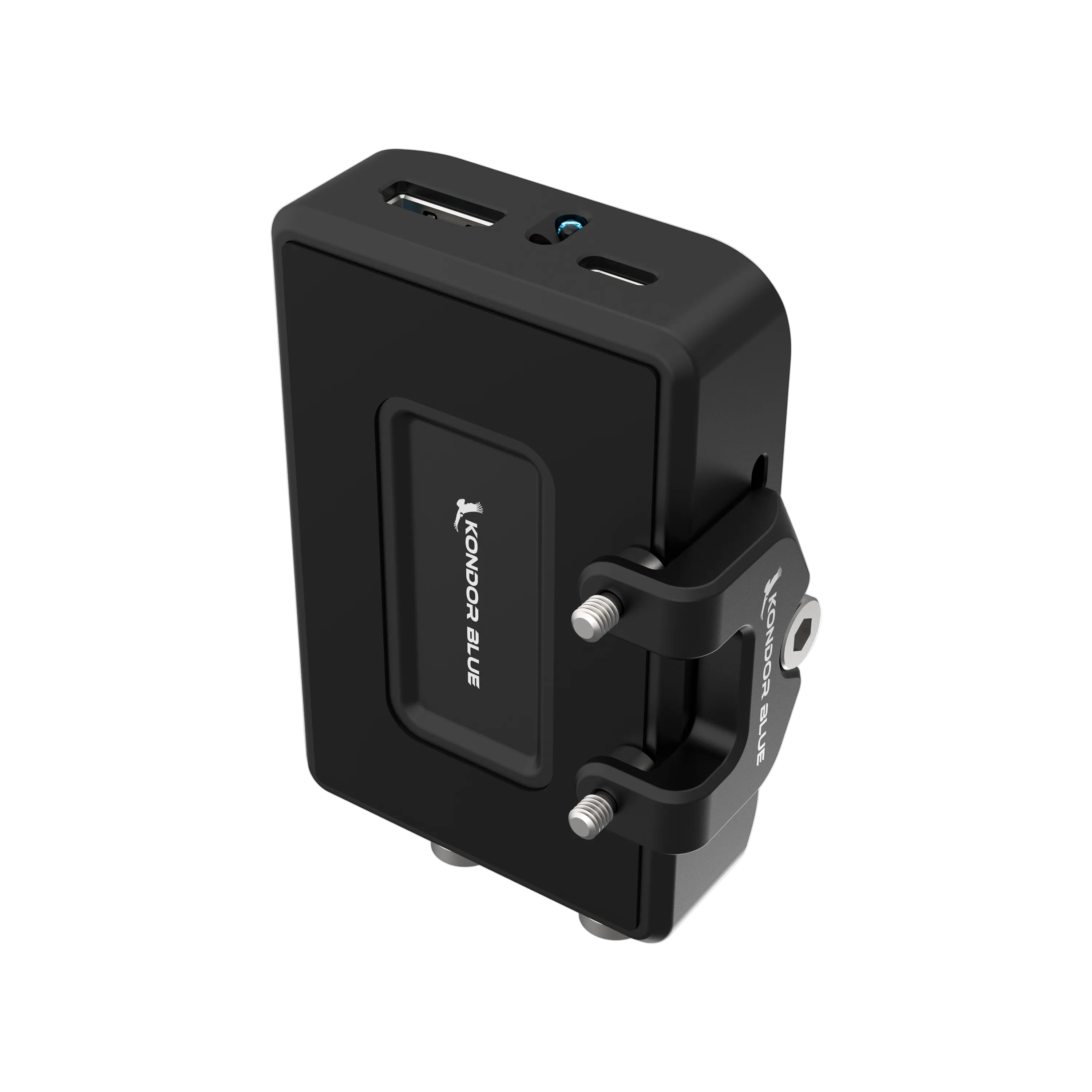
- USB-C powered for a simple, reliable setup
- Ideal for HD monitoring and production workflows
- Designed to integrate with the KONDOR BLUE ecosystem
PRODUCT DESCRIPTION
The Only Riggable HDMI to SDI Converter
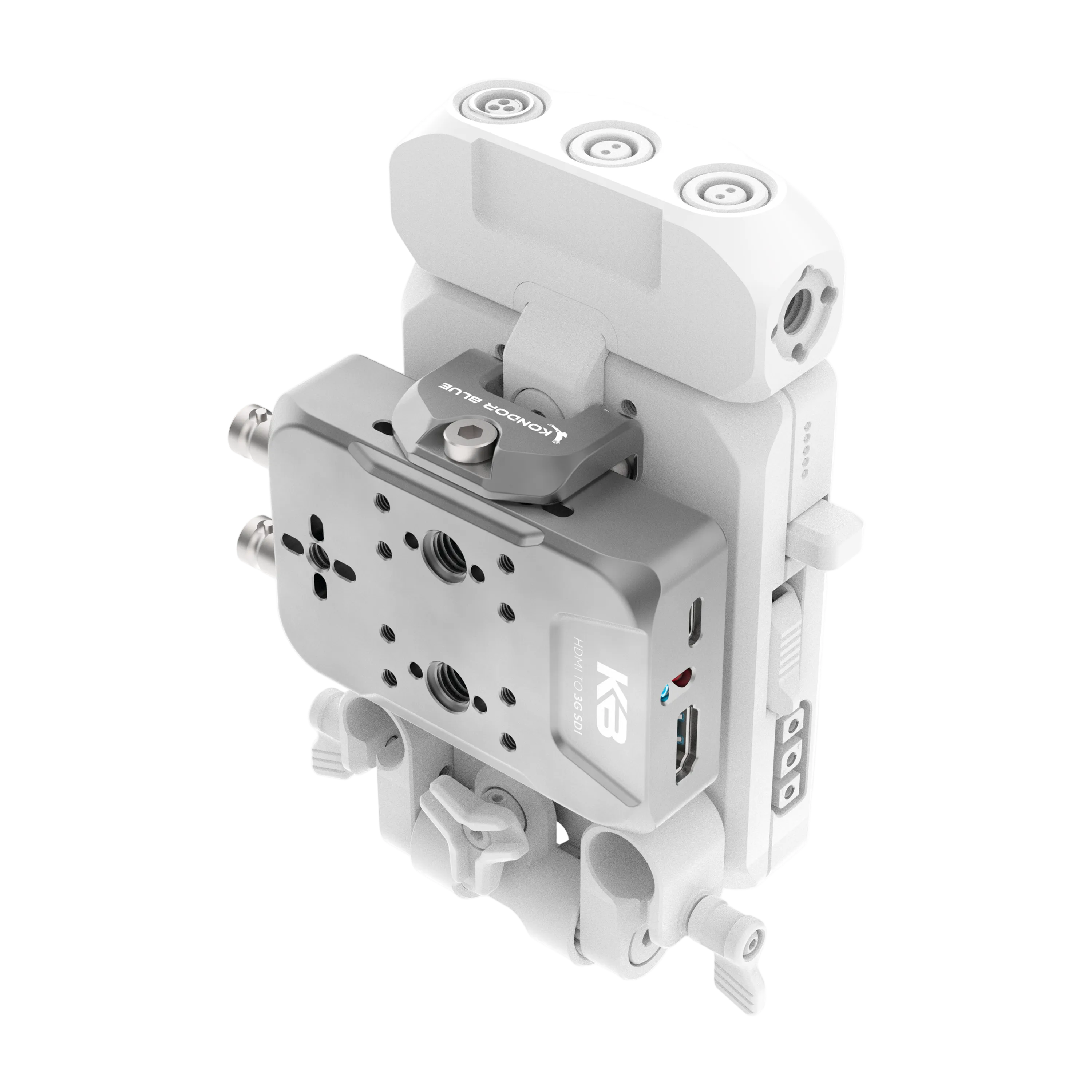
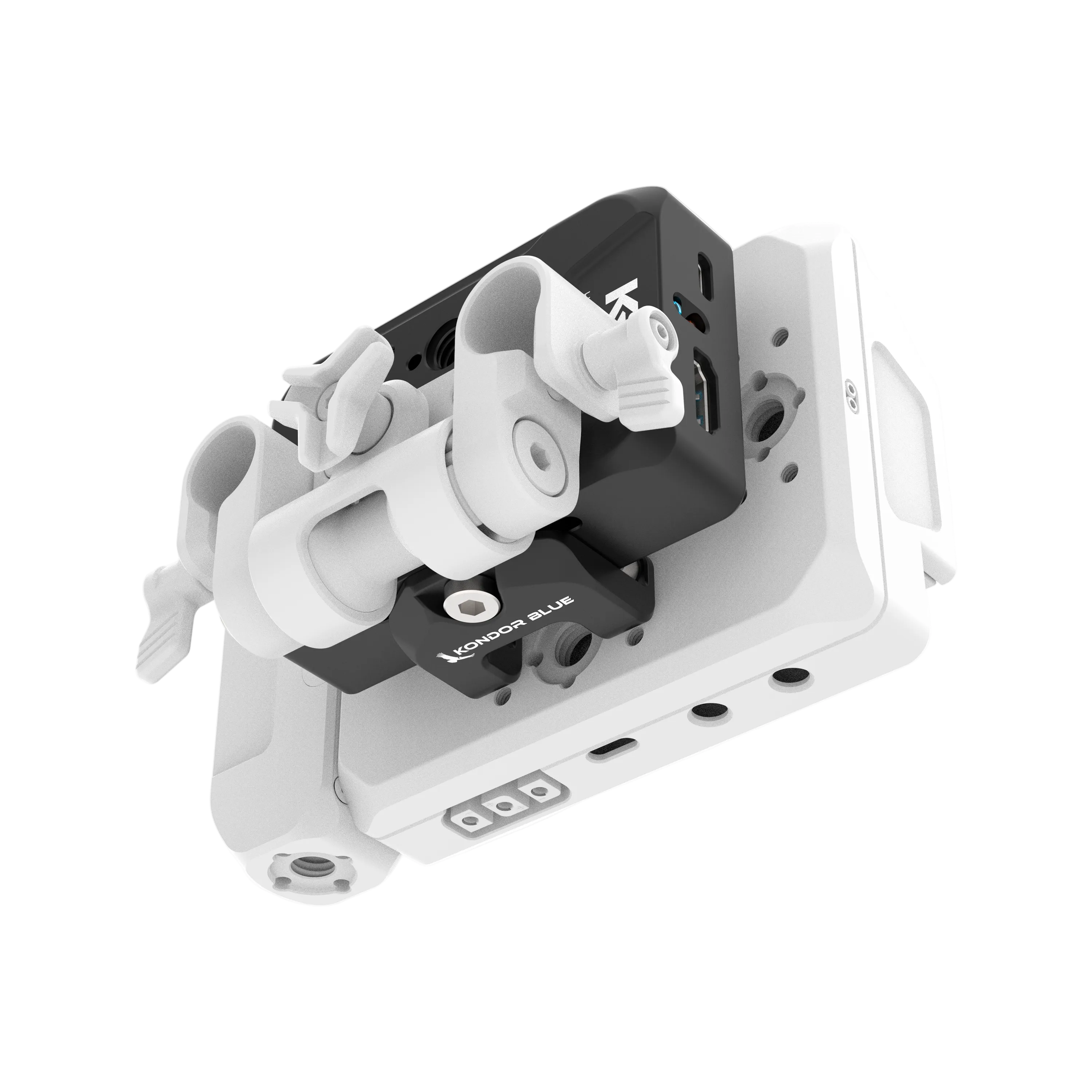
Designed to mount directly to your camera rig with secure mounting options—not Velcro or dangling adapters. Built to stay put in professional production environments.
Dual SDI Outputs for Greater Flexibility
Convert a single HDMI signal into two simultaneous SDI outputs, making it easy to feed both an on-camera monitor and a wireless video transmitter without additional splitters.
Simple HDMI-to-SDI Integration
HDMI input, dual 3G-SDI outputs, and USB-C power provide a clean, reliable way to integrate HDMI cameras into SDI-based monitoring, transmission, and switching workflows.
3G Performance Where It Matters
Supports HD workflows that power the majority of on-camera monitoring setups, delivering the performance professionals need without paying for unnecessary bandwidth.
Built for the KONDOR BLUE Ecosystem
Works as a standalone converter while seamlessly integrating with KONDOR BLUE battery plates, cages, and rigging solutions for a clean, modular build.
TECH SPECS
-
195g/6.9 oz
-
100mm W x 57.5mm T x 25mm D
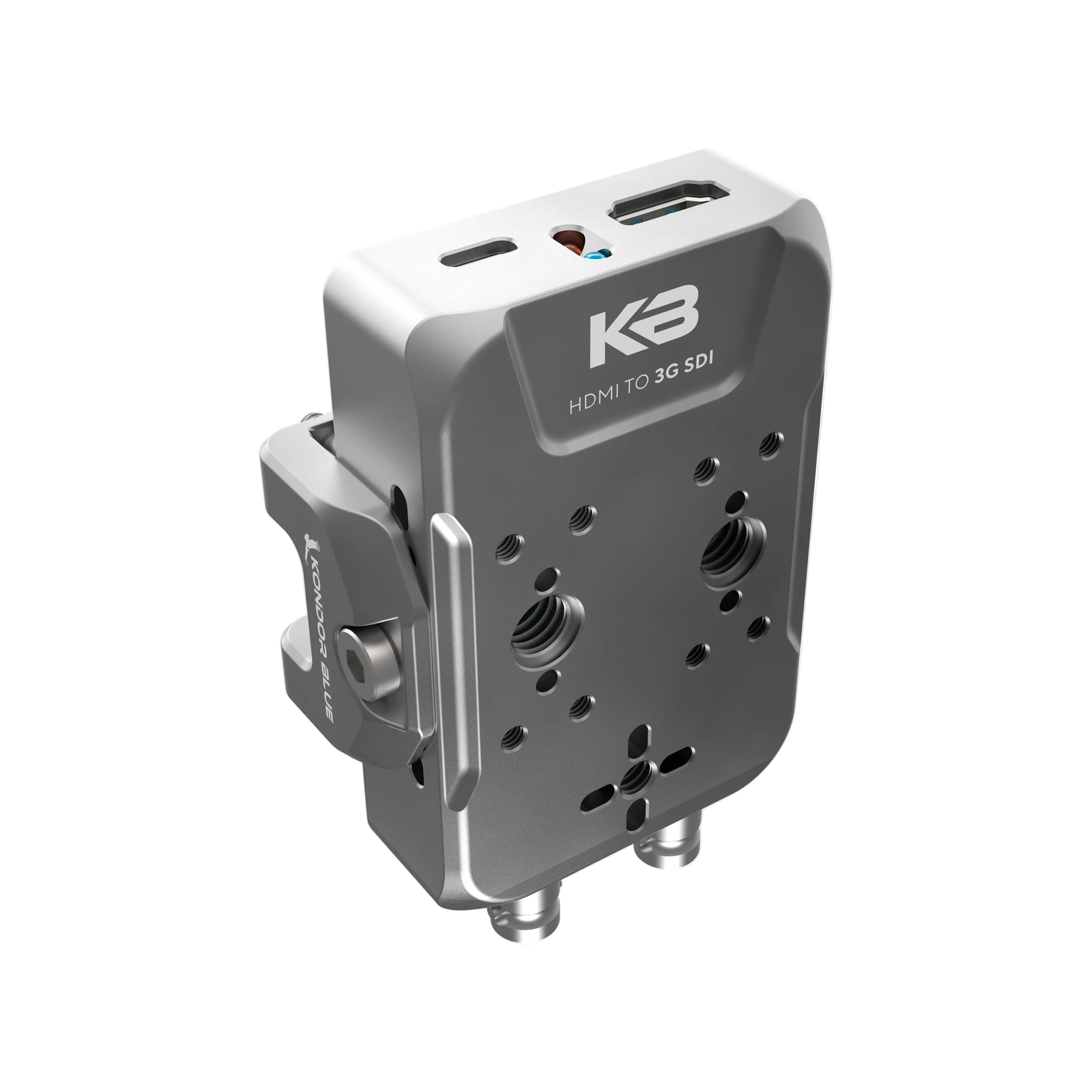
The Kondor Blue HDMI to SDI Converter is a rig-mountable HDMI-to-SDI solution for filmmakers, videographers, camera operators, and production teams connecting HDMI cameras to SDI-based production workflows. It converts one HDMI input into two simultaneous 3G-SDI outputs, helping keep monitoring and signal-routing setups secure and organized on a camera rig.
Key Features & Specs
- Video conversion: HDMI input to dual 3G-SDI outputs
- Output routing: Sends one HDMI source to two SDI destinations simultaneously
- Power: USB-C powered
- Mounting: Secure mounting options designed for direct camera-rig integration
- Dimensions: 100 mm W x 57.5 mm T x 25 mm D
- Weight: 195 g, 6.9 oz
- Workflow support: Designed for HD monitoring and production workflows
- Ecosystem integration: Works as a standalone converter and integrates with KONDOR BLUE battery plates, cages, and rigging solutions
- True 1:1 pass-through — no scaling, no deinterlacing, no frame rate conversion. The SDI output matches your camera’s HDMI output exactly, frame rate and scan type included.
- 23.98p stays 23.98p. 1080i stays interlaced. Nothing is silently converted to 60p.
- Dual 3G-SDI outputs — feed a monitor and a wireless transmitter at once, no splitter needed.
- Riggable. Mounts directly to your rig — no Velcro, no dangling dongle.
- USB-C powered.
- Sub-frame latency — line-based conversion with no frame buffer in the signal path.
- 1080 FULL HD only. not a 12g 4k converter.
- Latency Under 2 ms — about an eighth of a frame at 60p. Not perceptible for monitoring or focus pulling. Your monitor sees it when your sensor does.
How it Compares
| Feature | This Product | Why It Matters |
|---|---|---|
| HDMI Input with Dual 3G-SDI Outputs | One HDMI input; two simultaneous 3G-SDI outputs | Allows sending video to both a monitor and wireless transmitter at the same time for flexible production setups |
| Mounting Options | Secure mounting designed for camera rigs without Velcro | Ensures the converter stays fixed and stable during production for increased reliability |
| Power Source | USB-C powered | Offers simple and reliable power integration into modern camera workflows |
| Integration | Designed for seamless integration with the KONDOR BLUE ecosystem | Enables a clean, modular camera rig using compatible KONDOR BLUE gear |
Recommended Use Cases
- Mount an HDMI-to-SDI conversion point directly on a camera rig instead of relying on loose adapters or Velcro.
- Connect an HDMI camera to SDI-based monitoring, transmission, or switching workflows.
- Route a camera signal to an on-camera monitor and a wireless video transmitter from one converter.
- Build a cleaner modular setup with compatible KONDOR BLUE battery plates, cages, and rigging solutions.
- Support HD production setups where an HDMI source needs to connect with SDI equipment.
Frequently Asked Questions
What is the best HDMI to SDI converter for camera rigs?
The KONDOR BLUE HDMI to SDI Converter is designed for camera rigs that need a securely mounted HDMI-to-SDI connection rather than a loose adapter. Its secure mounting options and USB-C power support a clean setup for HD monitoring and production workflows.
How do I convert HDMI from a camera to SDI for monitors or wireless transmitters?
Connect the camera's HDMI signal to the KONDOR BLUE HDMI to SDI Converter, then route its two 3G-SDI outputs to your SDI devices. The dual outputs allow one signal to feed an on-camera monitor and a wireless video transmitter at the same time.
Can I send one HDMI camera signal to multiple SDI devices?
Yes, the KONDOR BLUE HDMI to SDI Converter converts one HDMI input into two simultaneous 3G-SDI outputs. This can simplify a rig that needs separate feeds for monitoring and wireless video transmission.
What should I look for in an HDMI to SDI converter for filmmaking and video production?
Look for the output count, mounting approach, power method, and whether the converter supports your intended production workflow. The KONDOR BLUE HDMI to SDI Converter provides dual 3G-SDI outputs, secure rig mounting options, and USB-C power for HD monitoring and production setups.
Is this converter a practical choice for a compact camera rig?
The KONDOR BLUE HDMI to SDI Converter measures 100 mm wide by 57.5 mm tall by 25 mm deep and weighs 195 g, or 6.9 oz. It is built to mount directly to a camera rig and integrate with KONDOR BLUE battery plates, cages, and rigging solutions.
Complete the Kit
HDMI to SDI Converter
If you have any questions, you are always welcome to contact us. We'll get back to you as soon as possible, within 24 hours on weekdays.
-
Shipping Information
Use this text to answer questions in as much detail as possible for your customers.
-
Customer Support
Use this text to answer questions in as much detail as possible for your customers.
-
FAQ’s
Use this text to answer questions in as much detail as possible for your customers.
-
Contact Us
Use this text to answer questions in as much detail as possible for your customers.