




KB-PBSSD
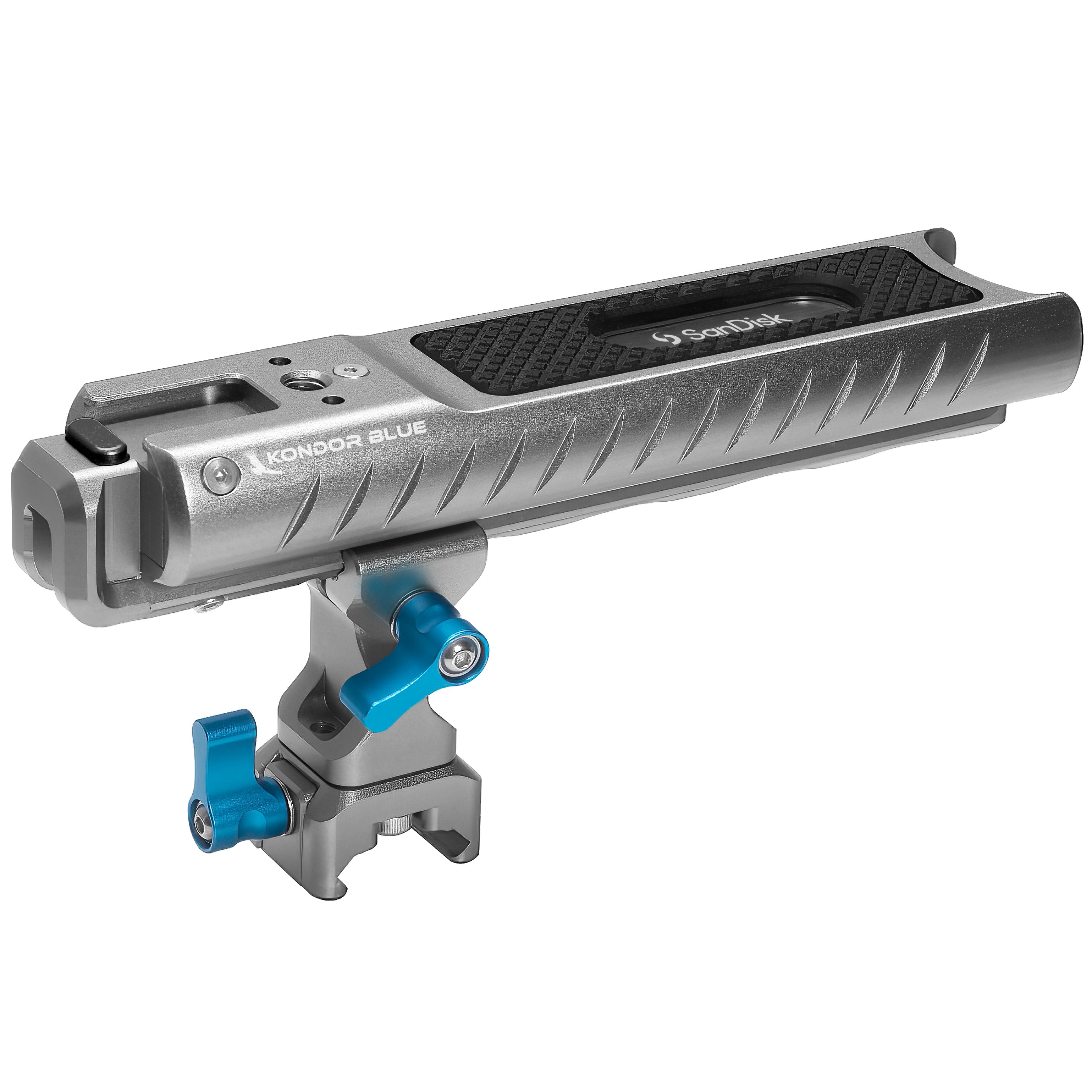
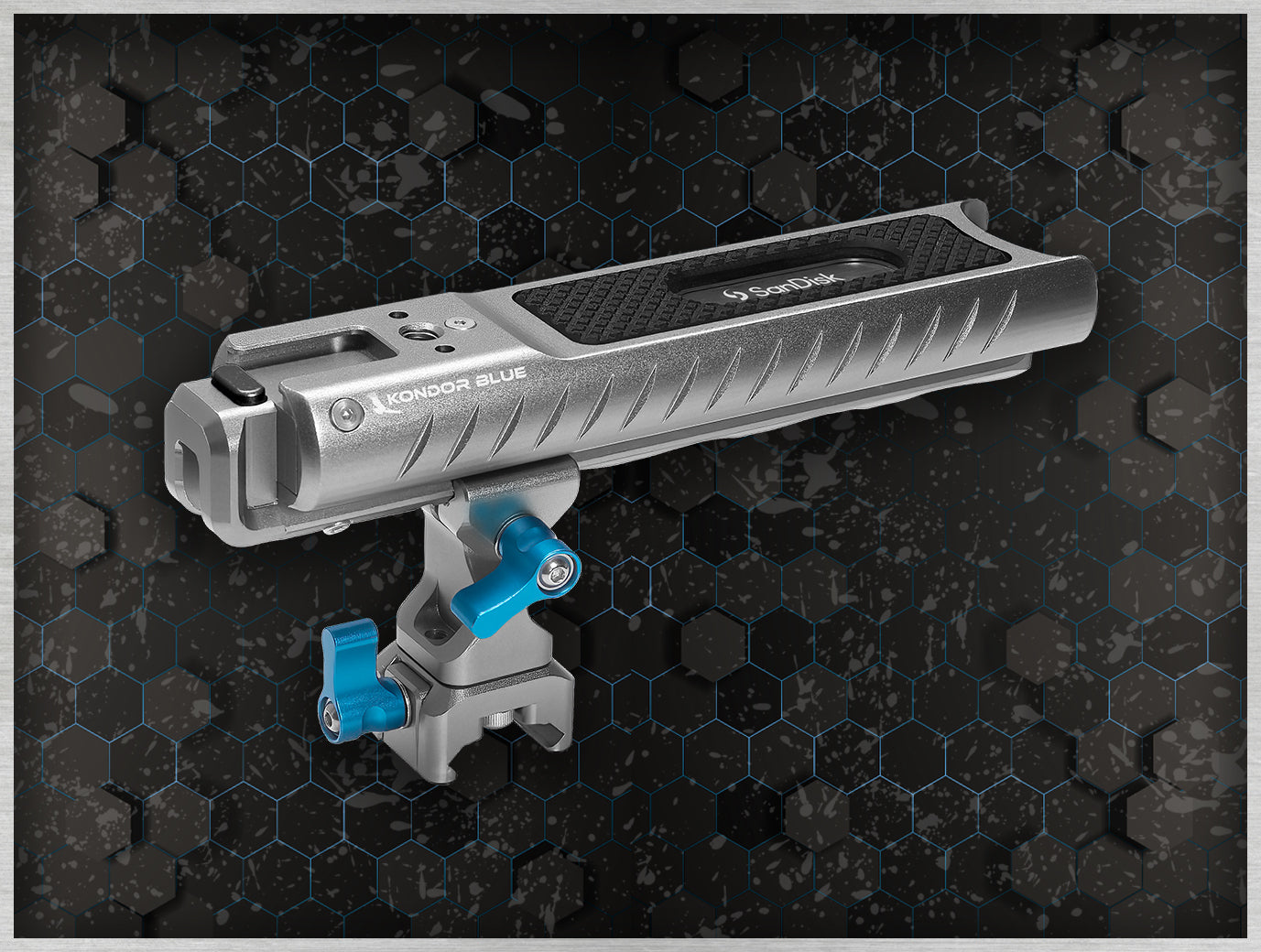
PRO-BLADE SSD Handle for Sandisk USB-C Recording
Full Description & Tech Specs
Only compatible with Sandisk Professional PRO-BLADE SSD (Up to 2TB)
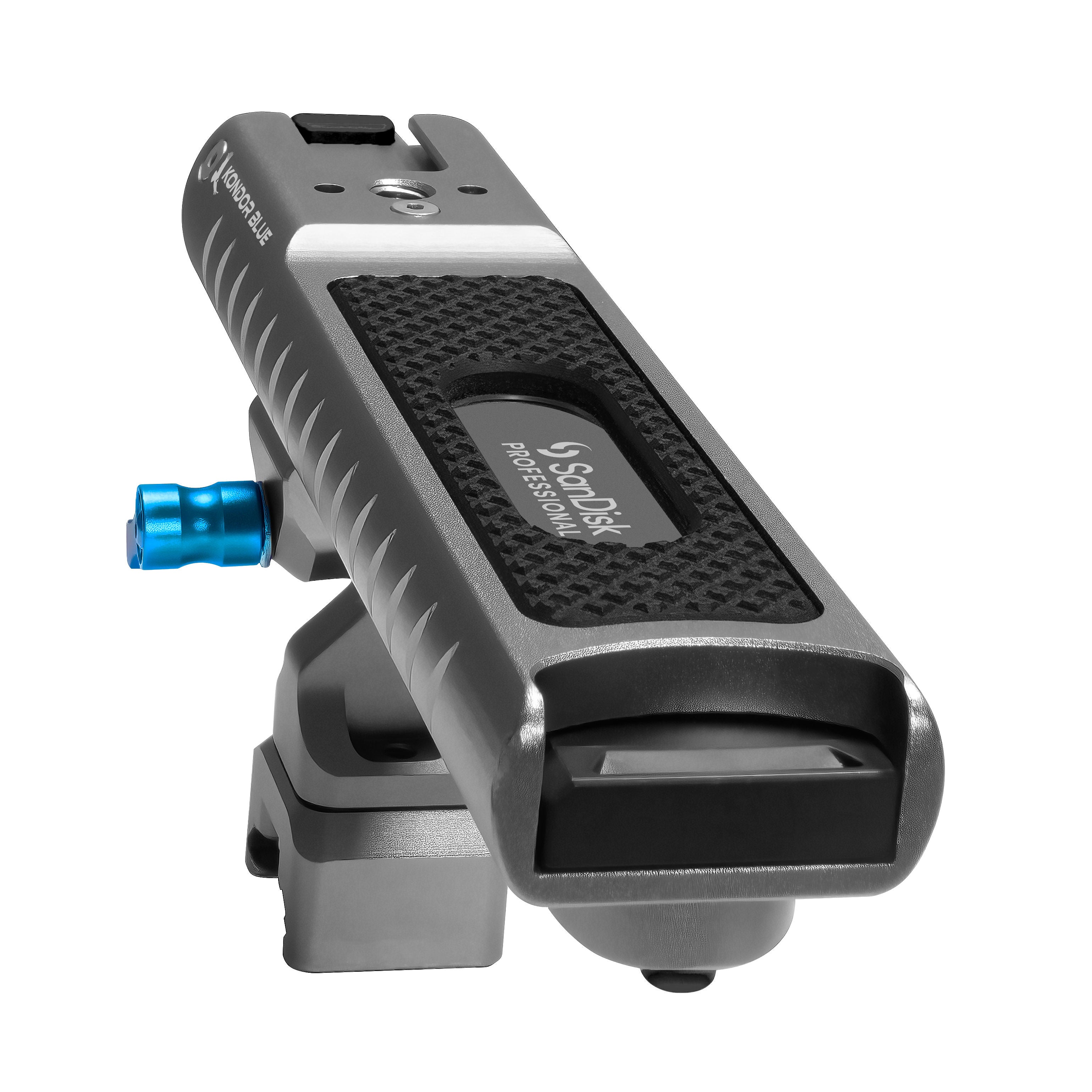
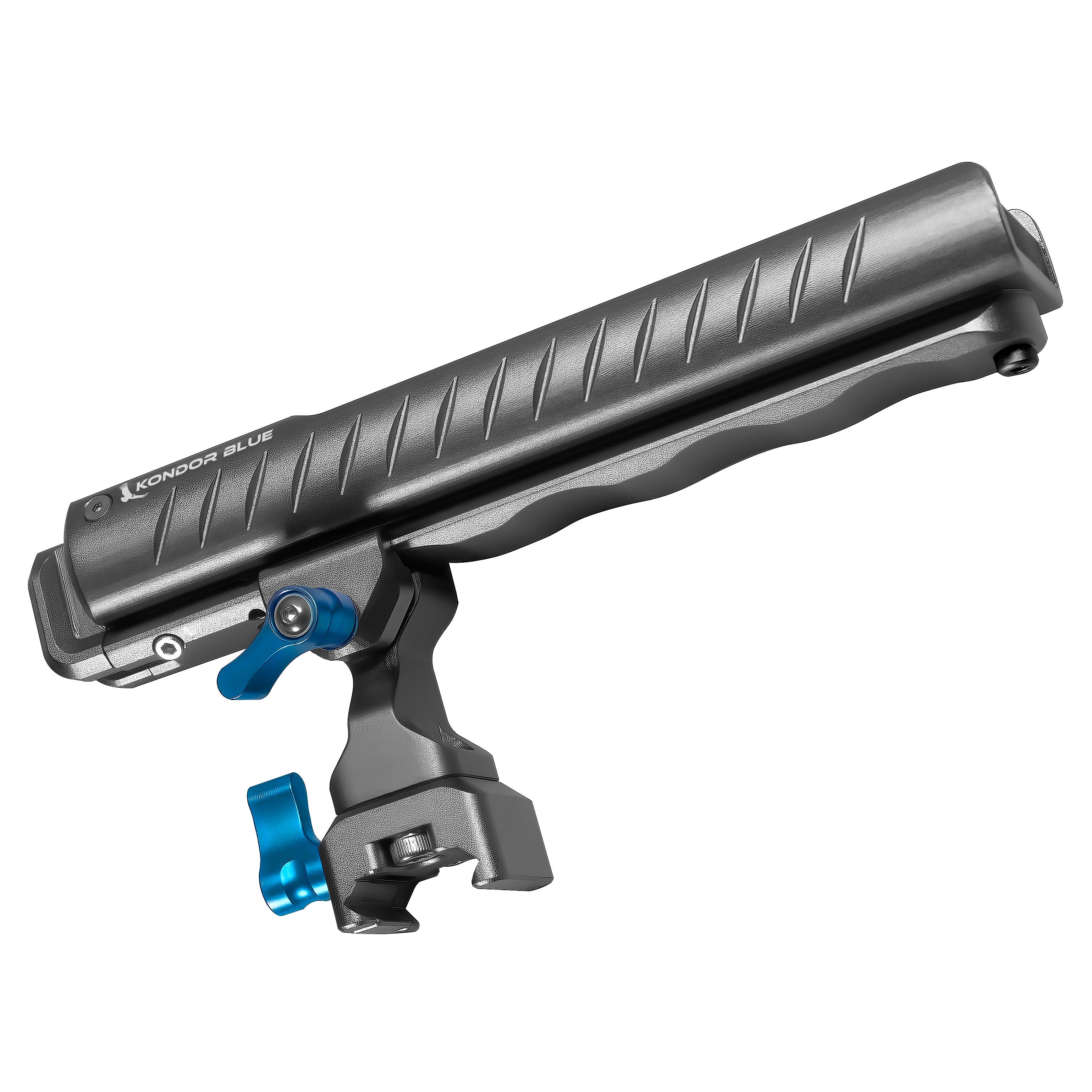
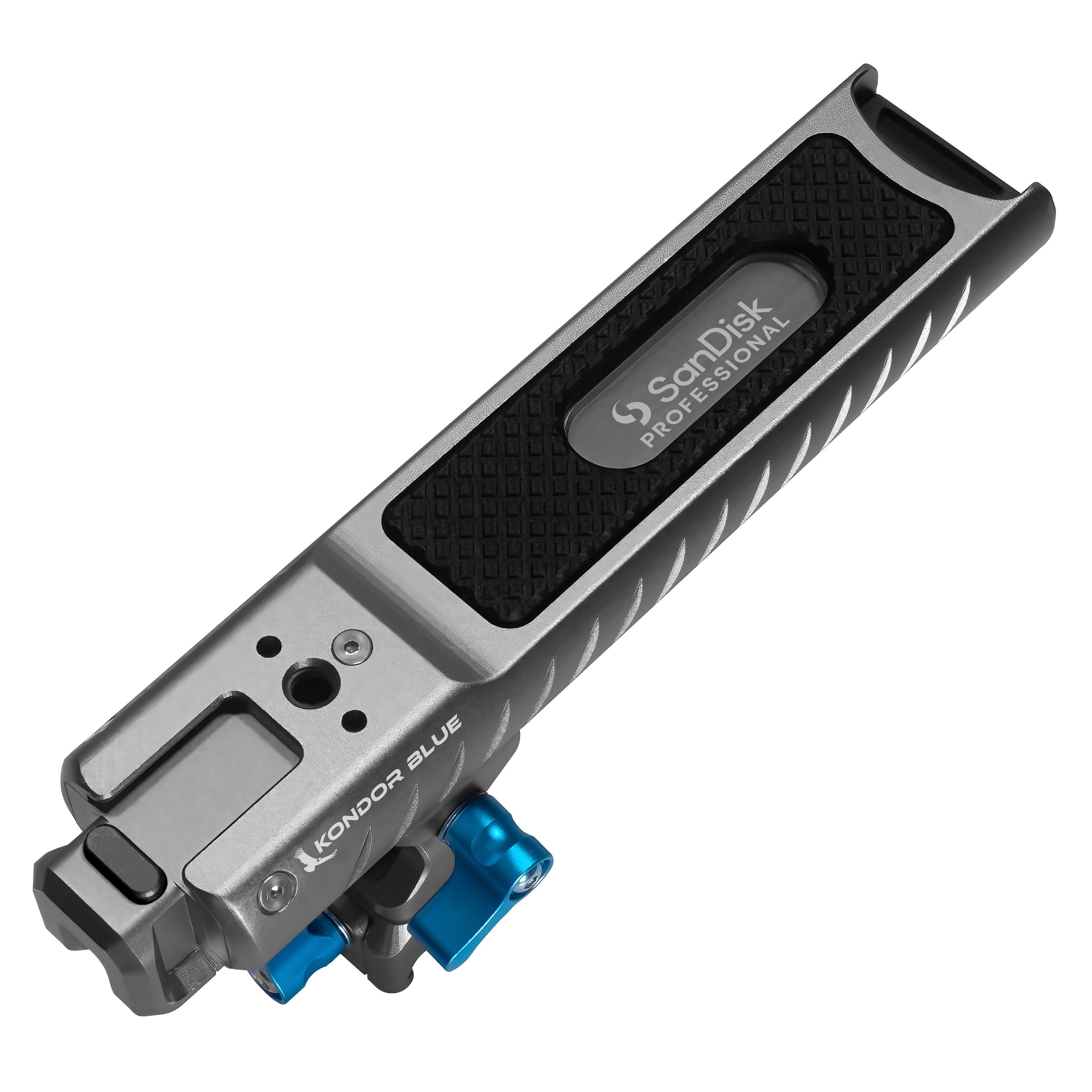
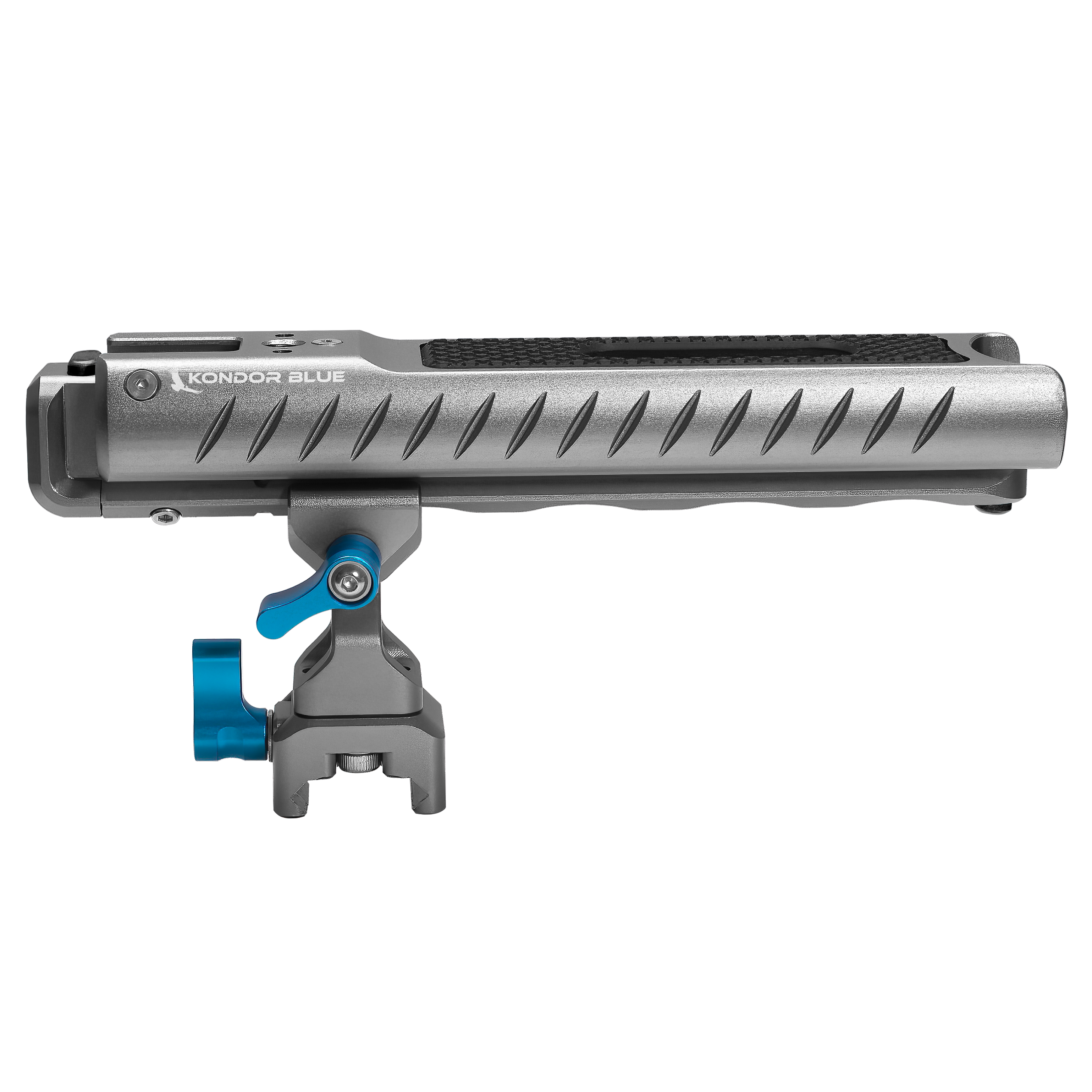
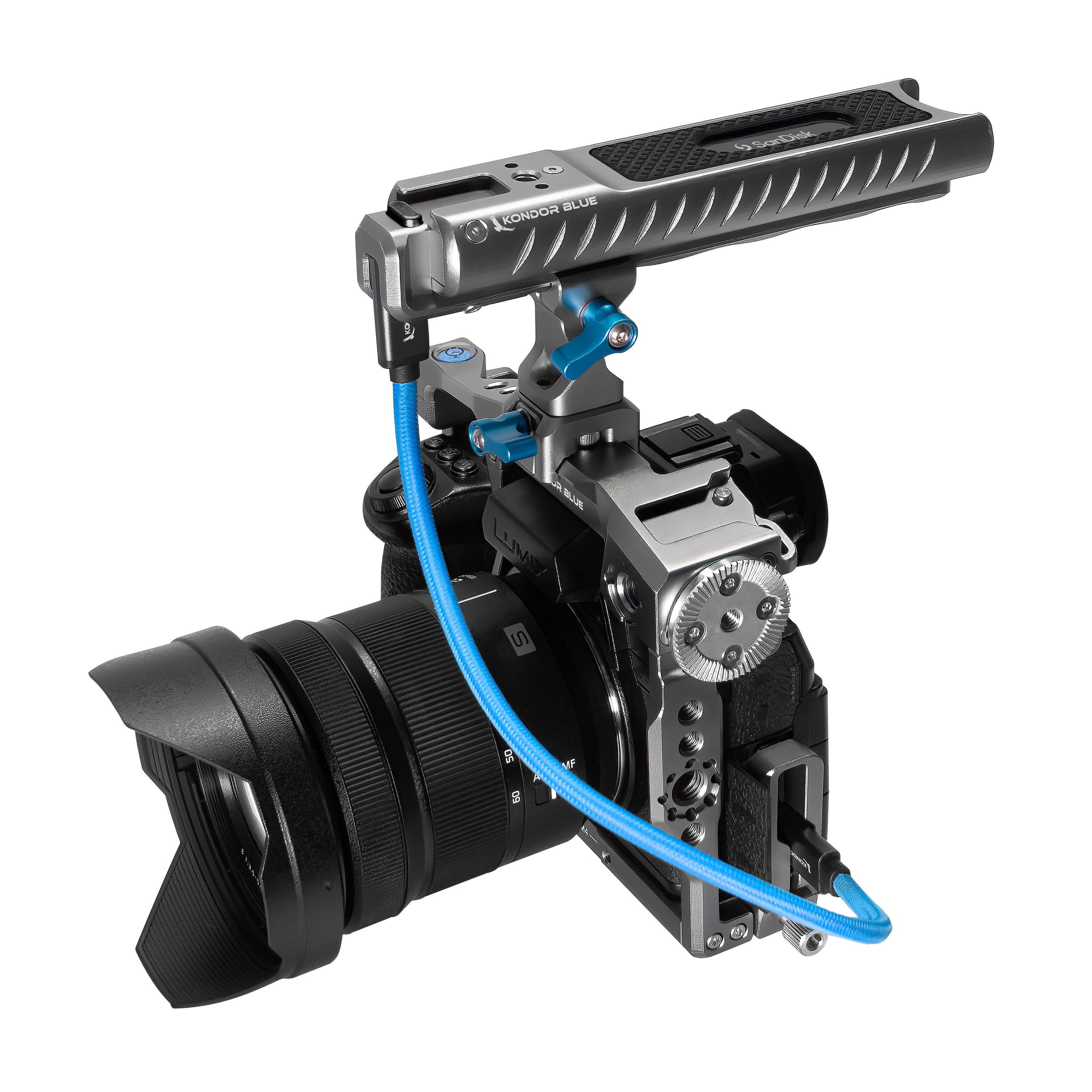
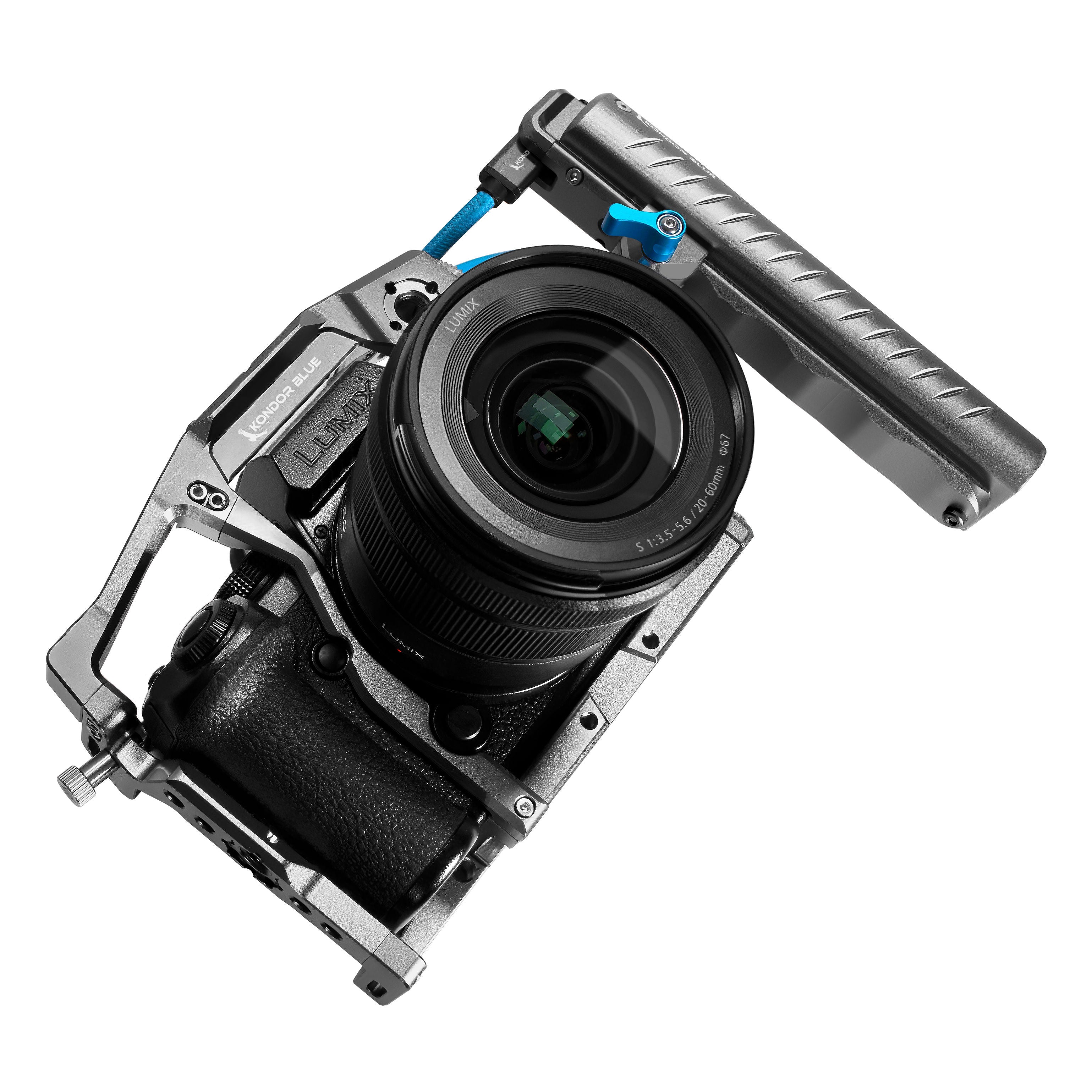
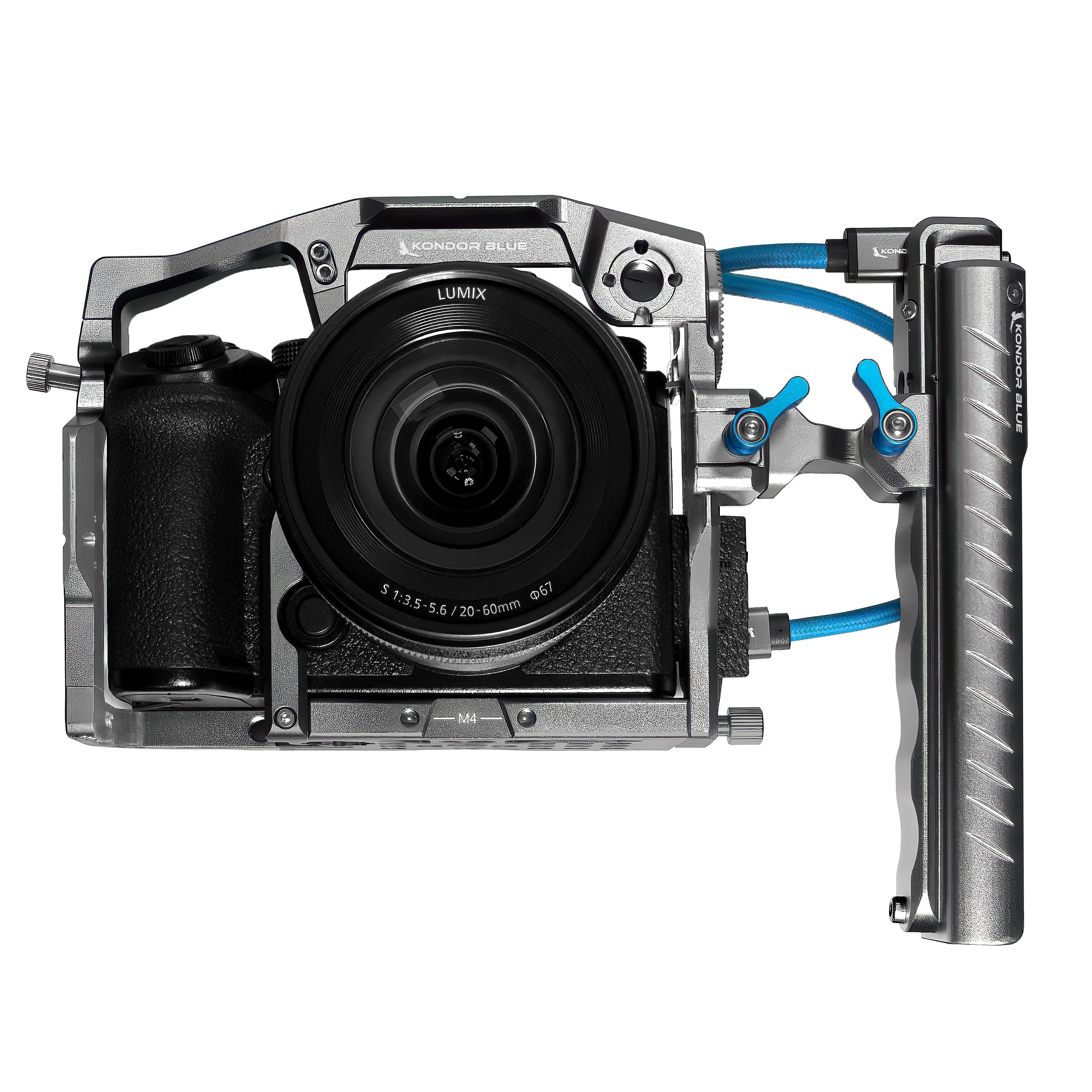
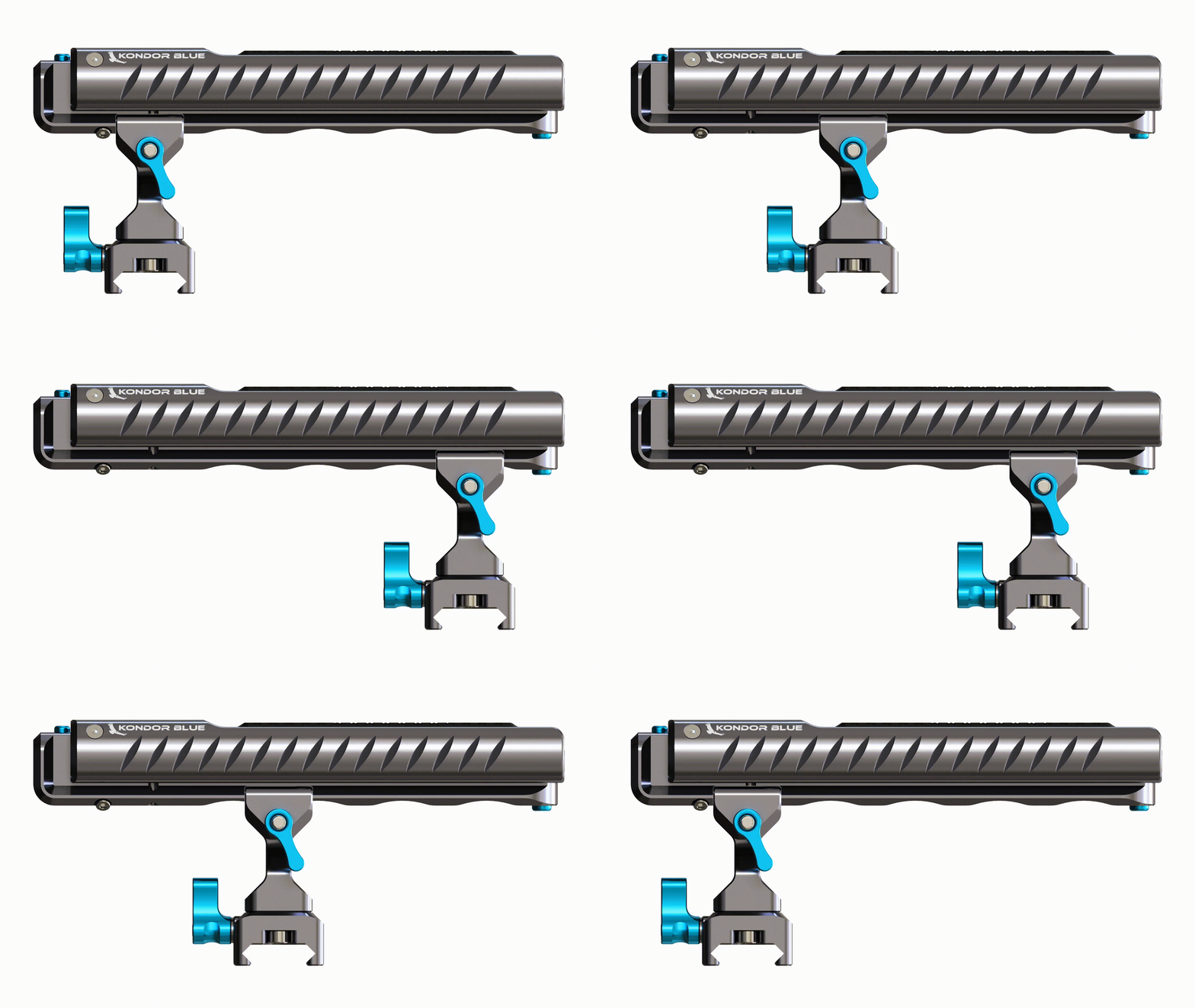
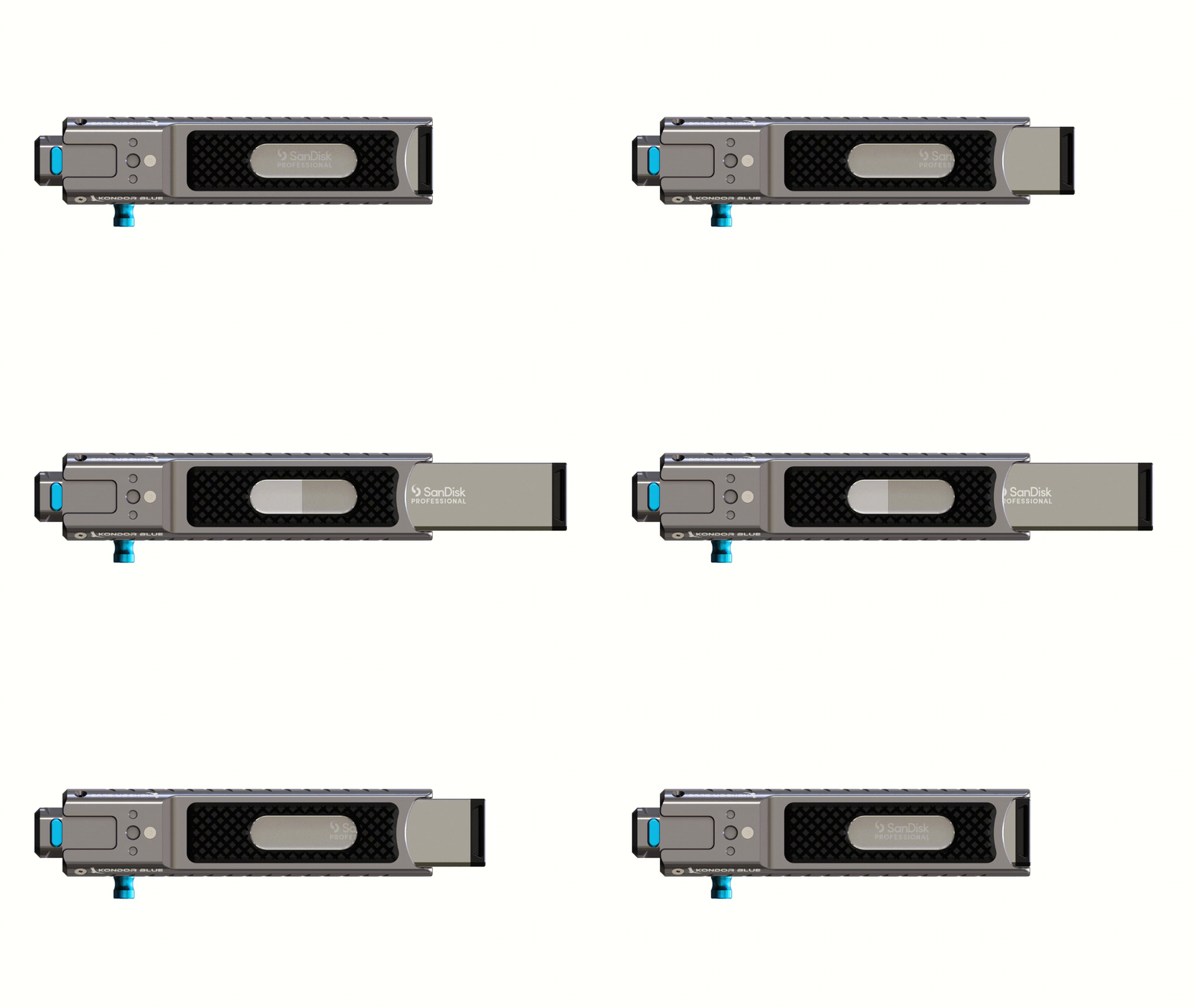
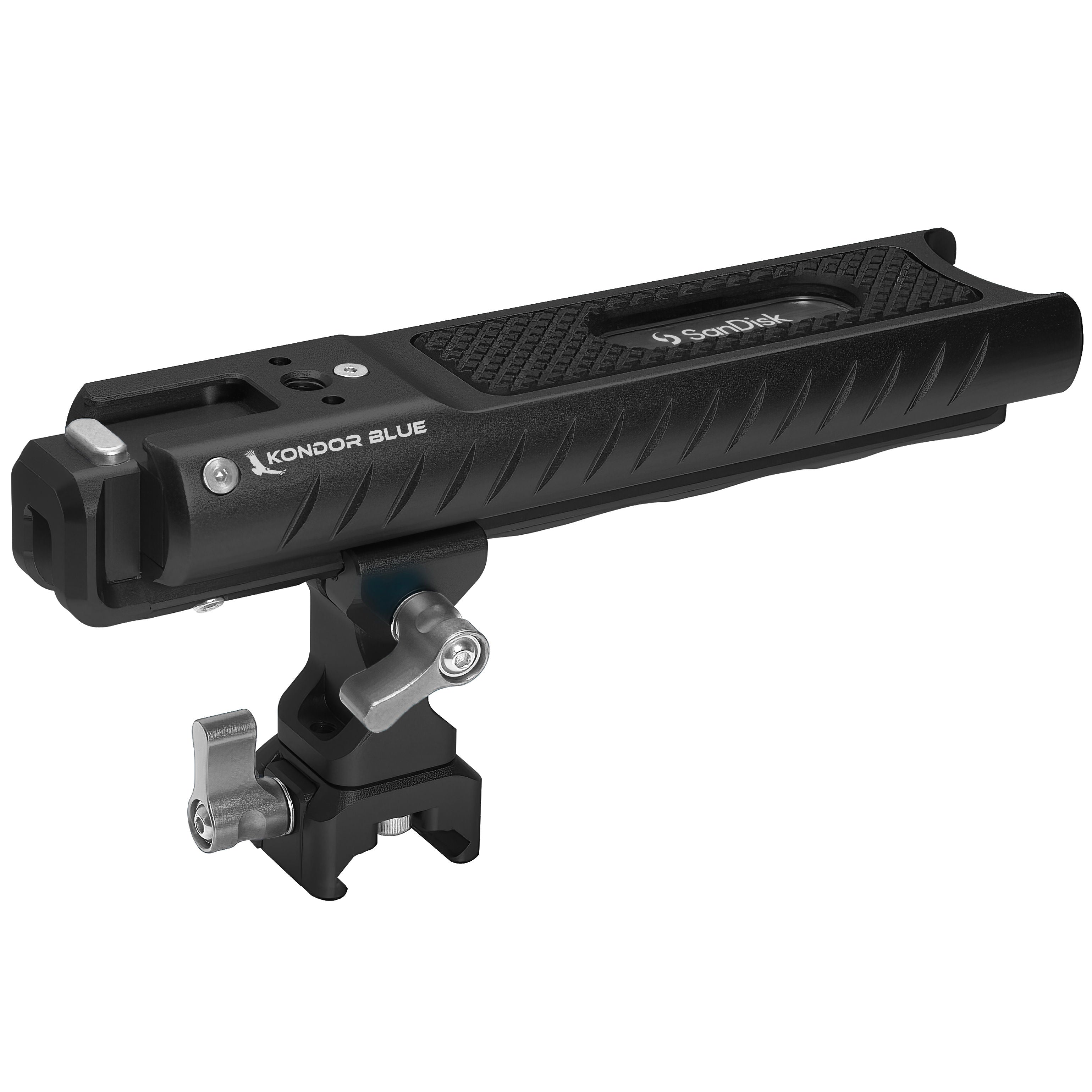
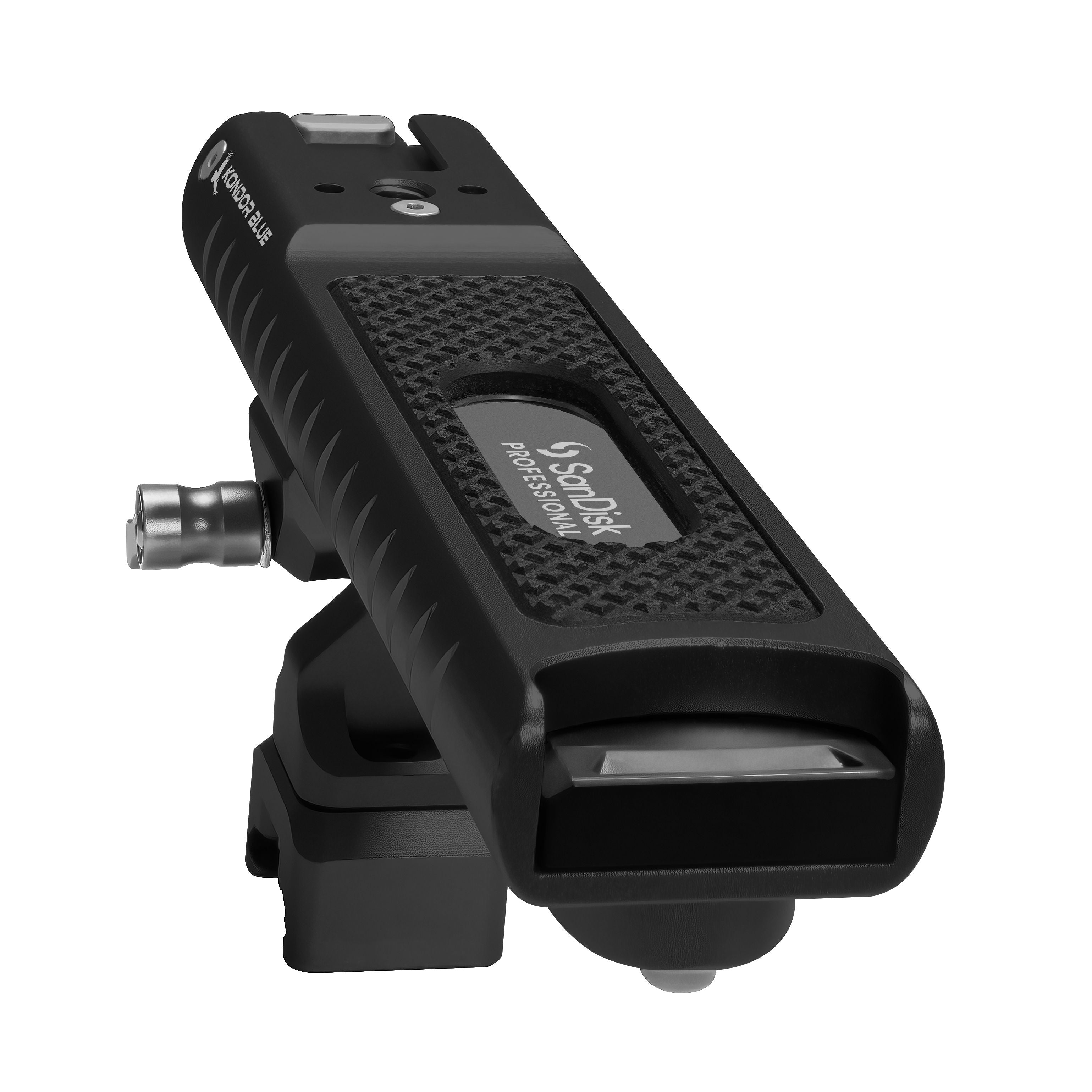
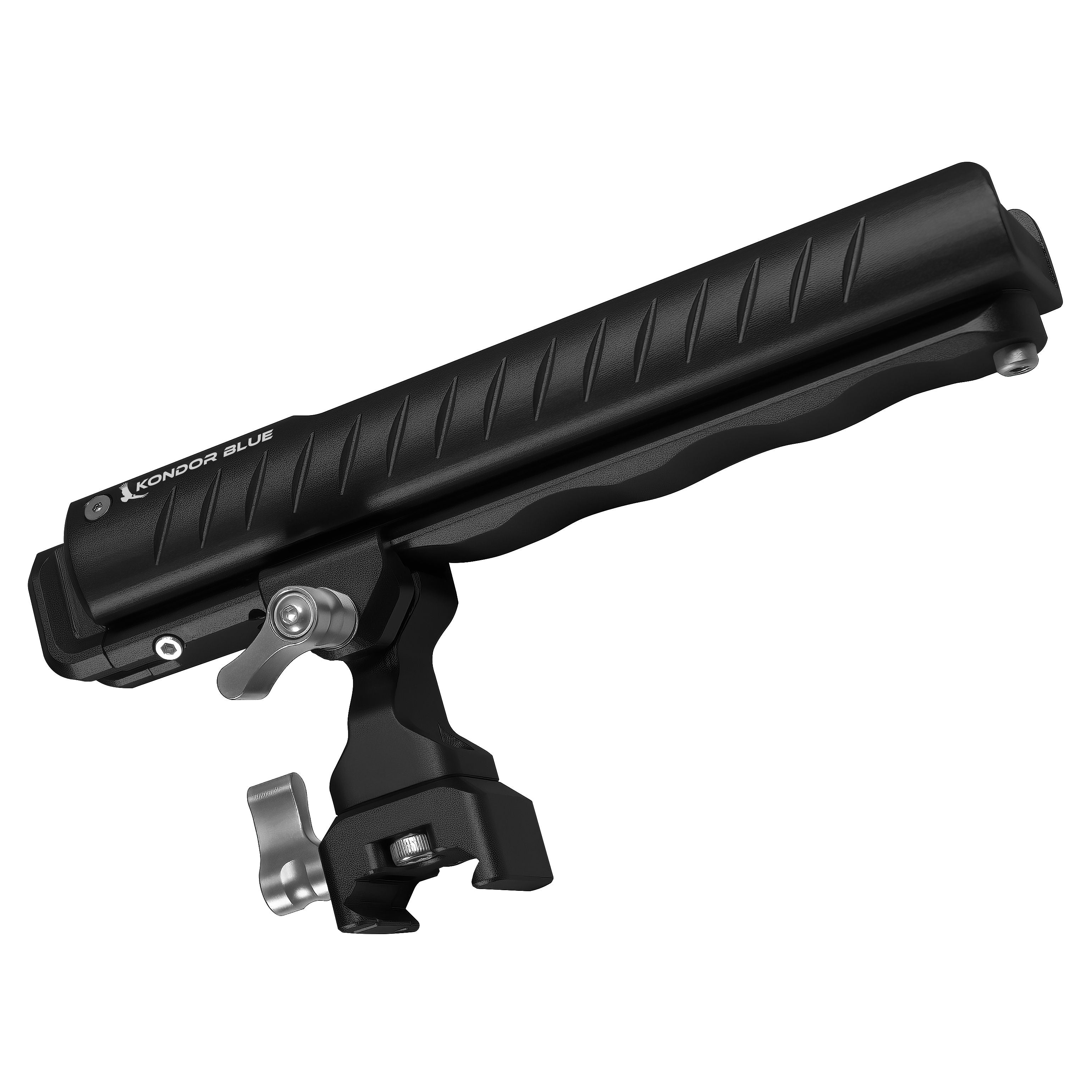
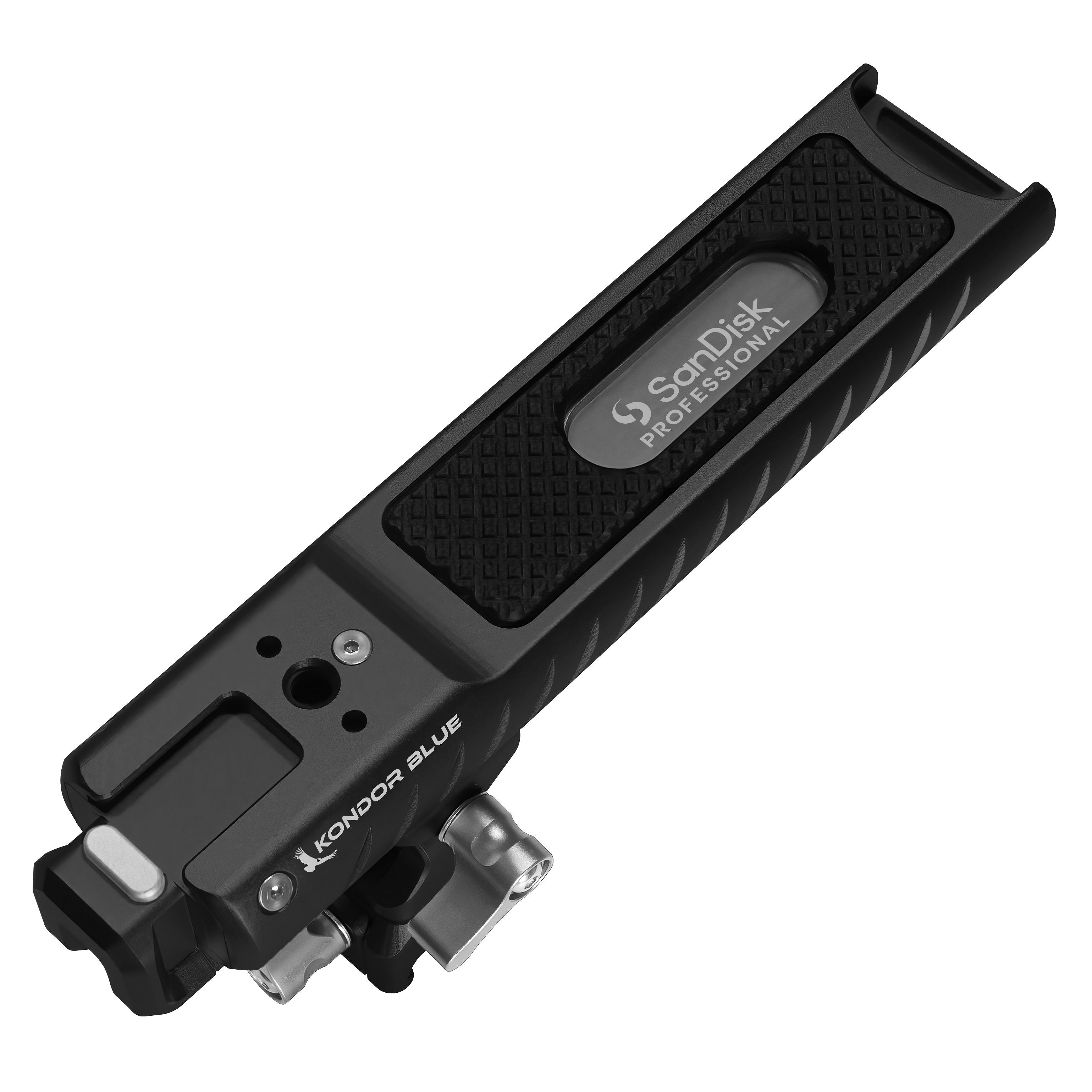
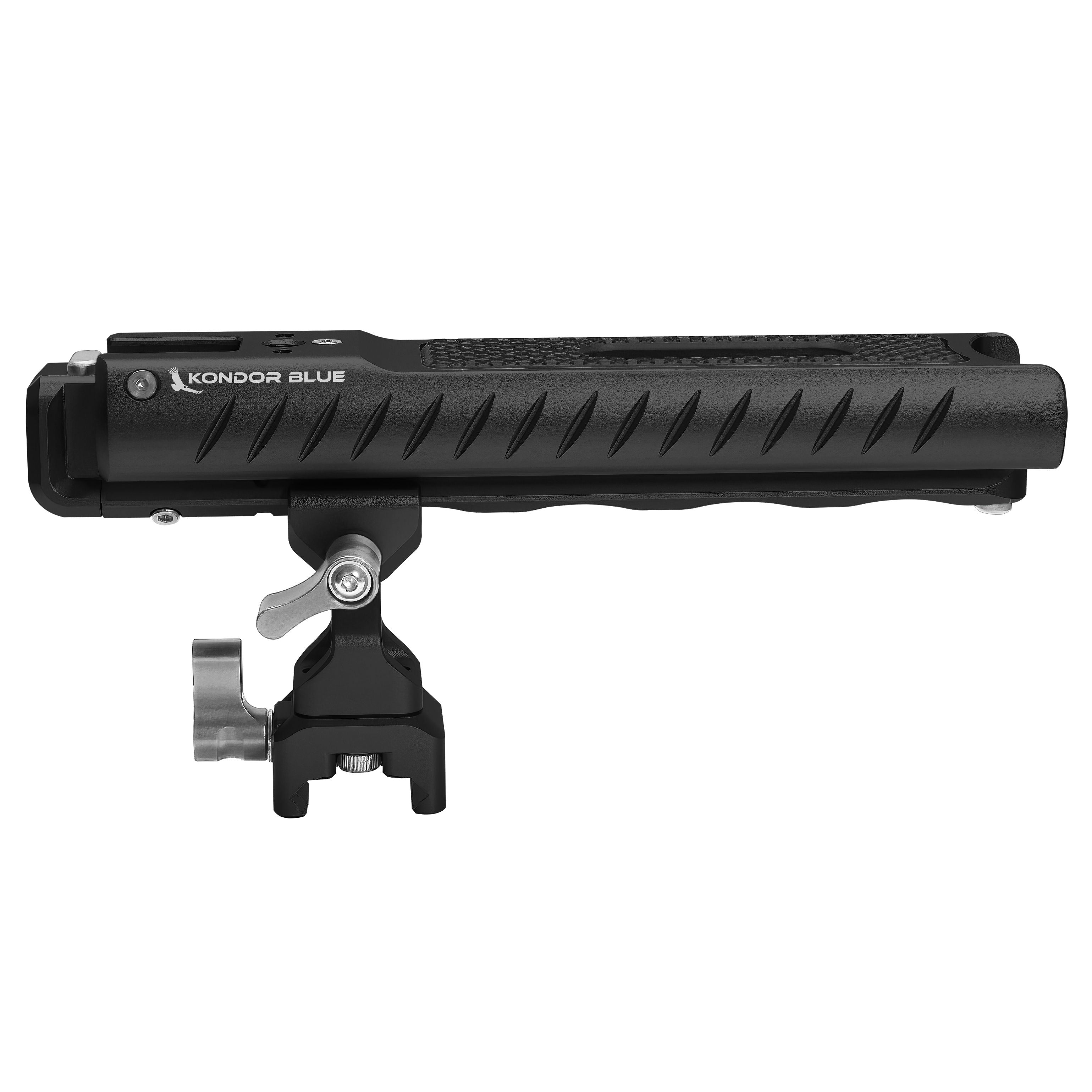
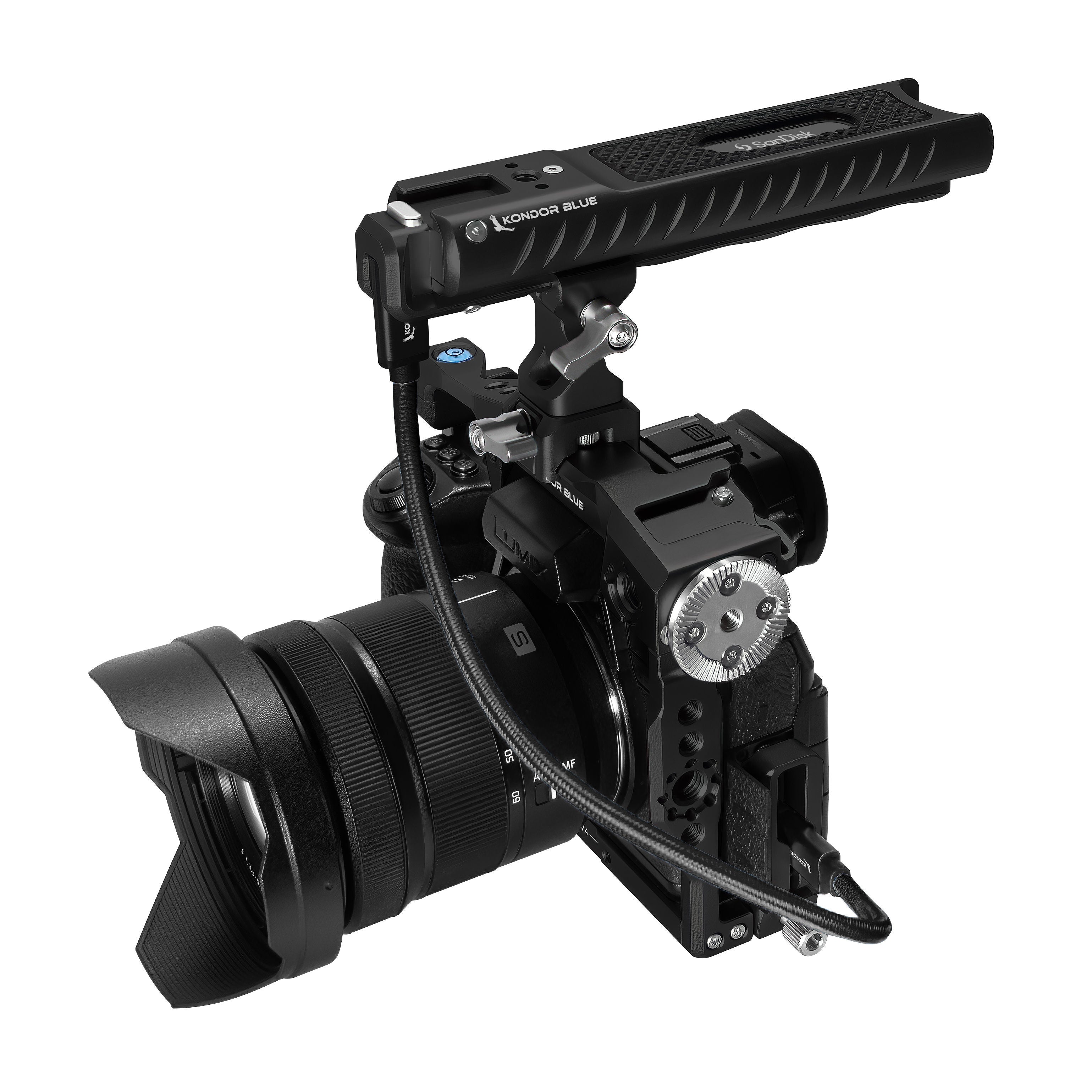
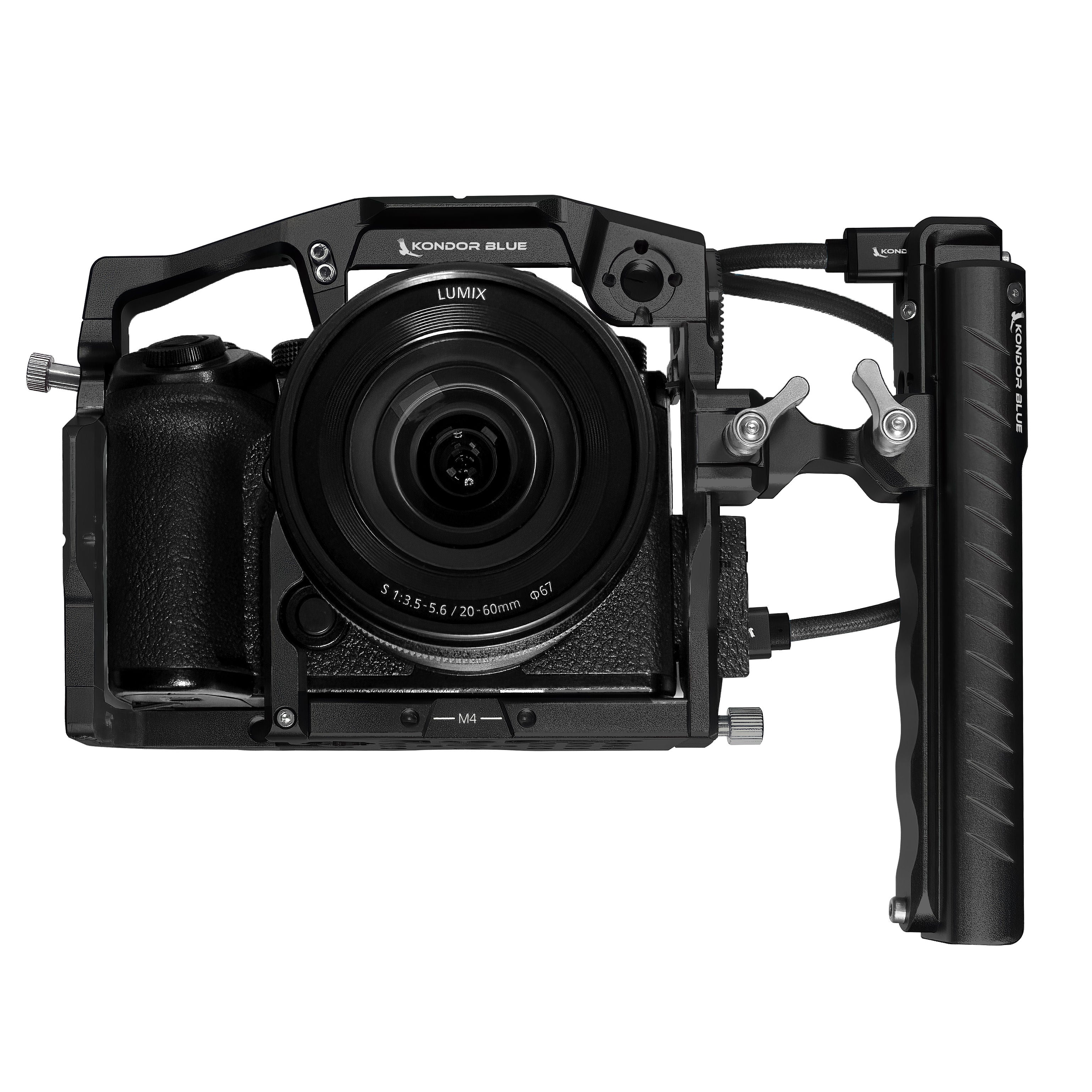
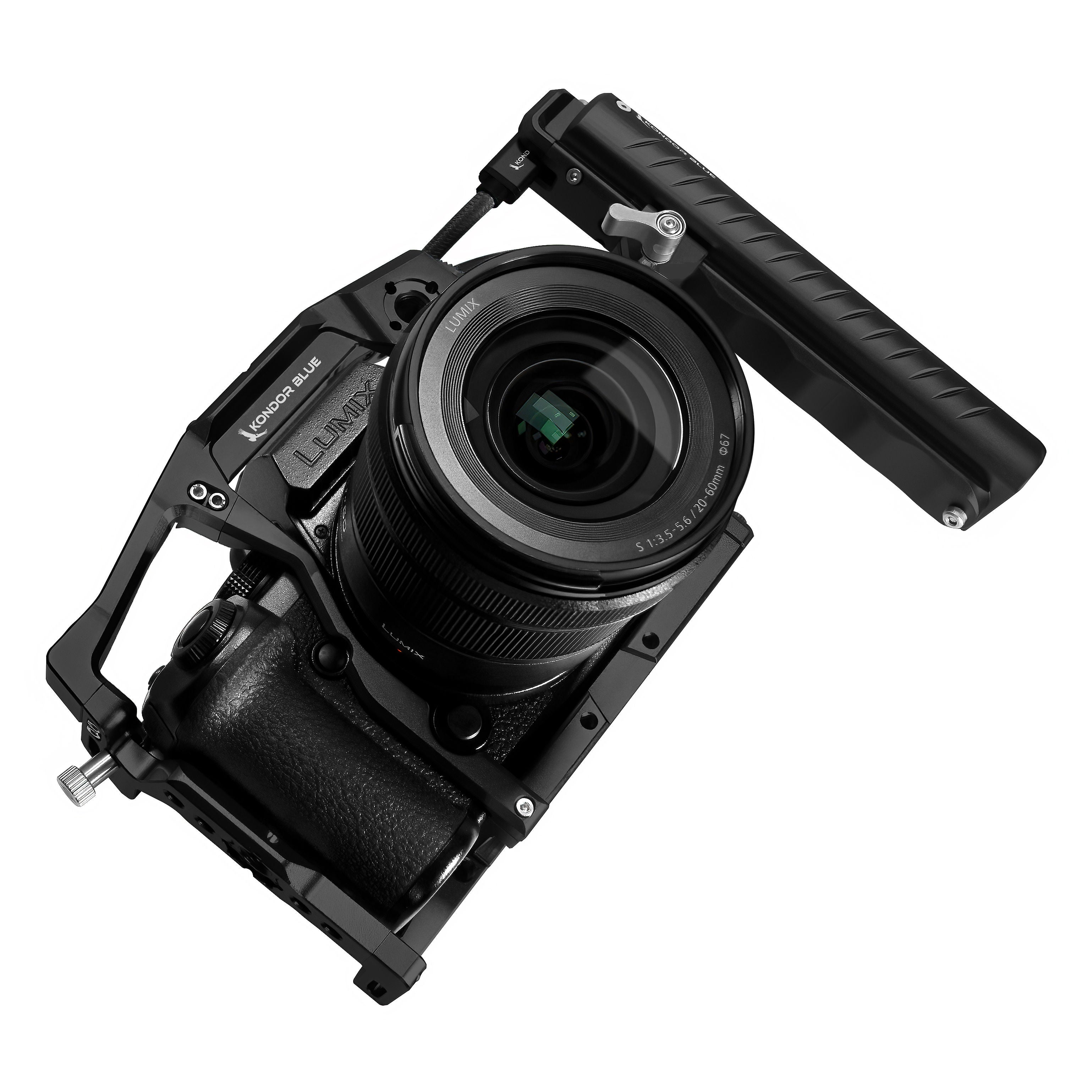
More and more cinema cameras are enabled to record directly via USB-C to an SSD, unlocking faster workflows and longer takes. We worked closely with SanDisk Professional and Panasonic to optimize performance when using the SanDisk Professional PRO-BLADE SSD Mag (up to 2TB). These drives deliver blazing-fast read and write speeds up to 1,000 MB/s with the Kondor Blue Pro-Blade SSD Handle. Every feature of the Pro-Blade SSD Handle for SanDisk USB-C recording has been meticulously considered and optimized. Not only does the handle perform as an incredible top handle, but it can also be used as a side handle. The NATO rail that runs along the base serves as a great platform for dialing in balance and positioning for either orientation. The NATO features an integrated safety stop, giving you confidence that the handle won’t slip free. The drive slides smoothly into the handle and has a recessed cutout on top for users to be able to grab the pull tab of the drive to remove. The USB-C interface on the front of the grip is nested into a vertical NATO rail, which provides great protection without any extra fuss. The vertical NATO also pairs perfectly with our NATO to NATO Swivel Tilt Monitor Mount. The KONDOR BLUE Pro-Blade SSD Handle also features a cold shoe with a spring-loaded safety stop and 2x ¼ 20 ARRI style mounts. The mounting NATO clamp can also be oriented in parallel or perpendicular modes and is held in place with two captive M4 bolts and anti-twist pins. The NATO clamp stem can also be removed altogether to work with KONDOR BLUE’s NATO Clamp to ARRI Rosette and Quick-Release Rosette Module. Best of all, the KONDOR BLUE Pro-Blade SSD Recording Handle is also comfortable! The combination of the side cross-hatchings, diamond plate style G10, and finger cutouts make this grip an ergonomic dream. This handle is built like a tank but lights like a plane to be a workhorse for years to come.
* Ships with a 12" right-angle KONDOR BLUE USB-C to USB-C cable
Tech Specs *Grip: 36mm W x 24.3mm T x 163.5mm L Grip with Nato Mount: 69.5mm T Weight: 8.6 oz
Camera Compatibility List: Panasonic Lumix S5II X (up to 2 TB) Panasonic Lumix GH7 (up to 2 TB) Panasonic Lumix GH6 (up to 2 TB) Panasonic Lumix G9 II (up to 2 TB) Blackmagic 4k (up to 4 TB)* Blackmagic 6k (up to 4 TB)* Blackmagic 6k G2 (up to 4 TB)* Blackmagic 6k Pro (up to 4 TB)* Blackmagic Cinema Camera 6K Full Frame (up to 4 TB) Blackmagic Ursa 4.6k G2 (up to 4 TB)* Blackmagic Ursa 12k (up to 4 TB) Blackmagic Video Assist (up to 4 TB)* Blackmagic PYXIS 6K (not compatible w/ 12K) Fujifilm GFX100 II iPhone 15/16 Pro/Pro MAX (up to 2 TB) Sigma FP DJI Ronin 4D Z CAM Models M4/S6/F6/F8* For select cameras, 4 TB Drives may encounter delays between recording clips as the higher capacity drive requires more power to operate. You may see the drive go offline after a clip has been recorded, and it may take a few seconds before it is ready to record again. This does not occur with 2 TB or 1 TB drives.
NOT compatible with Pyxis 12K
The PRO-BLADE SSD Handle enables secure, direct-to-SSD USB-C recording for filmmakers using SanDisk Professional PRO-BLADE drives up to 2TB. Designed for compatibility with leading camera systems—including Blackmagic Design, Panasonic LUMIX, Canon, Sony, RED, and more—it functions as both a comfortable top or side handle.
Key Features
- Industry compatibility: Purpose-built for SanDisk Professional PRO-BLADE SSD Mag (up to 2TB).
- Secure mounting: Integrated NATO rail with safety stops, 1/4"-20 ARRI-style threads, and cold shoe with physical stop for reliable rig integration.
- USB-C protection: Built-in shielding for cable integrity and recording stability during handheld or run-and-gun use.
- Ergonomic design: Textured grip, top/side mount options, and balanced weight for long shoots.
- Expanded workflow: Direct SSD mounting means longer takes; supports read/write operations (drive not included).
- Includes: 12" USB-C to USB-C cable (KB_USBC_RA12) engineered for reliable, high-speed data transfer.
Comparison: SSD Mounting on Camera Rigs
| Feature | PRO-BLADE SSD Handle | Magnetic SSD Mounts |
|---|---|---|
| Mount Options | NATO, ARRI, cold shoe | MagSafe/adhesive only |
| Compatibility | SanDisk PRO-BLADE Mag, major camera brands | Varies (limited for pro rigs) |
| Protection | Built-in USB-C cable guard | External cable, exposed |
| Grip Function | Top or side handle for ergonomics | No gripping, just mount |
Frequently Asked Questions
What is the best way to record video from a camera directly to an external SSD?
Using a hardware-integrated SSD mounting handle, such as the PRO-BLADE SSD Handle, attaches the SSD directly to your rig and protects USB-C connections. This reduces cable stress and dropouts common with basic magnetic mounts or loose SSDs.
How do I safely mount an external SSD to a camera rig for video recording?
The PRO-BLADE SSD Handle features safety stops, NATO rails, and ARRI-style threads to anchor the SSD securely to cages and rigs, preventing movement and damage during handheld shoots.
Which cameras support USB-C recording to external SSDs?
Many professional cameras from Panasonic, Blackmagic Design, Z CAM, Sigma, Fuji, and newer smartphones support direct USB-C SSD recording (consult your camera's manual). This handle is compatible with rigs for all major brands.
How do I keep external media secure on a handheld camera rig?
Mount the SSD using a purpose-built accessory with cable protection, like this handle, to reduce vibration, maintain data integrity, and improve balance during movement.
What is the cleanest external SSD setup for hybrid and pro video rigs?
The PRO-BLADE SSD Handle eliminates dangling drives and messy setups by integrating recording media into a robust handle accessory.
Complete the Kit
PRO-BLADE SSD Handle for Sandisk USB-C Recording
If you have any questions, you are always welcome to contact us. We'll get back to you as soon as possible, within 24 hours on weekdays.
-
Shipping Information
Use this text to answer questions in as much detail as possible for your customers.
-
Customer Support
Use this text to answer questions in as much detail as possible for your customers.
-
FAQ’s
Use this text to answer questions in as much detail as possible for your customers.
-
Contact Us
Use this text to answer questions in as much detail as possible for your customers.
